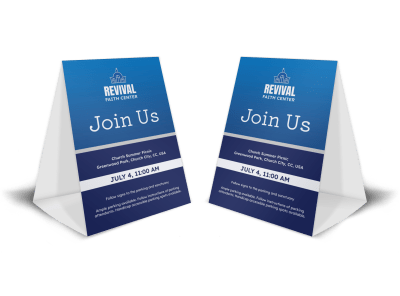
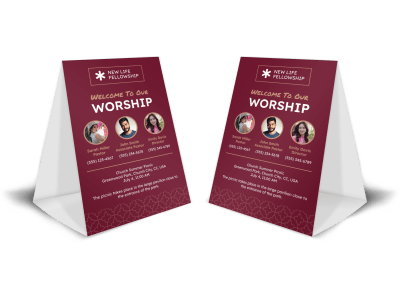

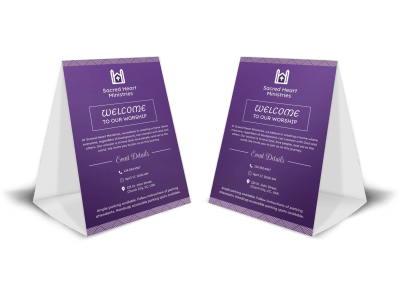
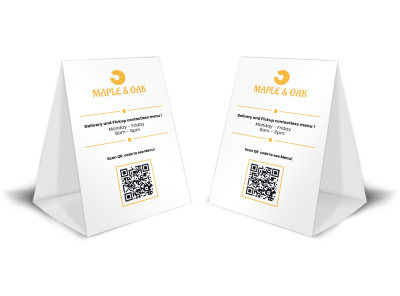
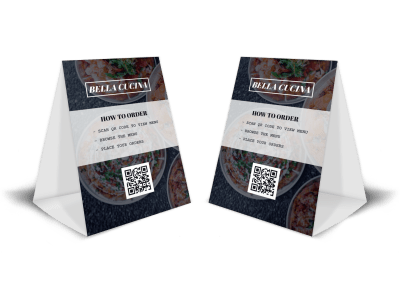
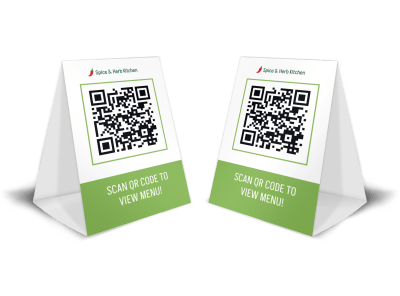
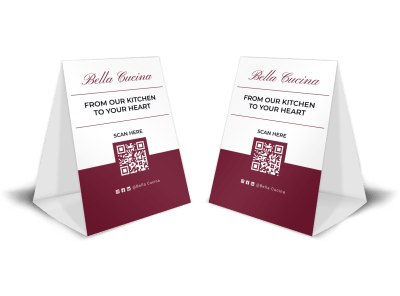
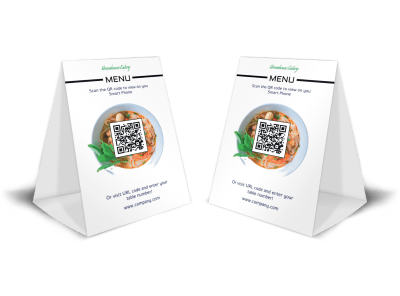
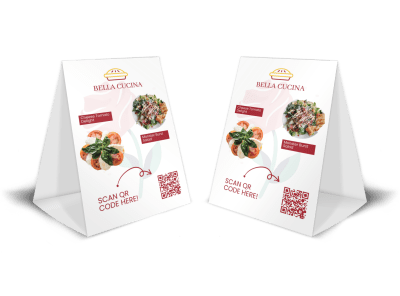
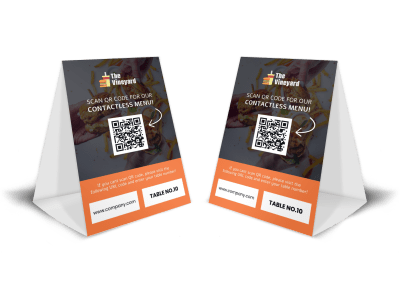
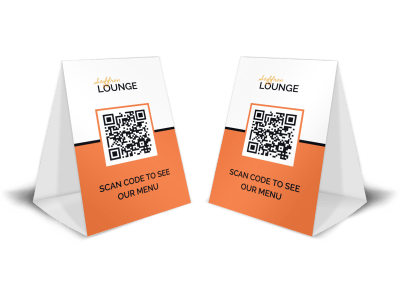
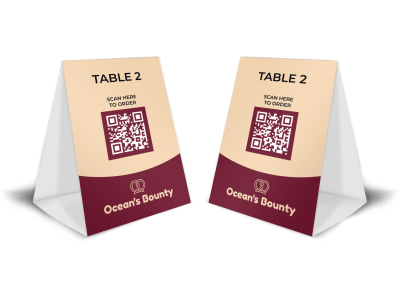
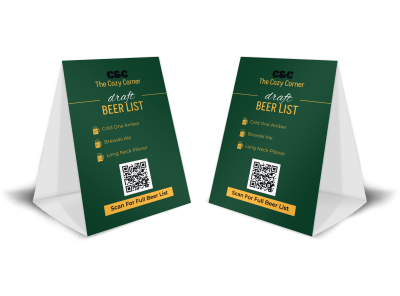
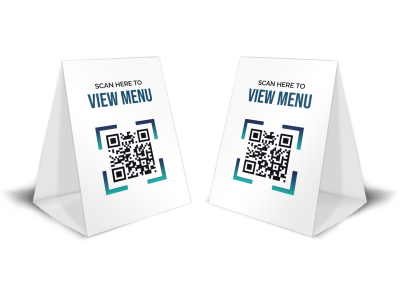
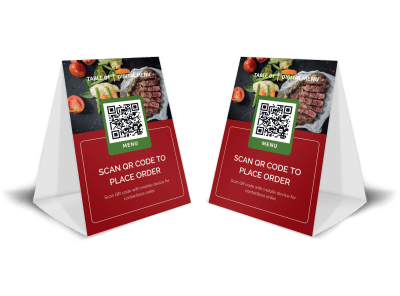
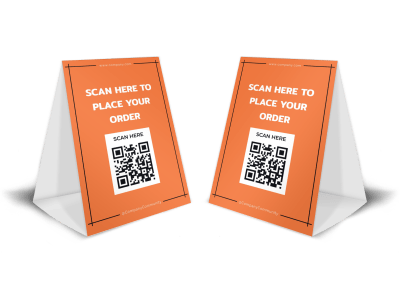
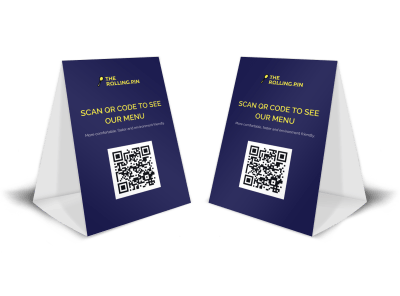
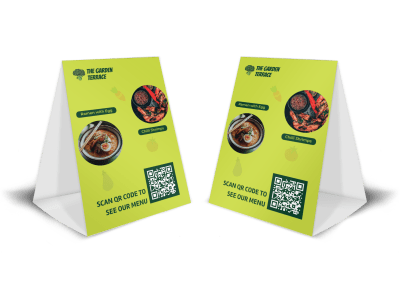
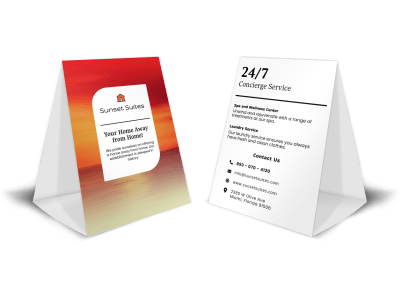
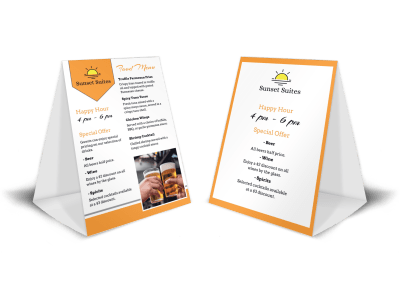
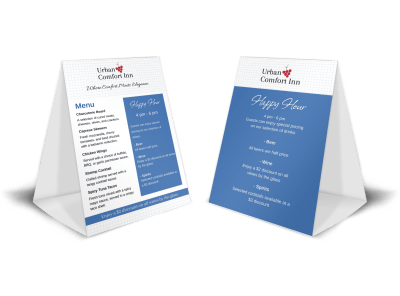
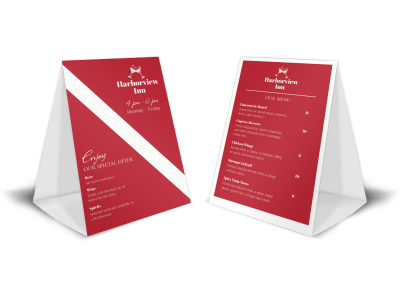
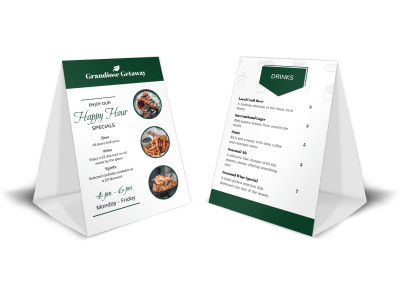
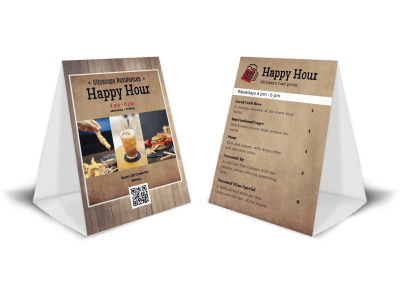
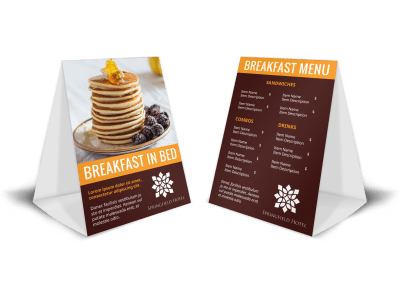
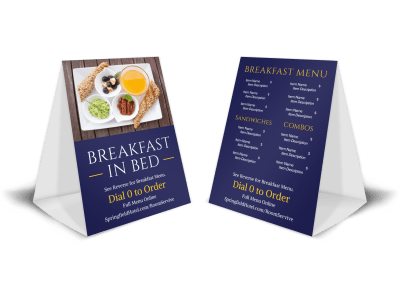
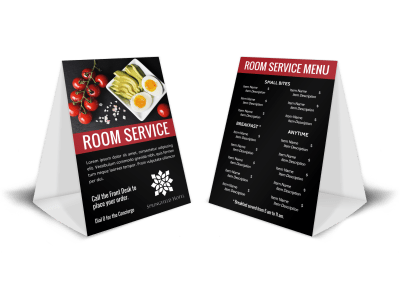
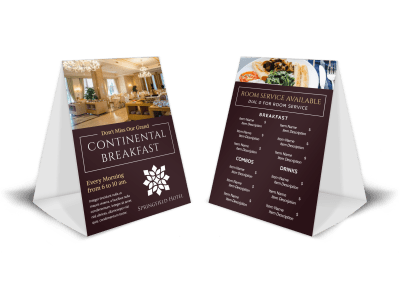
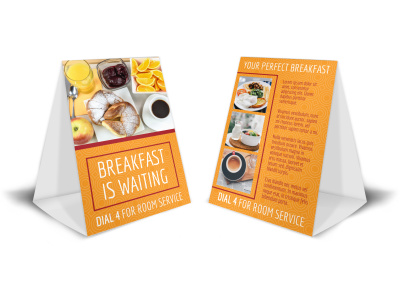
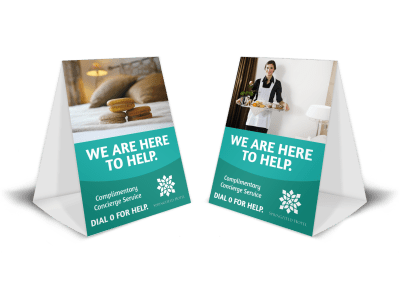
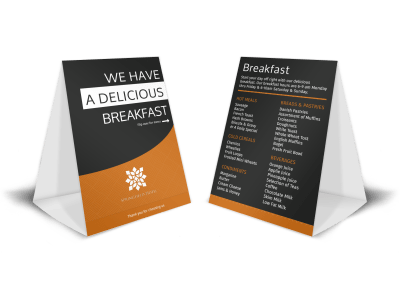
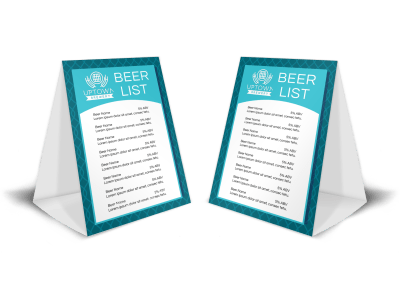
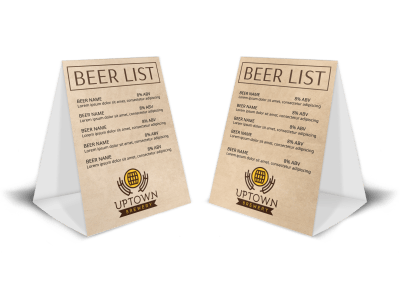
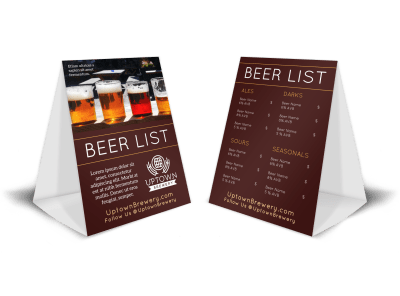
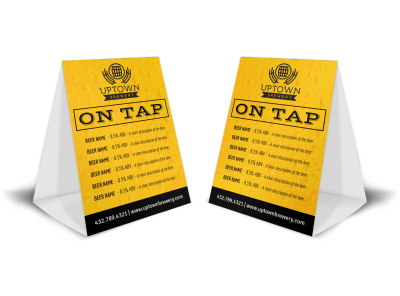
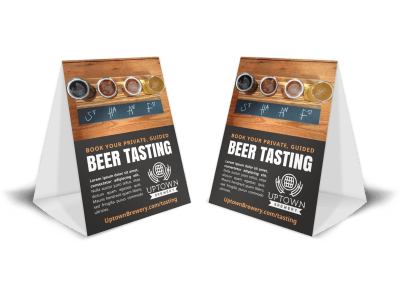
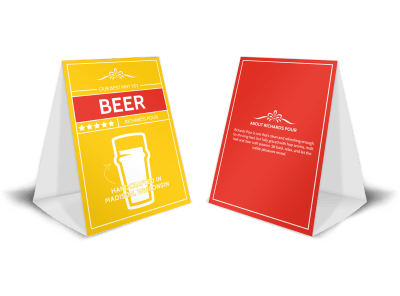
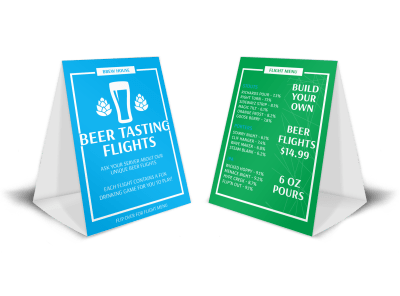
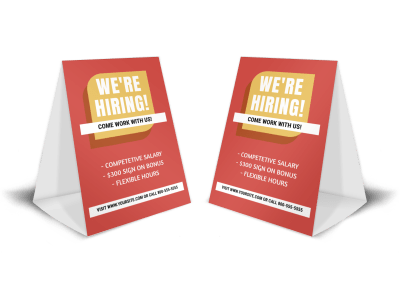
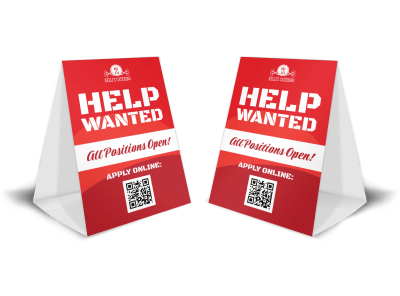


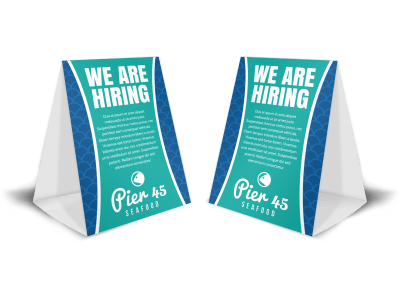
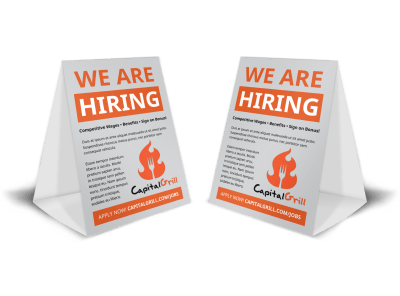
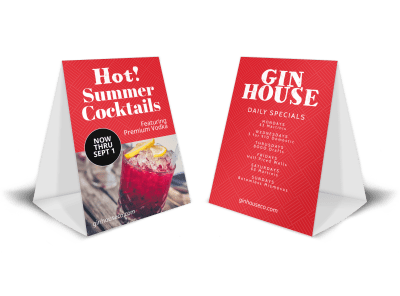
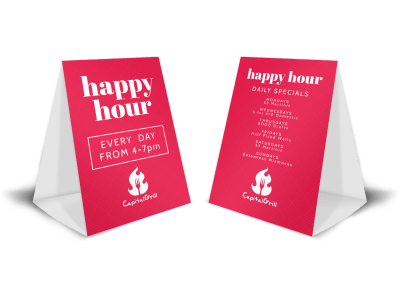
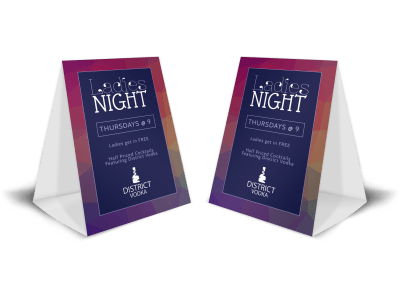
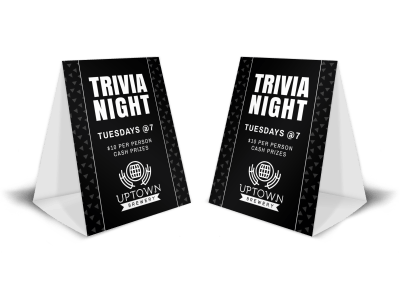
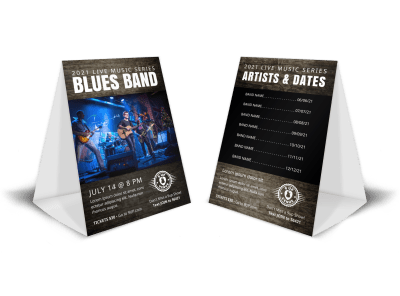
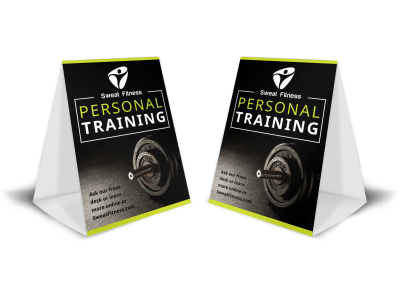
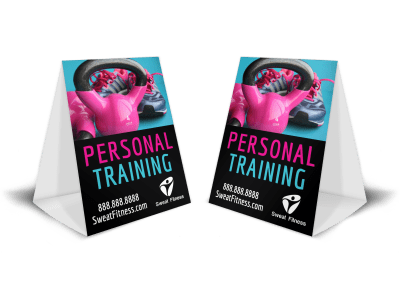

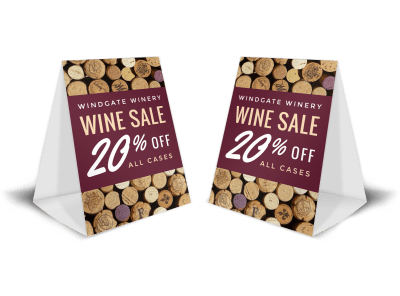
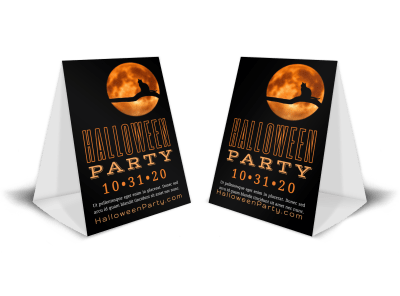
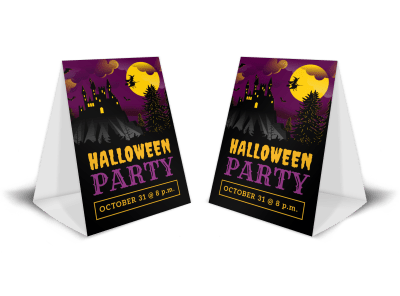
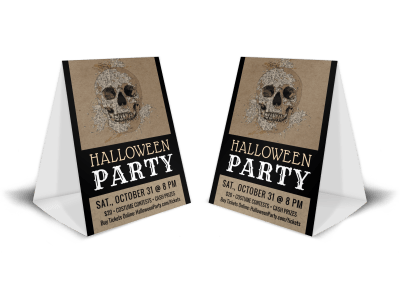
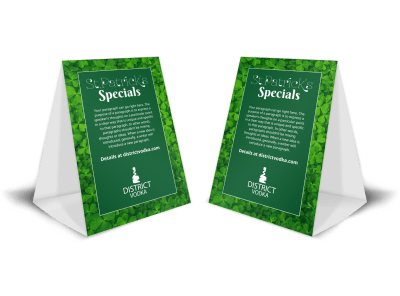
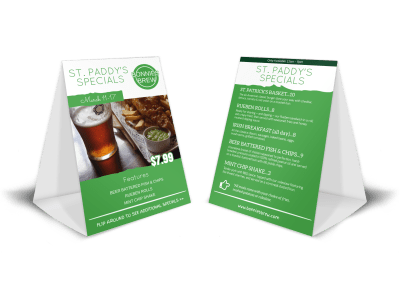
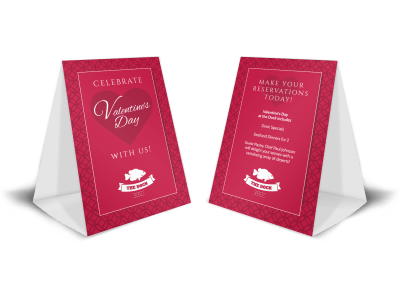
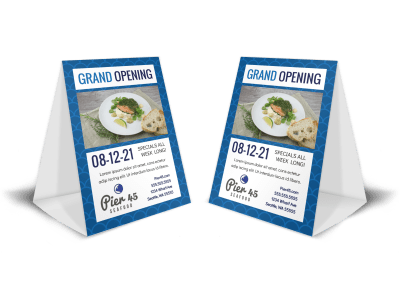

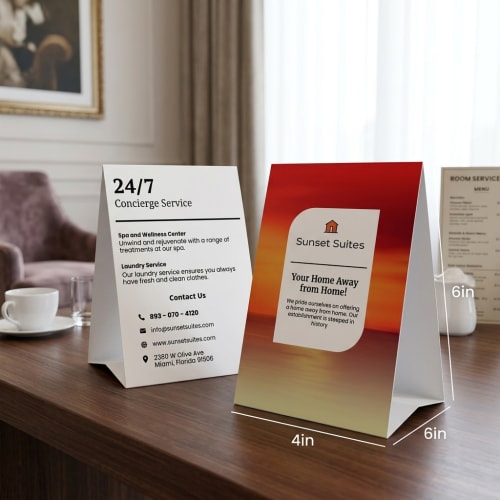
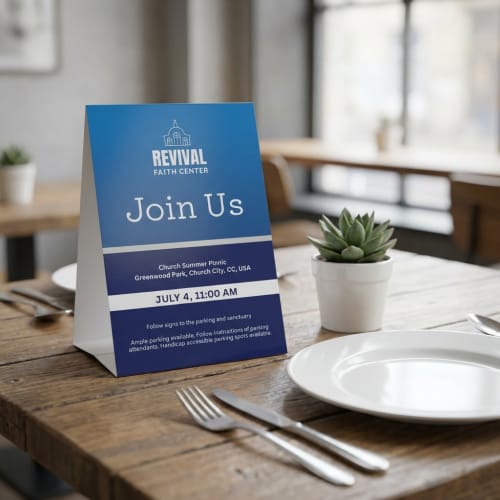
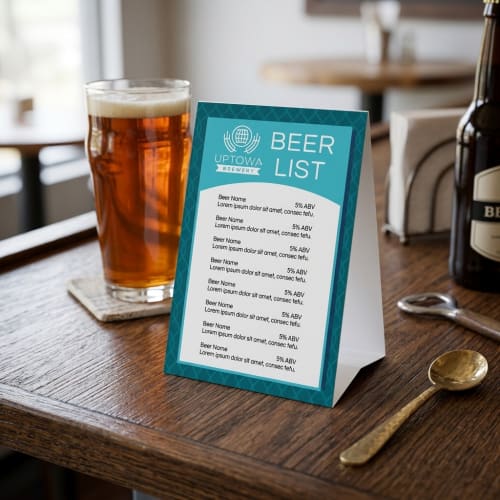
Choose a professionally designed table tent template, then customize it with your own text, colors, and branding using our online editor. Once finished, download a print-ready file or order prints directly. It’s a quick and easy way to create professional-looking table tents for events, promotions, or everyday use—no design experience required.
Start by browsing our collection of table tent templates and narrow your options using filters like industry, theme, or style. Whether you’re creating table tents for restaurants, events, retail, or promotions, you’ll find professionally designed layouts that give you a strong starting point. Pick a design that matches your goal, then jump straight into customizing.
Once you've picked a template, use our online editor to personalize it. Edit text, upload logos, and adjust colors, fonts, and layout elements to match your brand or event theme. You can also drag and drop images or choose from our library of free visuals to create a table tent that feels truly your own.
After finishing your edits, download a high-resolution file that's ready for printing—or place a direct print order with us. Your table tents will arrive pre-scored for easy folding on durable cardstock with a semi-gloss finish. Just fold along the center line and set them up wherever your message needs to stand out.
We recommend printing table tents on sturdy cardstock with a semi-gloss finish. This combination provides the right balance of durability and visual appeal—strong enough to stand firmly on its own, with a surface that enhances colors and text clarity without glare.
All table tents printed through MyCreativeShop use this material spec by default. If you're printing on your own, look for 100 lb or 14 pt cardstock for best results.
Yes, all of our table tent templates are designed with double-sided visibility in mind. When you customize your design in our editor, the layout will reflect both panels—making it easy to ensure the message, branding, or menu items are visible from either side of the tent once folded.
When you choose to print with us, the final product will be pre-scored and printed on both sides, so it’s ready to fold and display immediately.
You’re welcome to upload your own photos, logos, or graphics at any time, but you don’t have to. Our editor includes access to a library of over 3 million free, high-quality images that you can search and use directly in your design—no additional licensing required.
This gives you the flexibility to create table tents that look professionally branded, even if you don’t already have all the visual assets on hand.
Absolutely. Once you’re logged into your account, your work saves automatically as you go. You can return to your design any time to make edits, download a print-ready version, or reorder prints without starting from scratch.
This is especially helpful if you’re testing out variations or creating seasonal versions of table tents for events, promotions, or menus.
If you order prints through us, each table tent comes pre-scored—which means there’s a lightly pressed fold line down the center to guide a clean, accurate fold. We recommend folding gently along that score, then pressing the crease flat by hand or with a straight surface.
If you're printing at home, using a bone folder or the blunt edge of a ruler can help you achieve a cleaner line, especially if you're working with thicker paper stock.
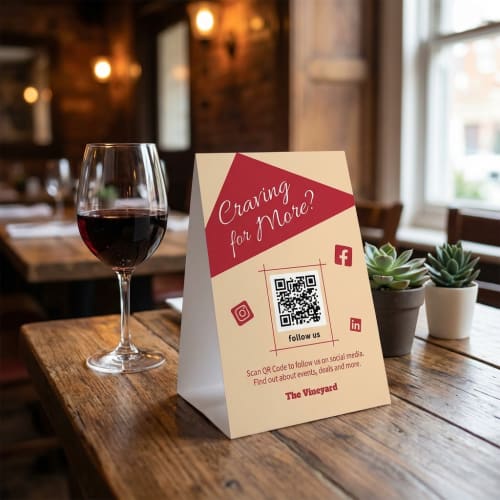
Yes. You can generate and add QR codes directly inside our editor using our built-in QR code generator. Just open your design, choose the QR code tool, enter the URL (or other content), and place the QR code anywhere on your table tent.
No external tools are needed. You can resize, reposition, and style the QR code to fit your layout, making it easy to link customers to menus, websites, sign-up pages, or special offers.