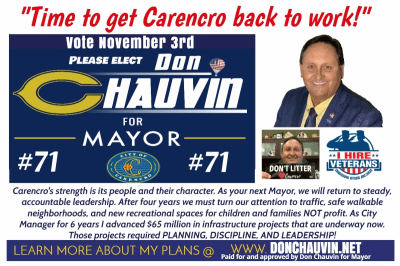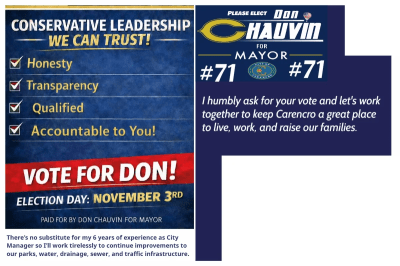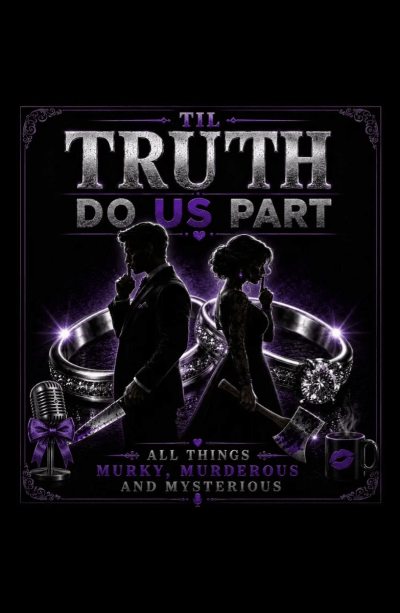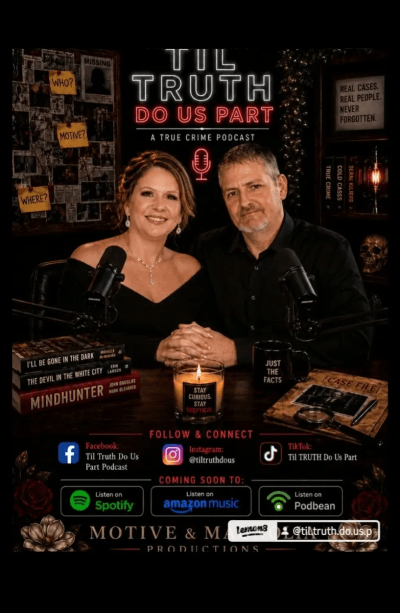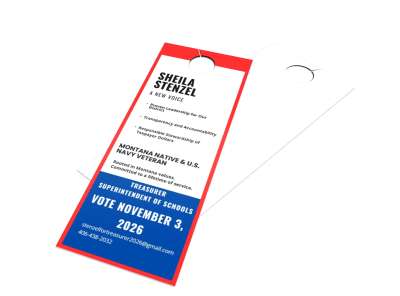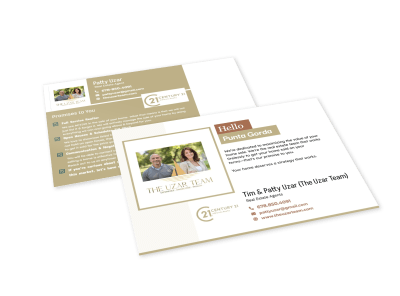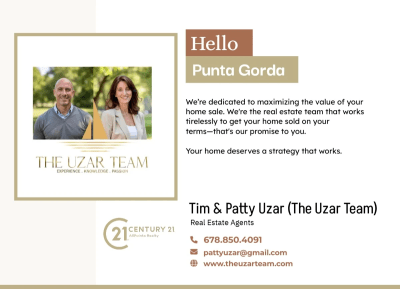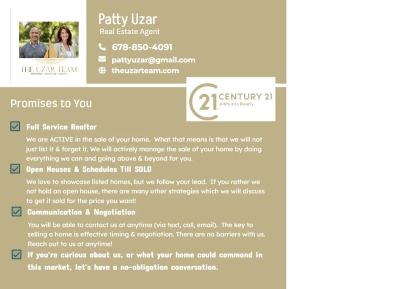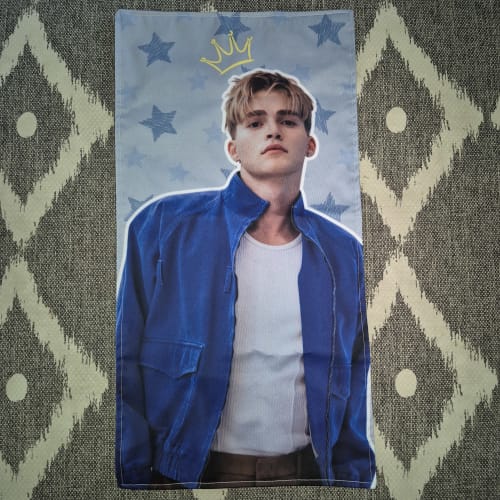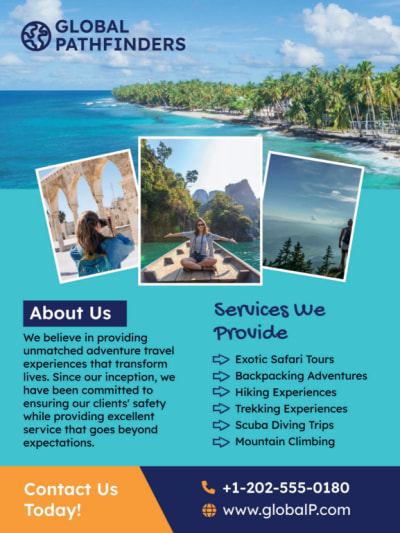
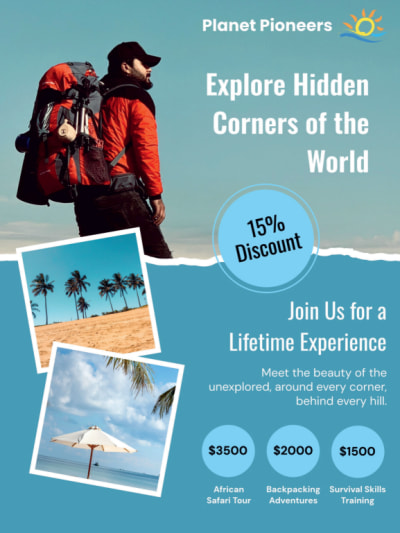

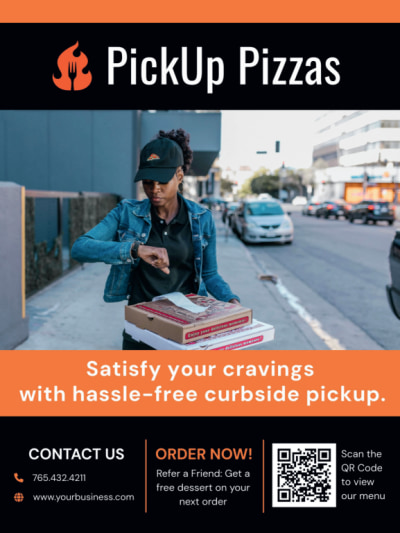
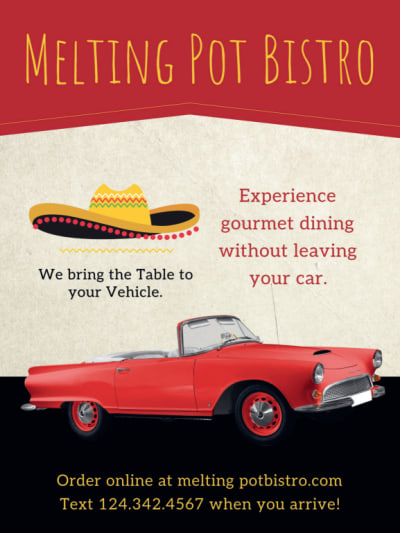
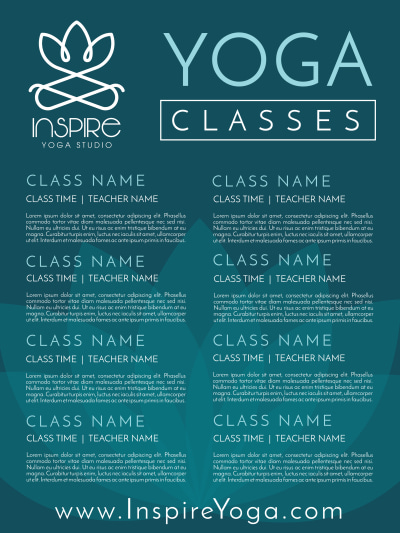
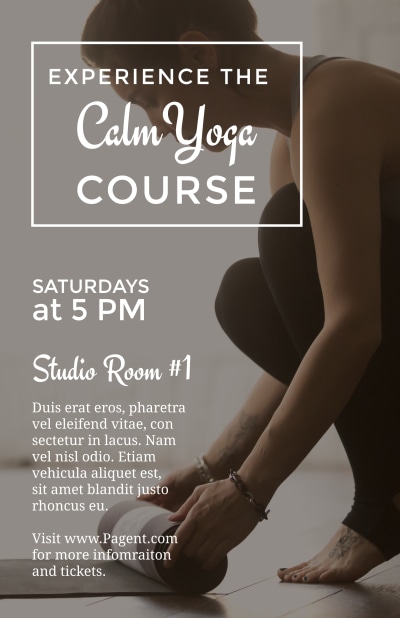
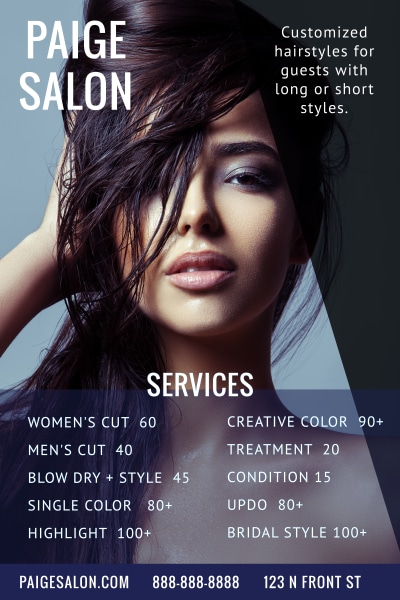
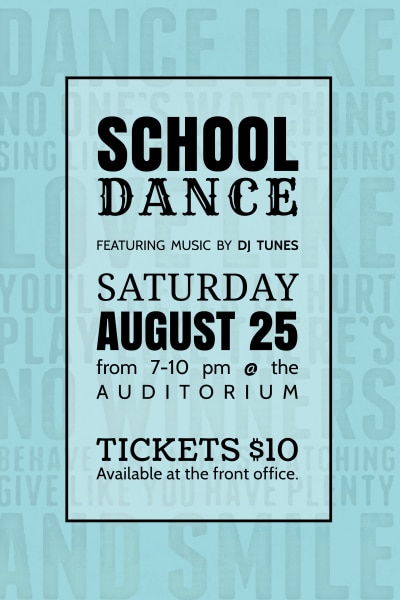
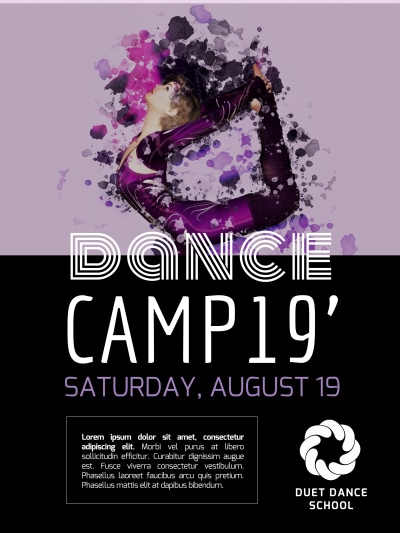
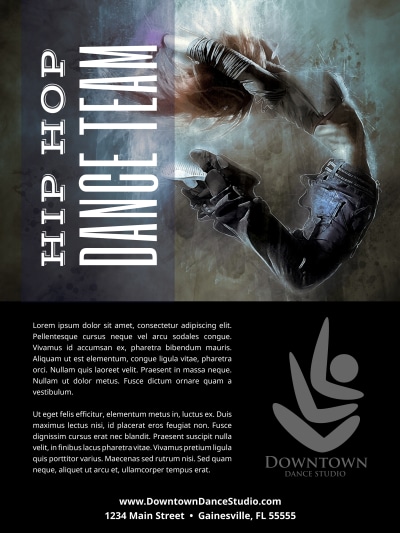
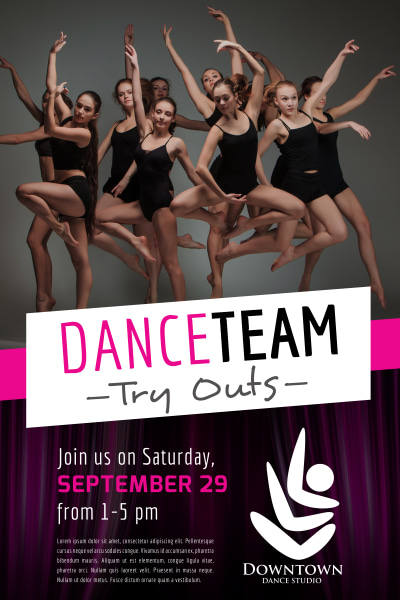
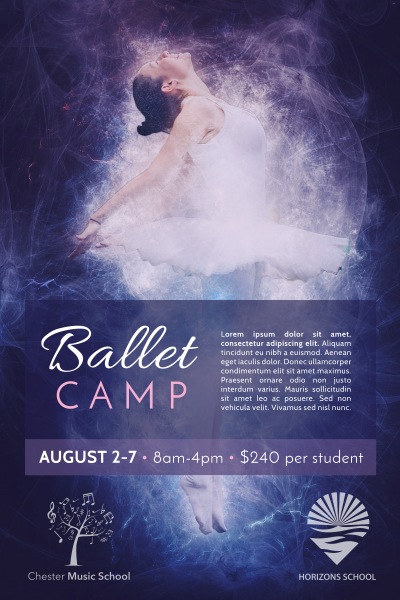


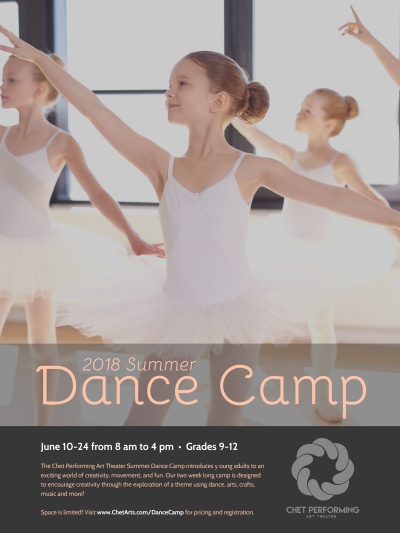
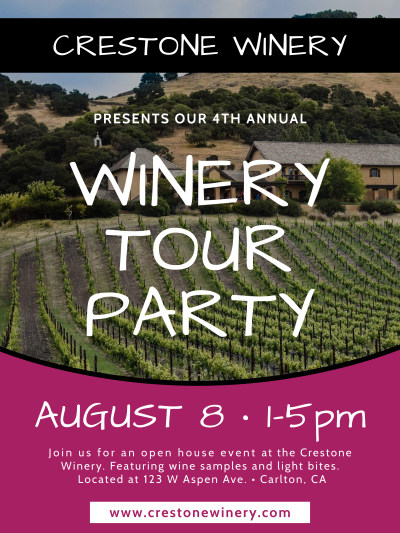
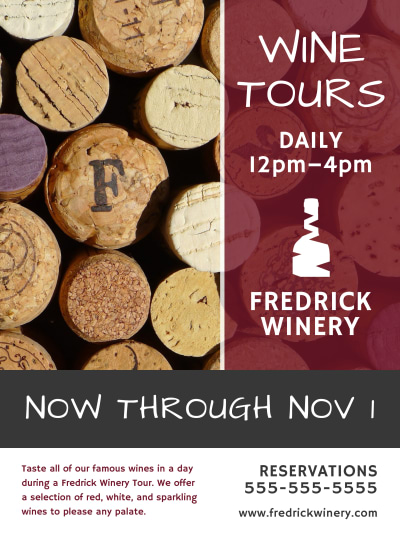


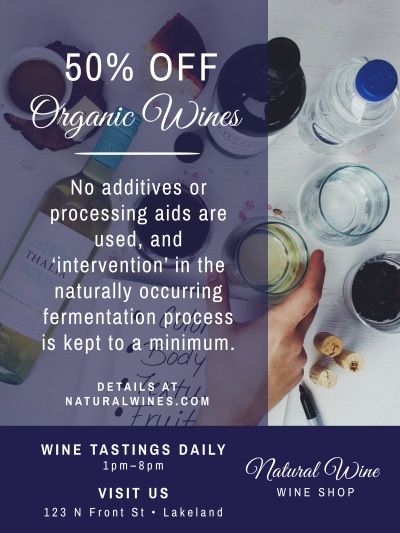
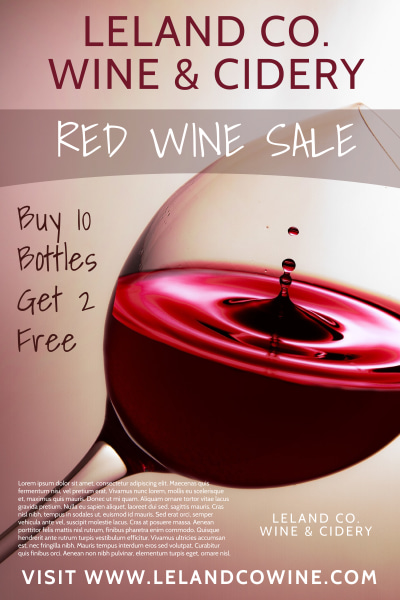
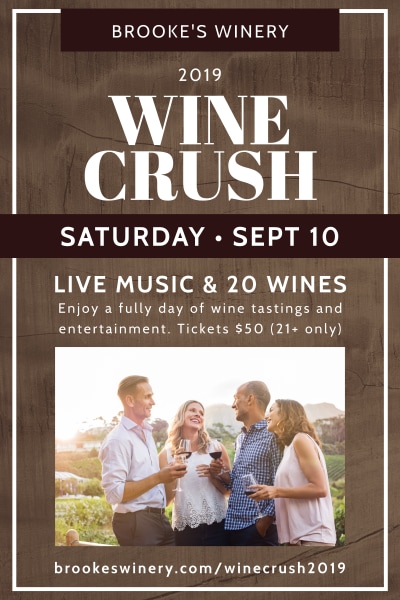
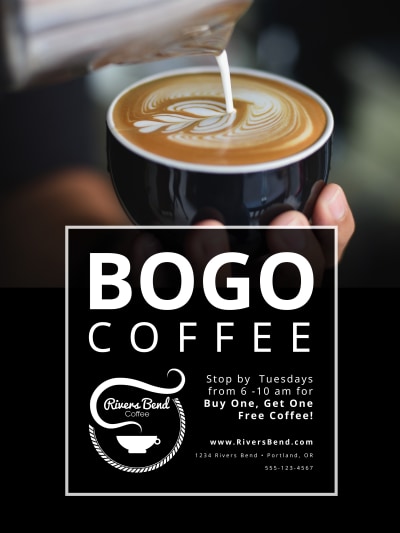
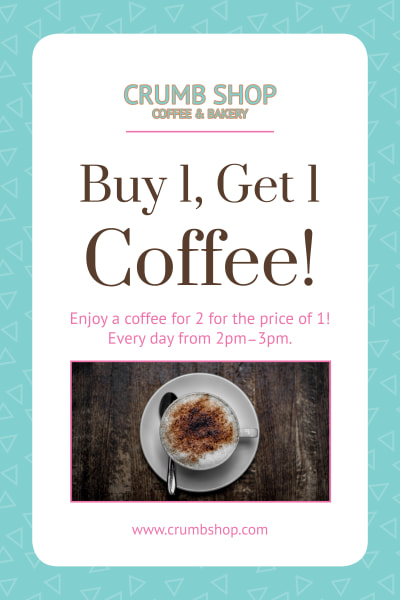
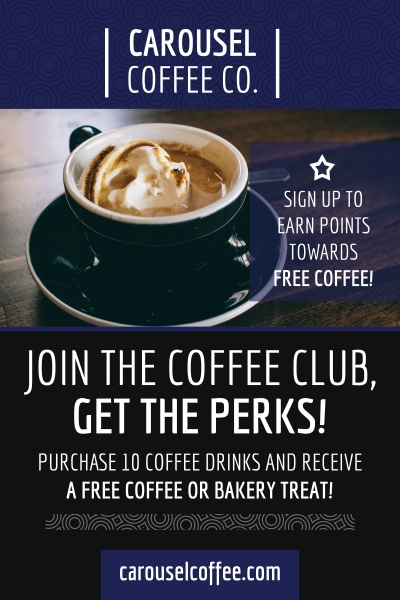
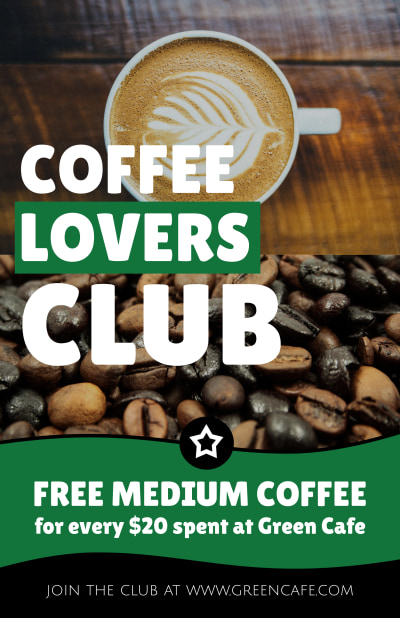
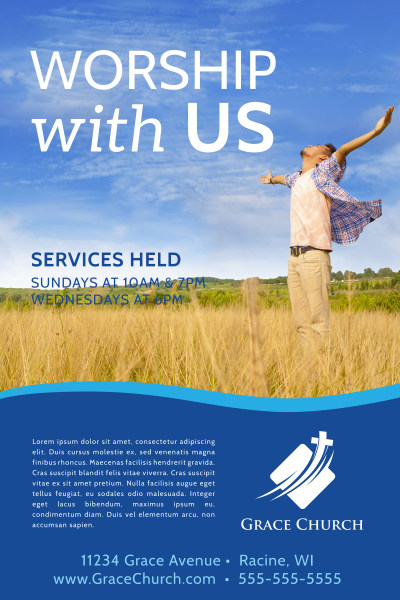
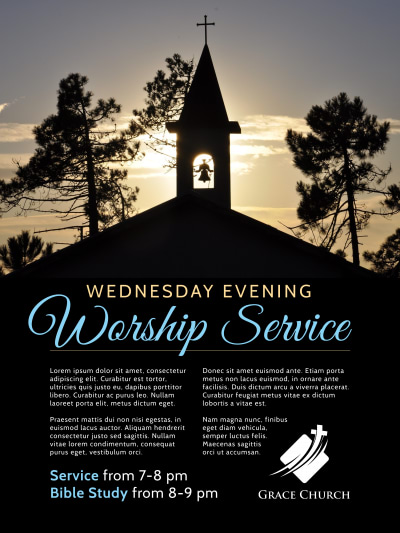
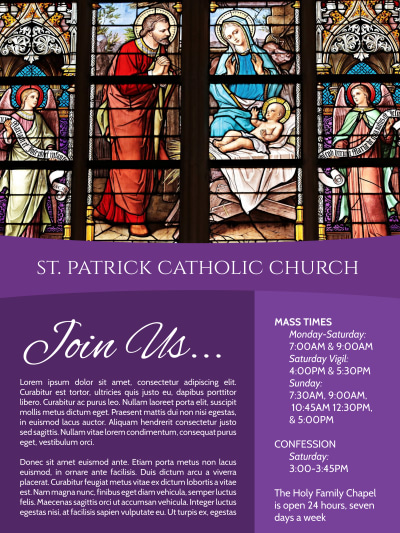
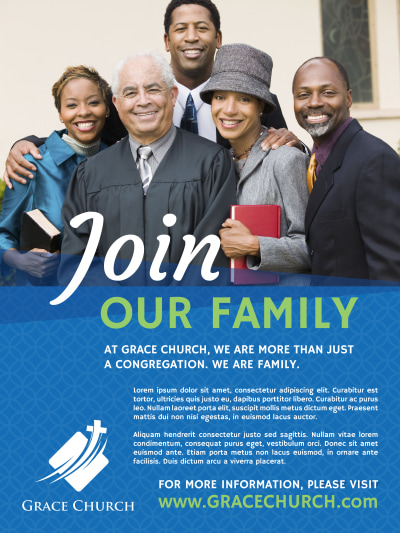
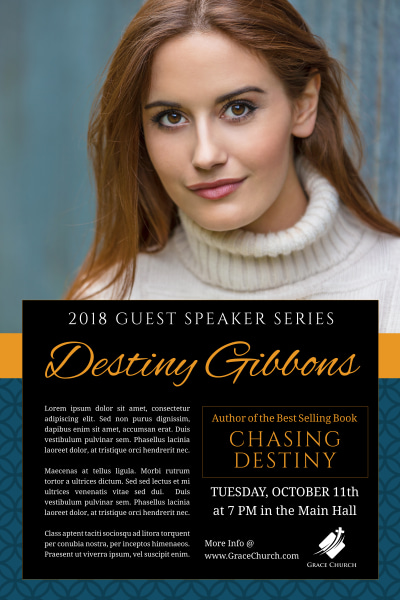
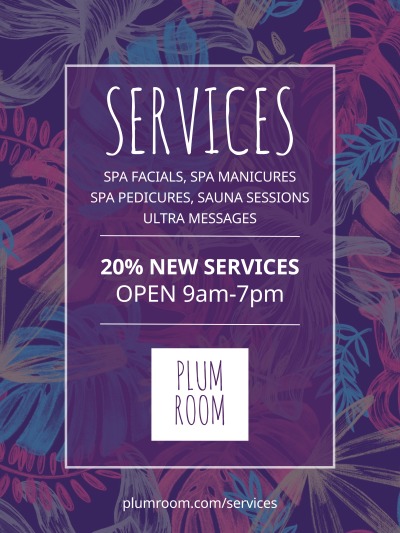
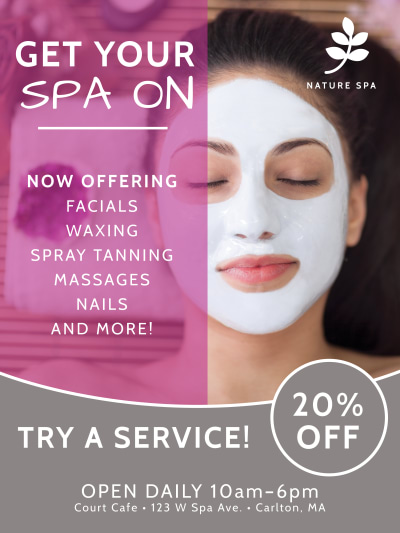
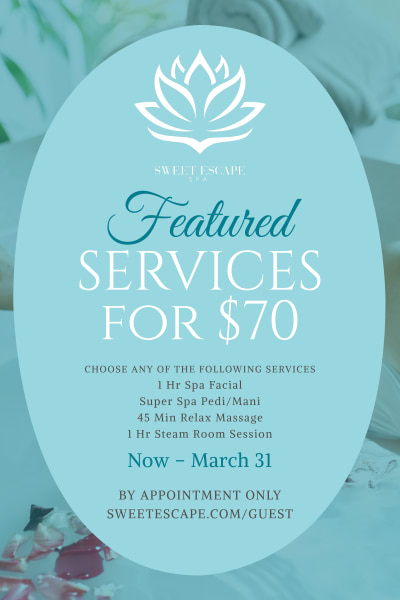
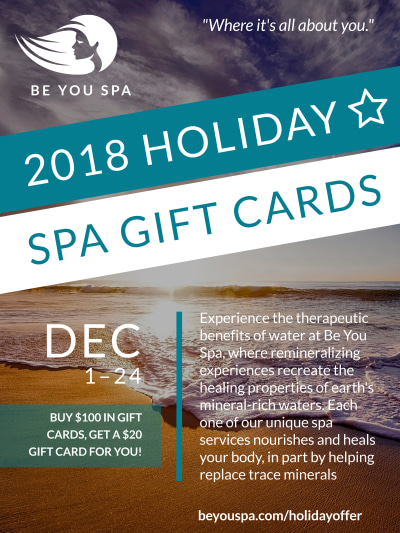

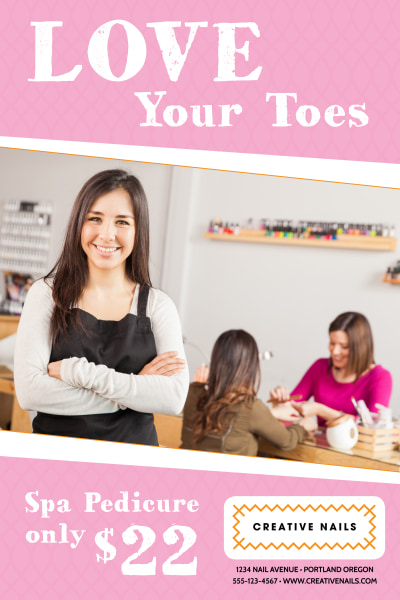
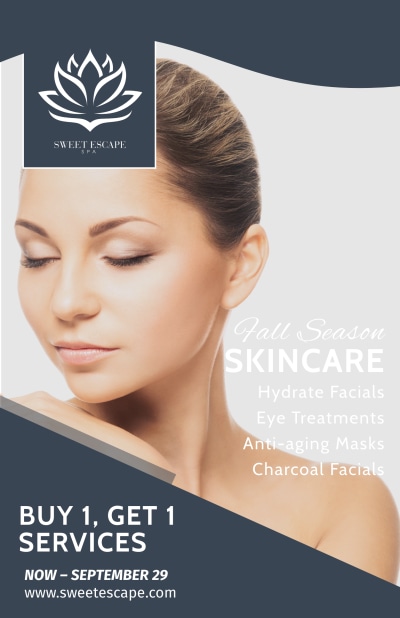
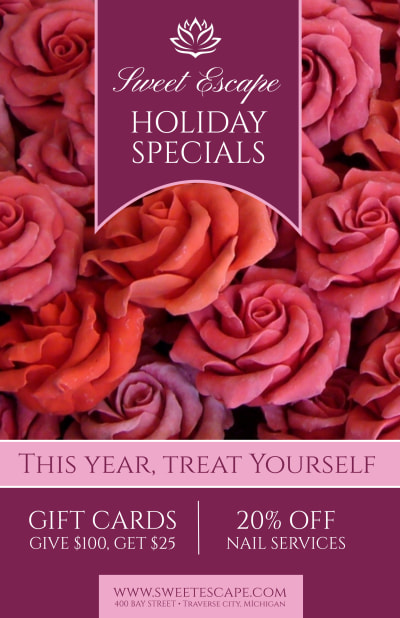
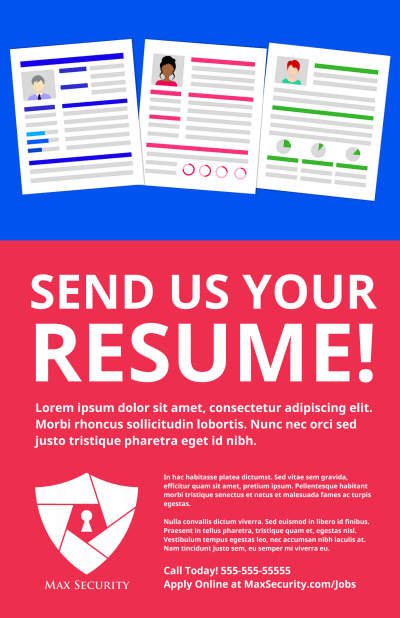

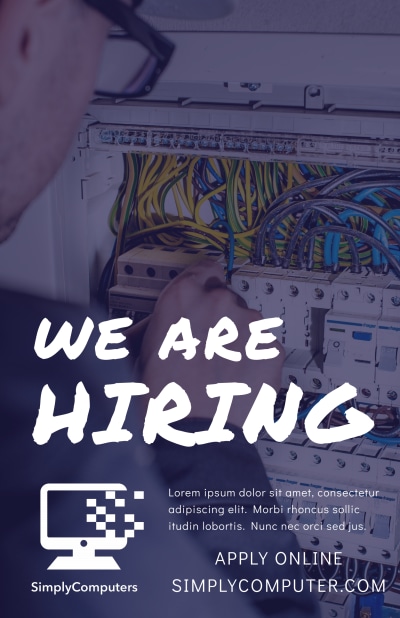
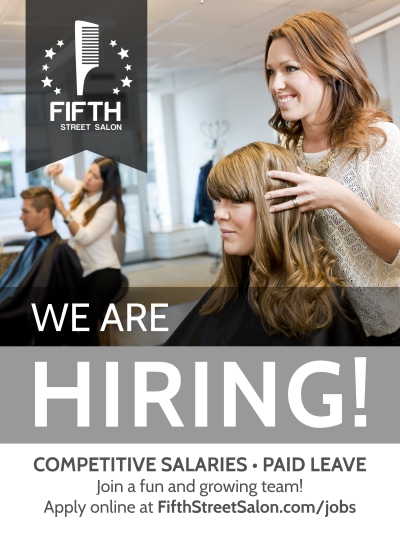
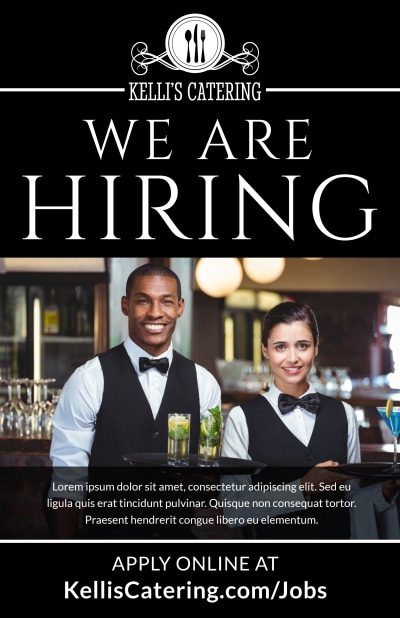
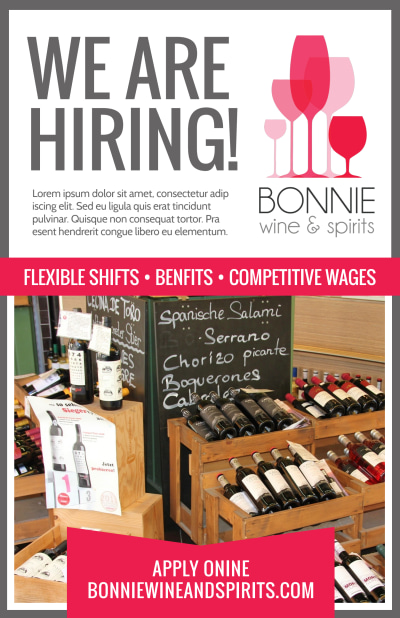
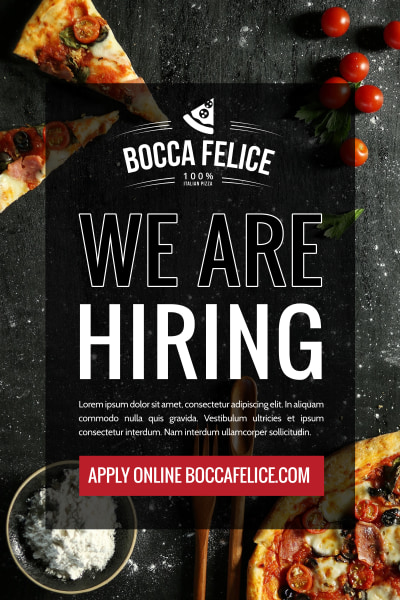
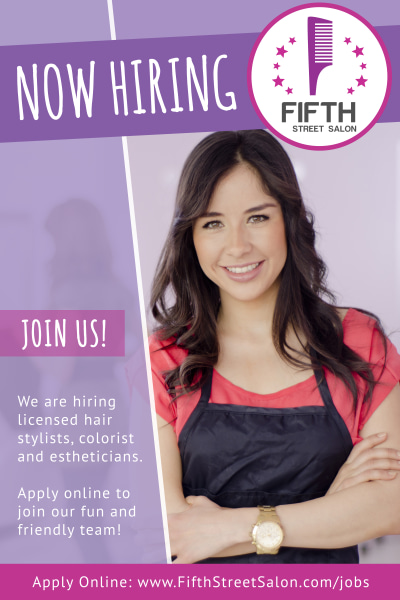
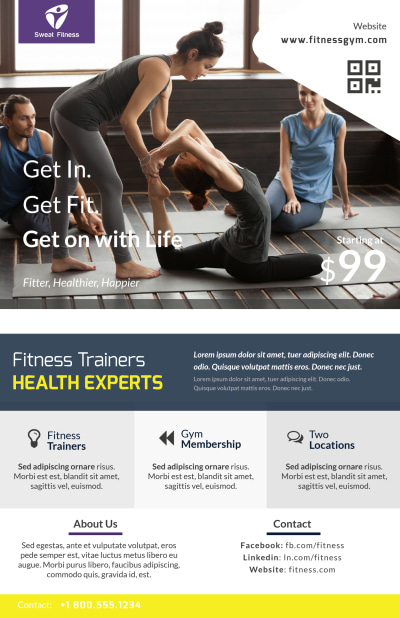
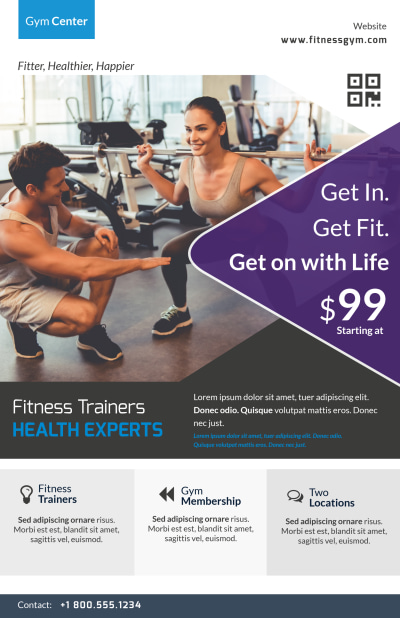
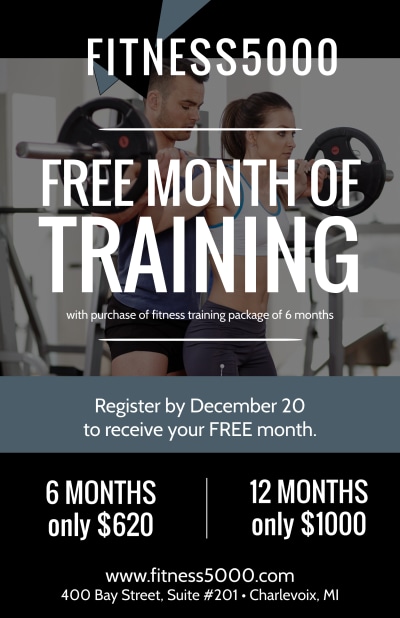
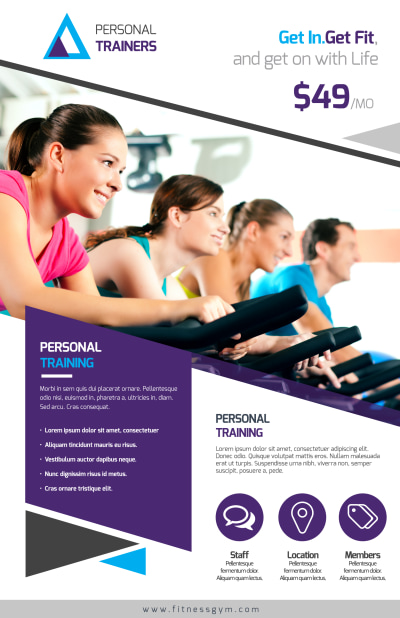
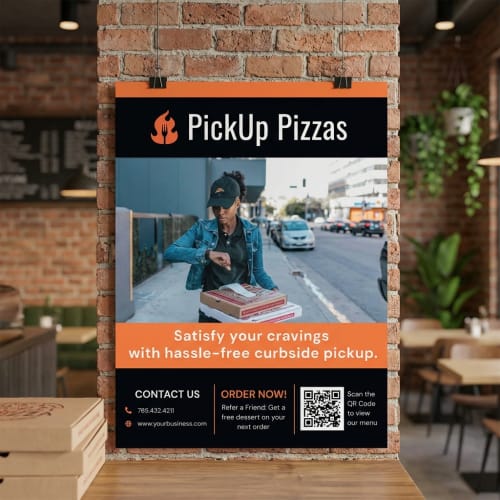
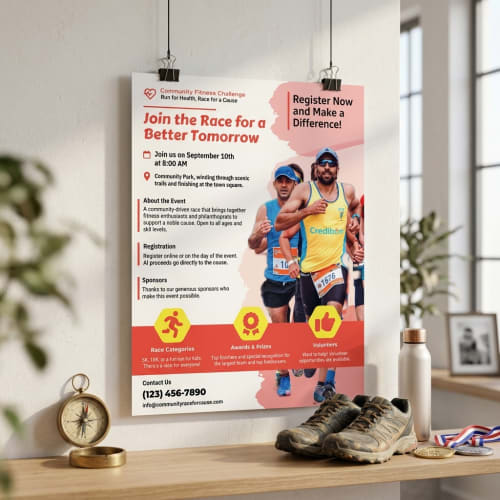
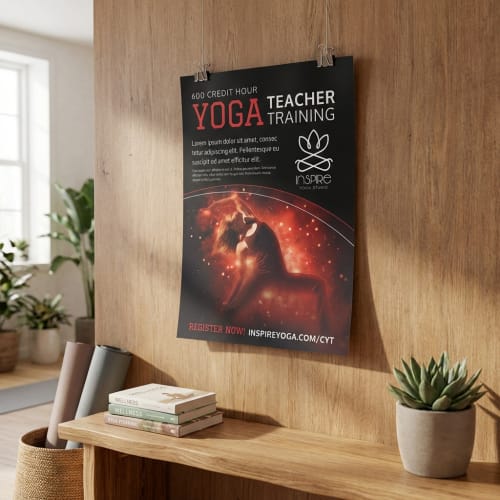
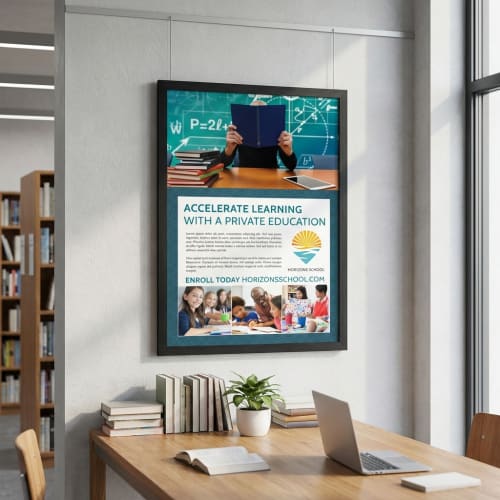
Creating a custom poster is fast and simple. Start by selecting a professionally designed template, then personalize it with your own text, images, and colors using our easy online editor. Once you're happy with the design, you can download, print, or share it—all without complicated tools or design experience required.
Every design starts with a strong foundation. Our template library includes professionally designed layouts tailored to a wide range of needs—whether you're promoting a business, hosting an event, or decorating a classroom. Choose a format that matches your intended size, style, and message to streamline the design process from the start.
Use our intuitive editor to personalize your poster with ease. Add your own text, upload images, change colors, and rearrange elements using drag-and-drop tools. The interface prioritizes clarity, helping you stay focused on getting your message just right — no design background required.
Before download or print, preview your poster to ensure every element is perfectly placed. Export in high-resolution formats for online sharing or order professional printing directly from the platform. Whether you’re posting it in a storefront or sending it to press, you’ll have a polished result that makes an impact.
Yes, you can choose from several standard poster sizes depending on your needs. A few of the most commonly requested formats include 11" x 17", 18" x 24", and 24" x 36". Each template lists its intended size, and our print service ensures your final product is printed with the correct proportions and resolution for crisp, clean results. If you’re creating a digital version, you can also export high-resolution files suitable for custom printing elsewhere.
Not at all. Our poster maker is built for simplicity and ease of use. The editor was designed specifically to help anyone — whether you’re a first-time designer or a seasoned marketer — create something polished and professional without friction. You can start with a ready-made template, and then use intuitive drag-and-drop tools to make it yours. If you know what message you want to share, we’ll guide the rest.
Absolutely. You can upload your own images, logos, or artwork directly into the online editor. This is a great way to personalize your poster or maintain consistent branding across your materials. And if you don’t have assets ready, we also provide access to millions of free stock images so you’ll always have quality visuals to work with.
Yes, your work will remain saved in your account so you can come back to it whenever you're ready. Whether you're still refining your message or waiting on final content, you’re free to design at your pace. When the timing is right, you can download, share, or order prints in just a few clicks — no need to start from scratch.
Definitely. While many users create posters for printing, you can also download your design as a high-resolution image or PDF to use digitally. This is perfect for social media, websites, emails, or even screen displays. You can choose the format that best fits your sharing goals, all from the same design process.
Yes, we make reordering simple. If you’ve printed a design through MyCreativeShop, it’s saved in your account with all the original specs. You can place a reorder in just a few clicks — ideal for campaigns, recurring announcements, or keeping materials consistent over time.
We use premium-quality paper with a smooth, professional feel that holds up to handling and displays beautifully. The exact specifications may vary depending on the size and quantity you select, but all prints are designed with durability, color clarity, and sharp resolution in mind. The end result looks polished on screen and even better in hand.
Once you've started customizing a poster template, switching templates means beginning a new project. That’s because each template is structured a bit differently, from layout to dimensions. If you want to explore multiple looks, we recommend opening a few versions side-by-side and seeing which direction fits your needs best before diving into the edits.