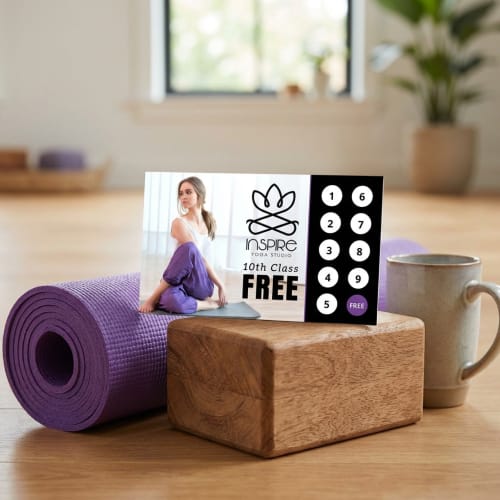
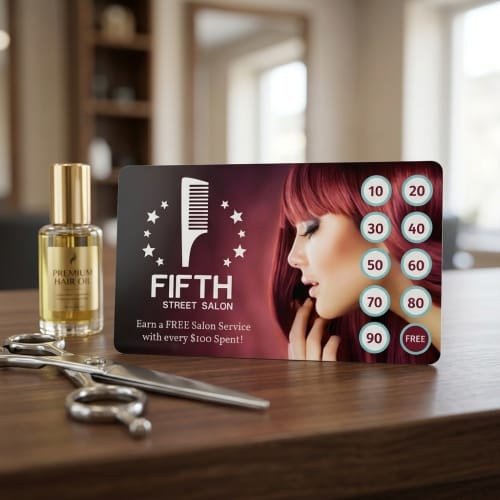
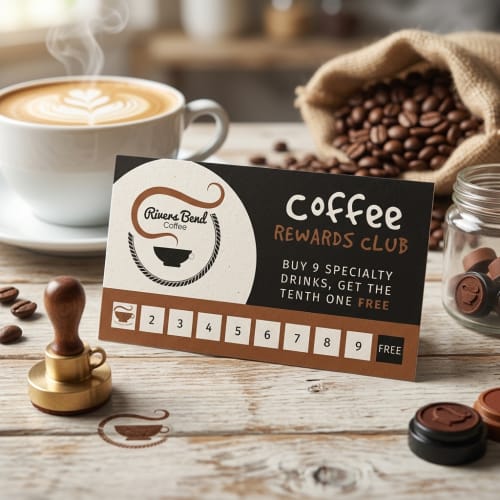
Start by picking a professionally designed template that fits your brand. Customize your layout, add your logo, rewards, and contact info — all right in your browser. Whether you’re offering punch cards or point-based rewards, it’s easy to personalize the design to match your business. Once you’re happy with it, download and print or share digitally in just a few clicks.
Loyalty cards can be structured in several ways — from classic punch cards to more modern point-based or digital reward systems. Choosing the best format depends on your business model, customer habits, and how you plan to offer rewards. You’ll also want to determine whether your card will be physical, digital, or both, based on how your customers interact with your business.
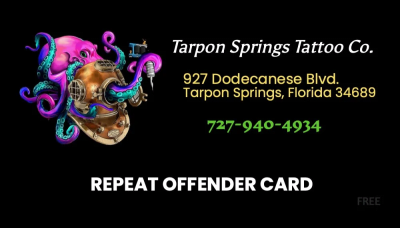
A well-designed loyalty card doesn’t just look good — it communicates value. Include essential elements such as your logo, business name, contact details, and a clear explanation of your reward system. Use fonts and colors that align with your brand and keep the design clean to ensure readability. Cards should be sized appropriately, typically 3.5" x 2", ensuring they match standard wallet dimensions.
Once your design is complete, you can print high-quality physical cards or provide a digital version for mobile use. If printing, choose durable card stock with a smooth or matte finish for longevity. Whether you're handing out cards in person or sharing them online, make sure the end result reflects the care and professionalism of your brand.
The standard size for a loyalty card is 3.5" x 2", which is the same as a typical business card. This size fits easily into wallets and card holders, making it convenient for your customers to carry and use regularly.
If you're designing a digital version, we still recommend maintaining similar proportions so your branding and layout remain consistent across formats.
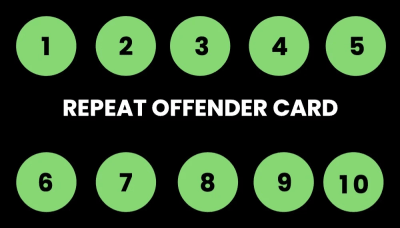
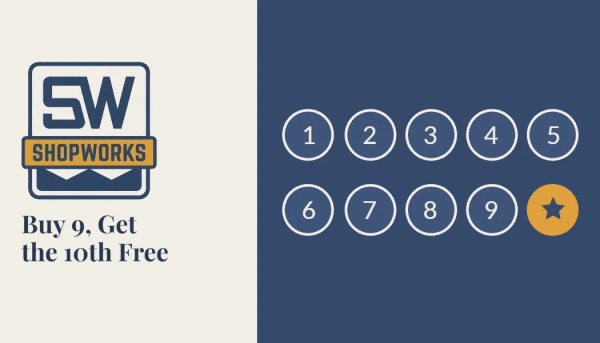
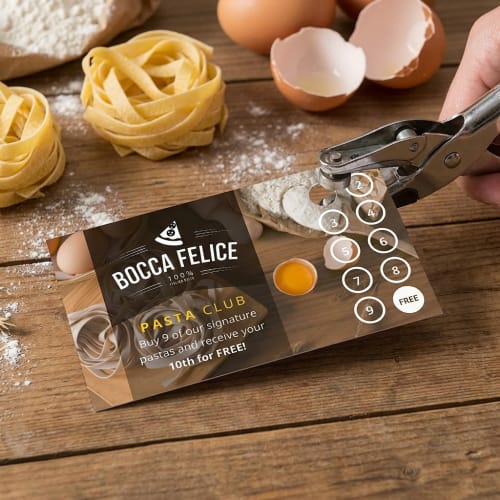
Yes, you can easily create designs that include punch or stamp zones. Our editor gives you full control over placement, shape, and how many spots you want to include. Whether you're offering every 10th coffee free or tracking class visits, you can design a loyalty card that suits your program structure perfectly.
Just be sure to leave enough spacing between the punch areas so they're easy to mark cleanly when used in person.
Yes, you can fully customize both the front and back of your loyalty card. The front typically showcases your logo, reward system, and customer-facing design, while the back can be used for terms, contact details, or even appointment reminders.
Designing both sides offers more space to reinforce your brand and ensures your card is informative as well as compelling to hold onto.
Absolutely. While many customers still prefer printed cards, you can download your loyalty card design and share it digitally via email, text, or even add it to a mobile wallet.
Digital options work well for businesses offering QR stamps or online check-ins, and they make it simple for customers to track rewards without needing a physical card.
No design experience is required. Our online editor is built to be intuitive and flexible, whether you're starting from scratch or tweaking an existing template. Simply choose a layout that fits your needs and edit everything — from colors to reward wording — right in your browser.
Pre-built templates help guide the process, and your changes update in real time, so you always know how things will look before finalizing.
Reordering is simple. Once you’ve designed a card, it’s saved in your account. Just log in, view your order history, look for the reorder button and place a new print order with a few clicks — no need to redesign or upload again.
This makes it easy to restock when you run low, whether you’re printing a few hundred or a few thousand.
We use durable card stock to ensure your loyalty cards can hold up to everyday wear and repeated handling. You can choose from smooth matte finishes or slicker glossy styles, depending on how you want the card to feel and reflect light.
Each option is designed to make your cards look sharp and professional while staying functional for your customers.
Yes, you can customize your loyalty card template for different locations, offers, or campaigns. Once you’ve chosen a design, simply duplicate it in your dashboard and make changes to the details—like location name, reward tooltips, or contact info—without affecting the original.
This is especially useful for multi-location businesses or seasonal promotions that require design consistency across variations.