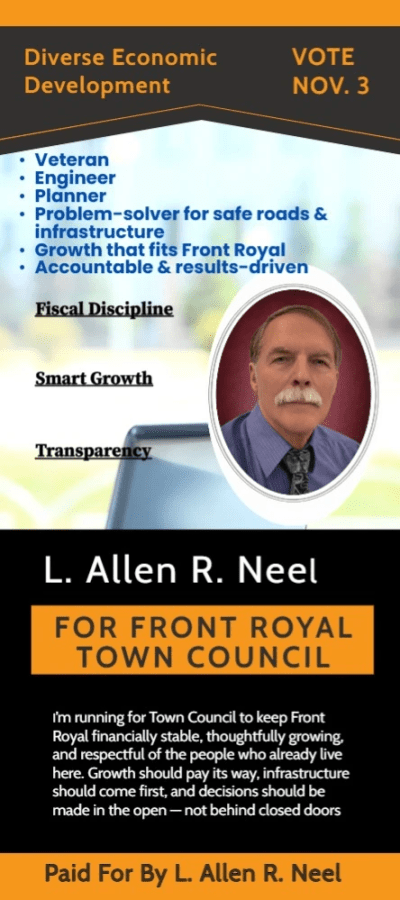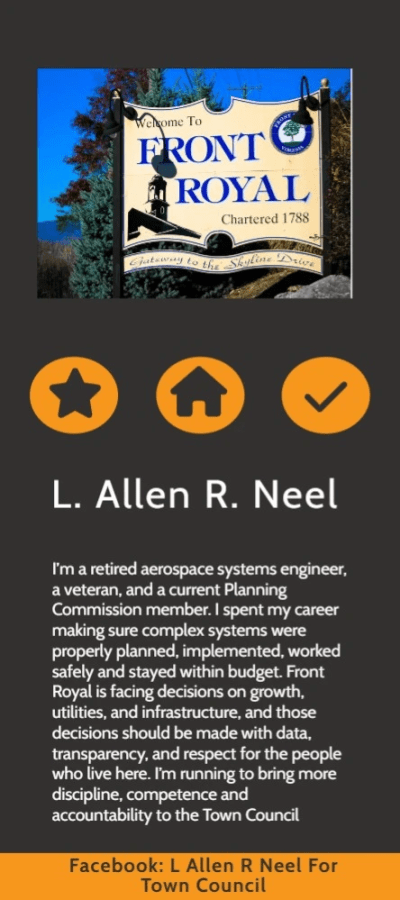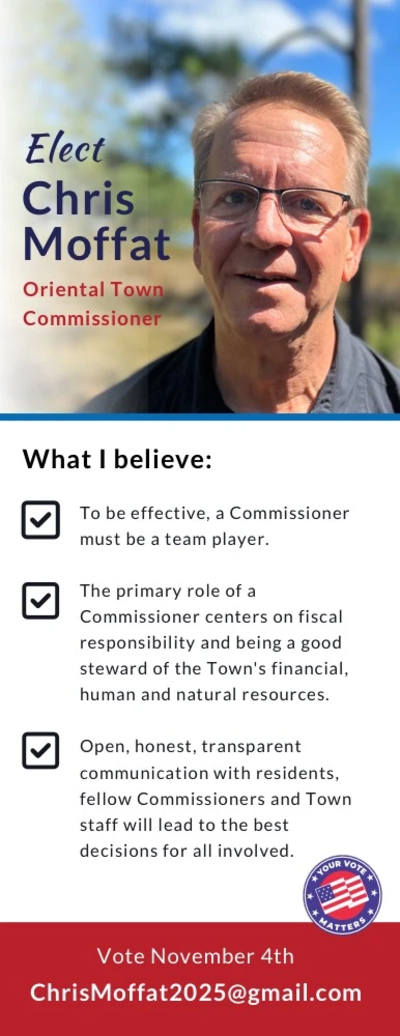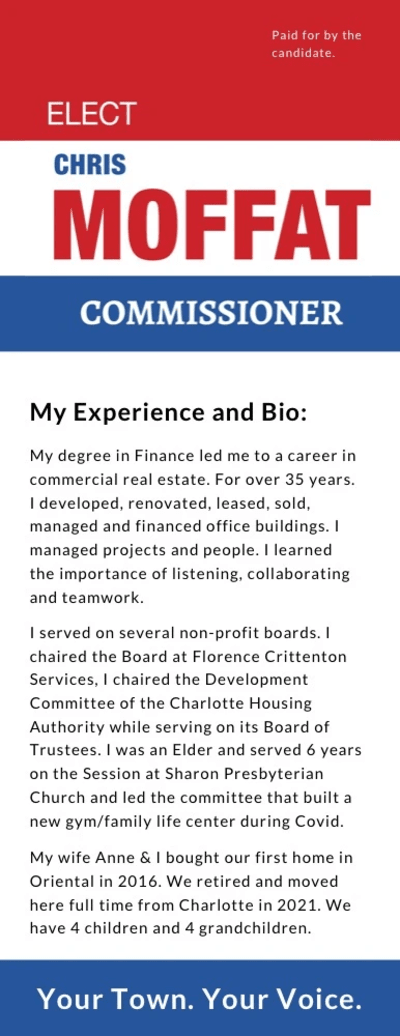
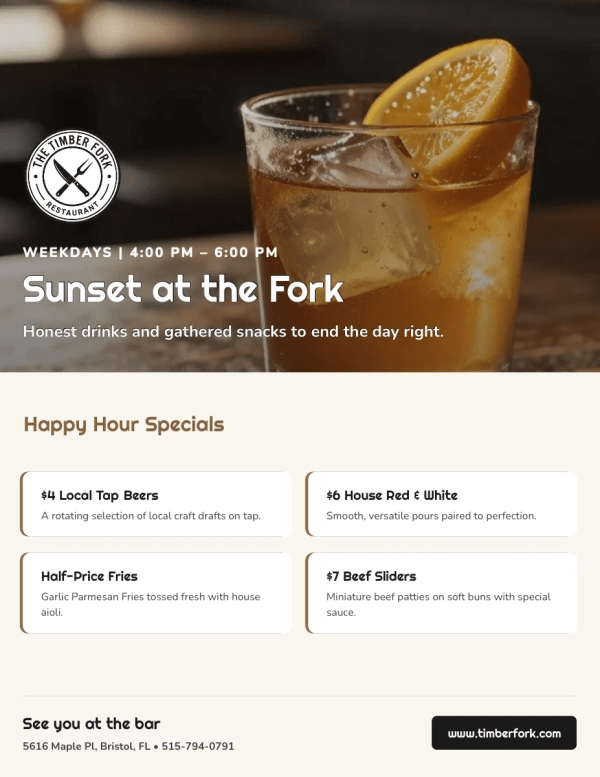
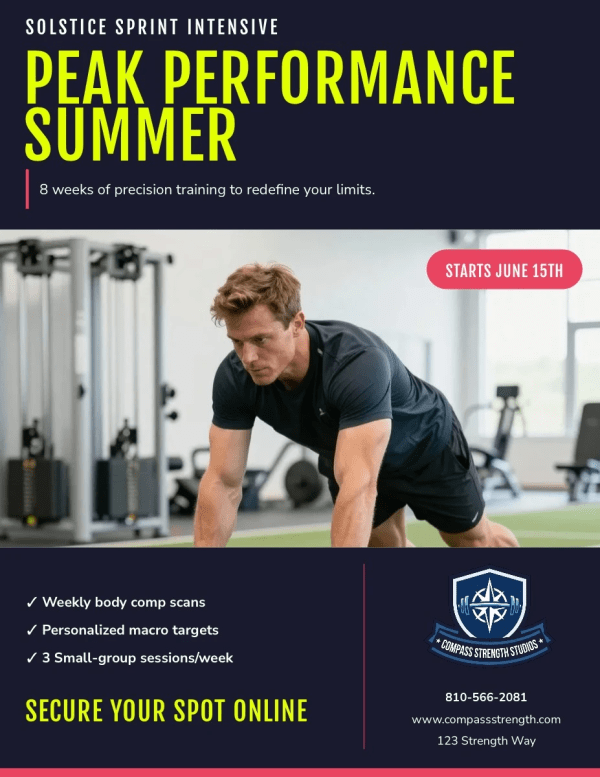
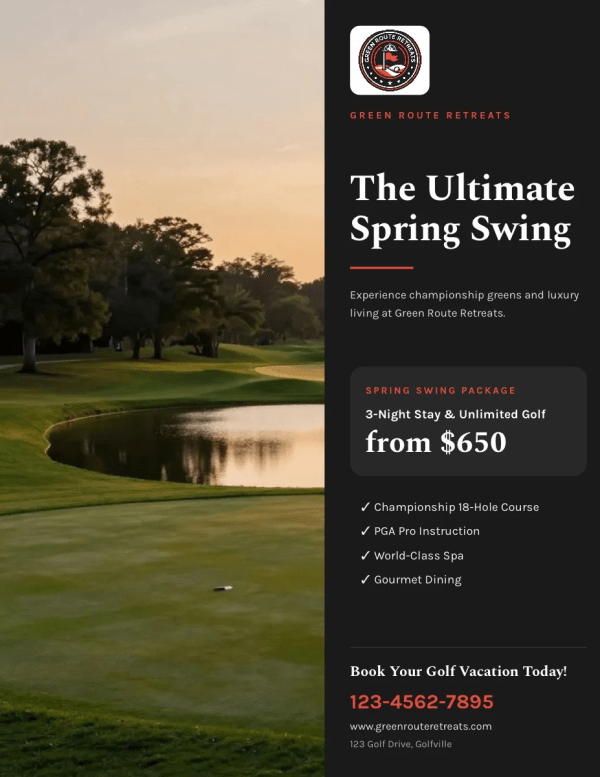
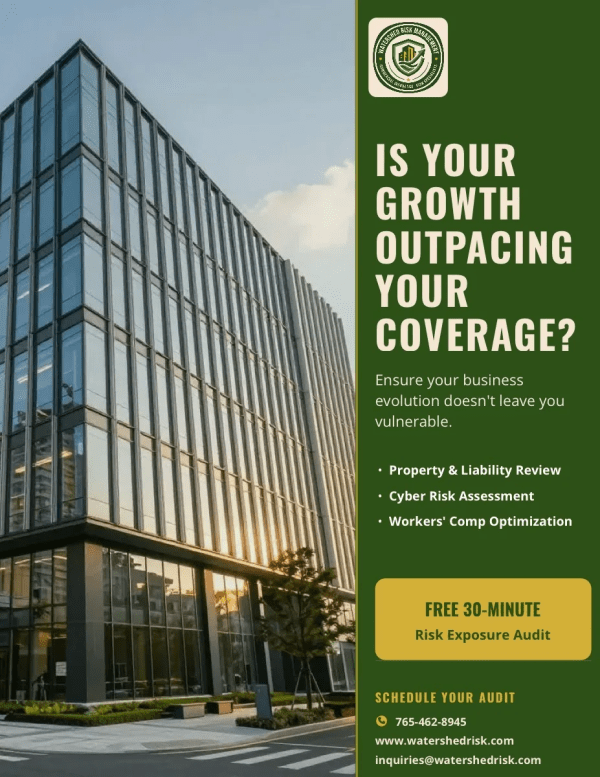
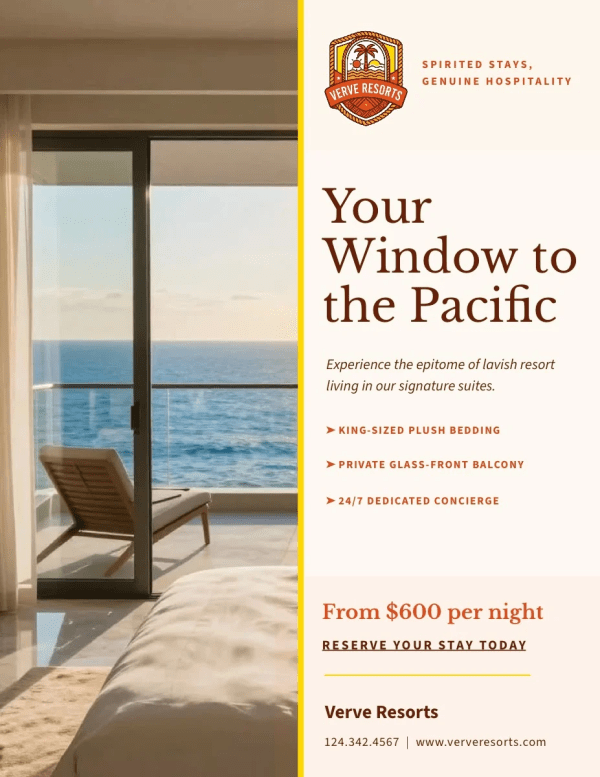
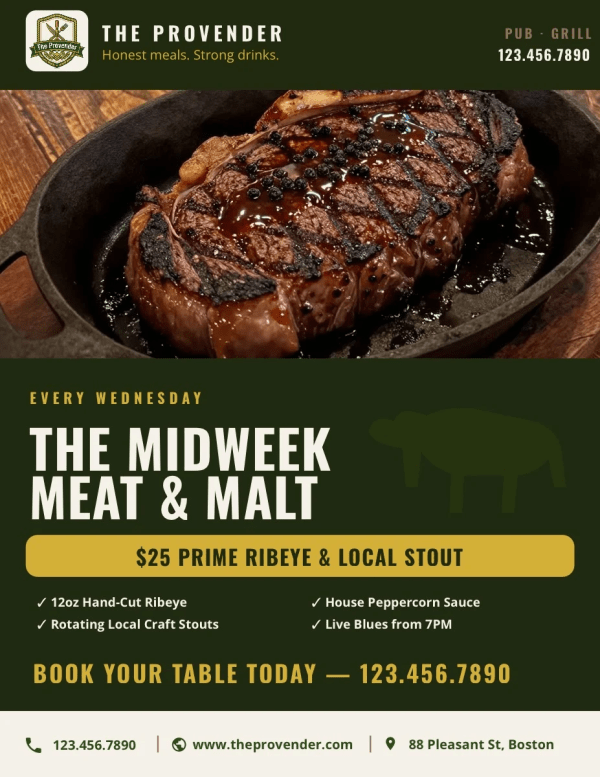
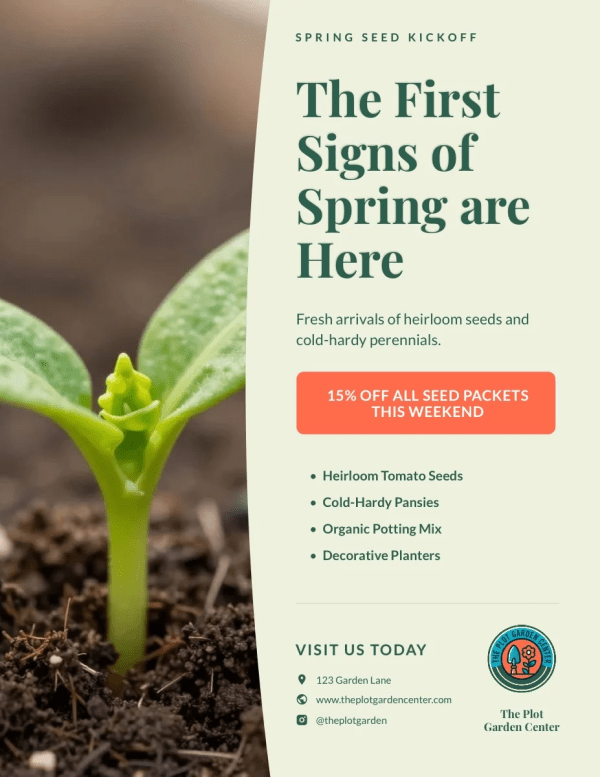
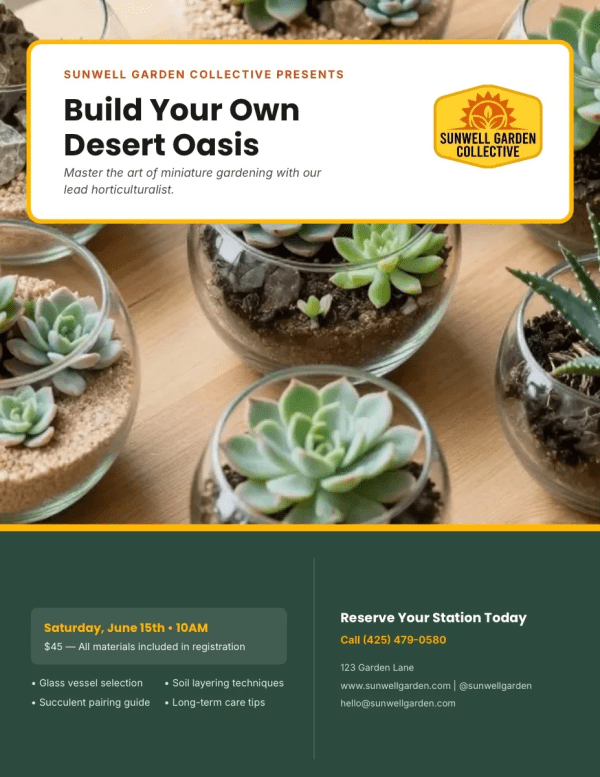
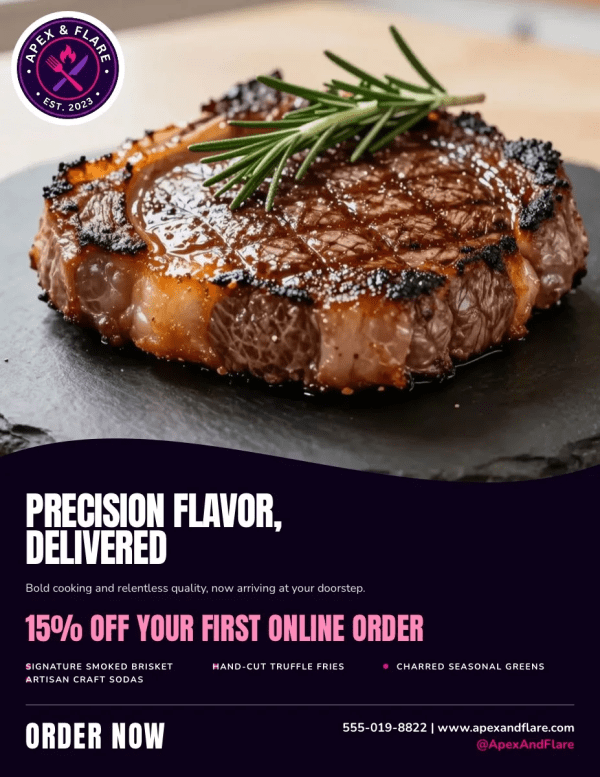
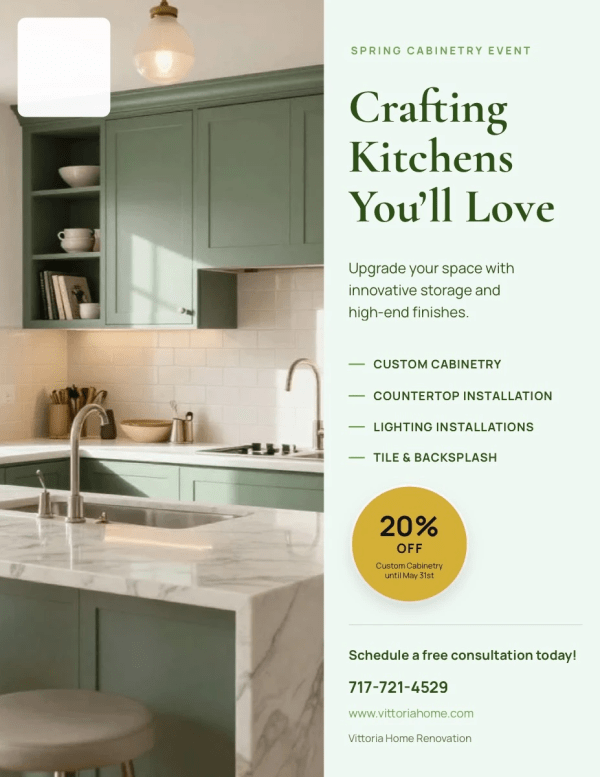
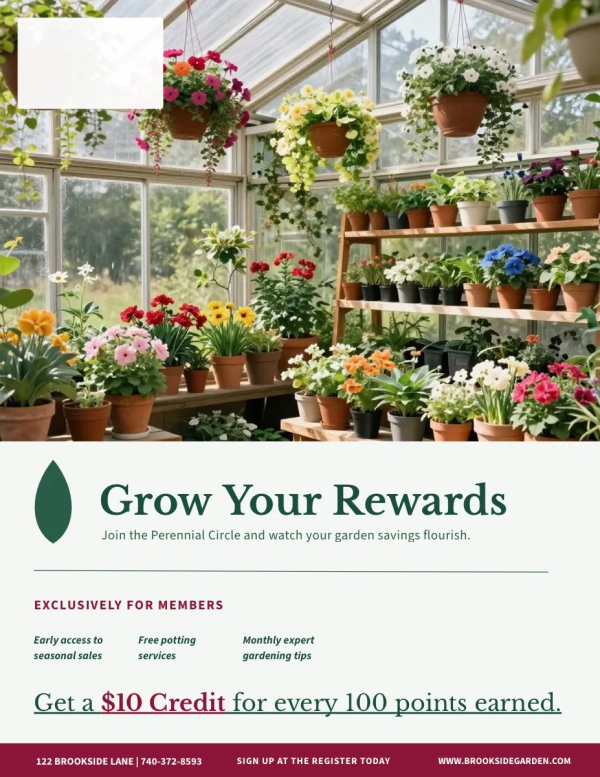

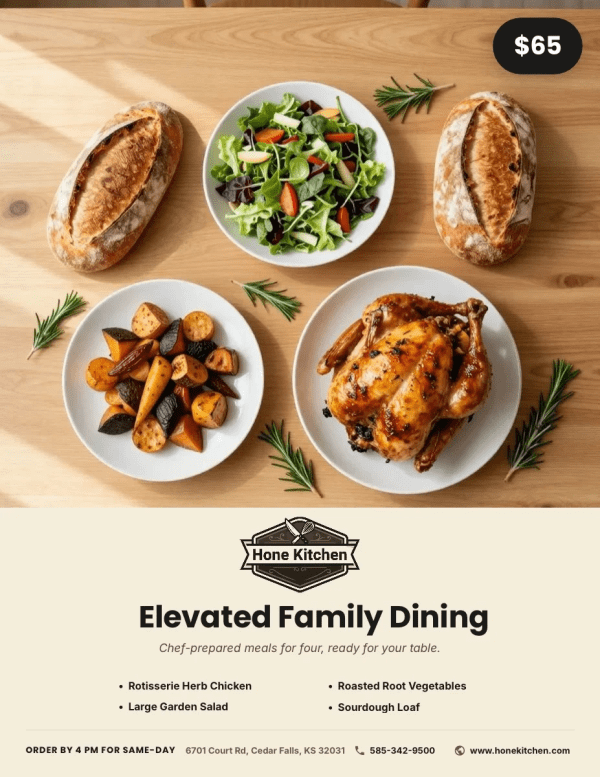

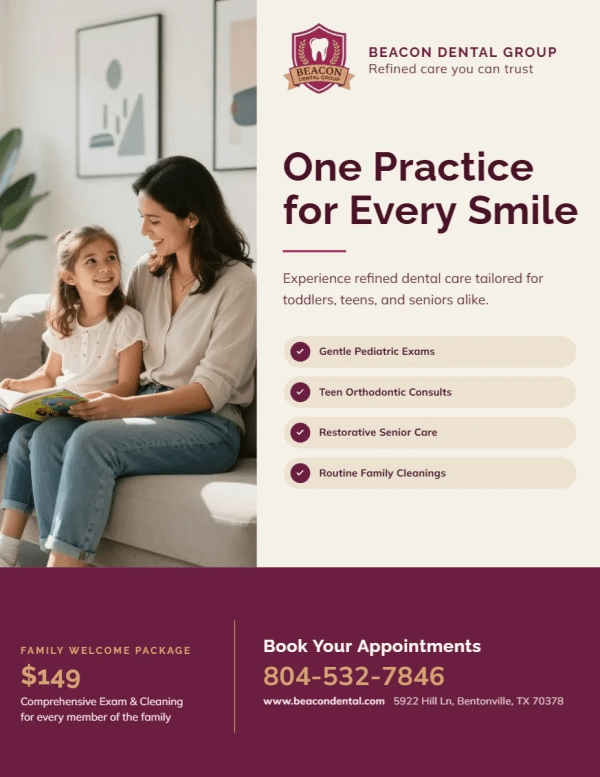
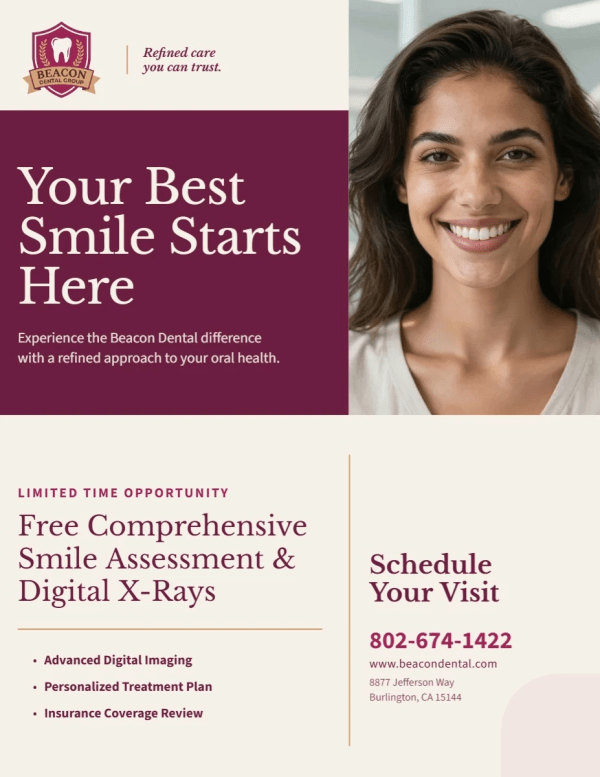
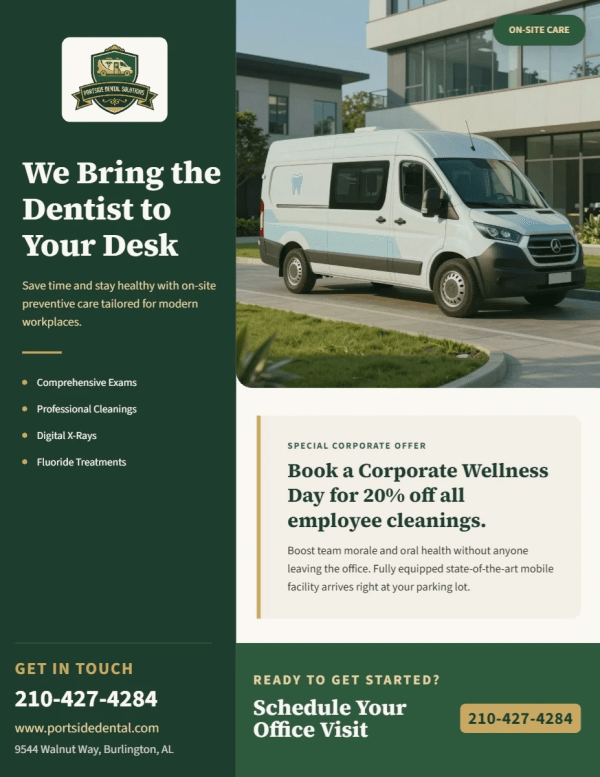

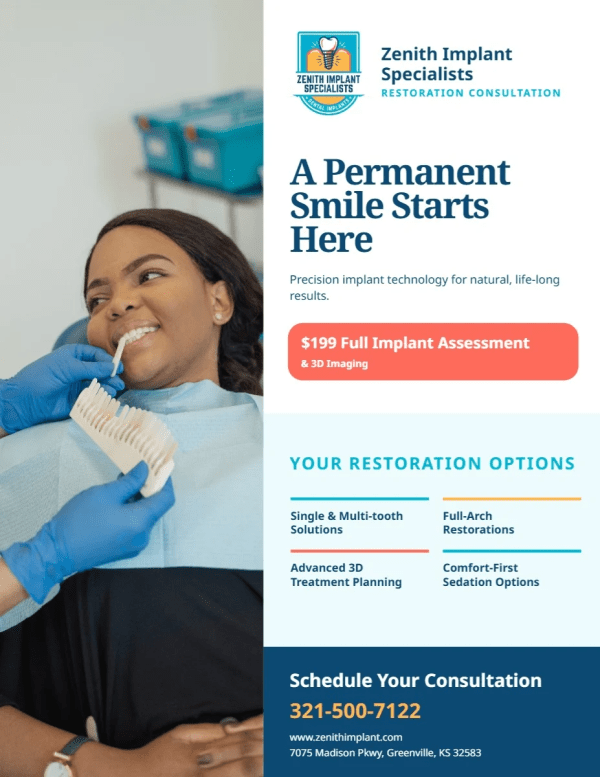
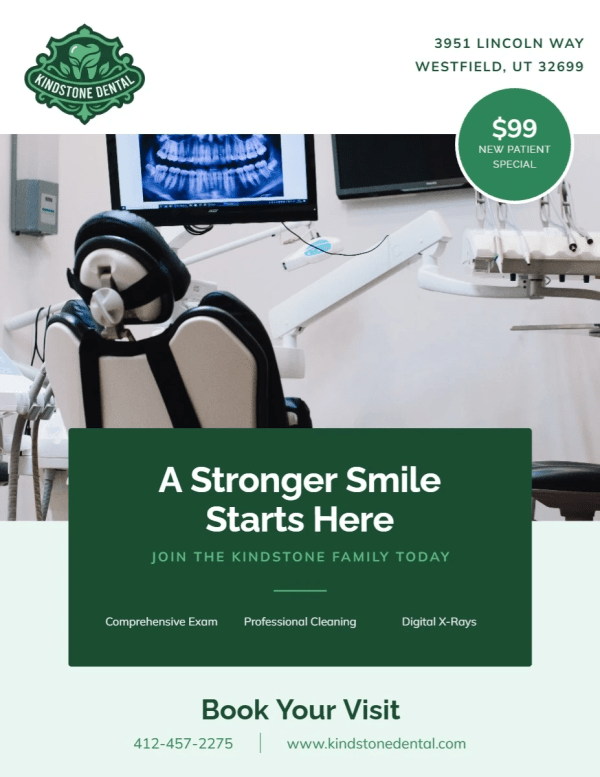
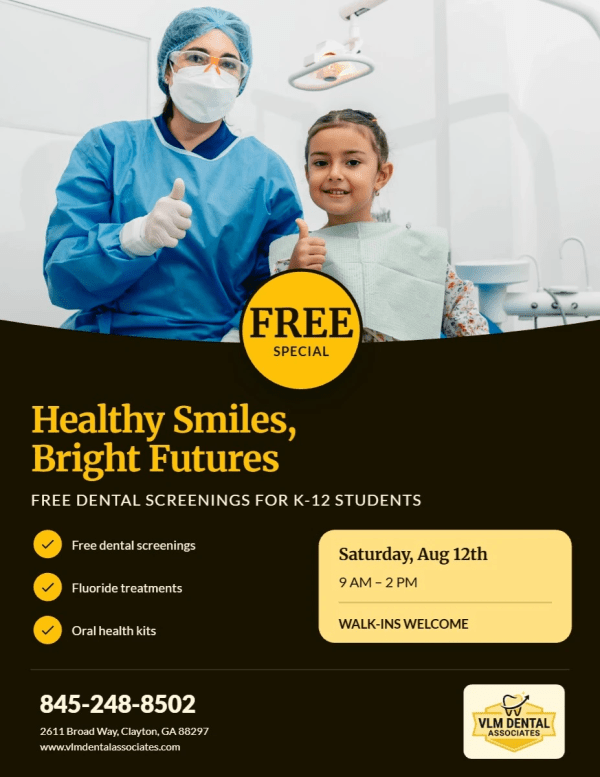
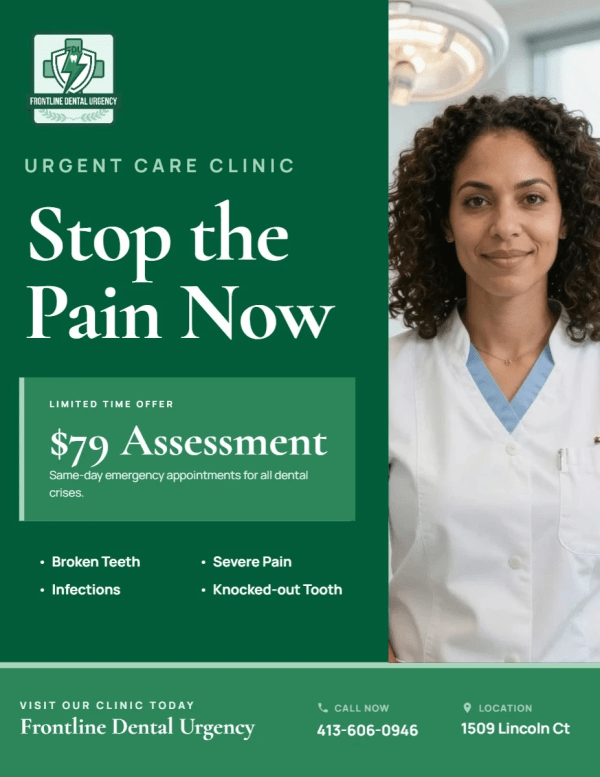

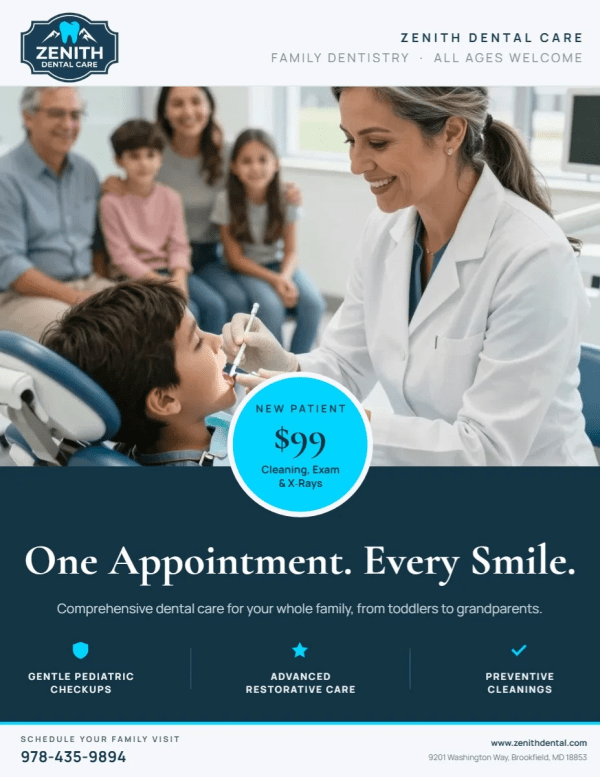

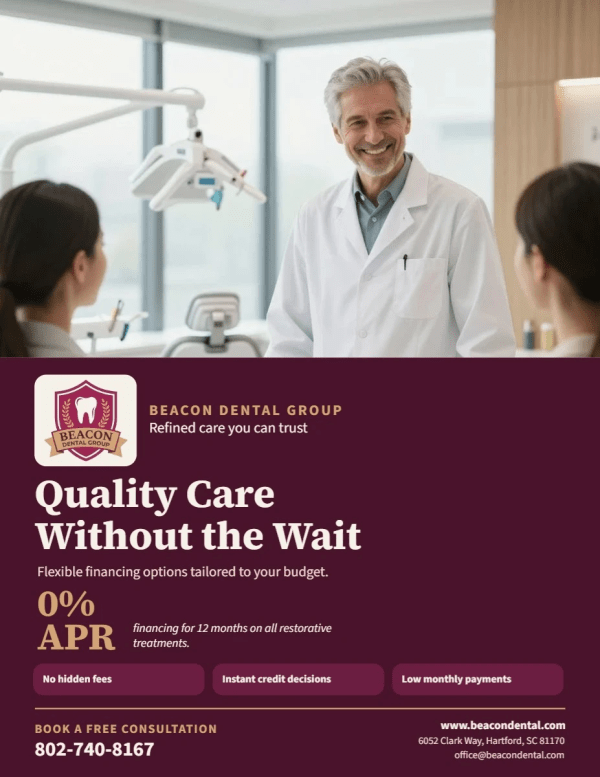
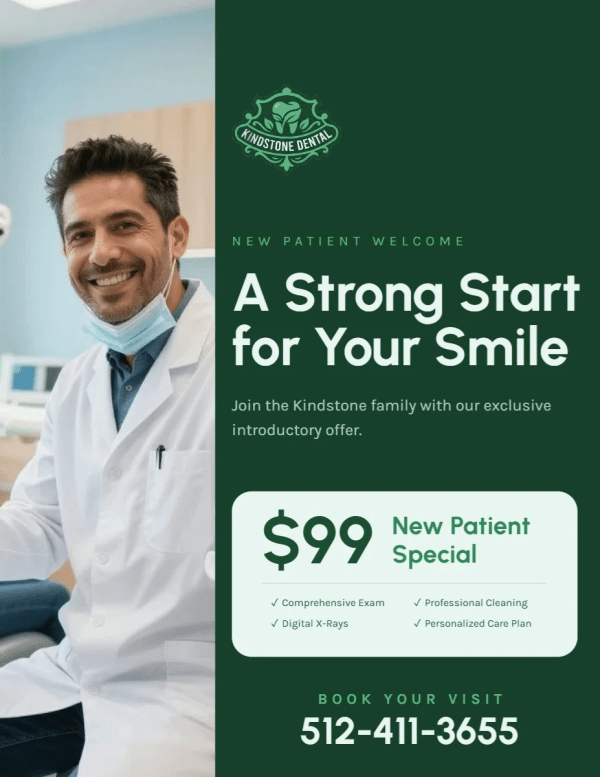
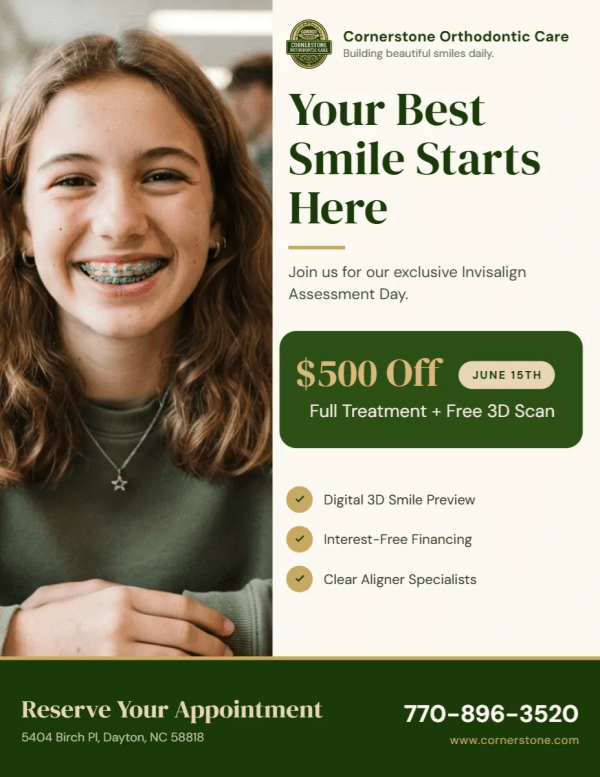

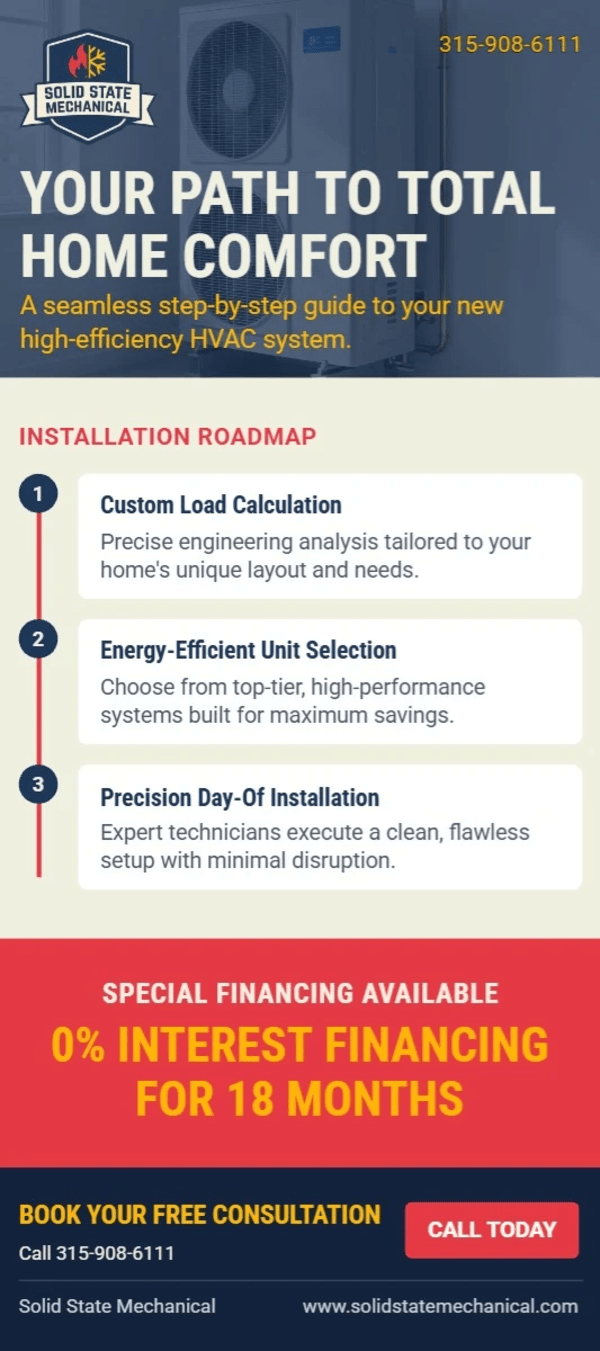
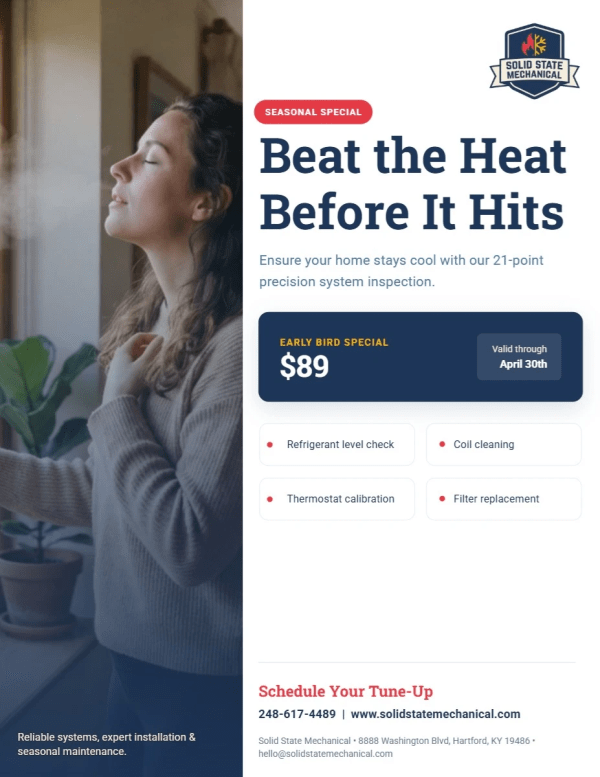


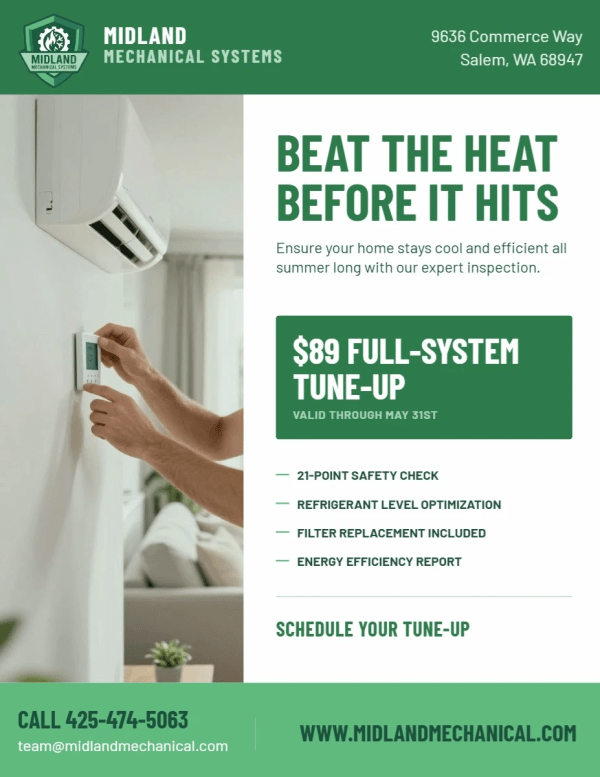
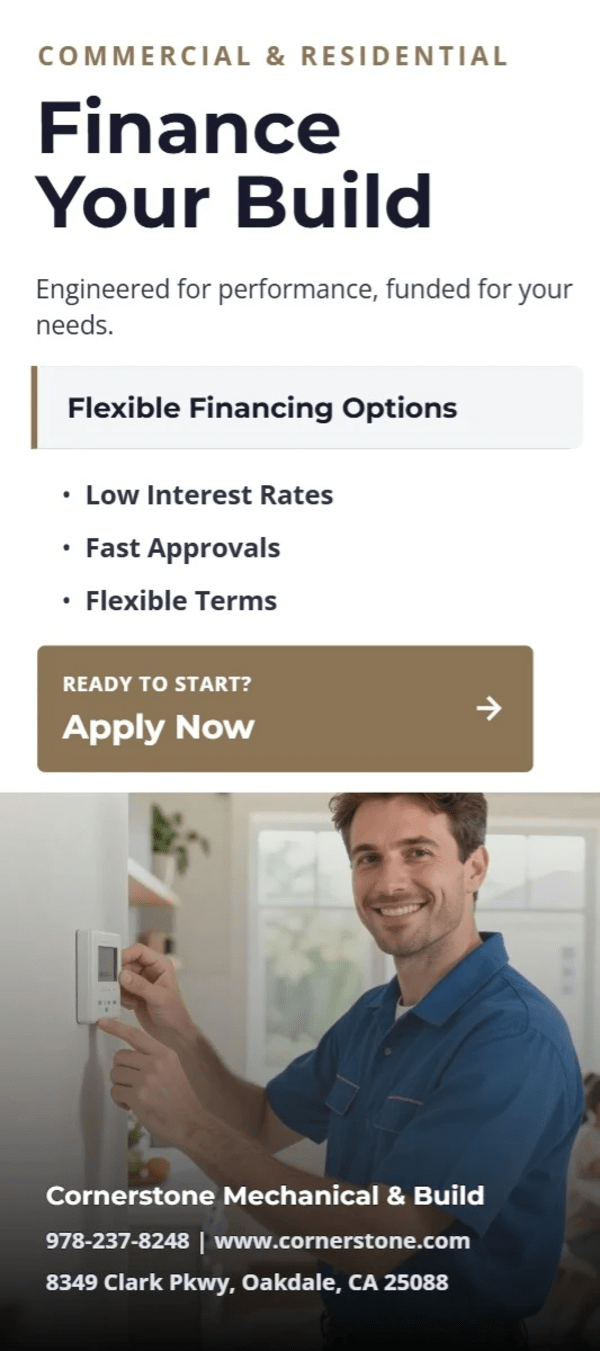
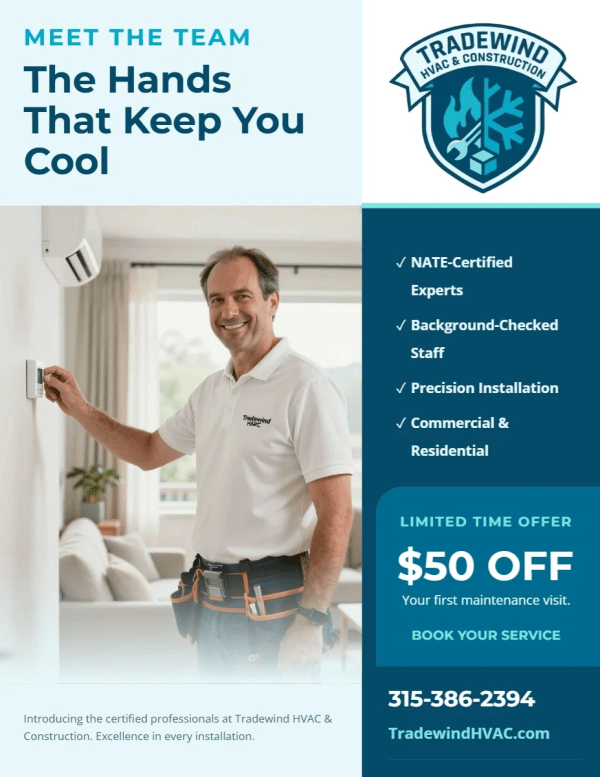
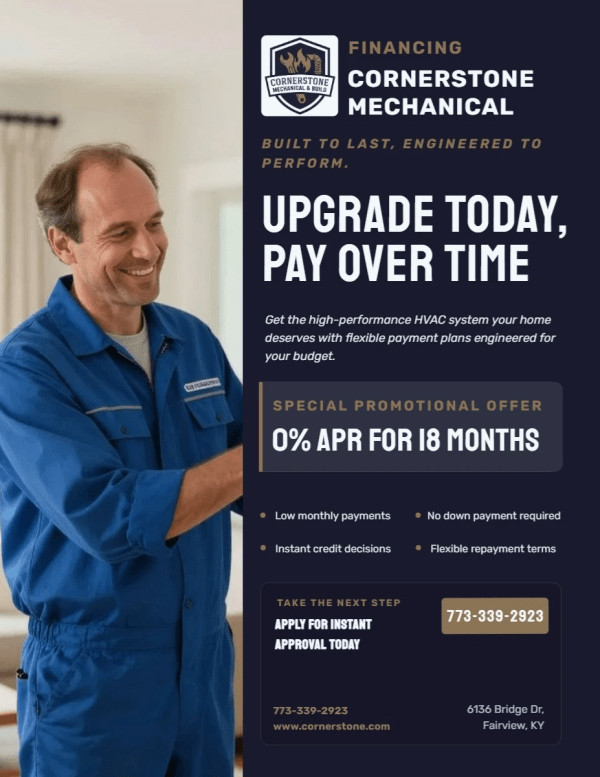
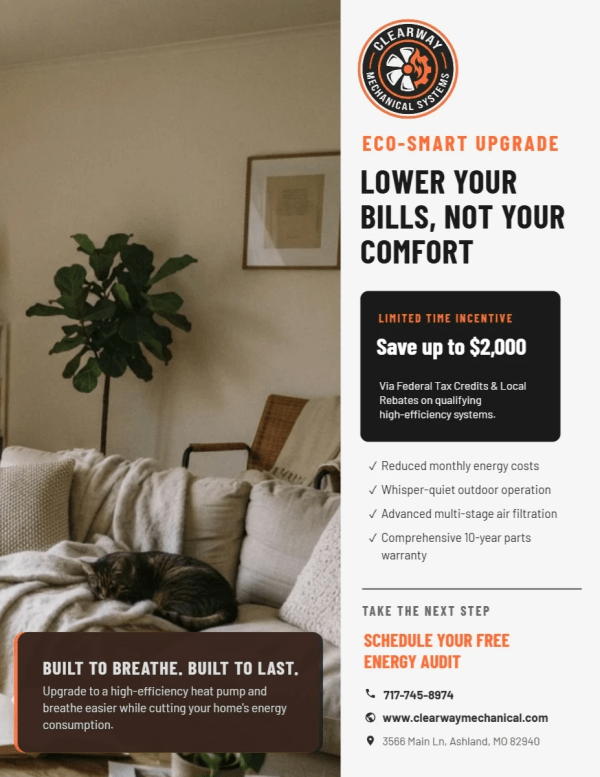


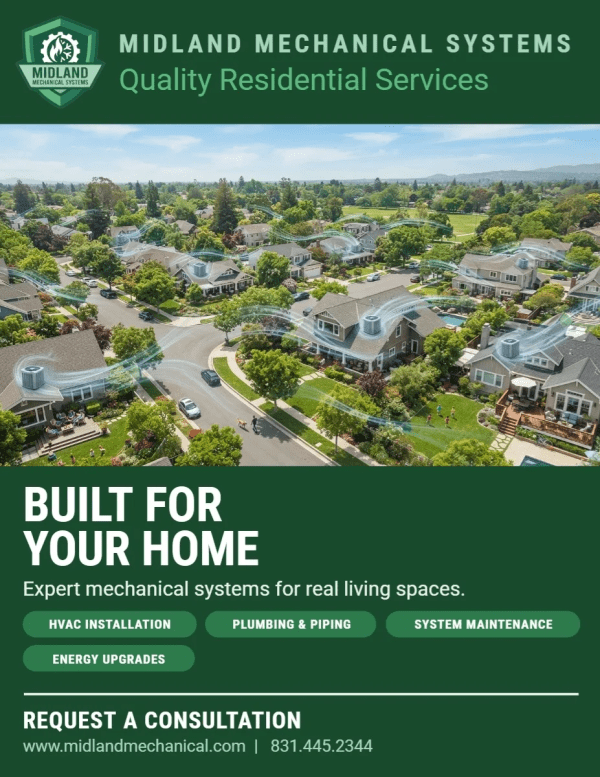

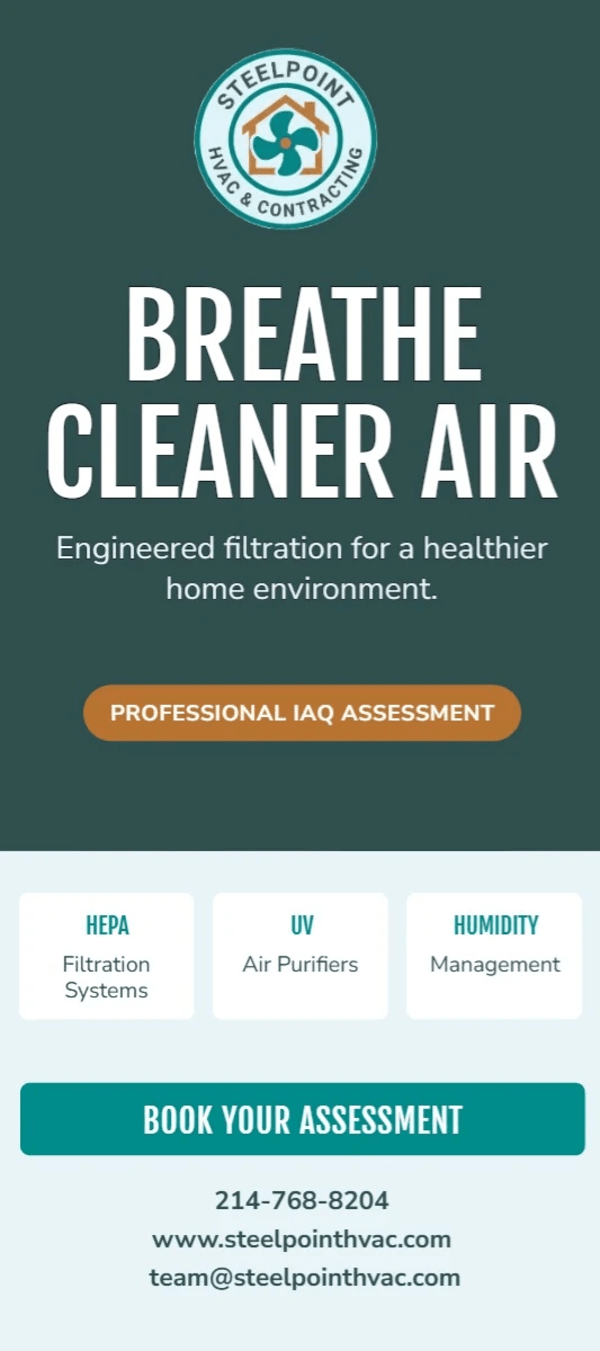


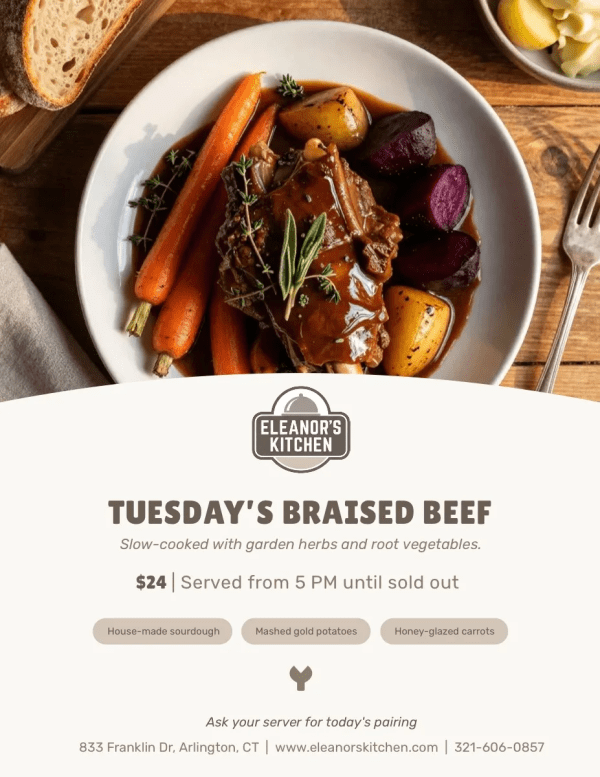
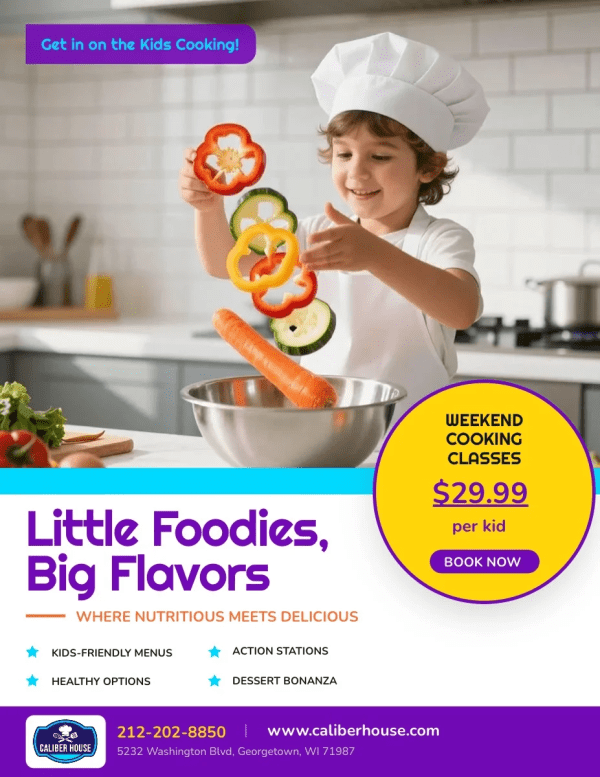
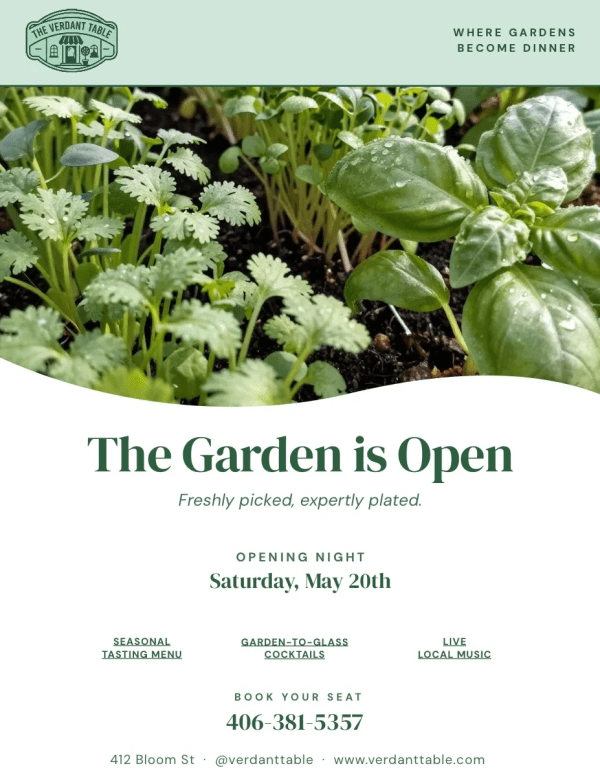
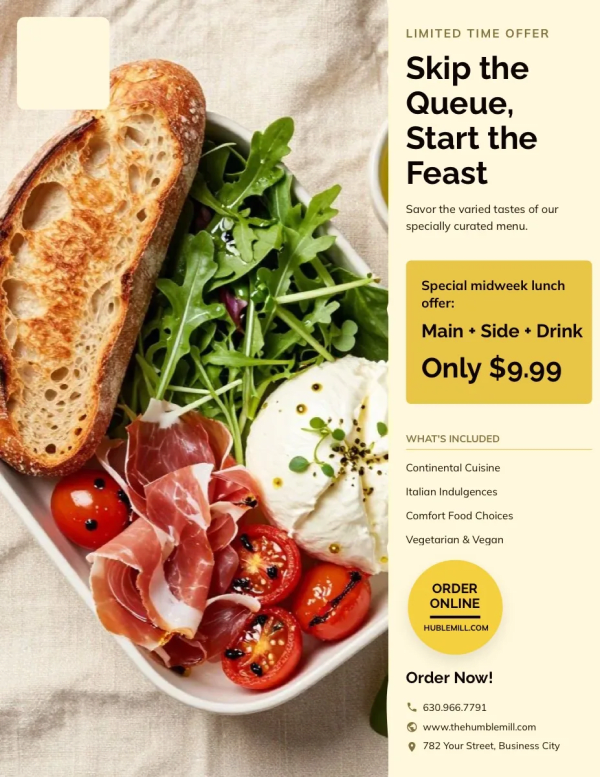
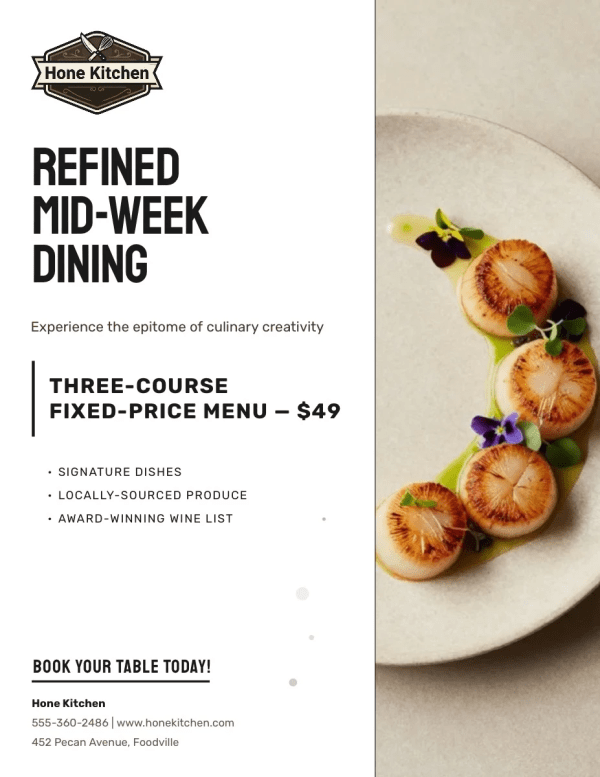
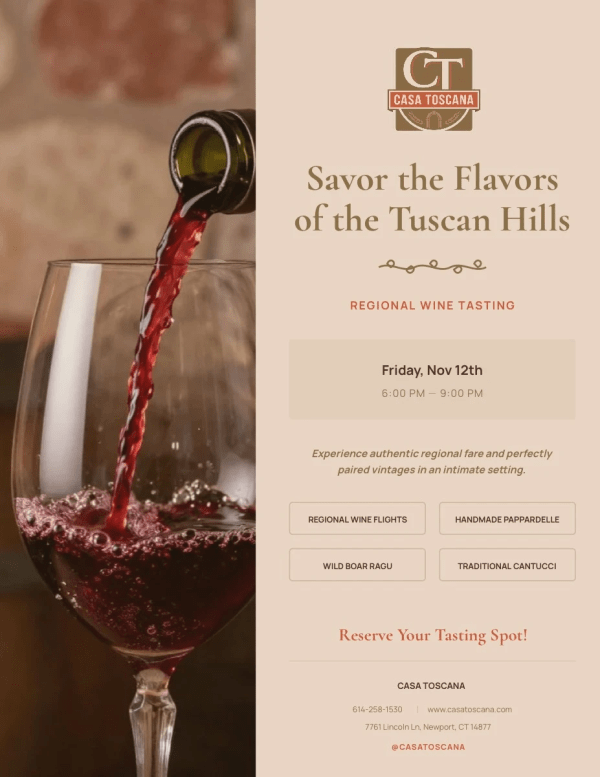
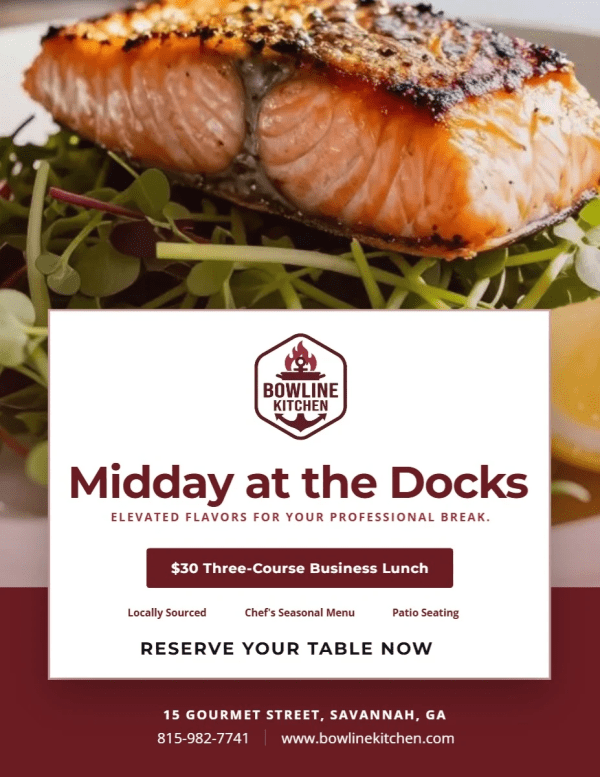
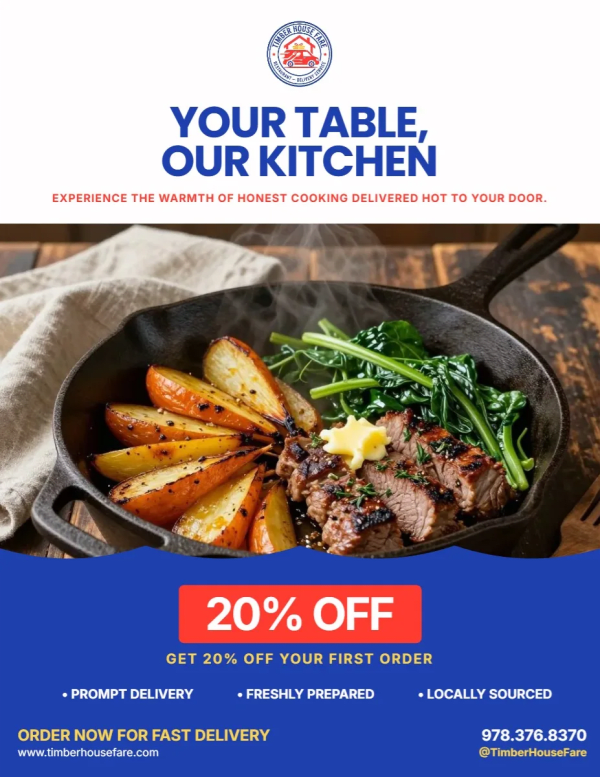
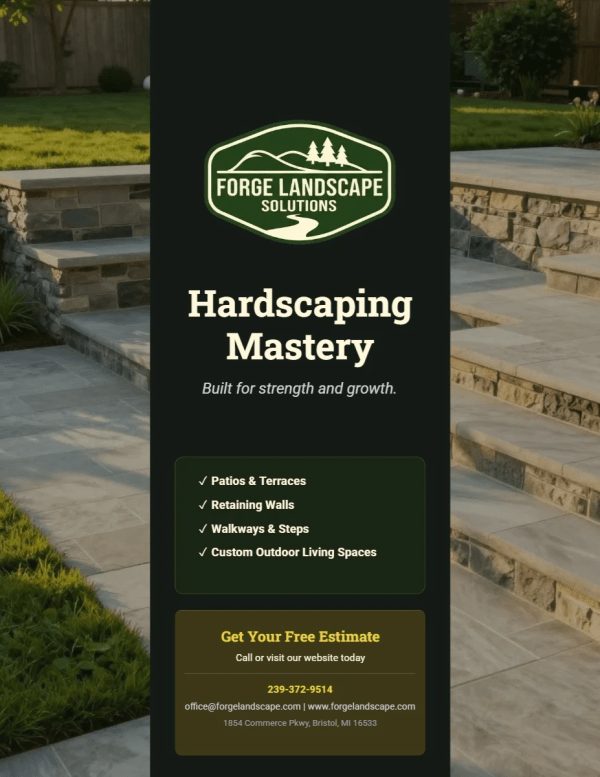
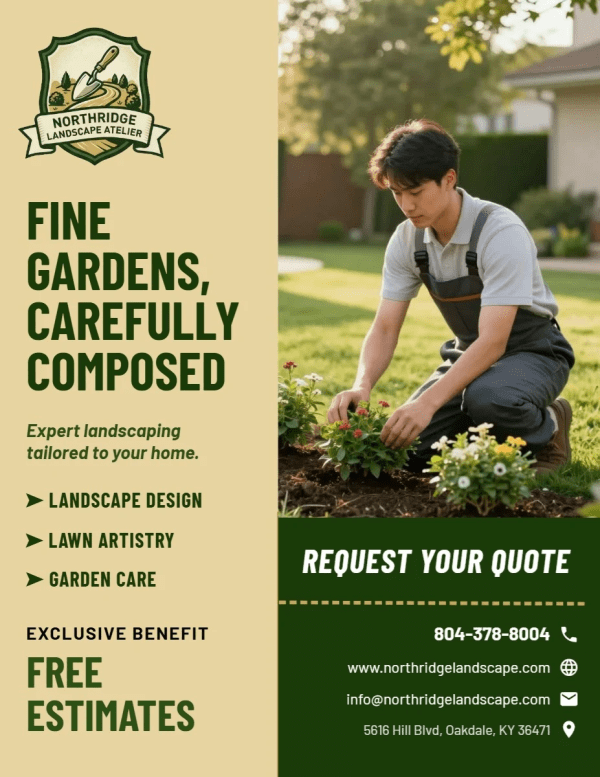
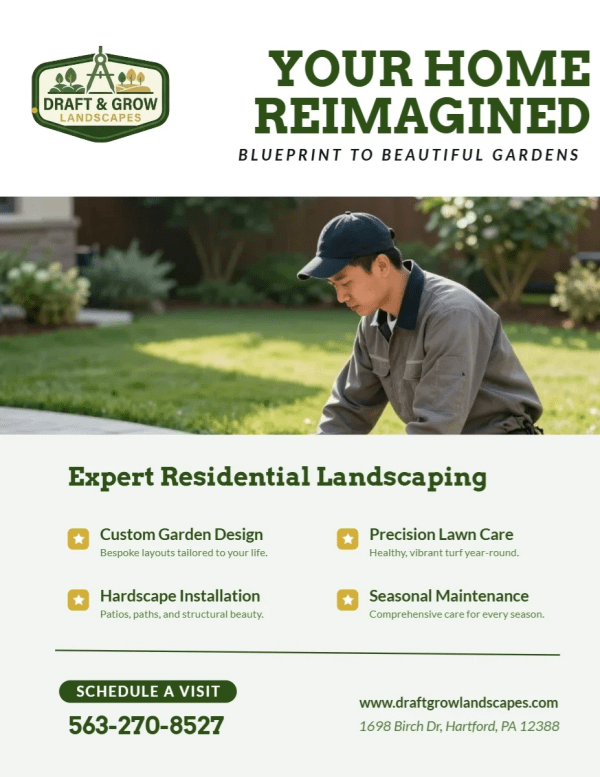
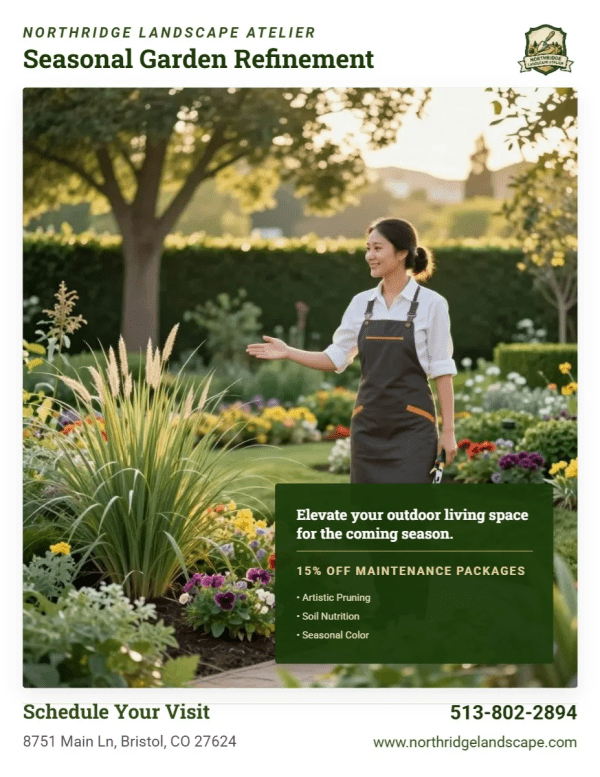
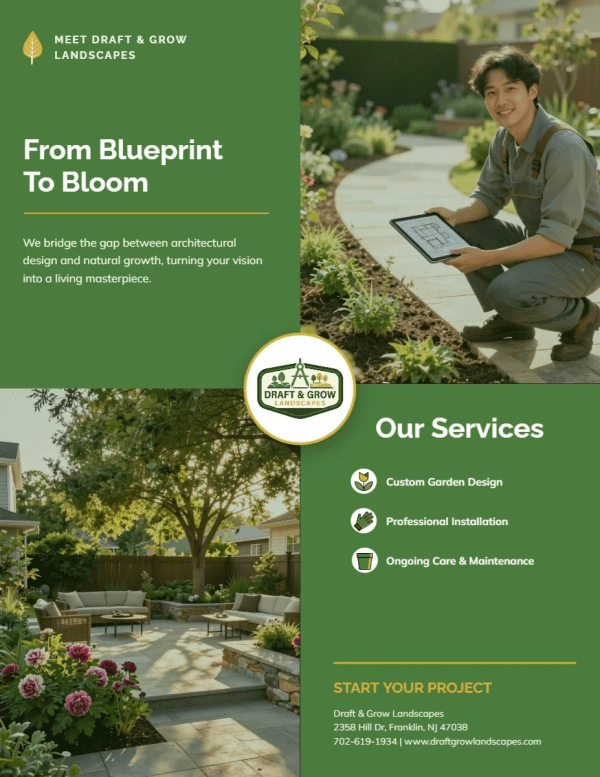
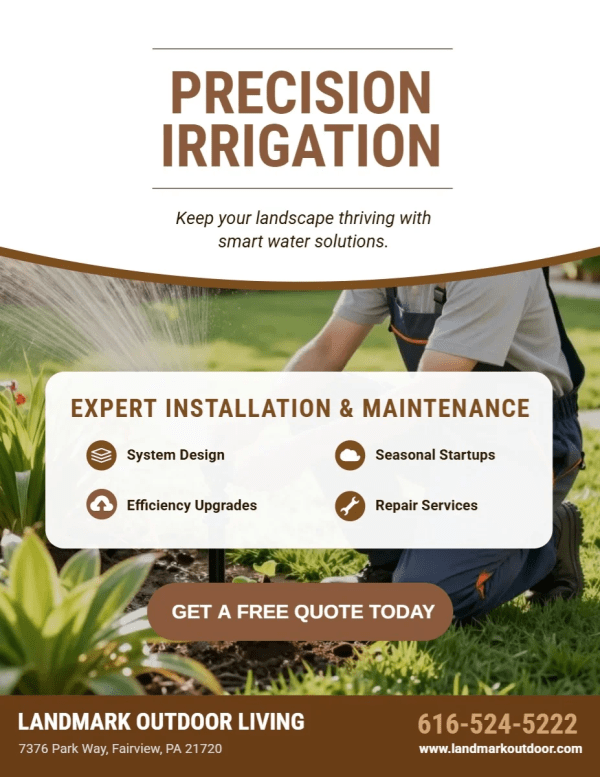
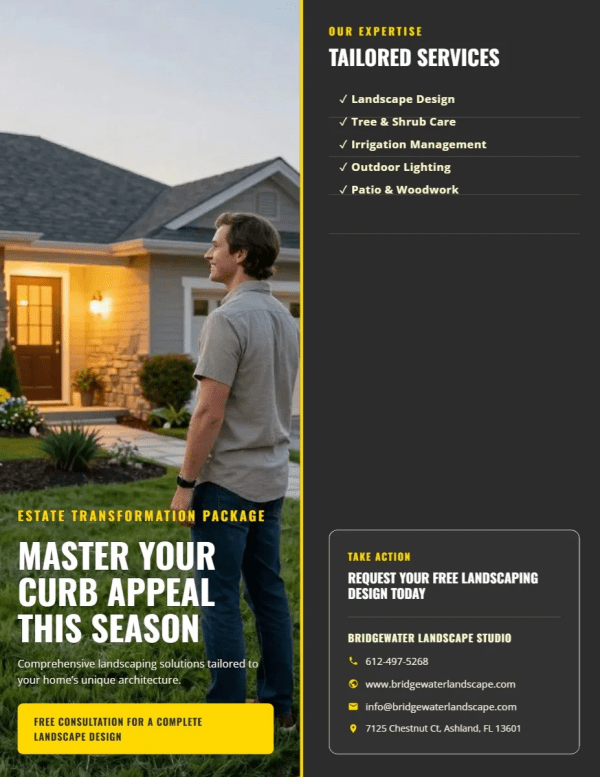
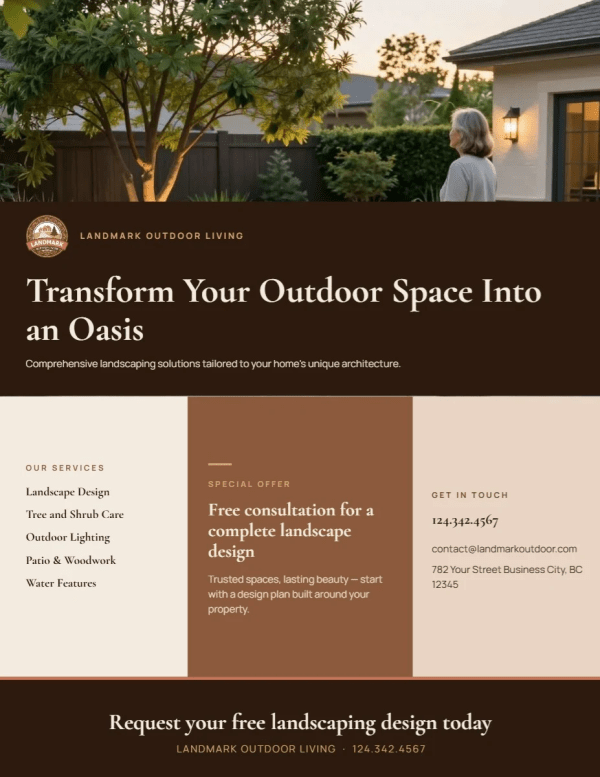
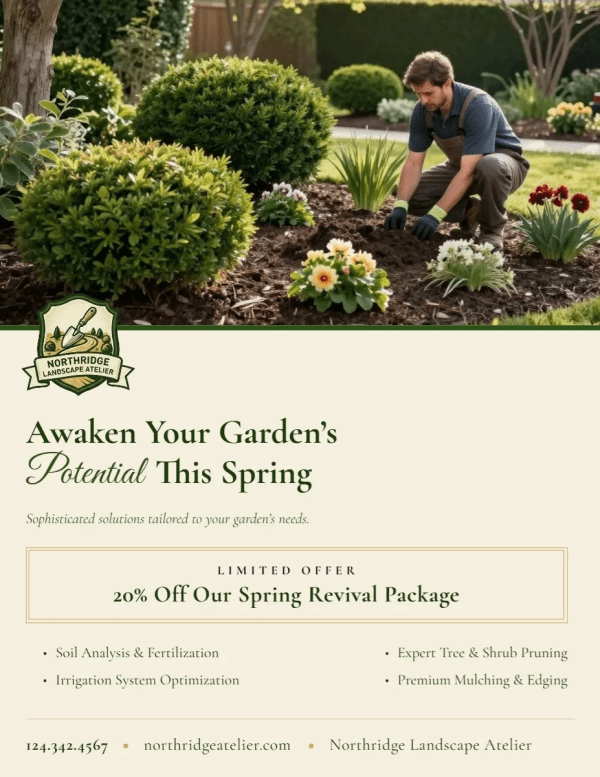
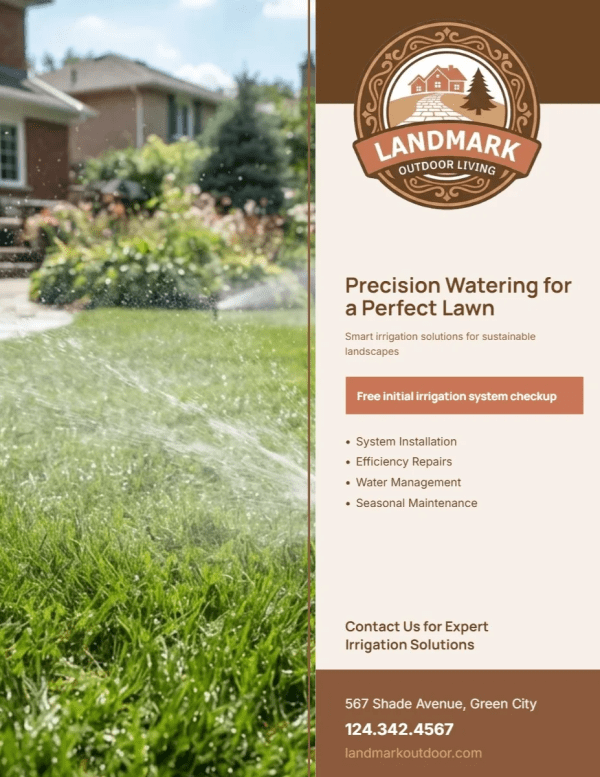
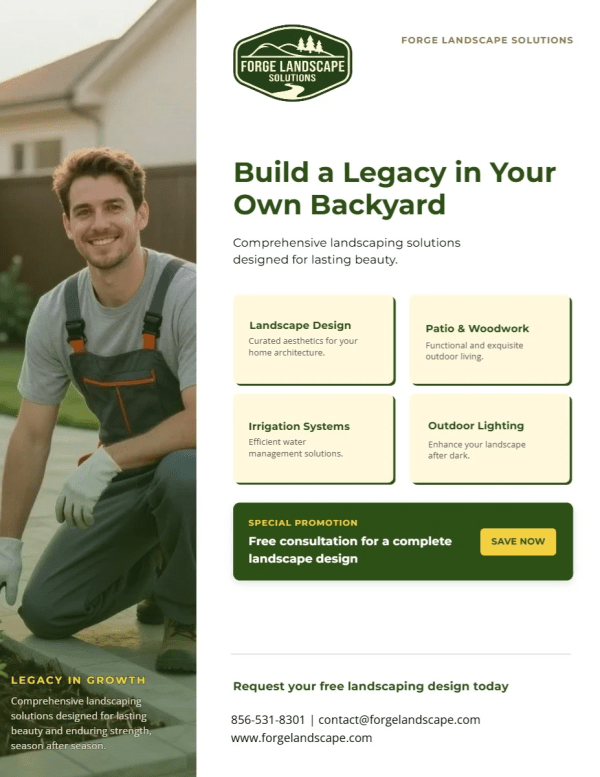
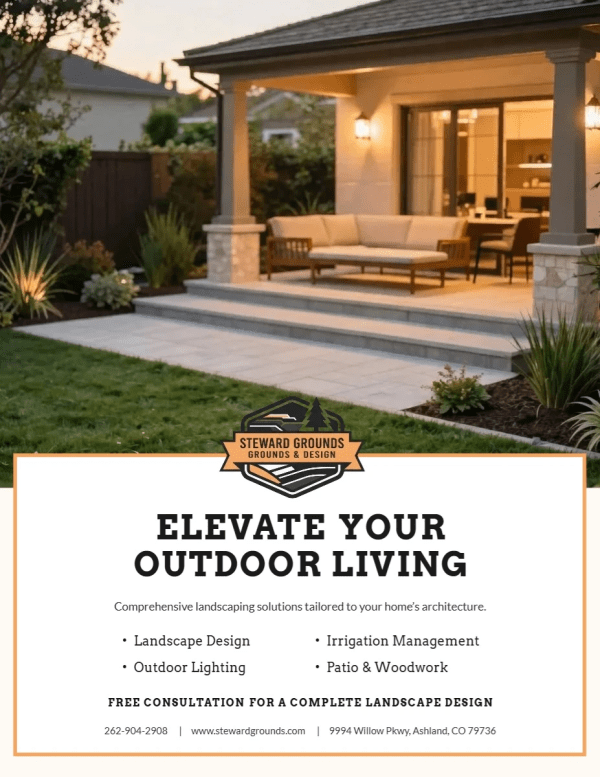
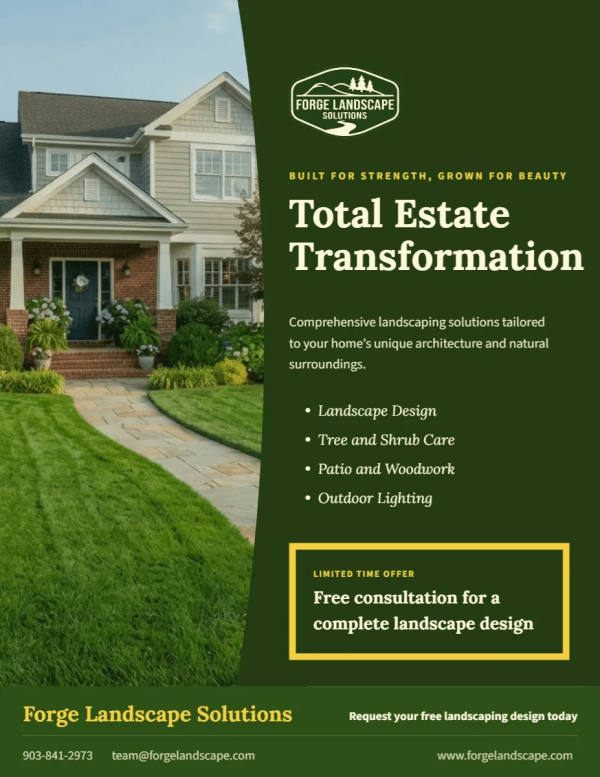
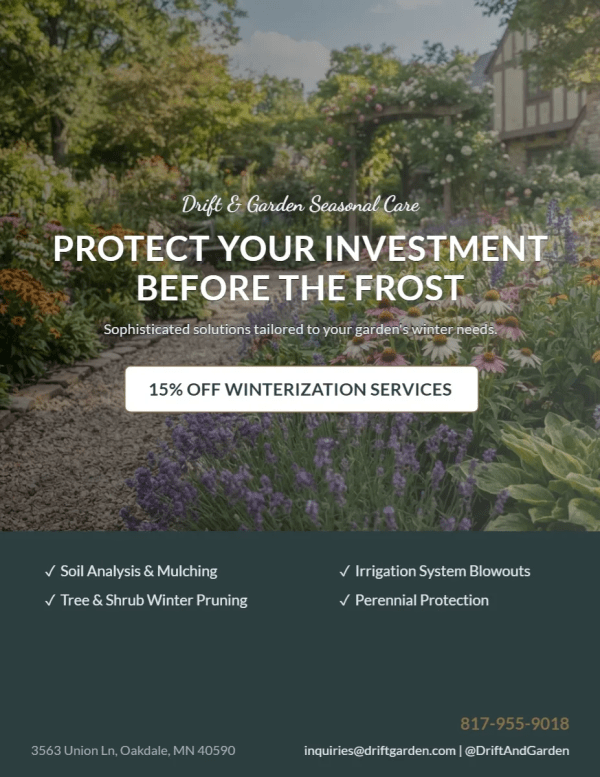
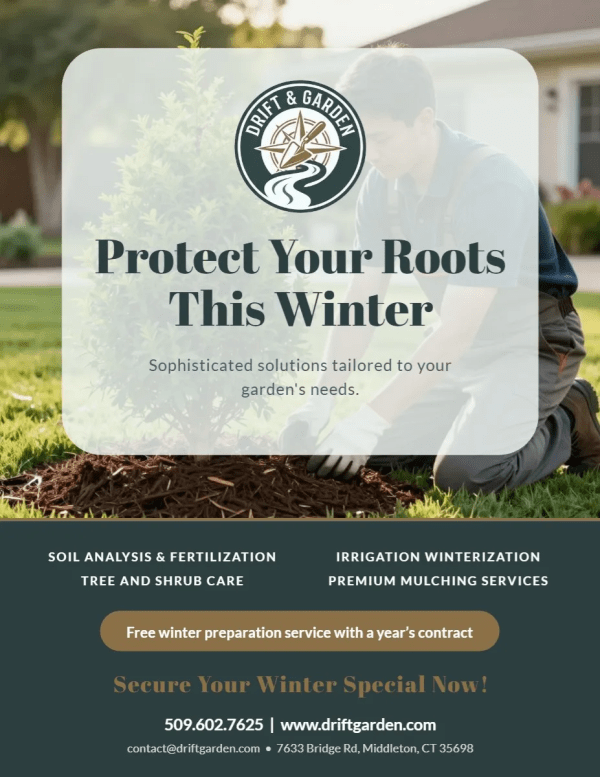
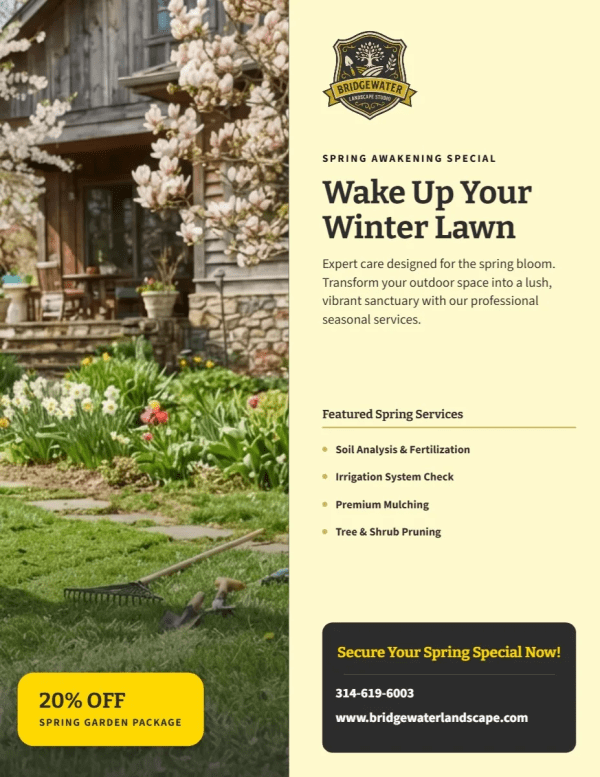
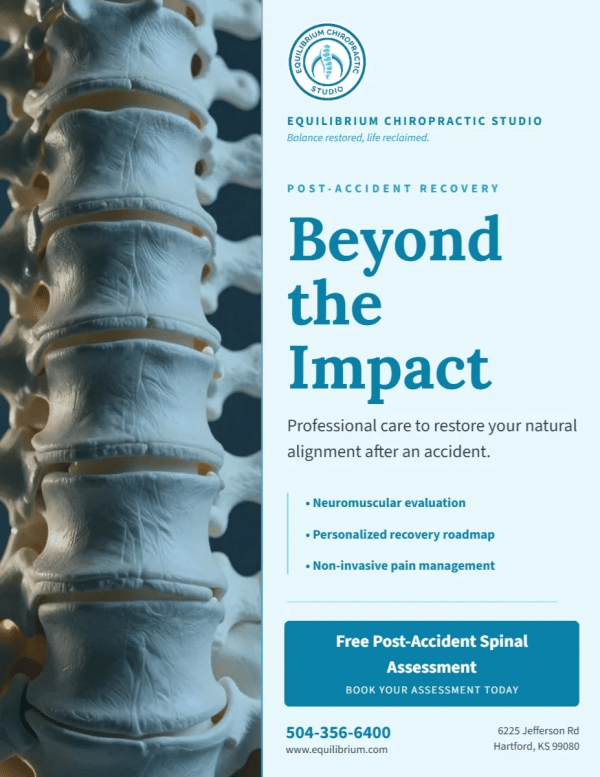
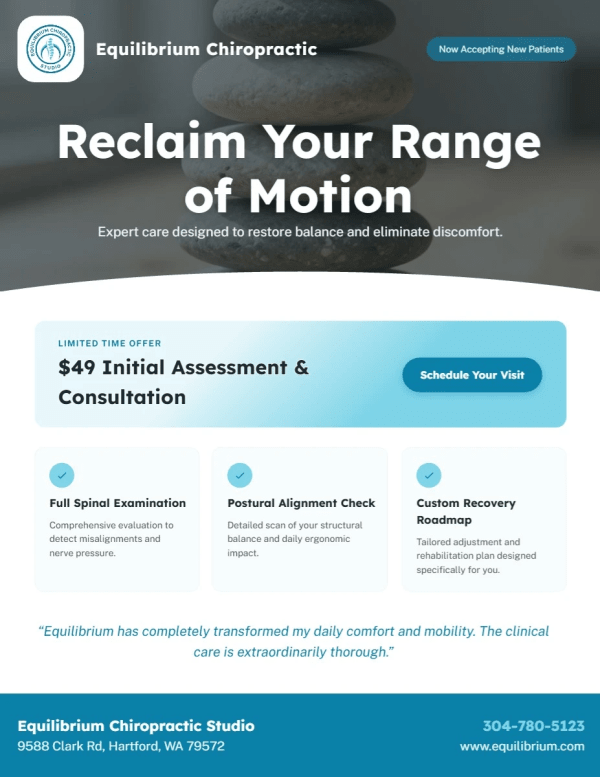
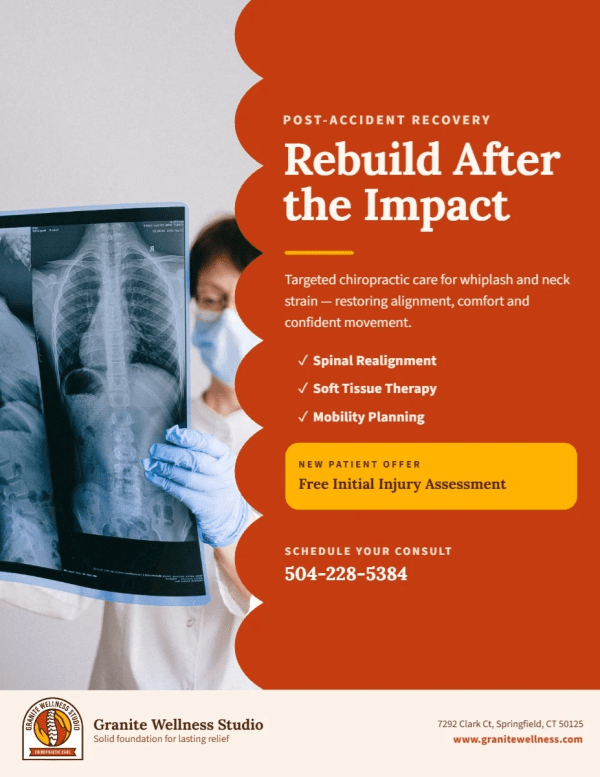
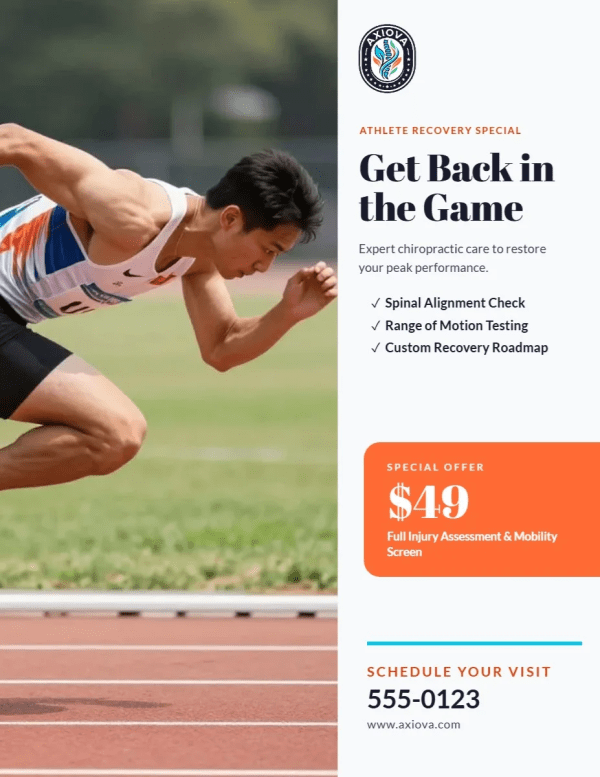


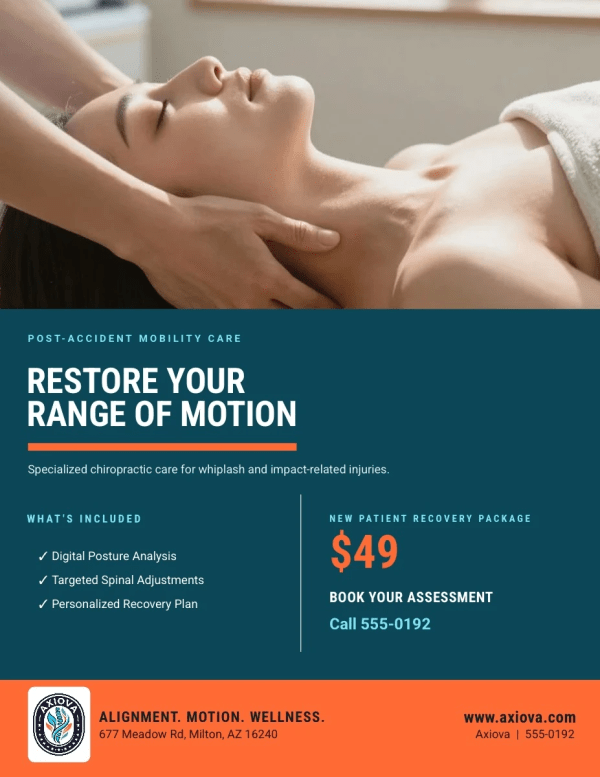
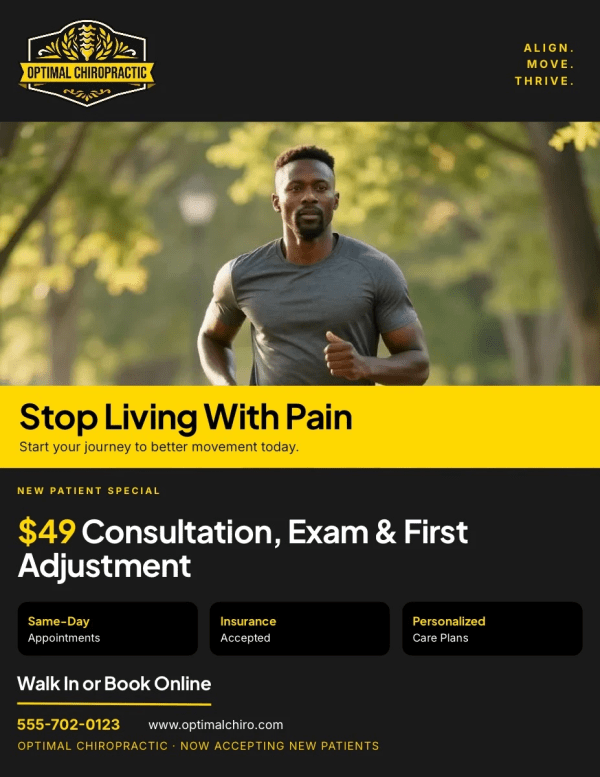
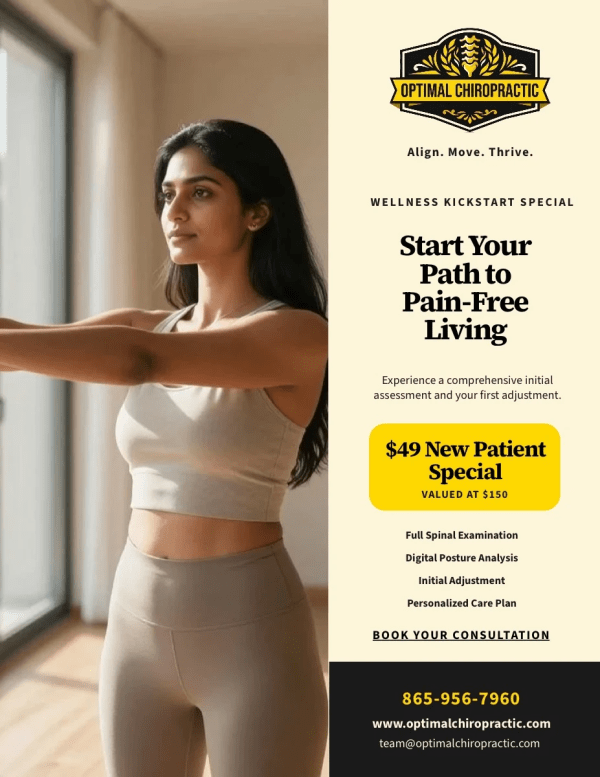
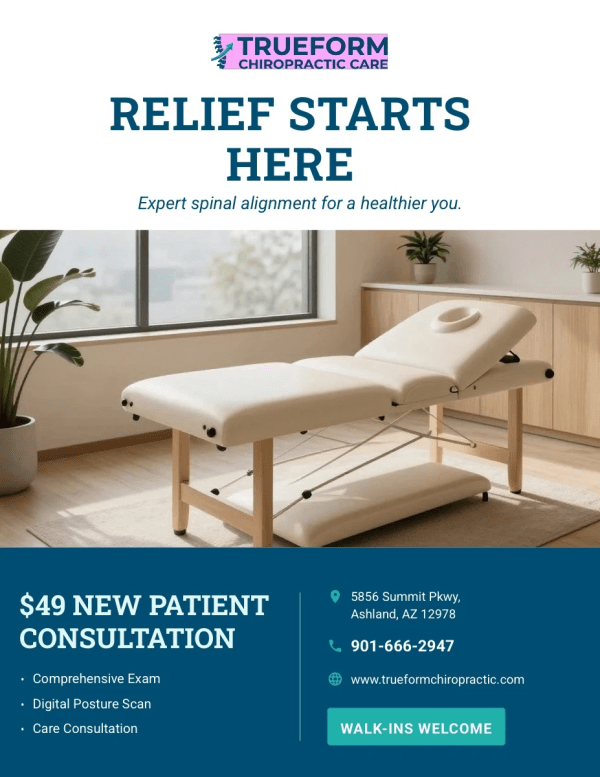

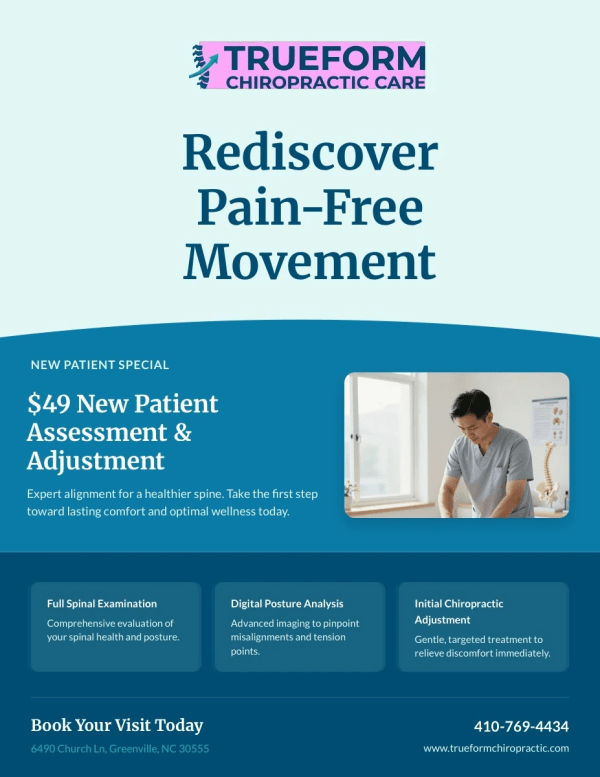
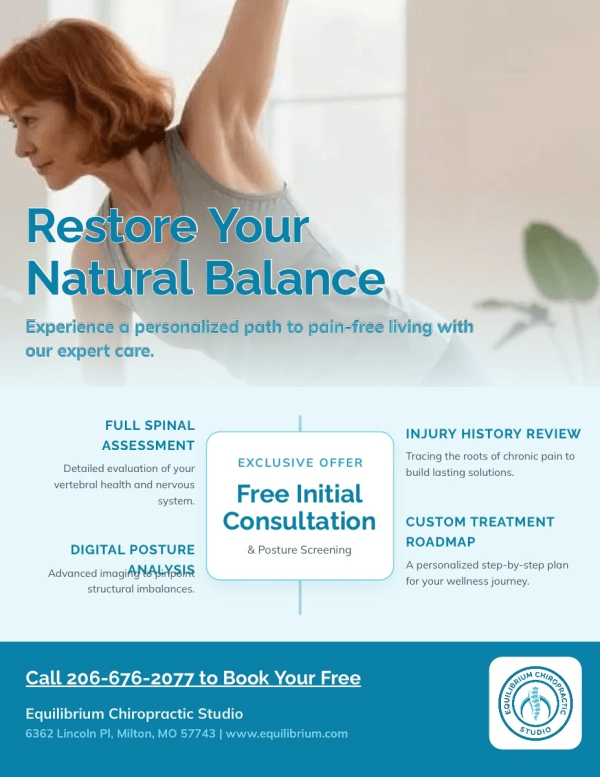
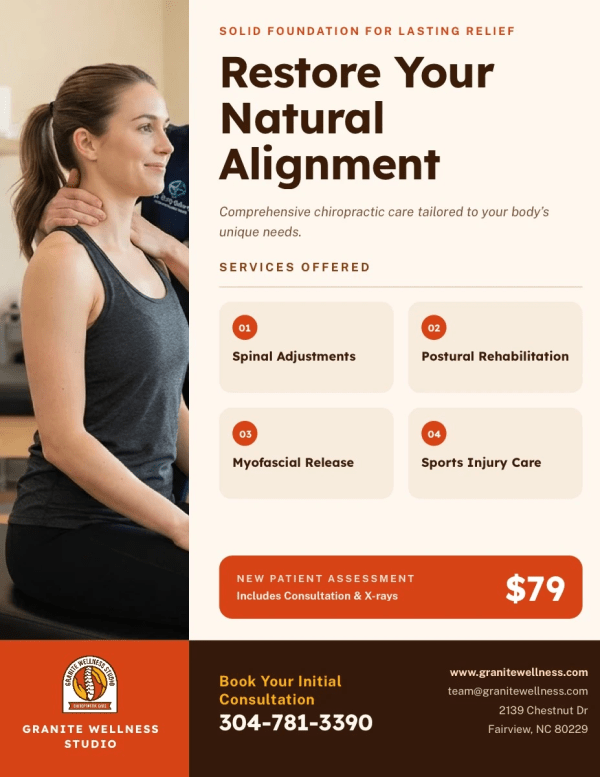
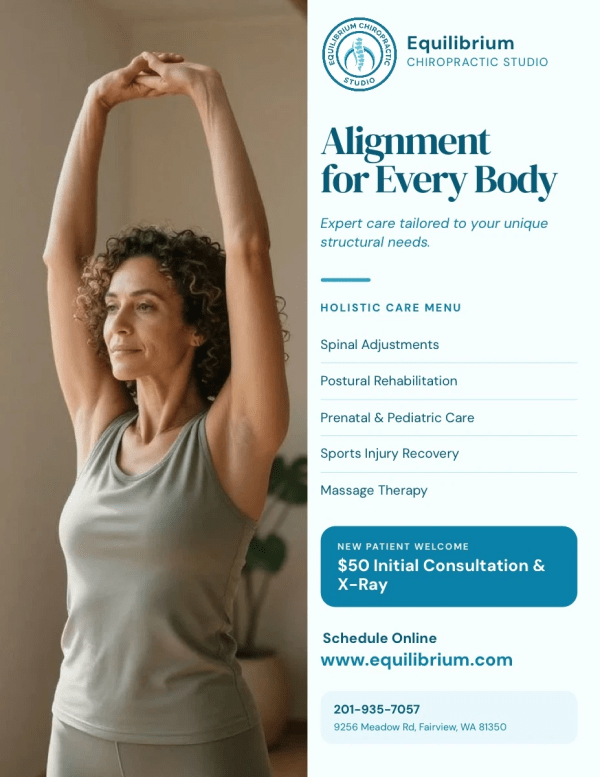
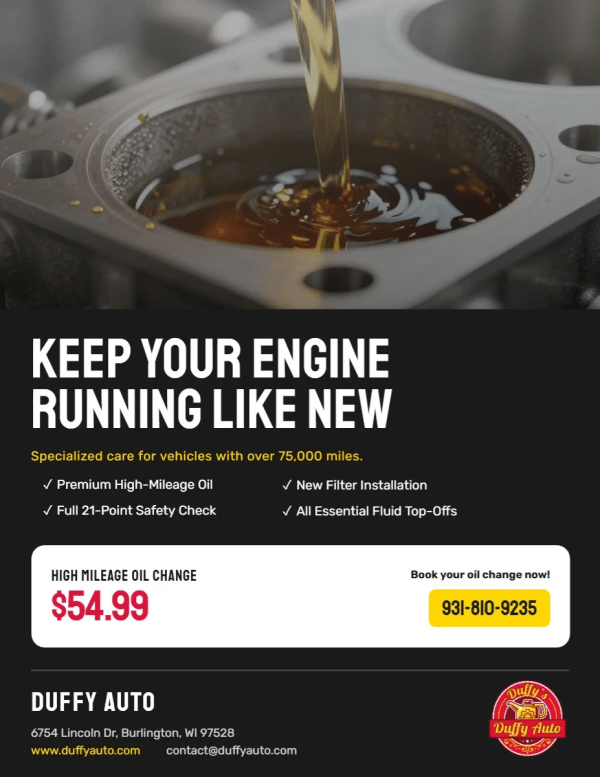
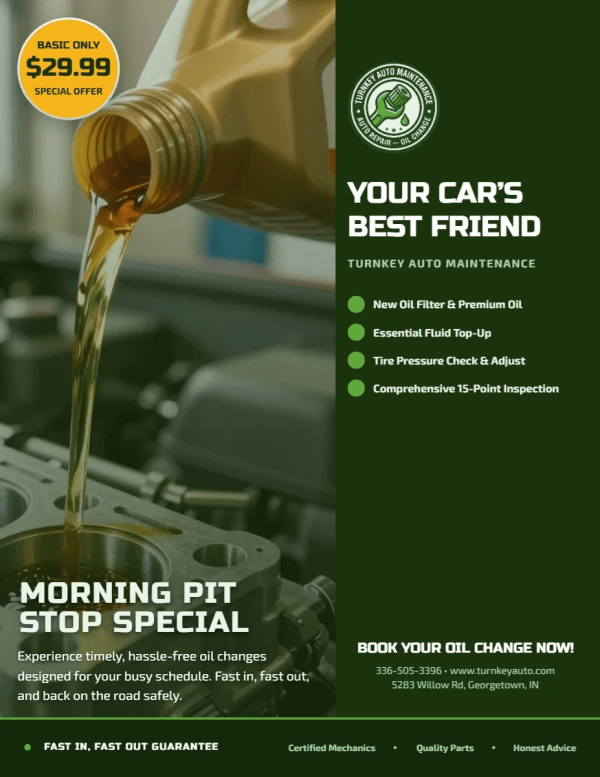
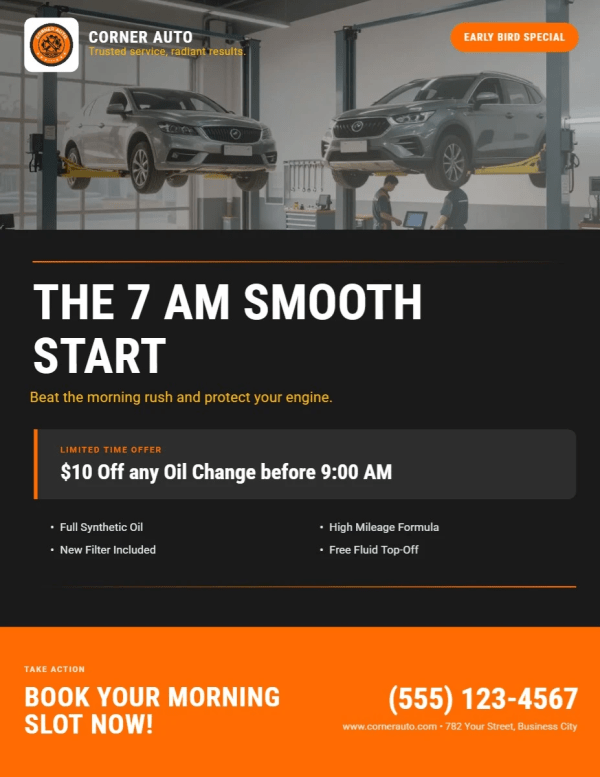

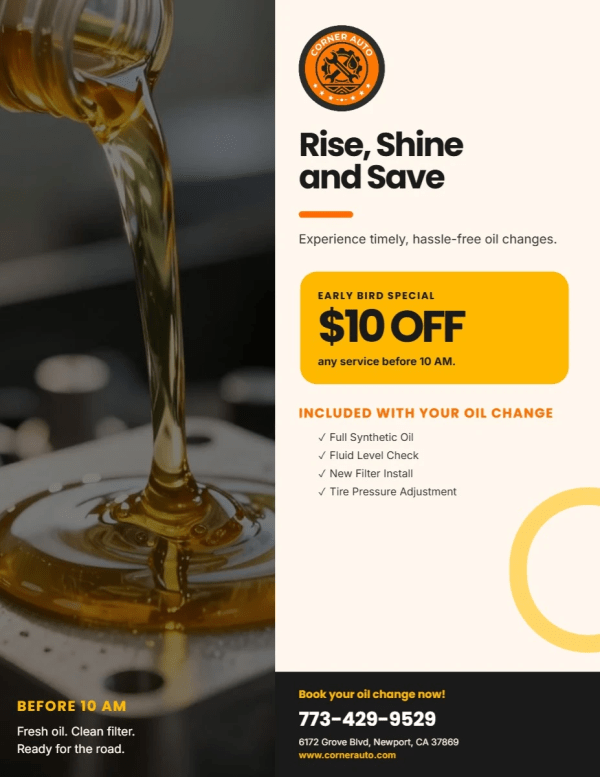
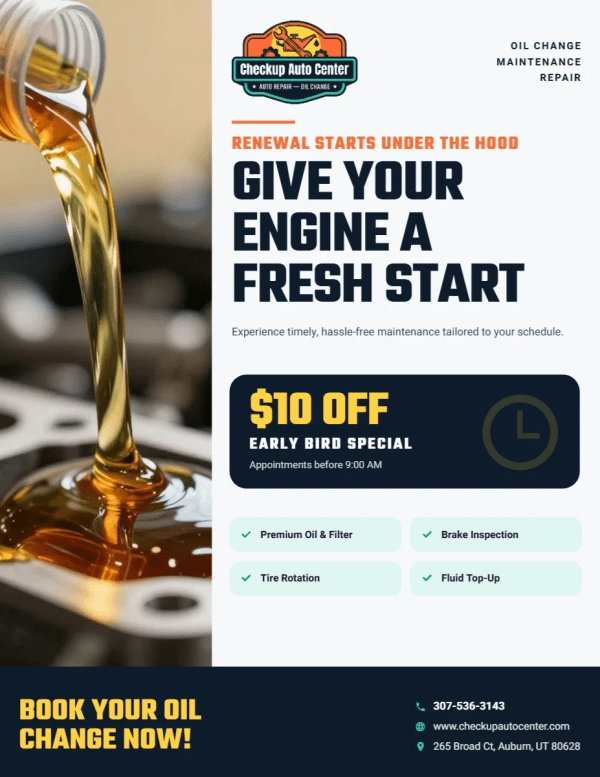
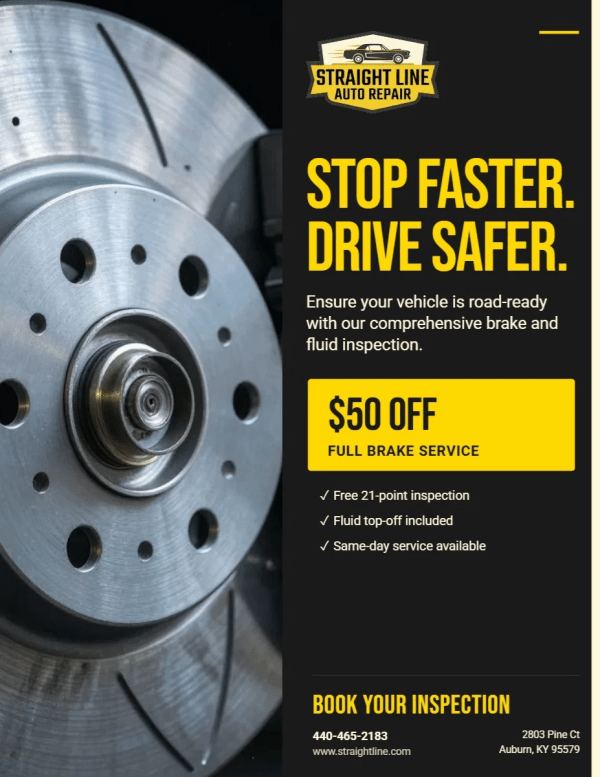
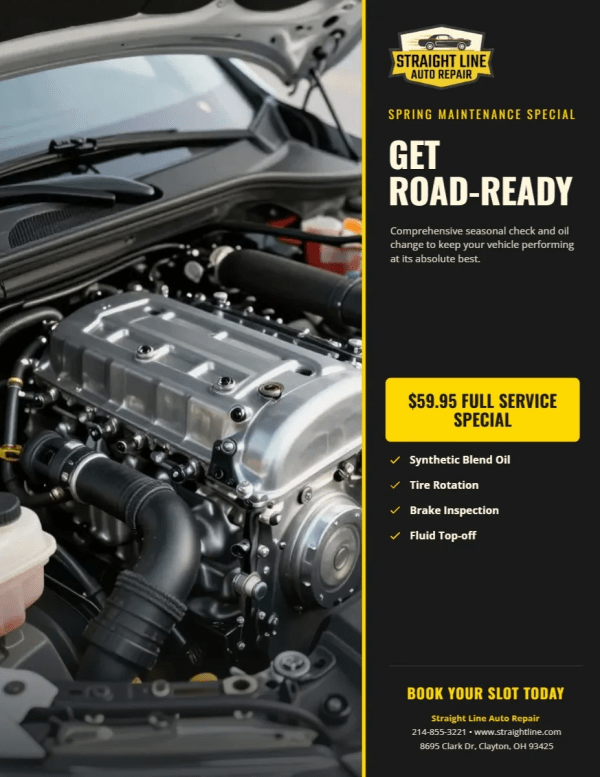


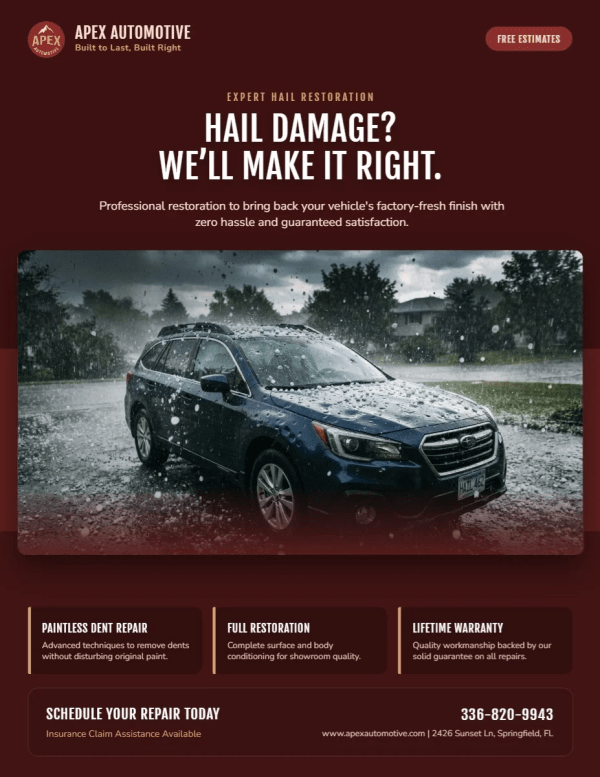
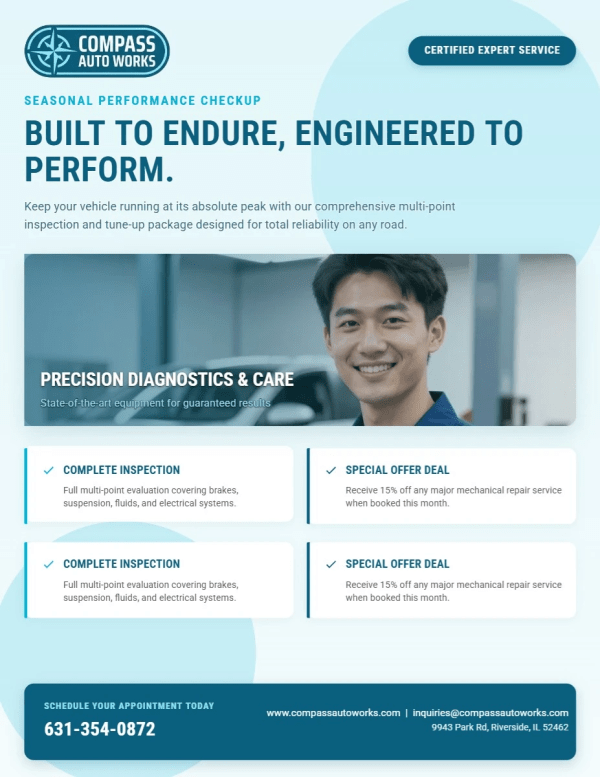
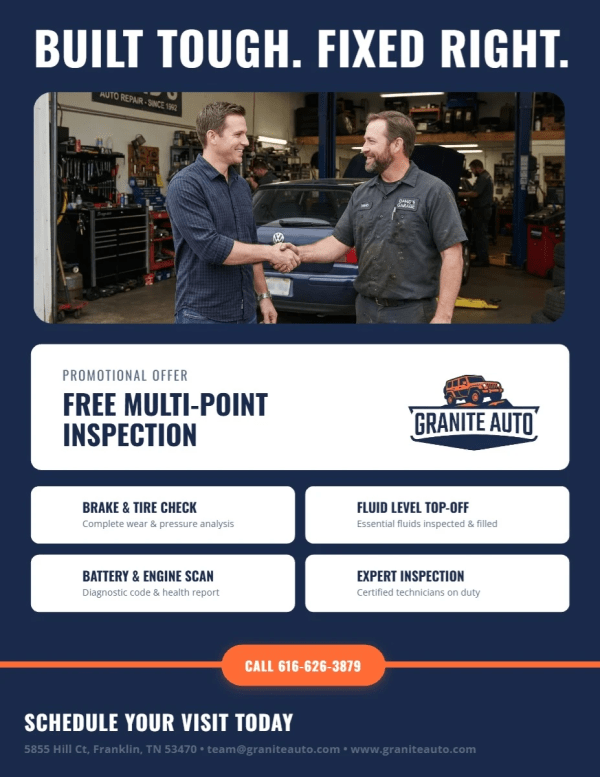
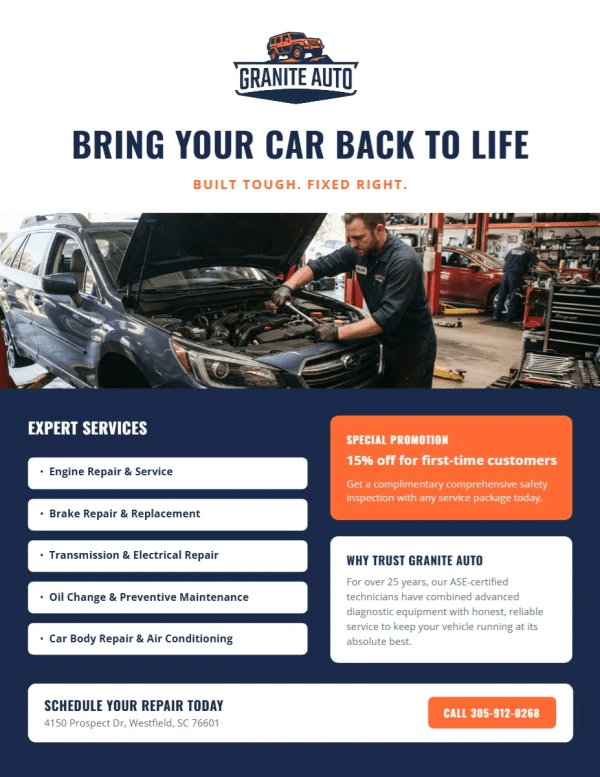
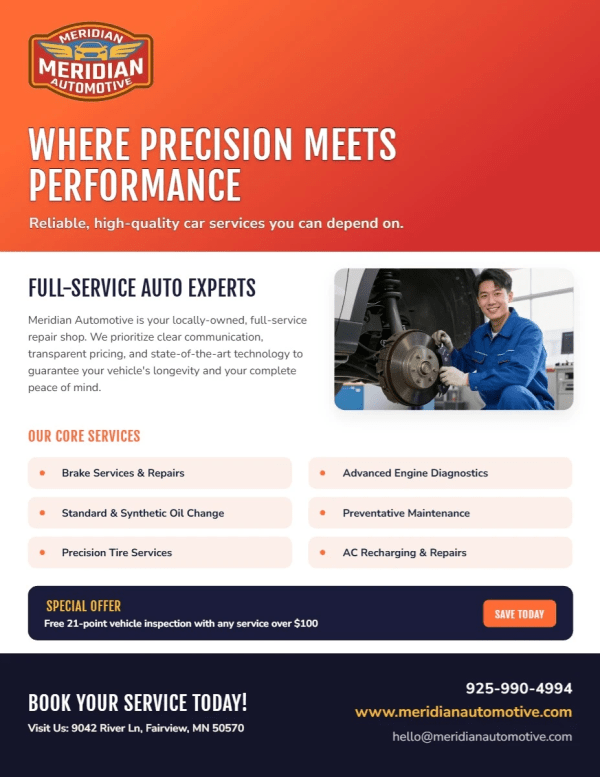
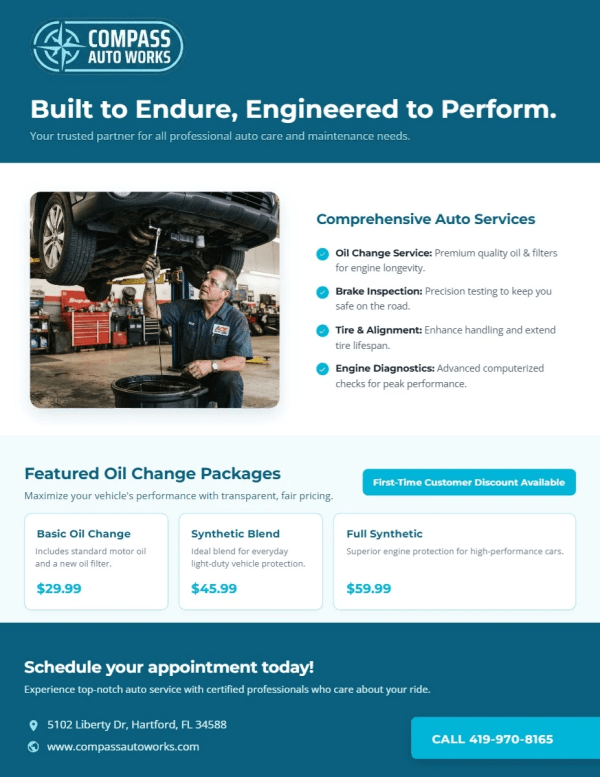
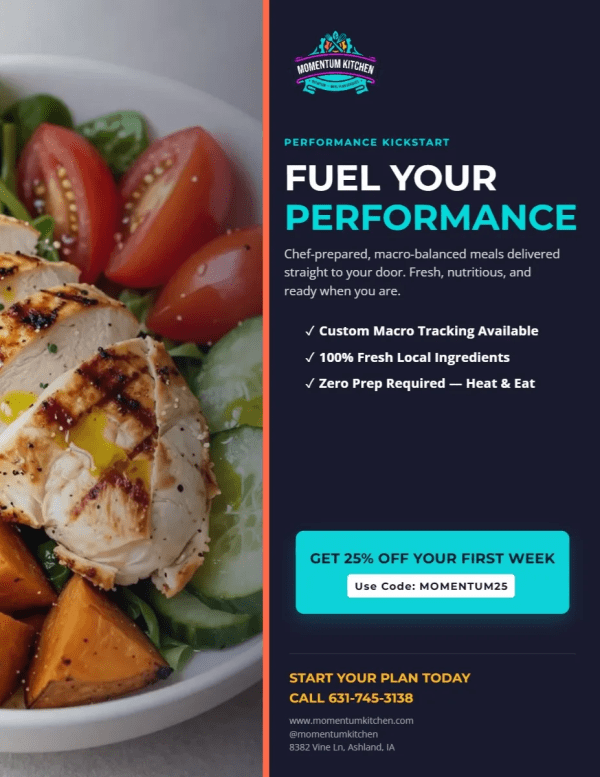
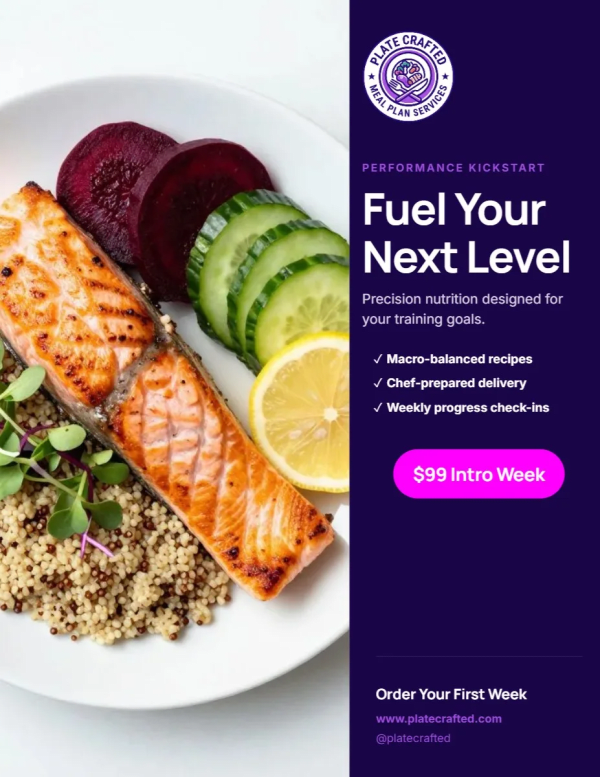
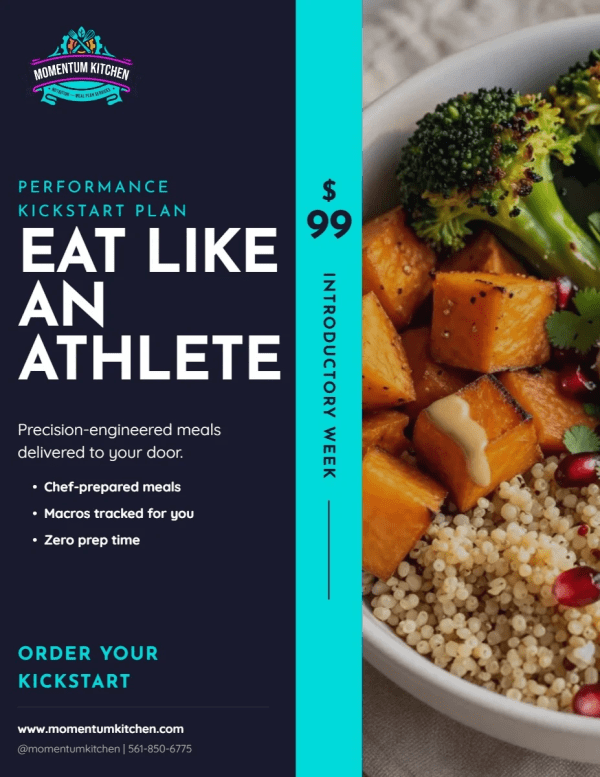
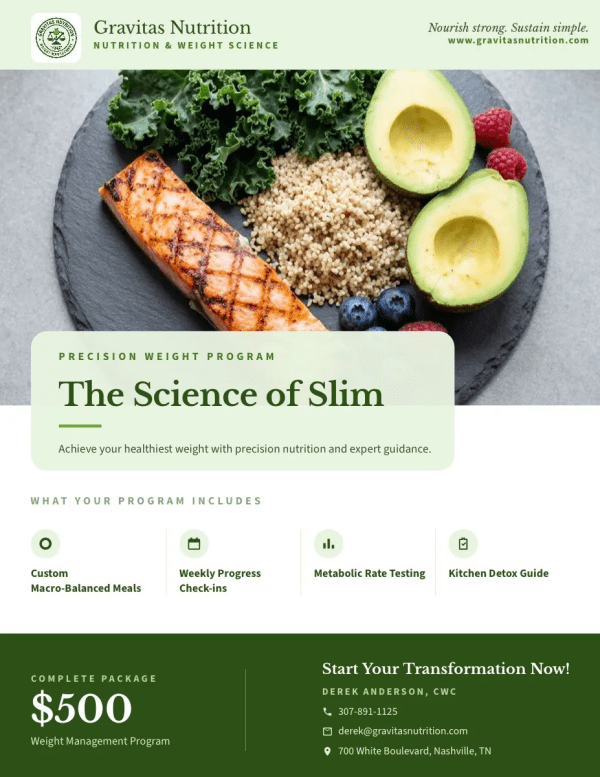
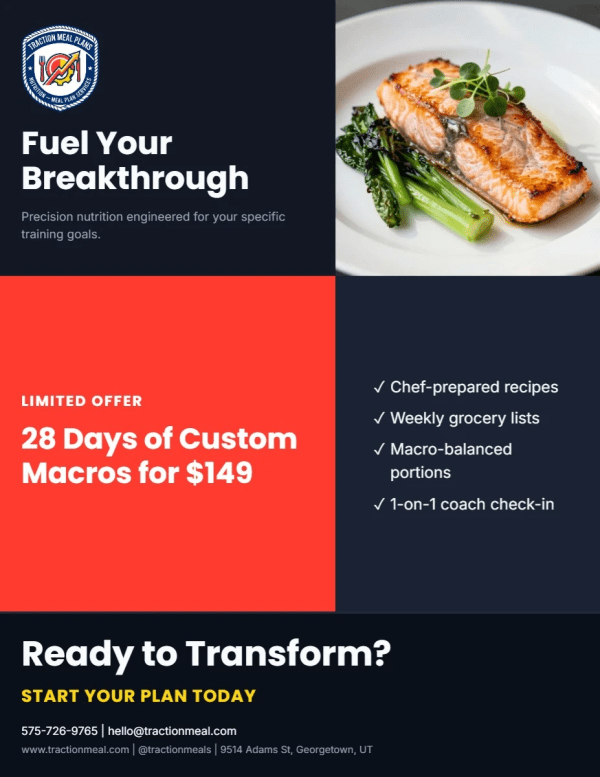
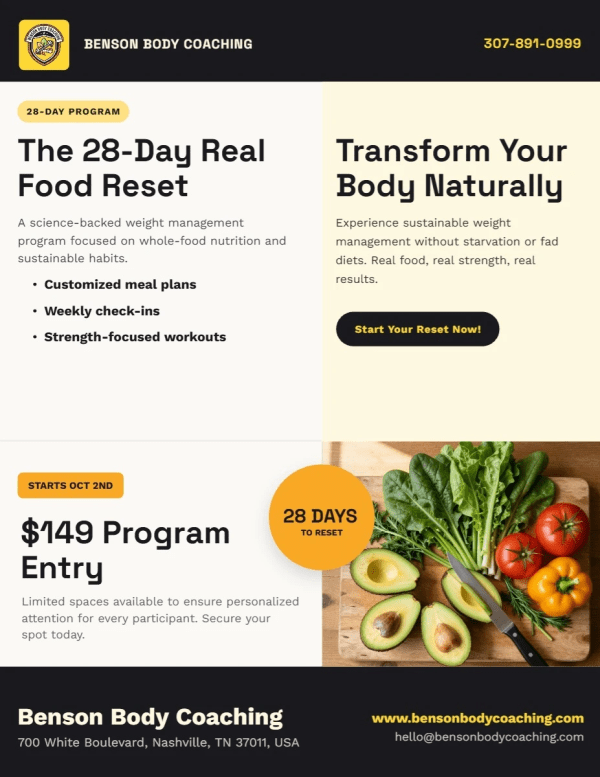
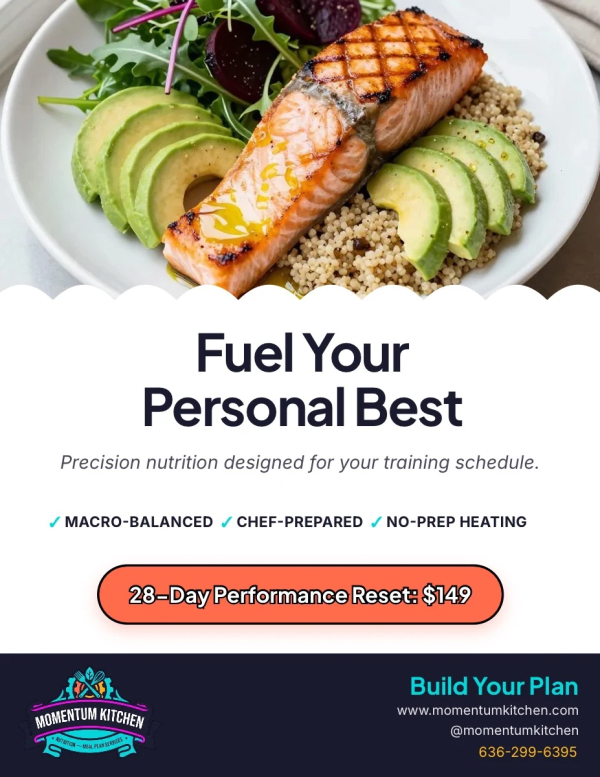
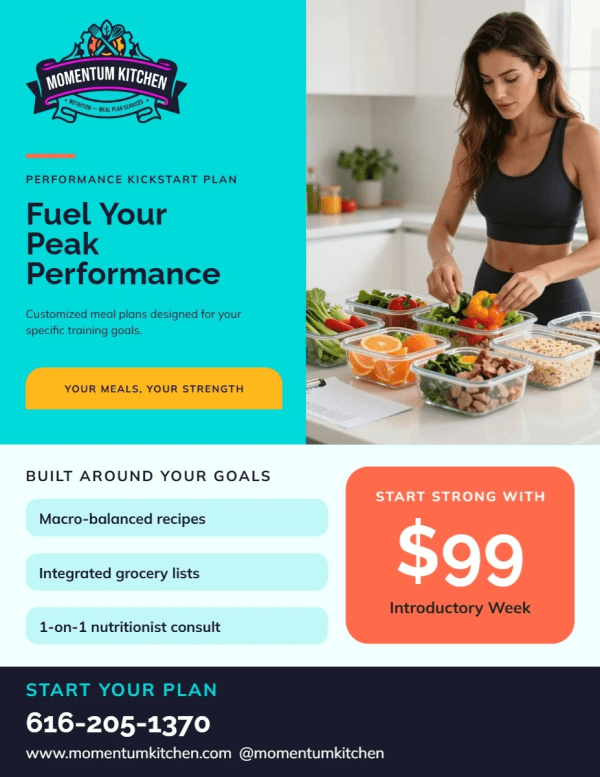
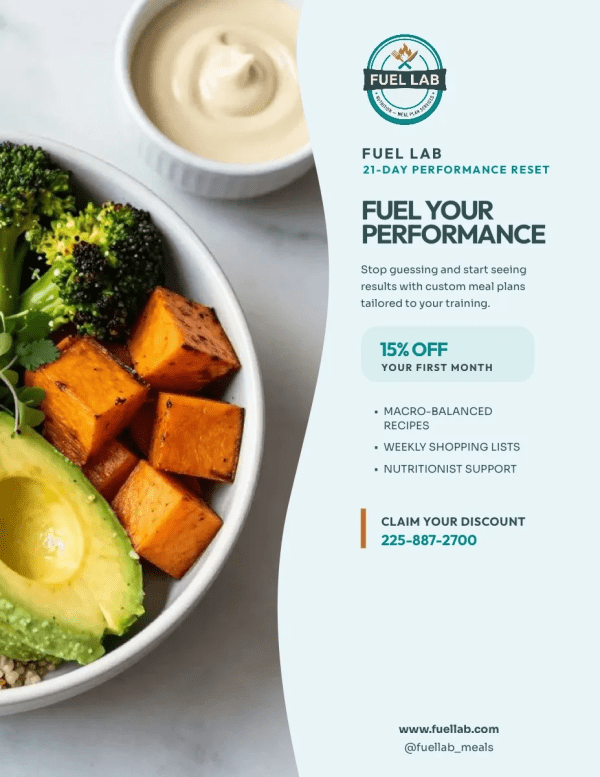
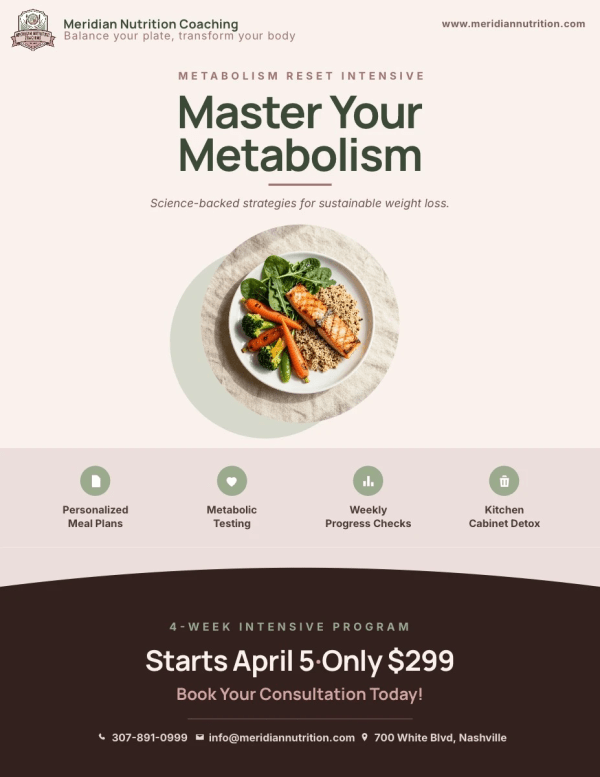
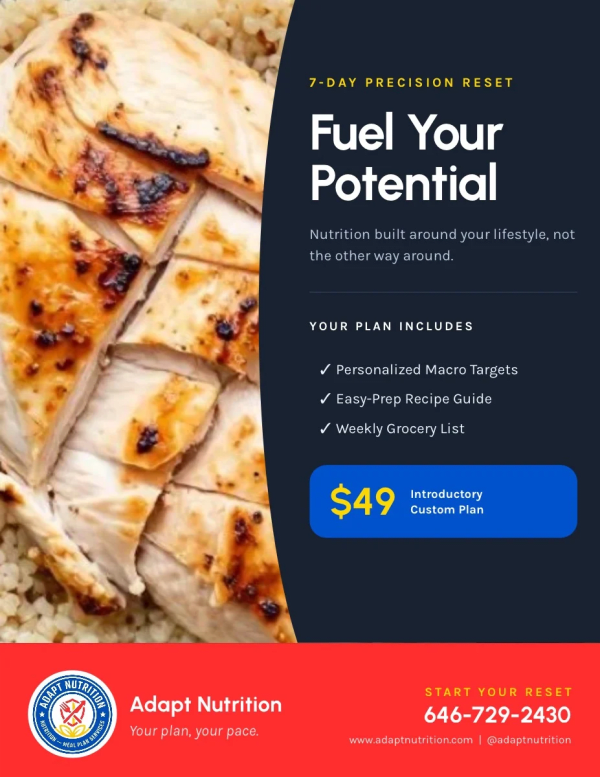
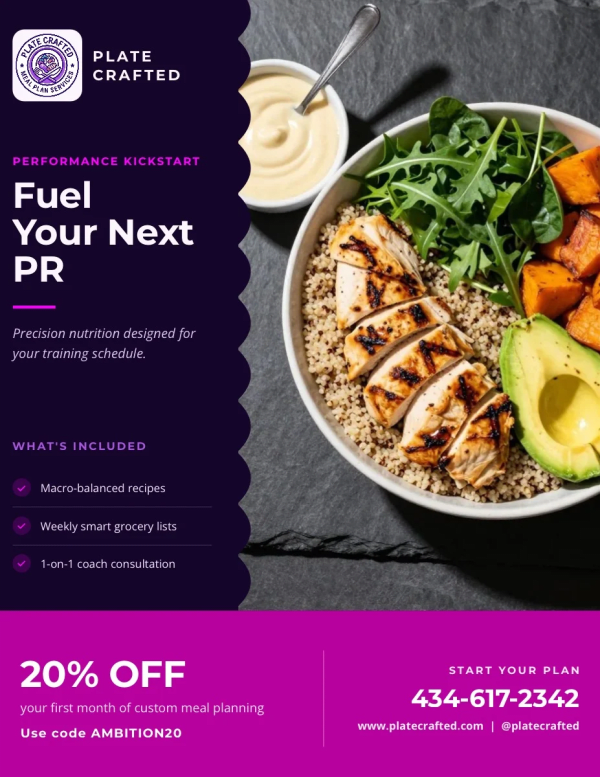
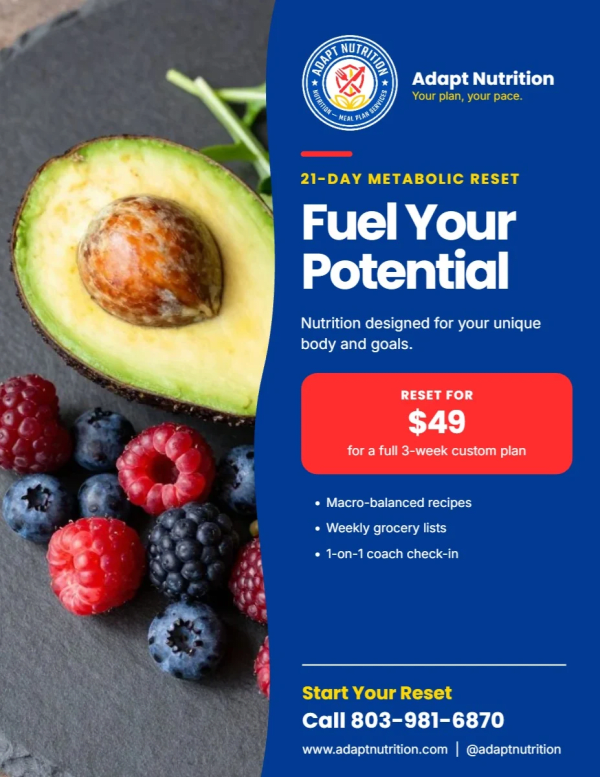
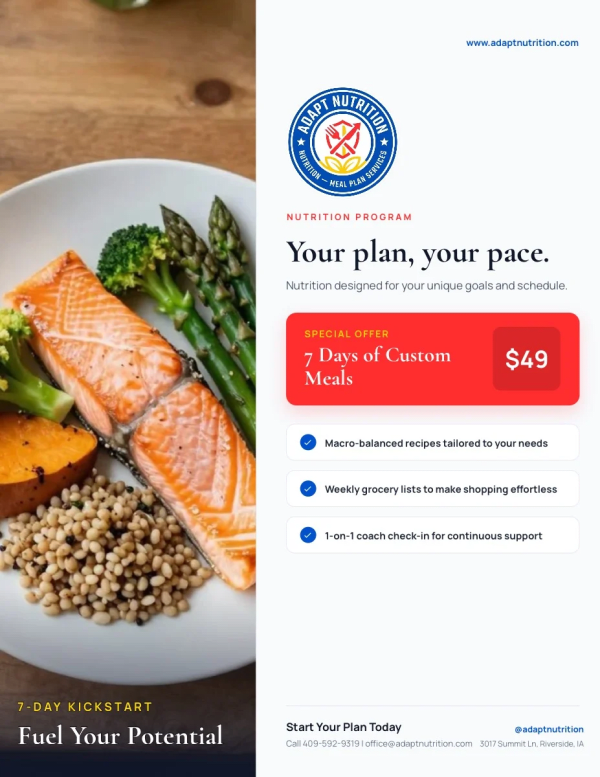
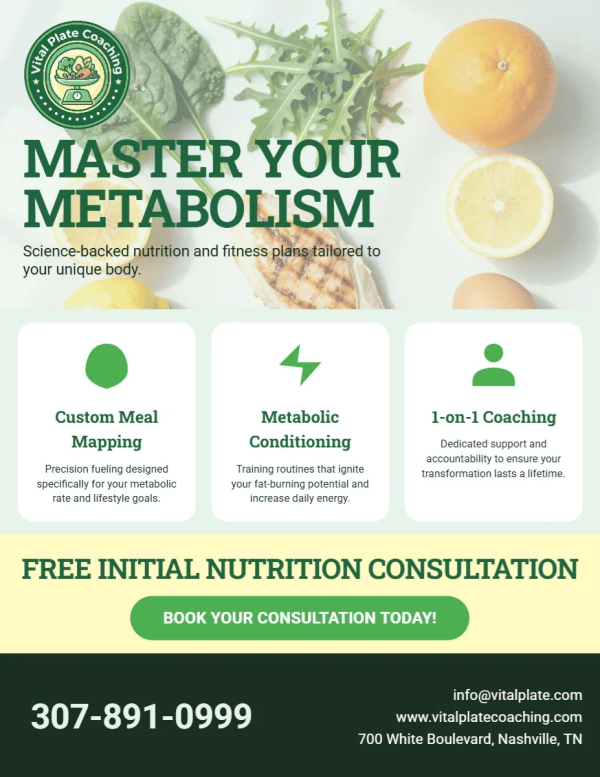
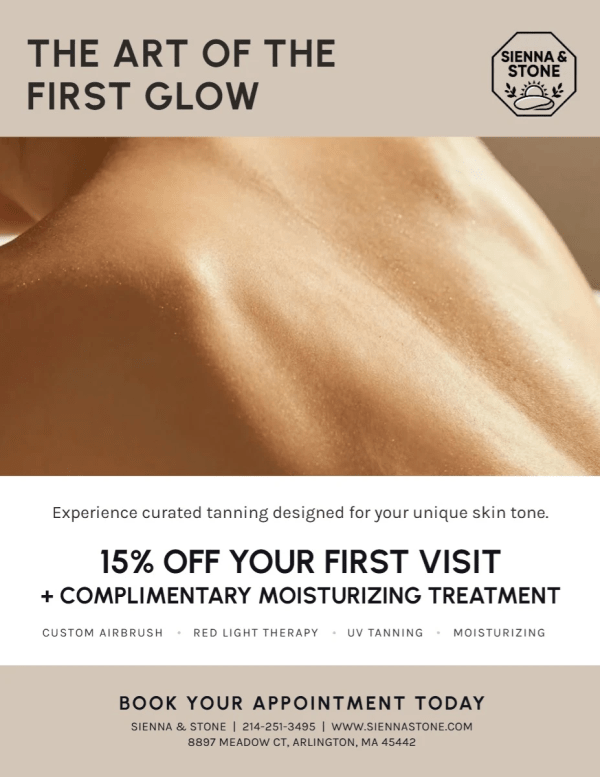
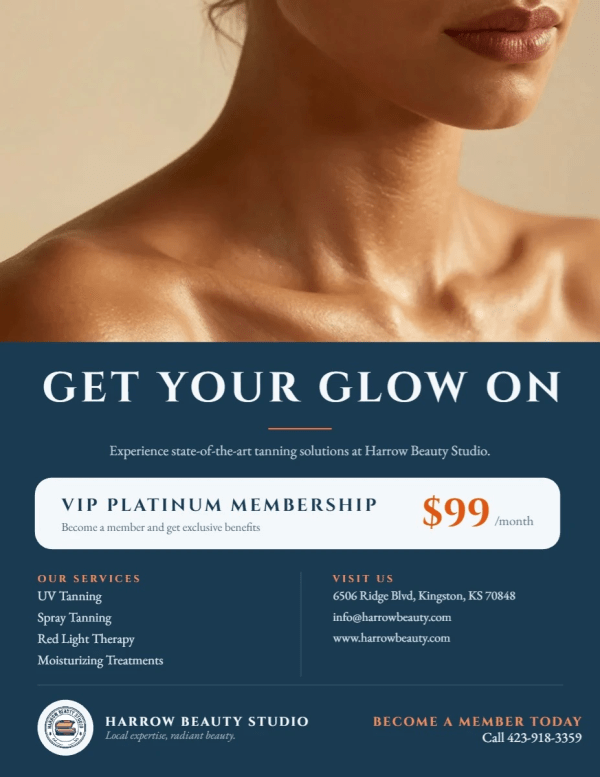
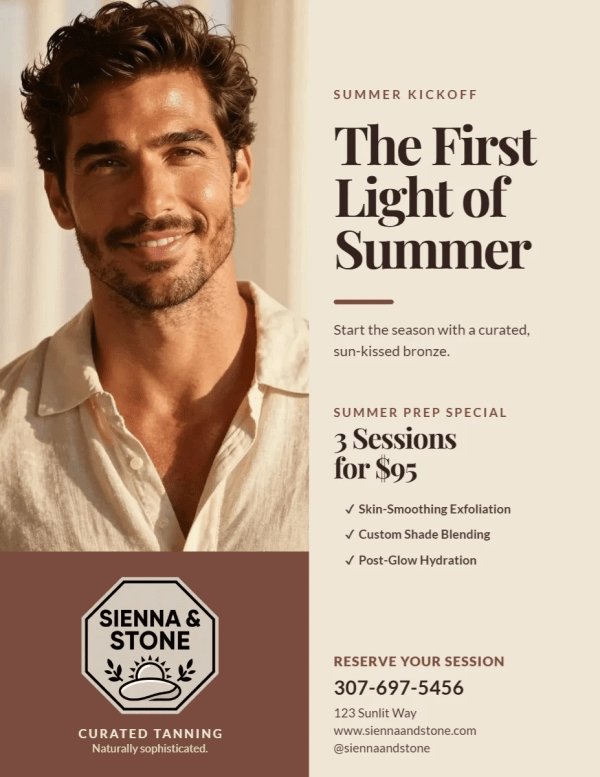
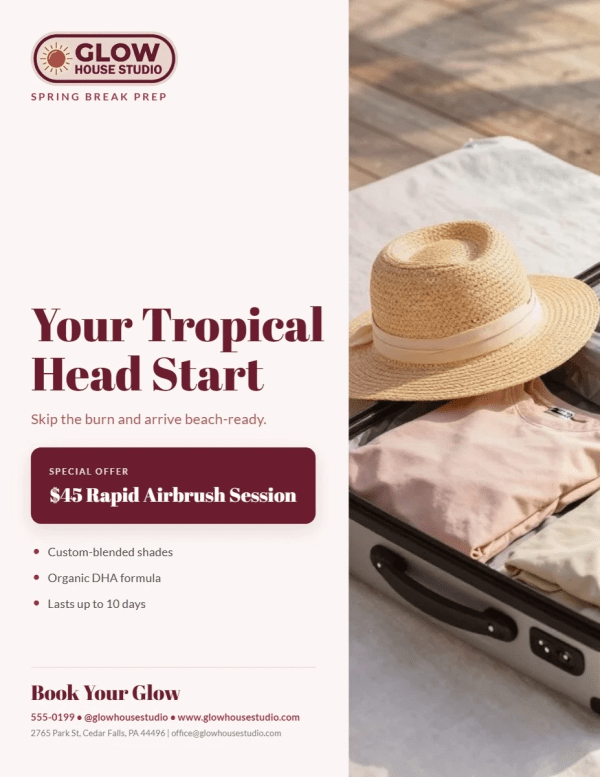
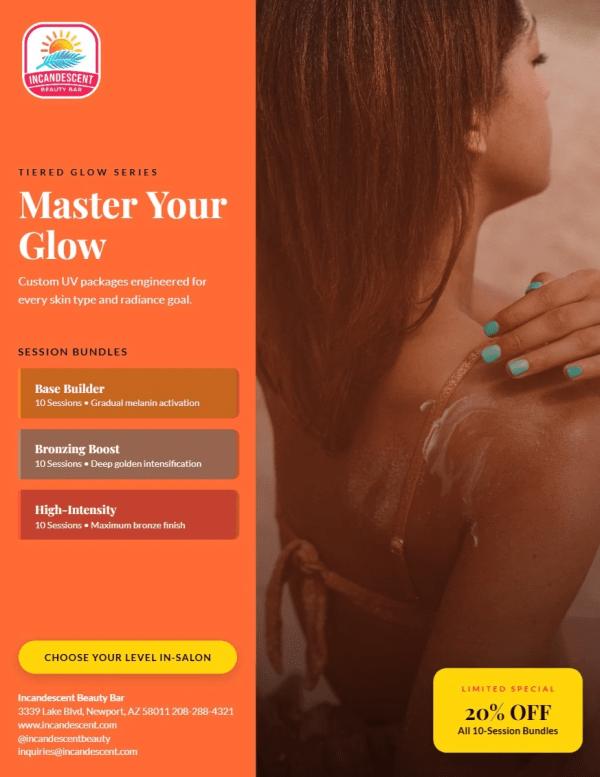
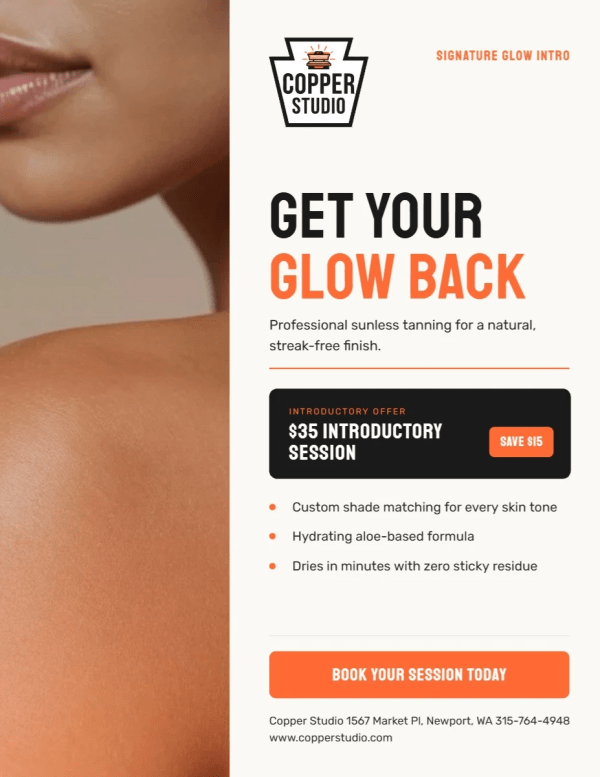
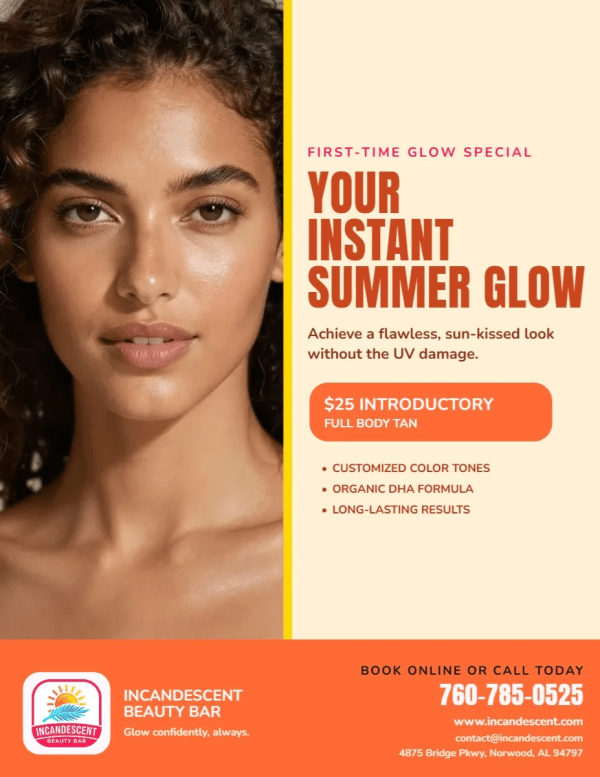
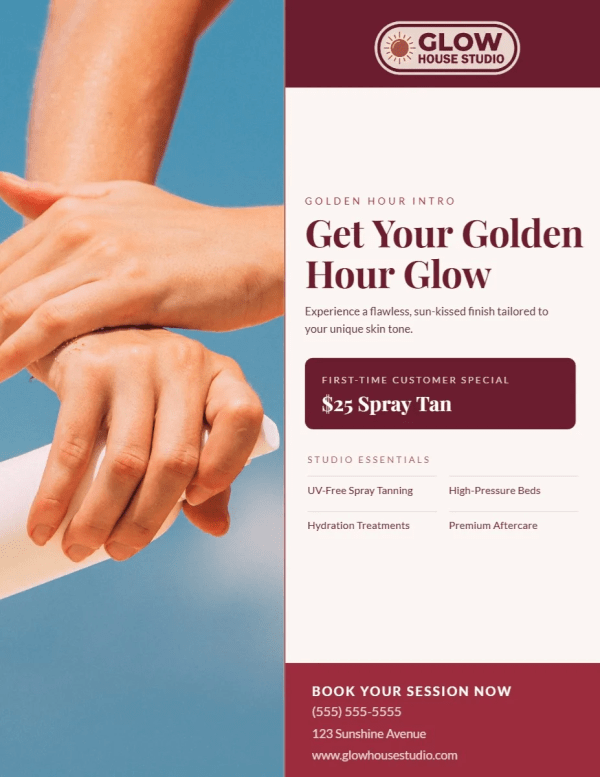


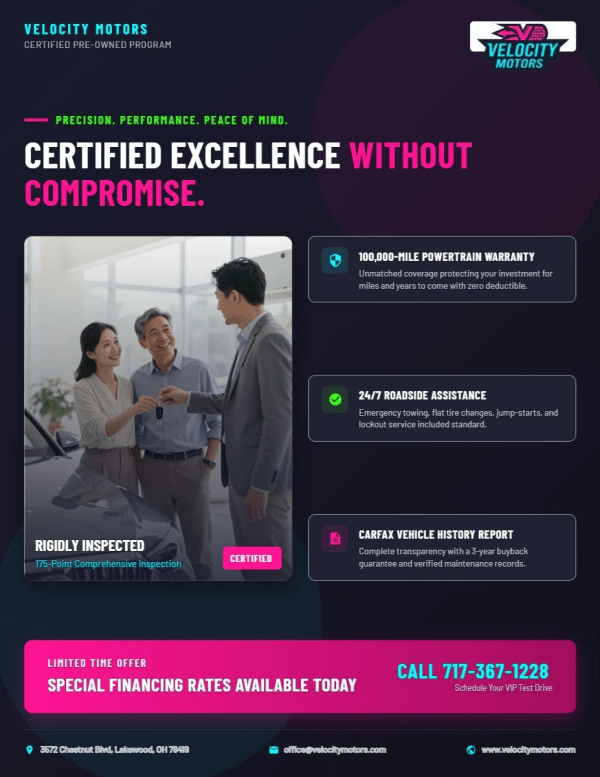

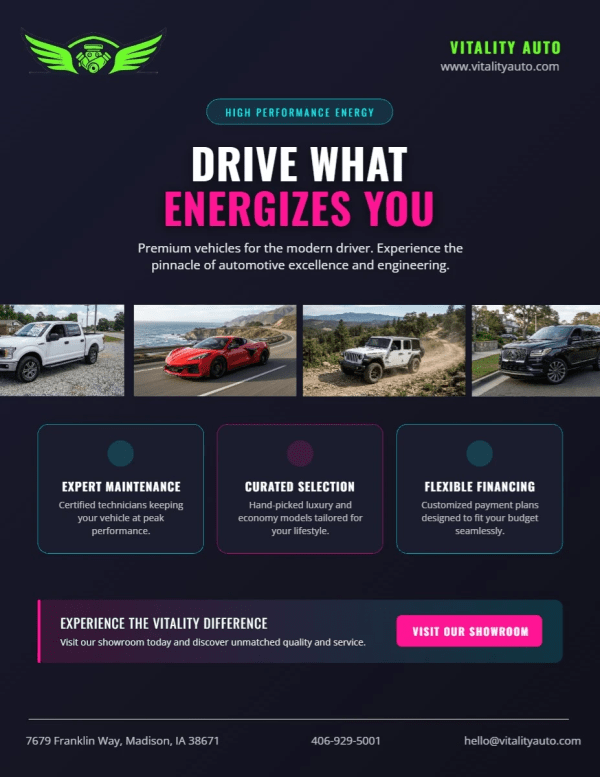
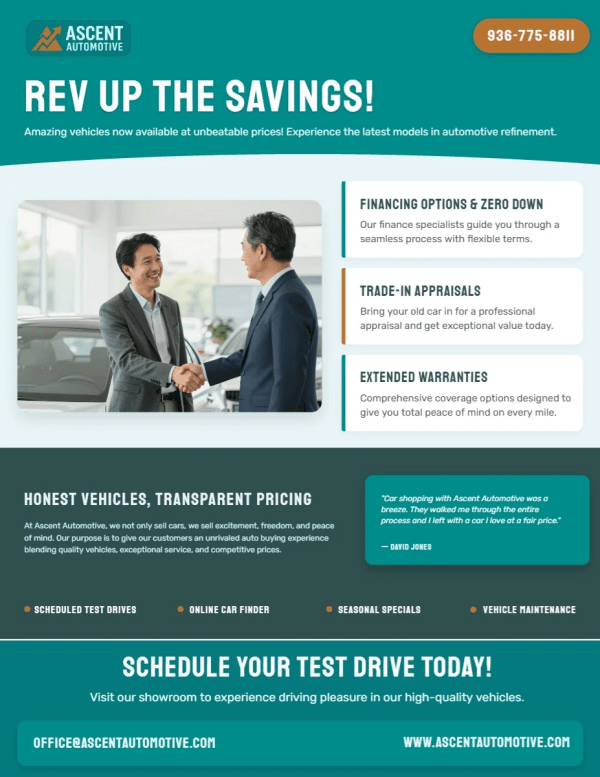
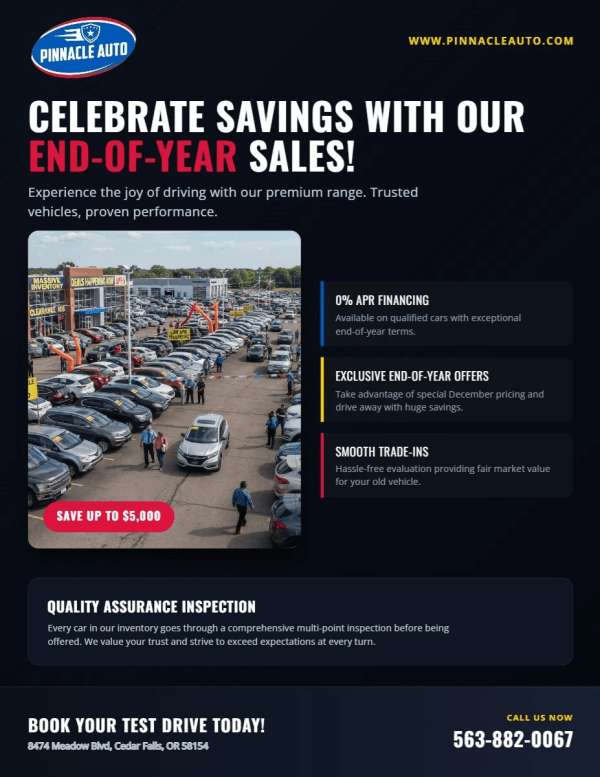
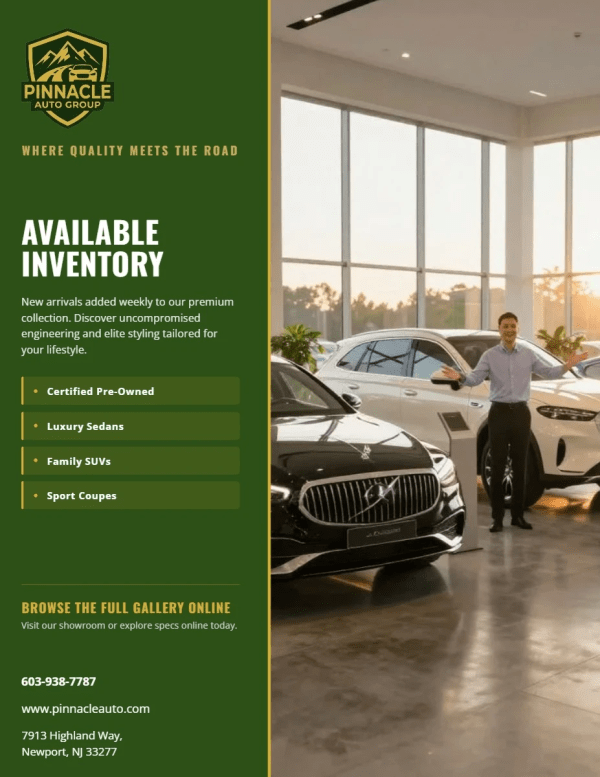
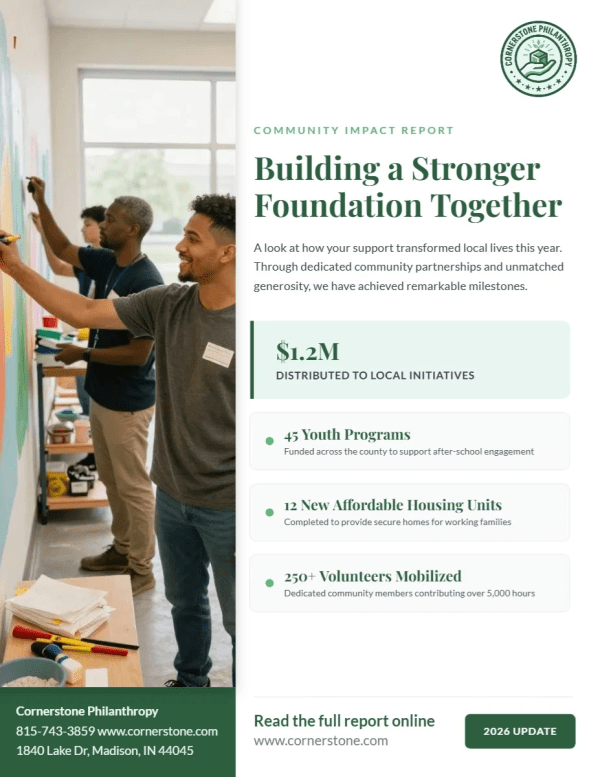
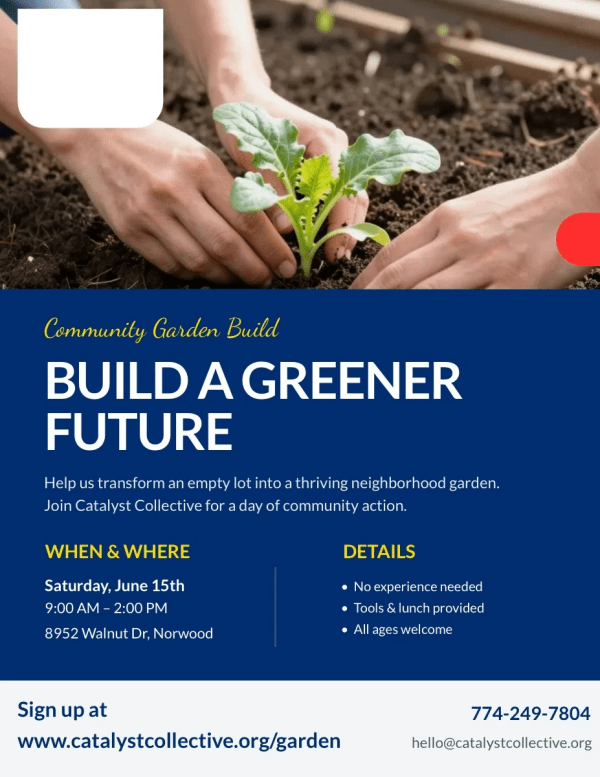
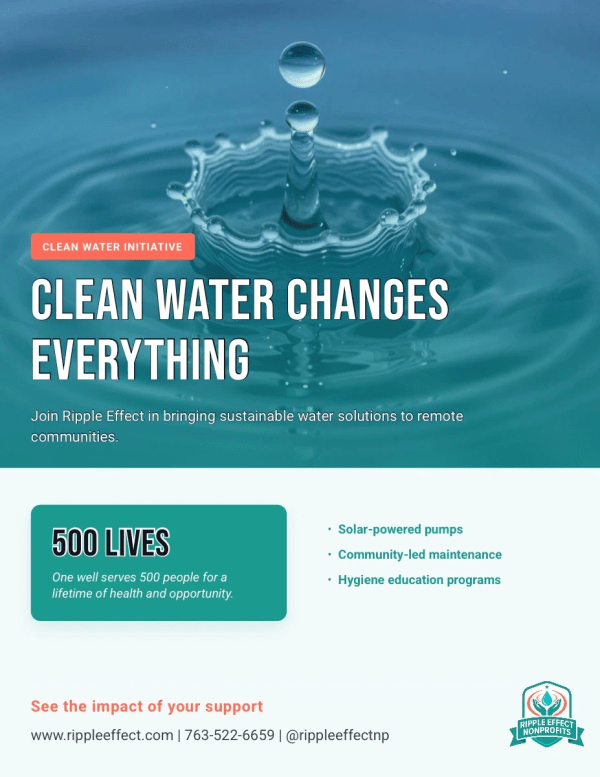


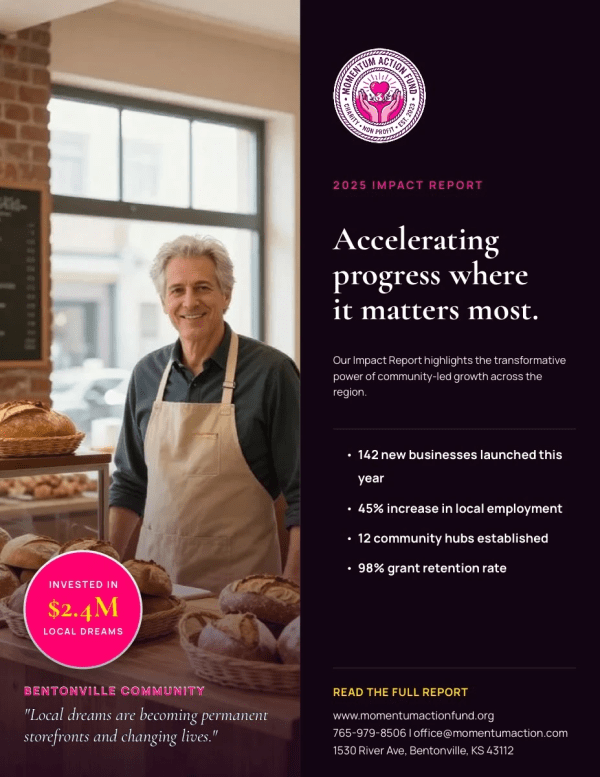
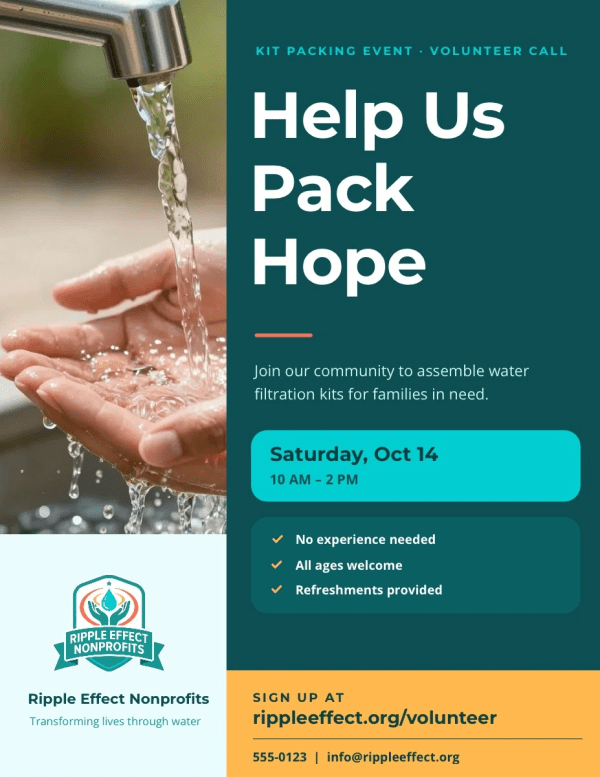
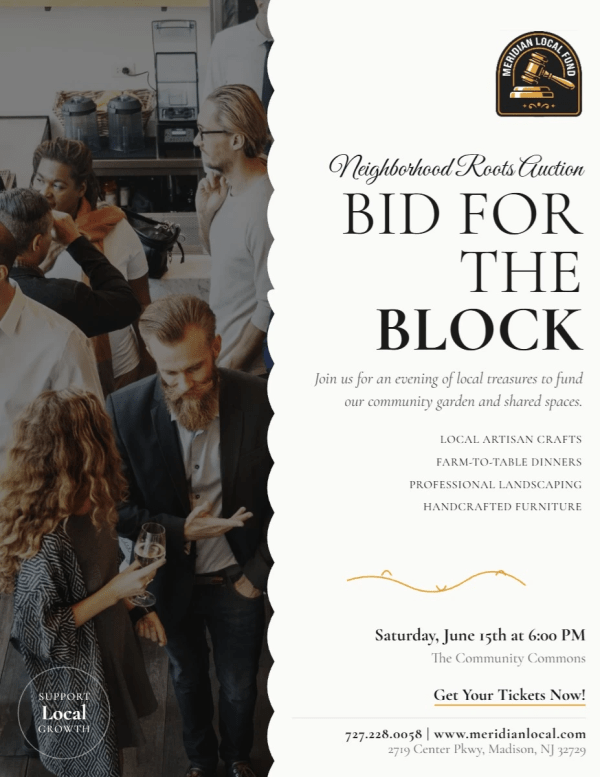

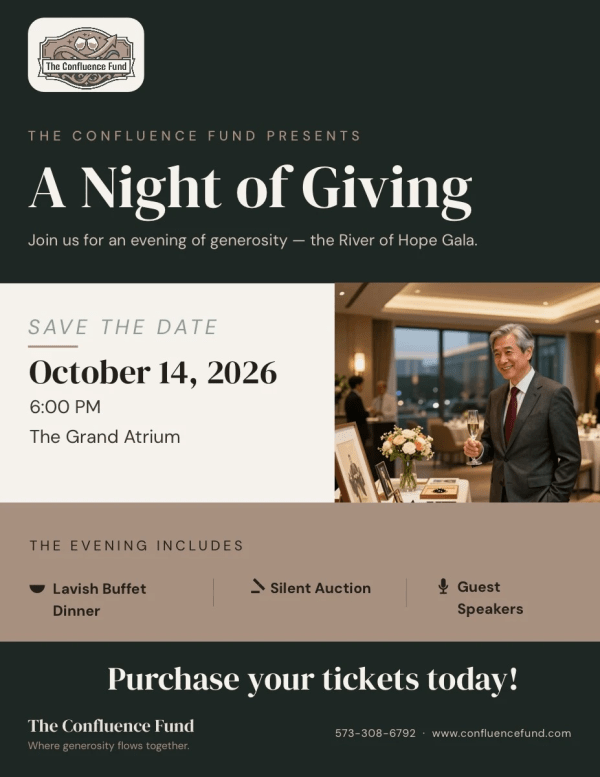
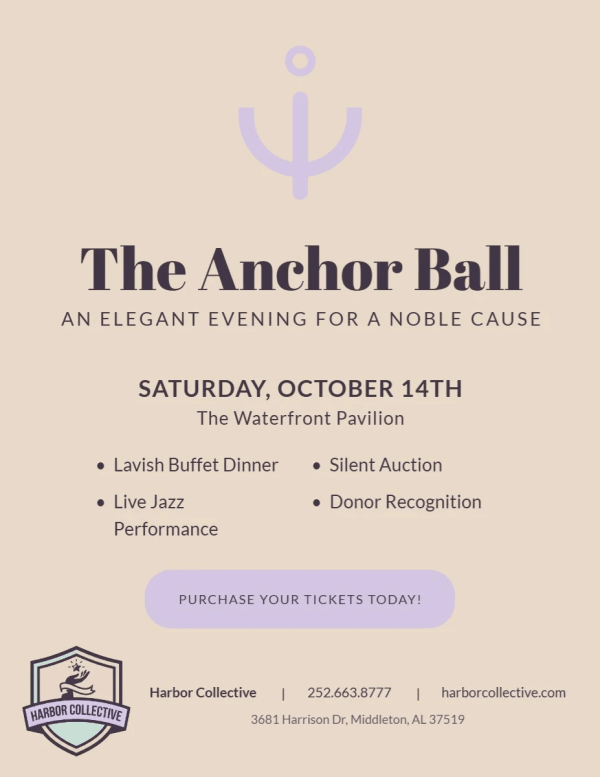
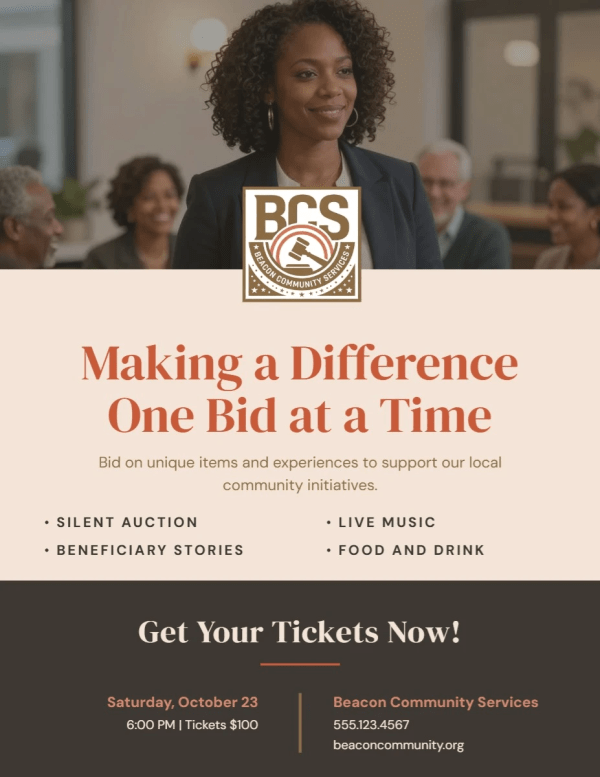

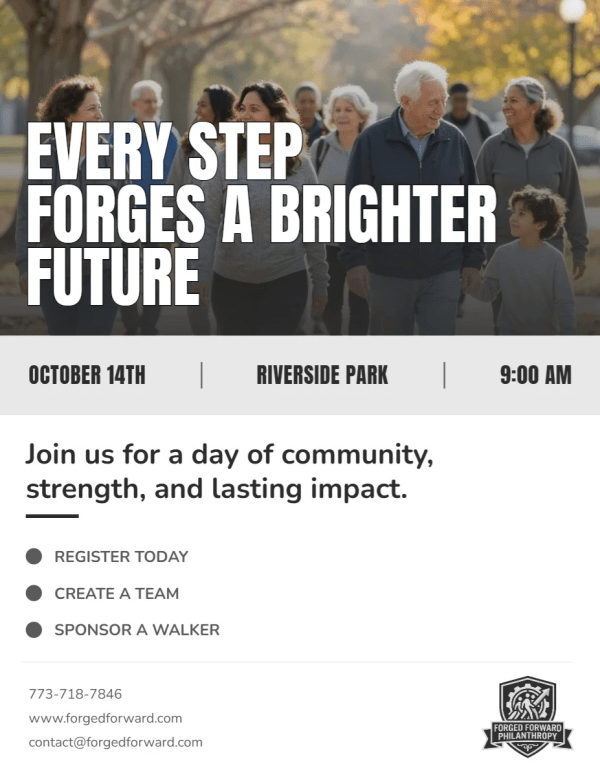

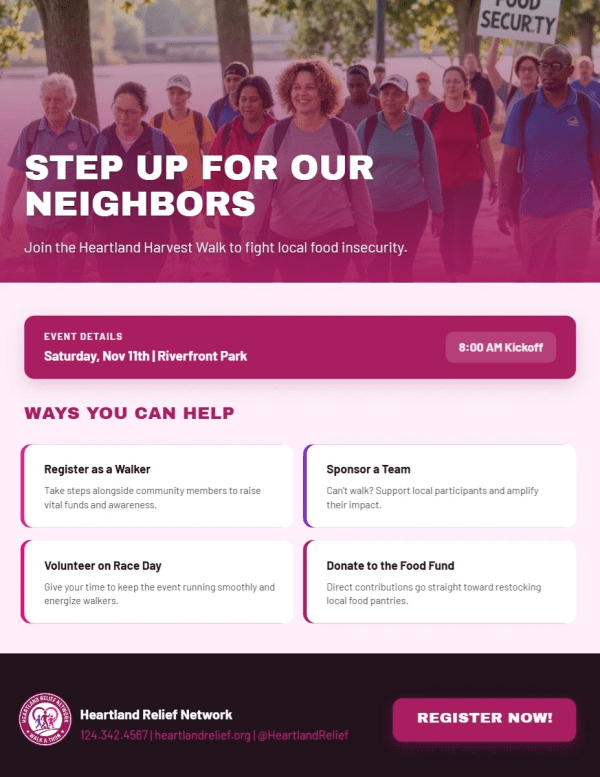
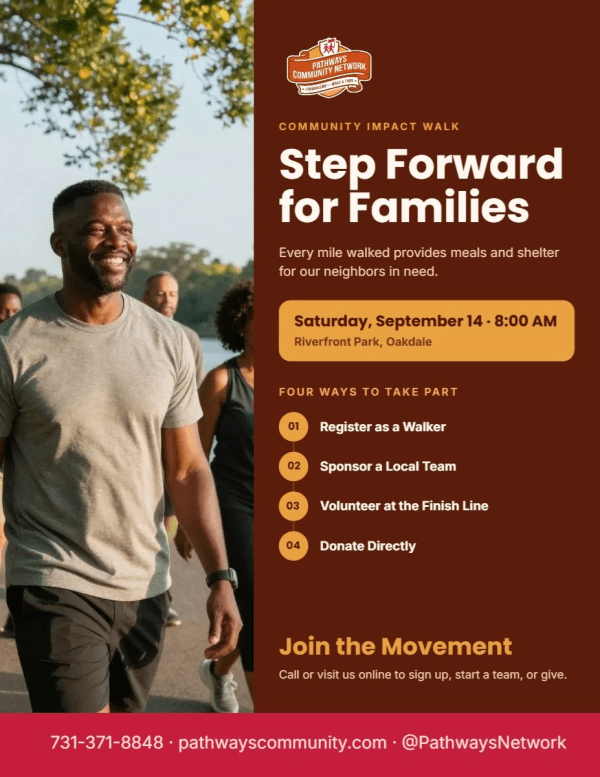
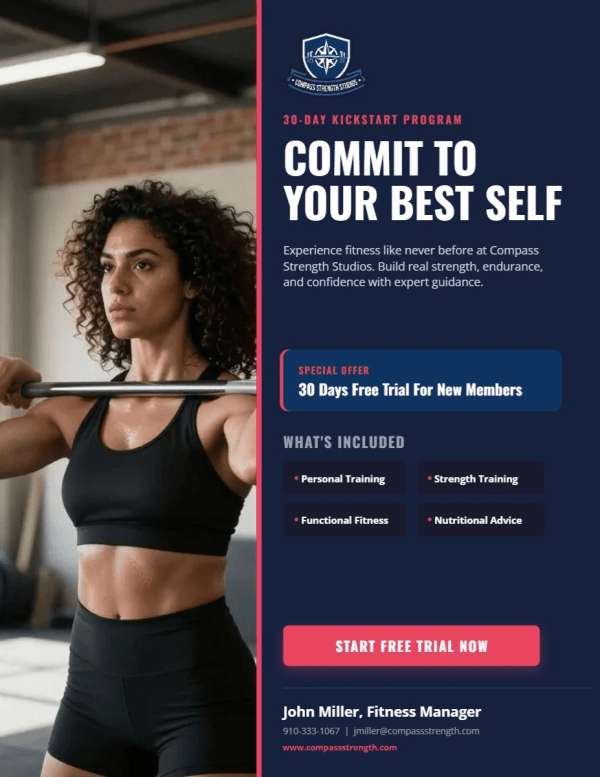
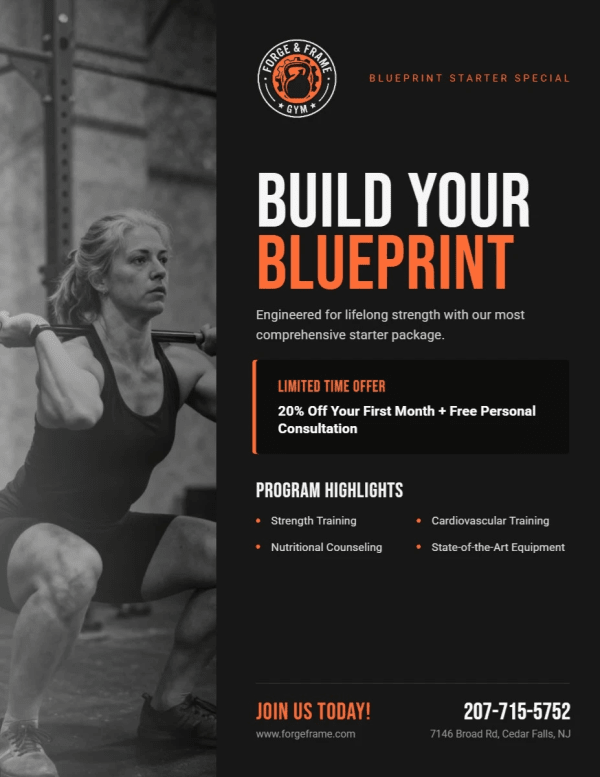
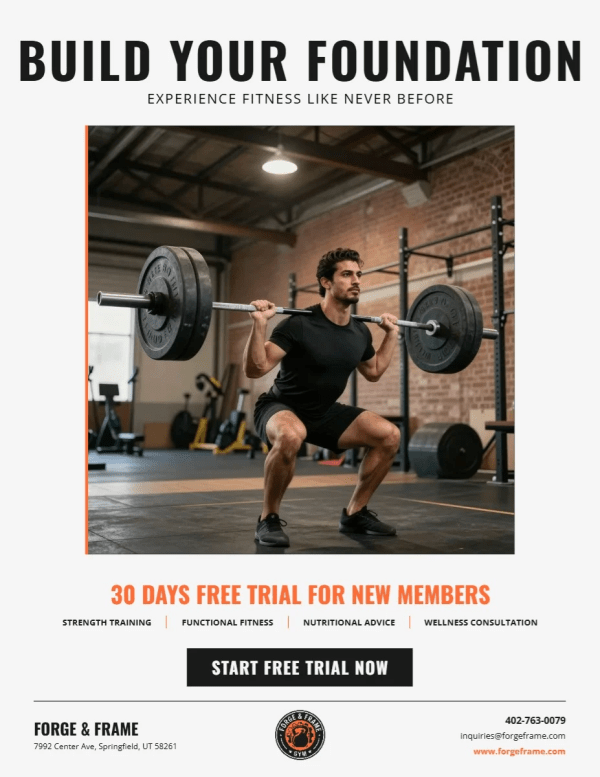
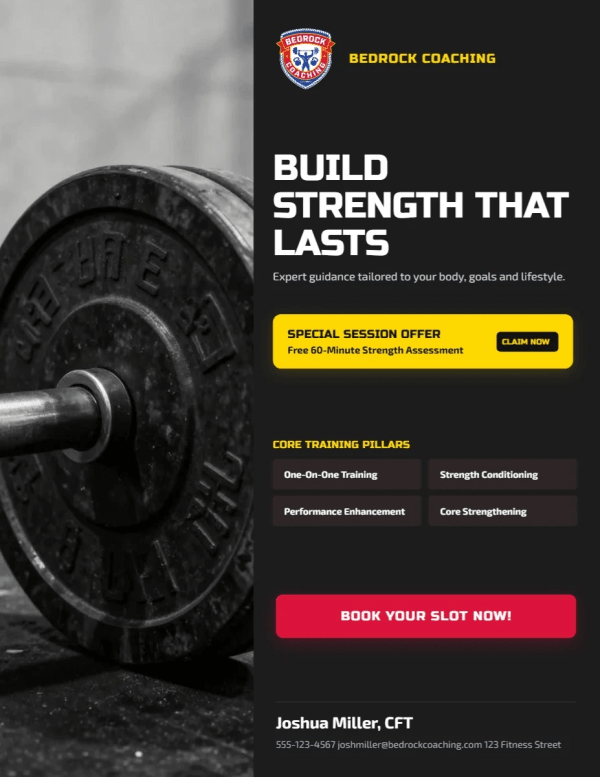
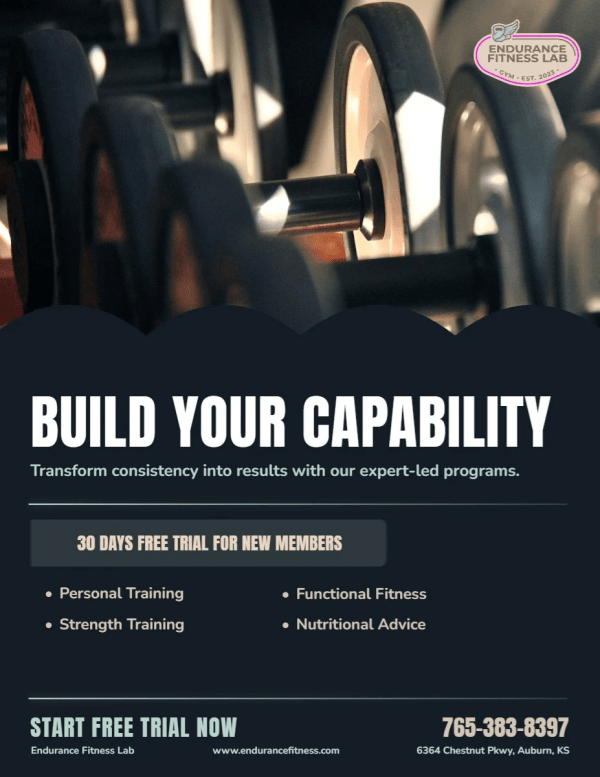
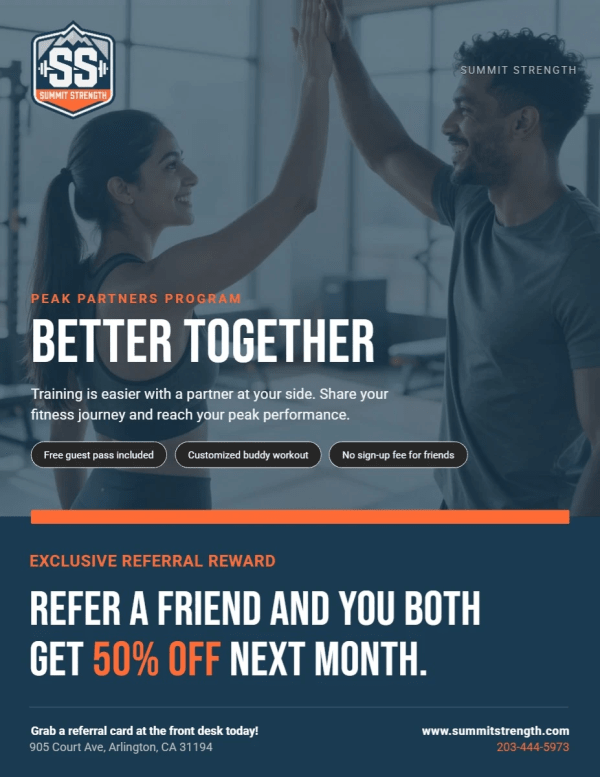
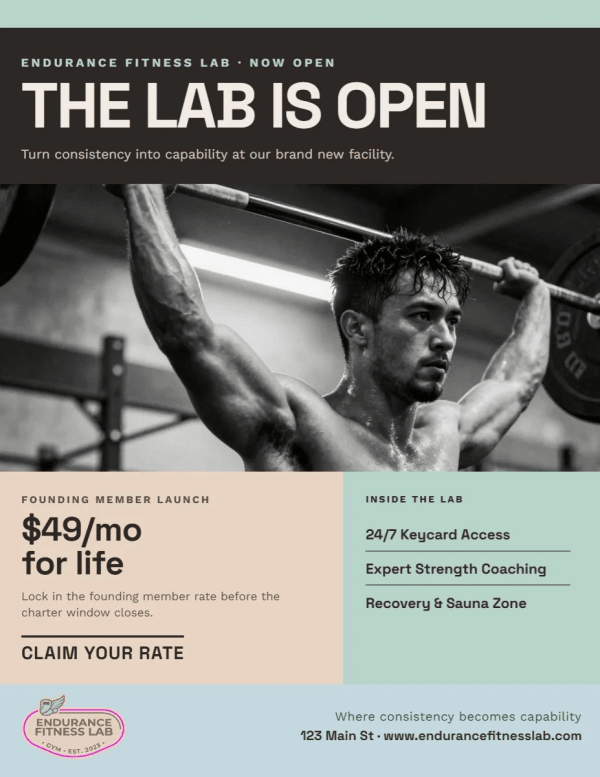
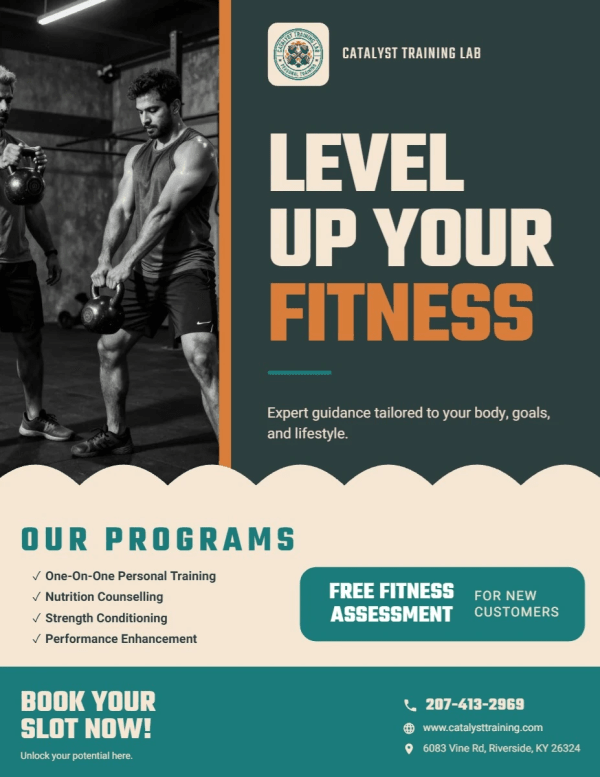
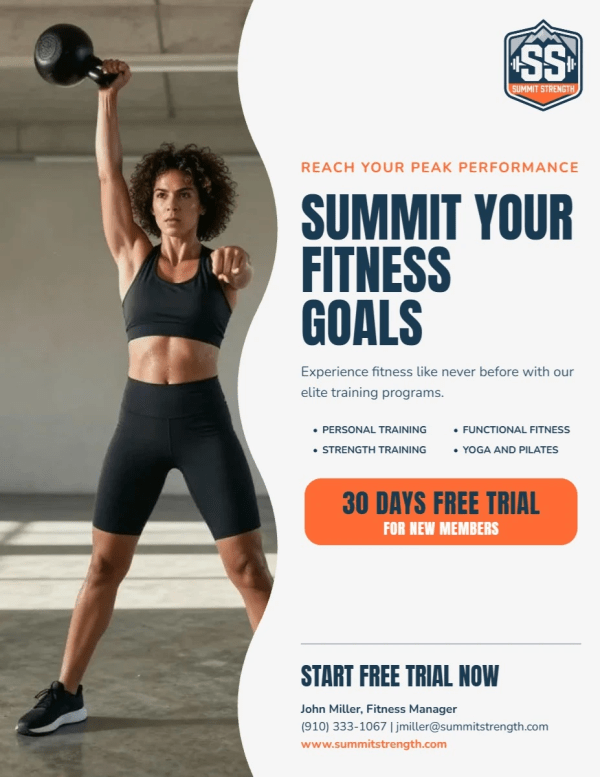
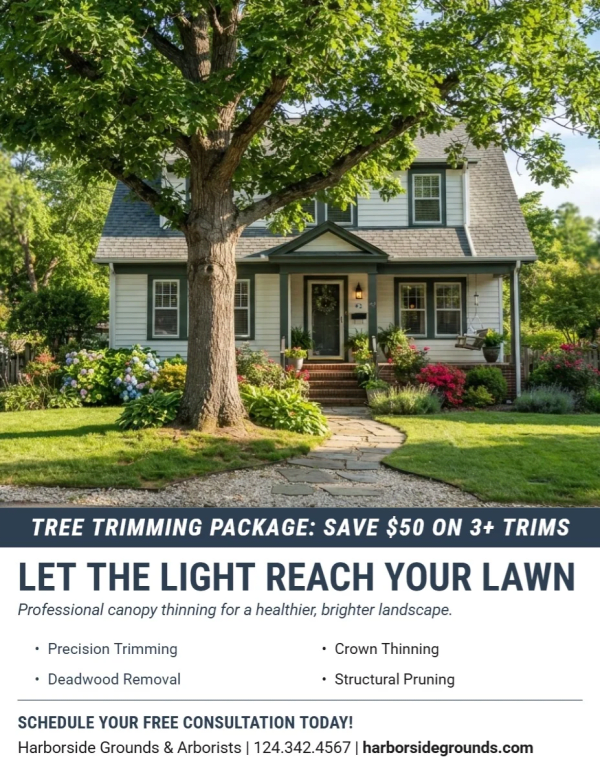
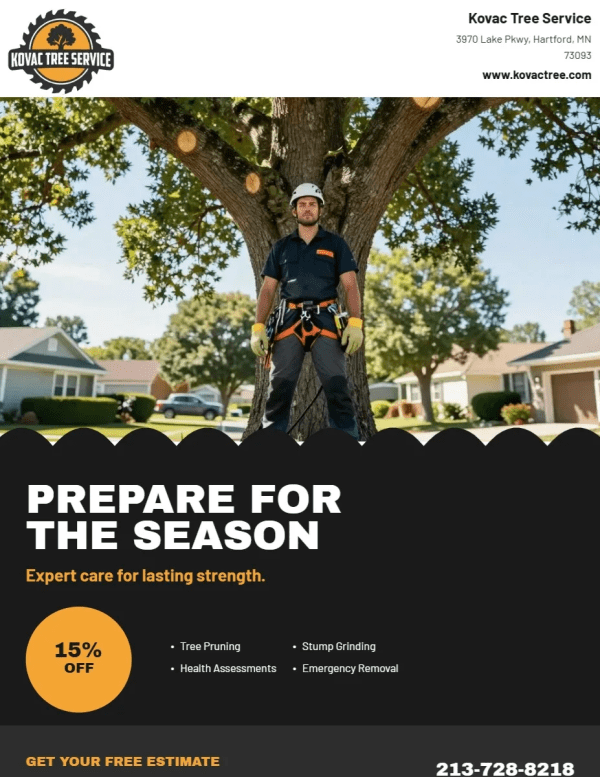
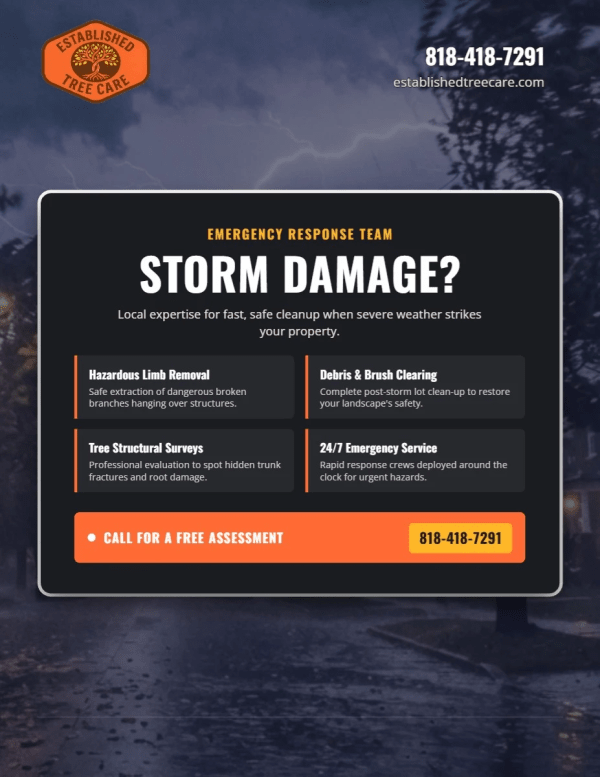
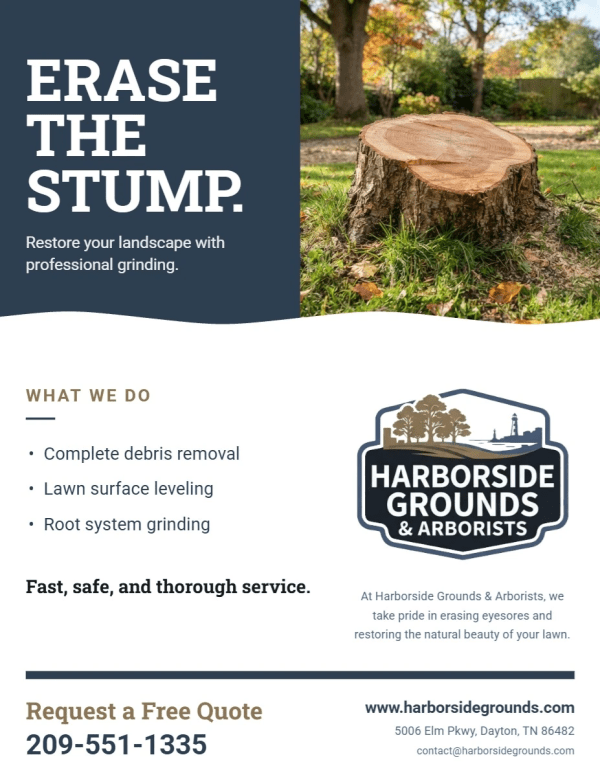
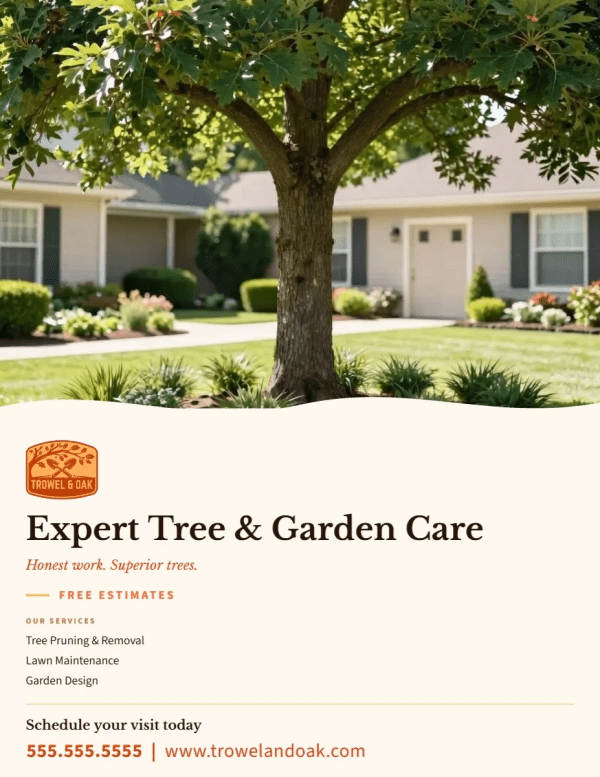
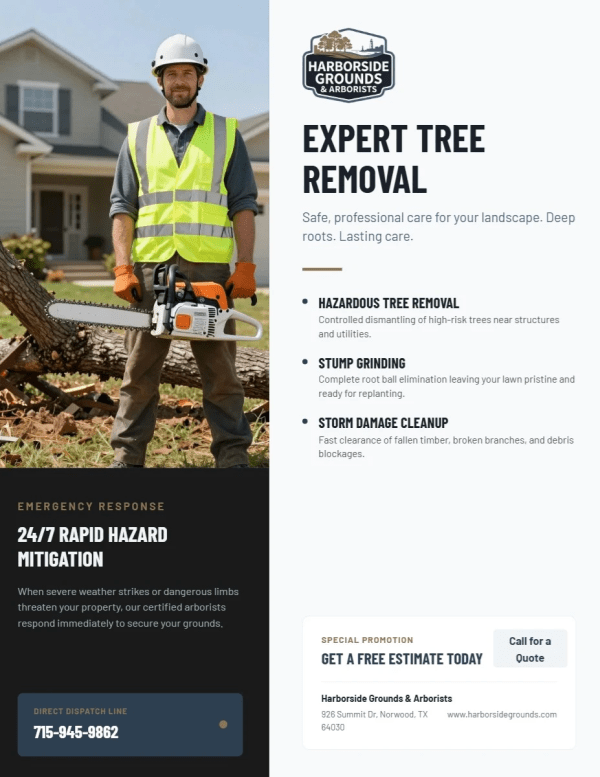
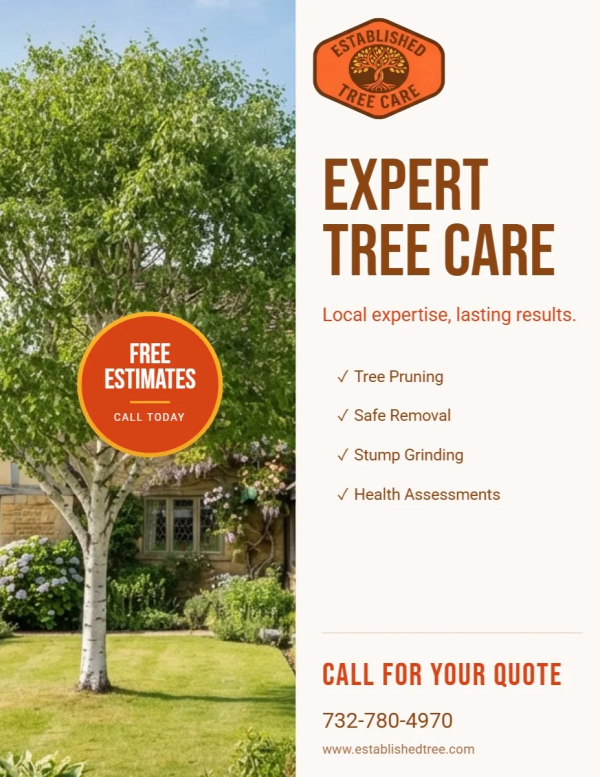
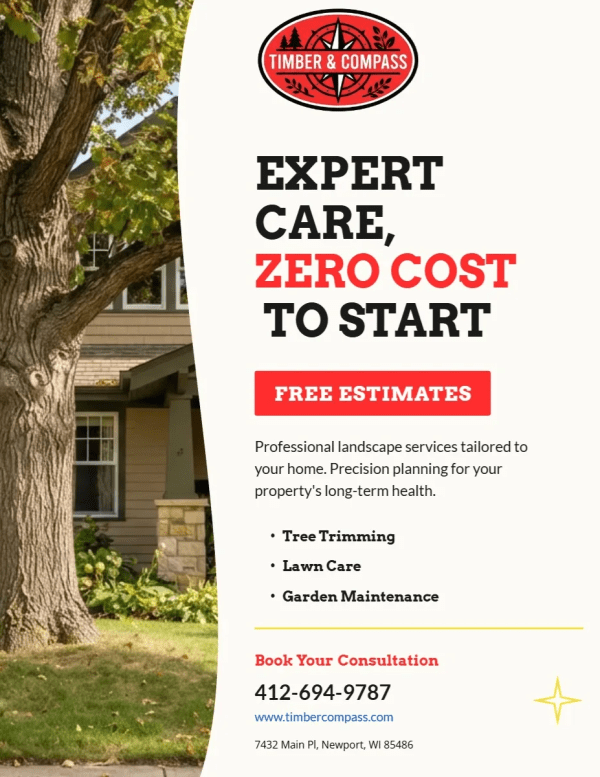
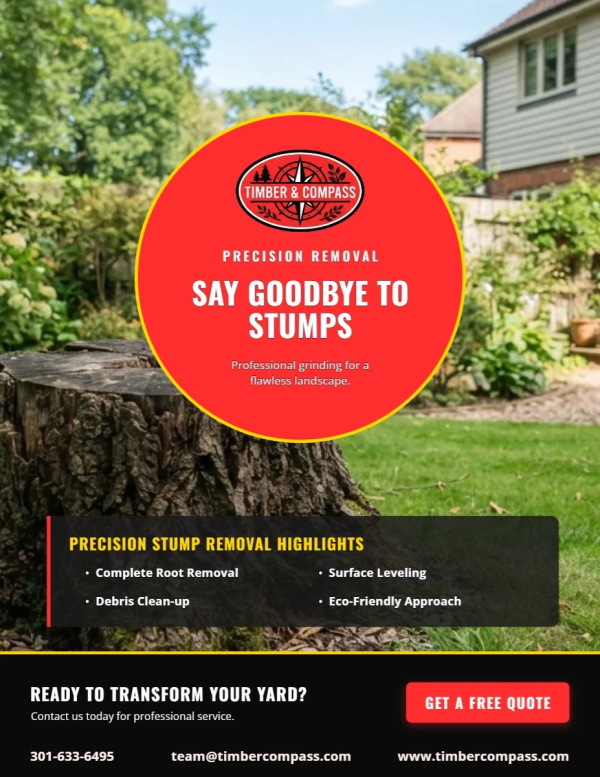
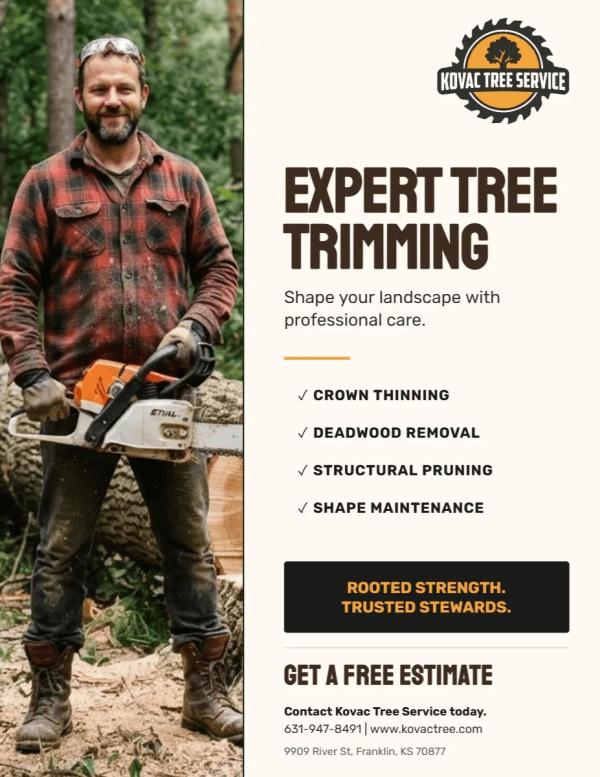
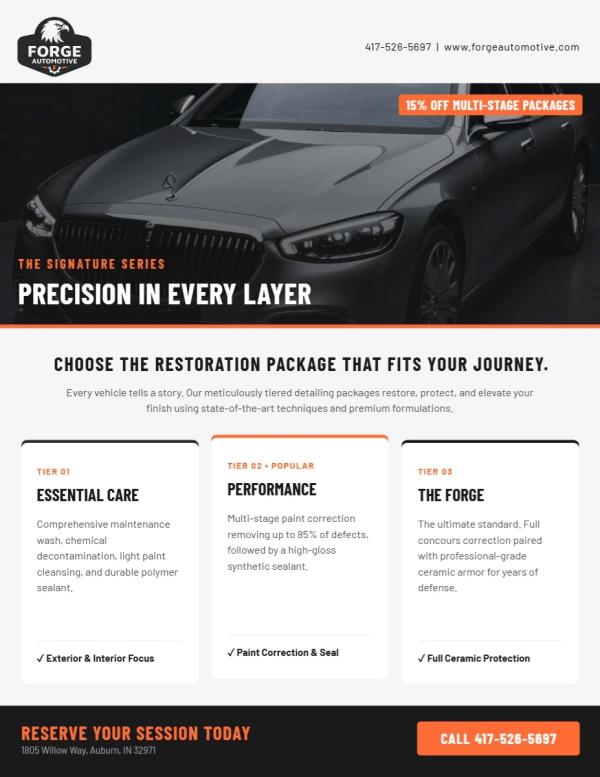
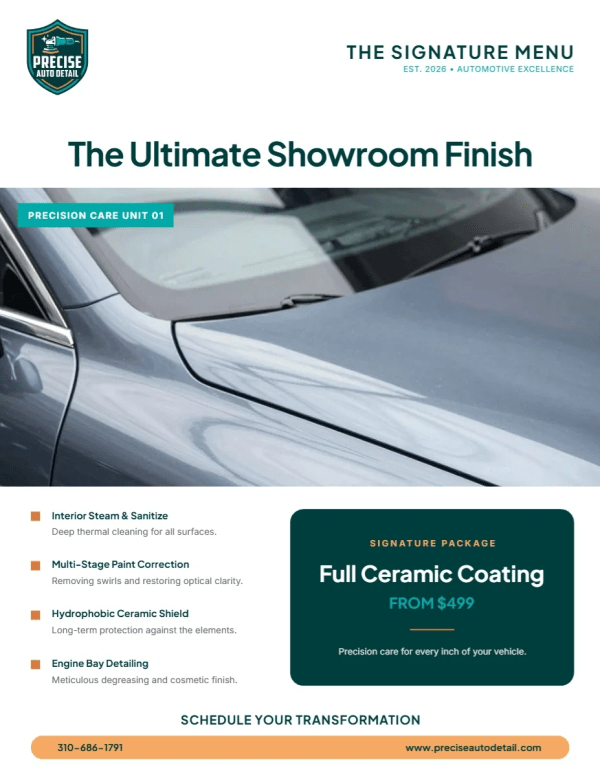
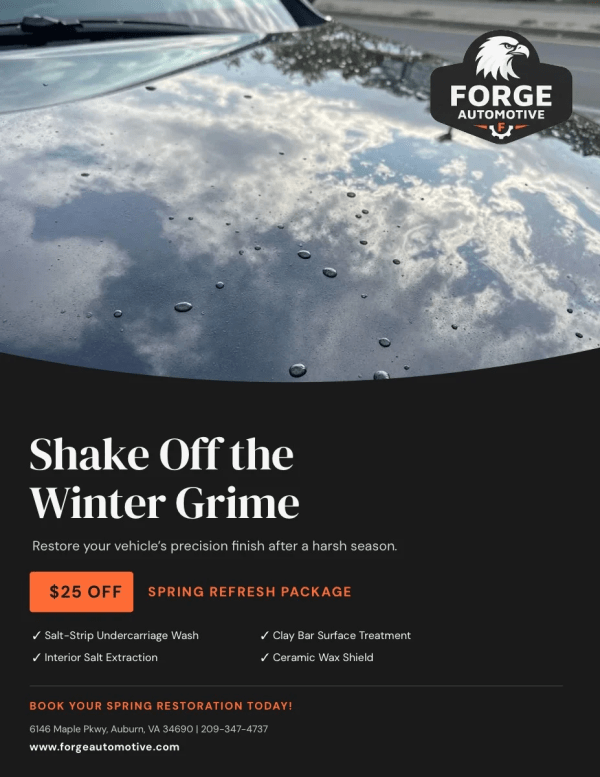
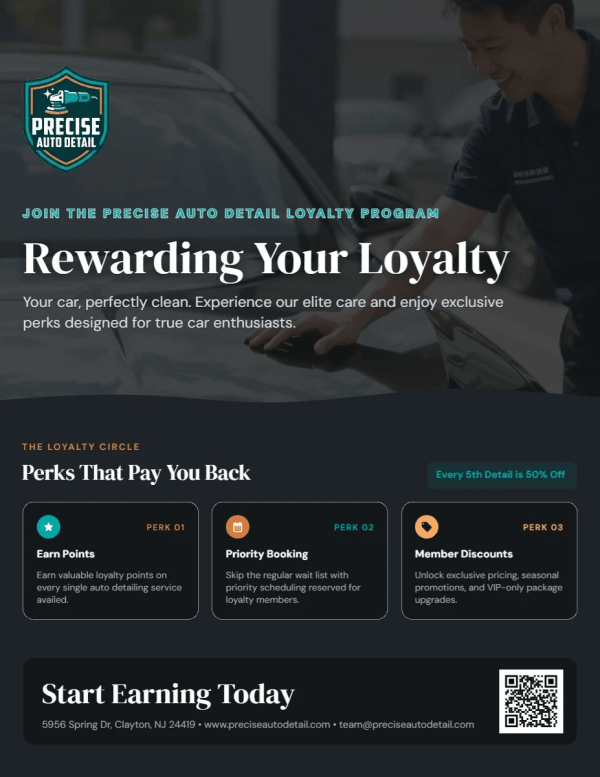
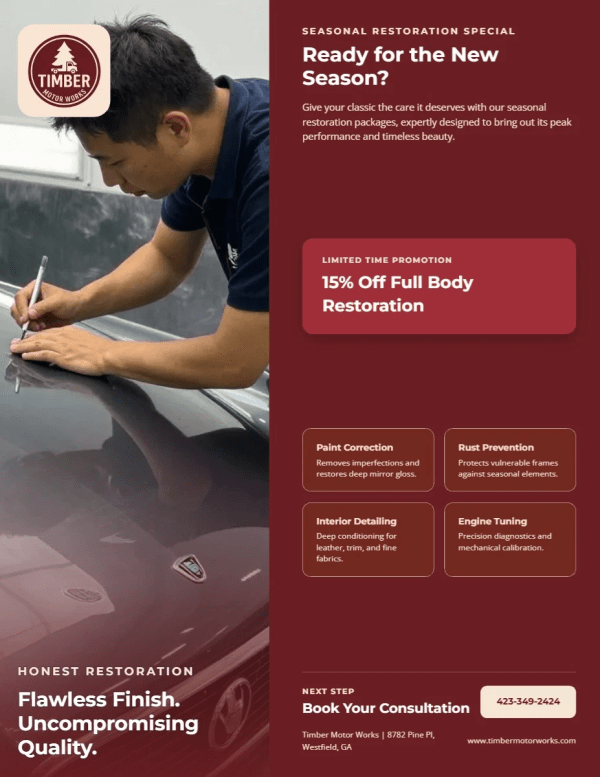
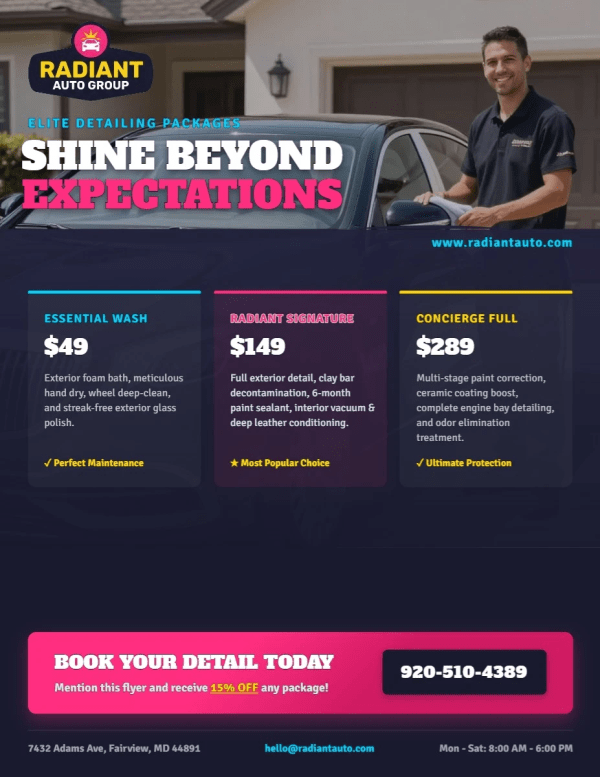
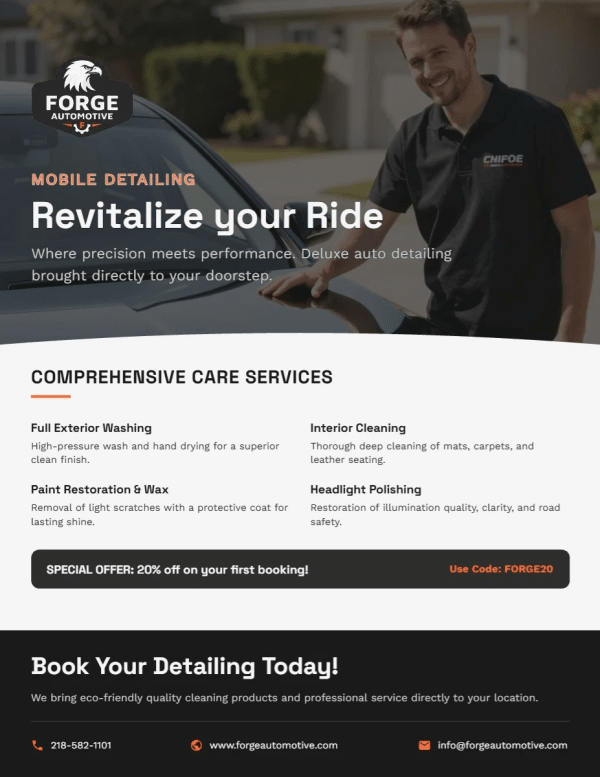
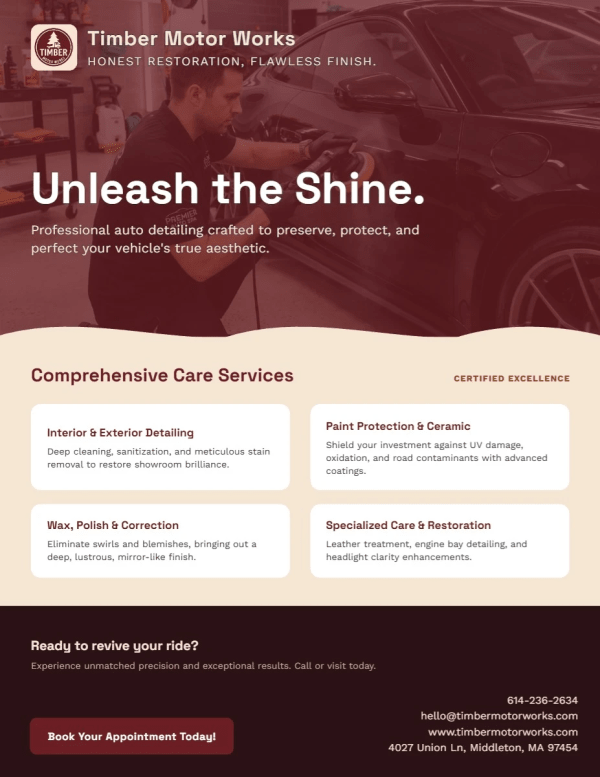
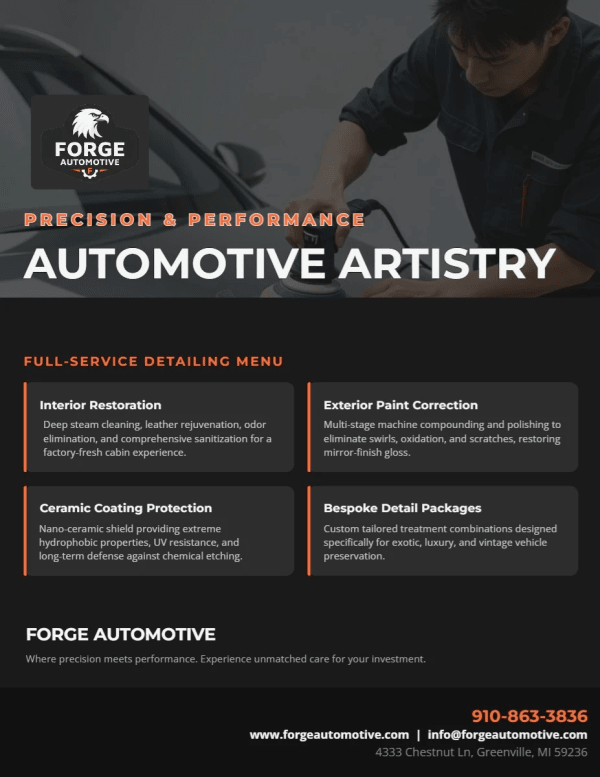
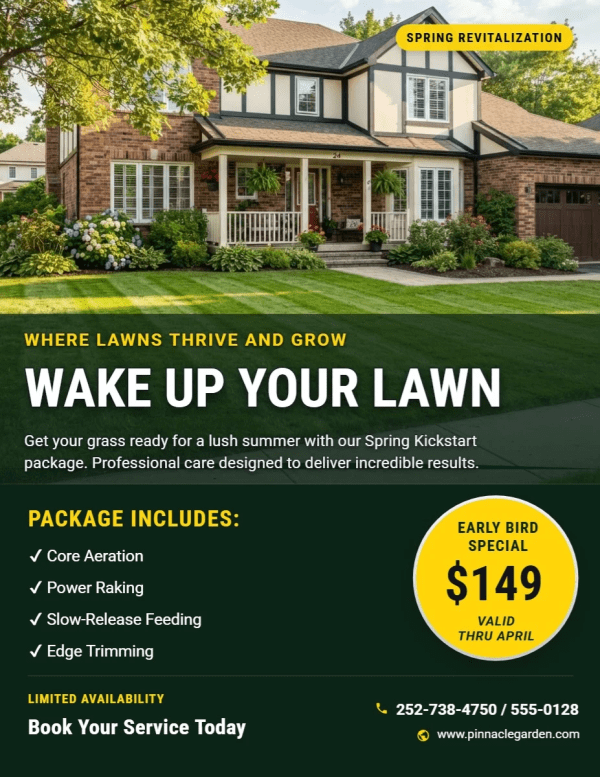
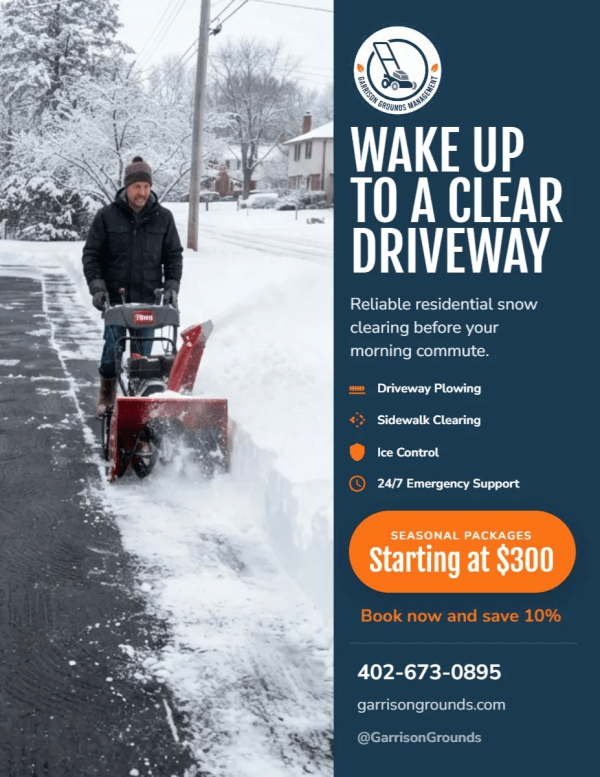
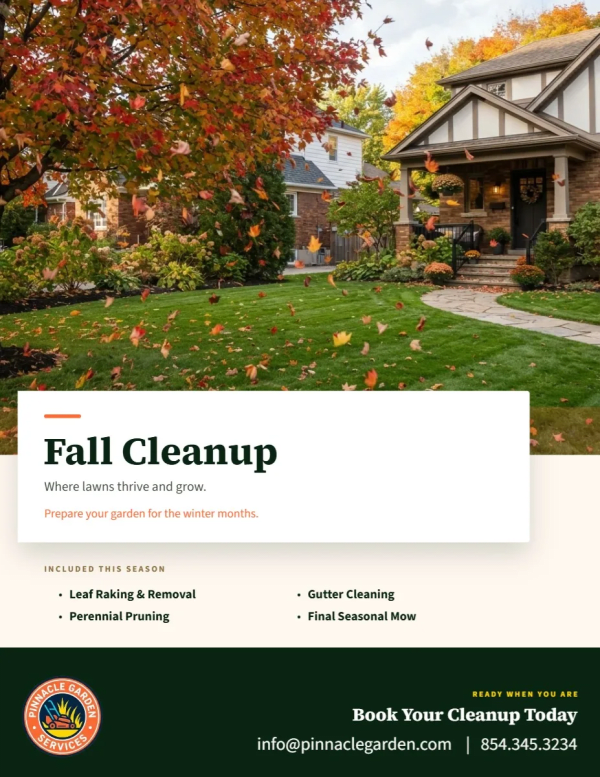
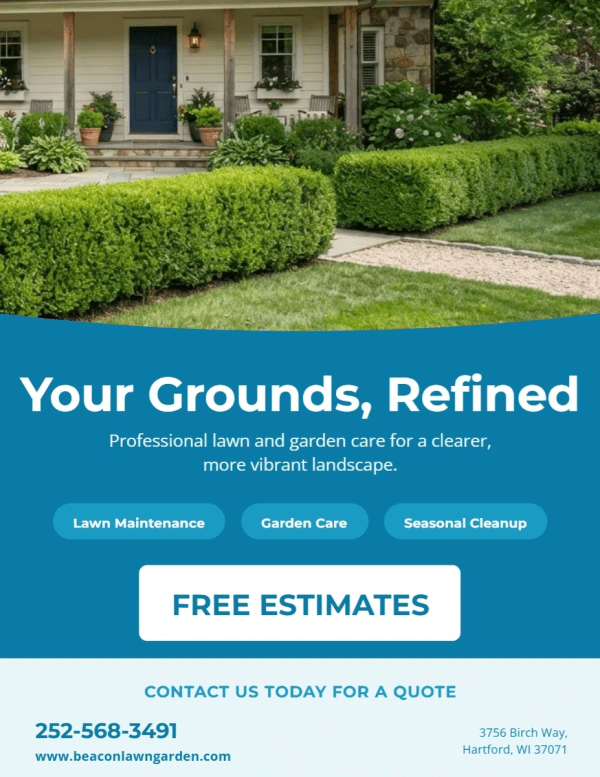
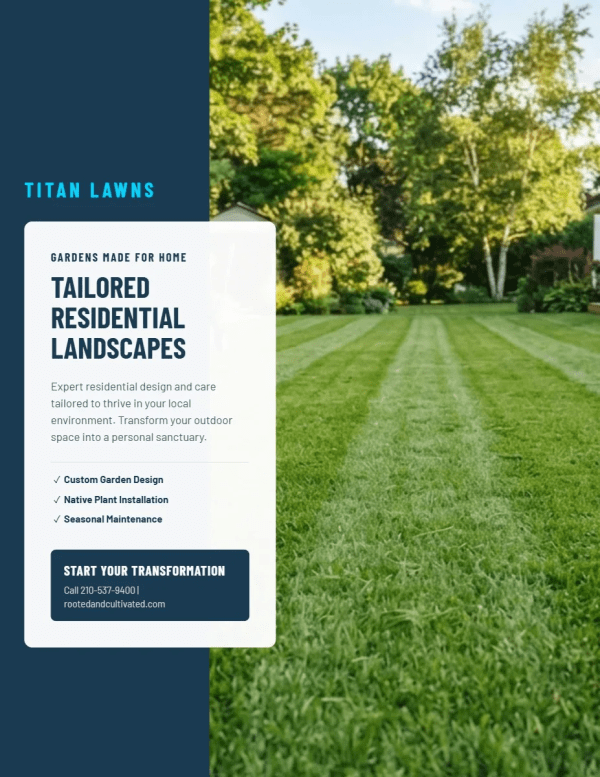
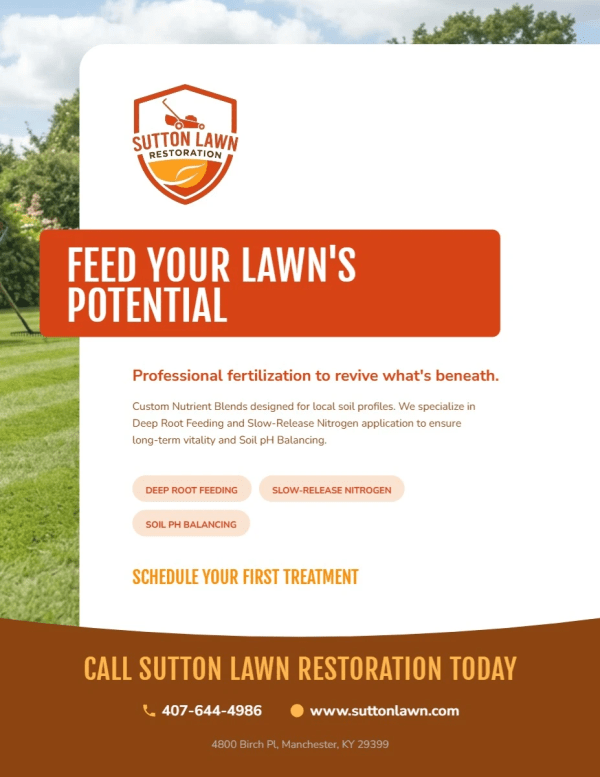
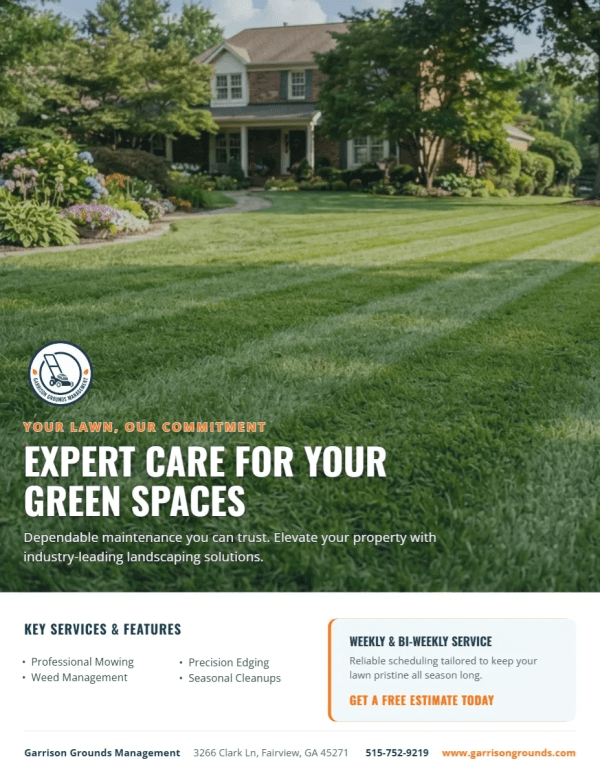
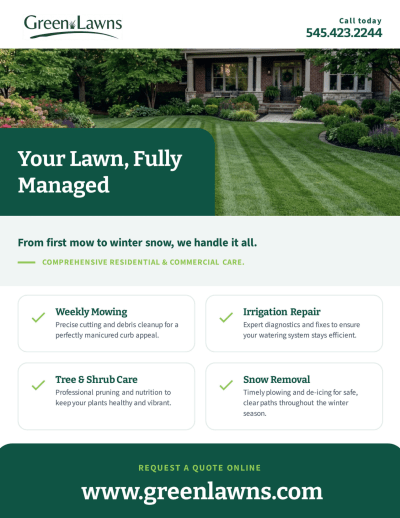
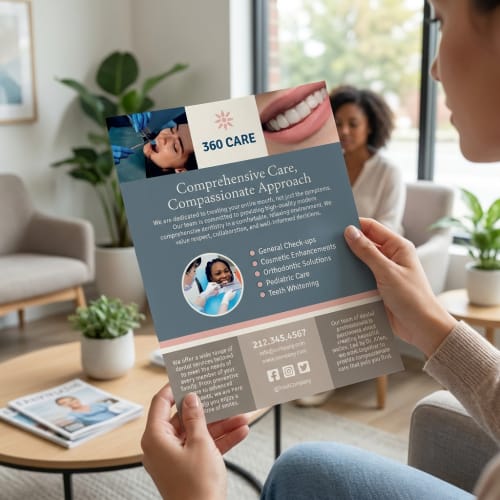
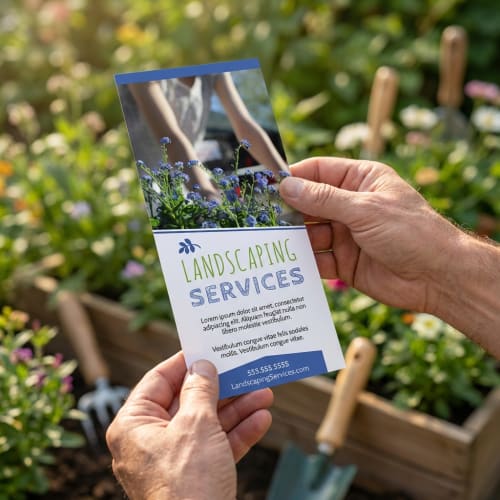
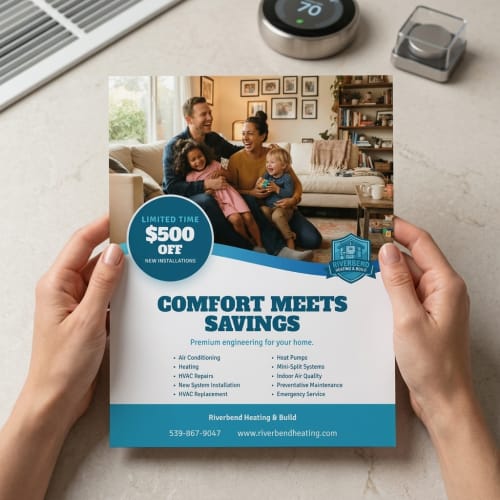
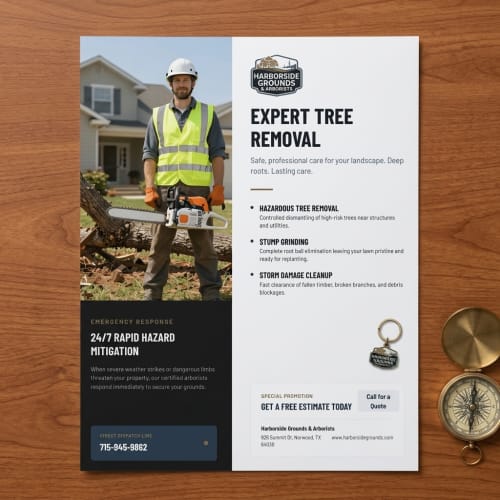
Whether you're promoting an event, launching a new business, or sharing important info with your community, you're in the right place. Our free flyer maker gives you the tools to quickly create professional designs that match your message. With templates for every purpose and industry, making custom flyers has never been easier.
Whether you're launching a promotion, announcing an event, or spreading the word in your local community, making a flyer starts with a clear goal. Our platform is designed to meet you at this starting point—helping you translate your message into a standout design that captures attention. With flyer templates for every industry and occasion, you can find the perfect starting canvas and move forward with confidence.
Our online editor simplifies the entire creation process. No downloads, no design software, just intuitive tools built for everyone. Customize your flyer using millions of free images, icons, graphics, and patterns. Select from a vast range of Google Fonts to shape your message, and easily apply your own brand colors, logos, and personal style. With drag-and-drop controls and smart layout tools, you’re always in command of your design—right from your browser.
Once your flyer is complete, you decide what’s next. Save it to your account for future edits or access, download a high-resolution version for print or digital use, or order professionally printed copies through us. Every design we ship is carefully printed and inspected for quality. If something’s not right, our expert support team will make it right. Your flyers arrive looking sharp, vibrant, and ready to make an impact wherever they go.
Yes. Your flyer designs are automatically saved to your account, so you can open a saved project, make edits, or reorder printed copies any time. This makes it easy to run recurring promotions or update a campaign without starting from scratch. Just log in, find your design, and place a new order in minutes.
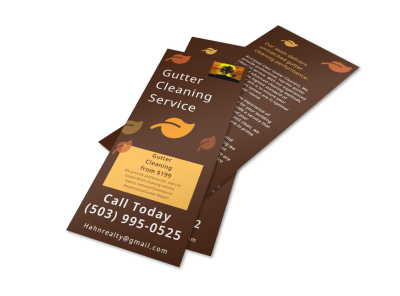
You can design and print flyers in a range of common formats, including standard sizes like 8.5" x 11", half sheets (5.5" x 8.5"), rack cards (4" x 9") and more. These options let you choose the right size for mail drops, handouts, rack displays, or event promotions. Sizes align with the templates you choose so your finished design prints perfectly.
When printing with us, you can pick from a variety of paper types and finishes to match your needs and budget. Options include standard stocks as well as premium grades with matte, gloss, or uncoated finishes. Some stocks are writable if you want people to fill in information by hand. Our printing process ensures vibrant colors and crisp text on every flyer.
Absolutely. You can upload your own photos, logos, and brand assets directly into the flyer editor. Your uploads stay saved to your account and can be reused across multiple designs, letting you keep everything on-brand without needing separate design tools.
No experience is needed. Our online editor is built so anyone can create professional flyers with ease. Start with a template, then use drag-and-drop tools to customize text, swap images, adjust layouts, and apply your colors. The process is intuitive and works entirely in your browser.
Once your design is complete, you can download a print-ready file or order physical prints directly through MyCreativeShop. Your design remains in your account for future edits or reorders. If you choose prints, we ship them to your door with professional quality and reliable turnaround.
Yes. After customizing your flyer, you can download it in formats suitable for printing, emailing, or sharing on social media. This makes it easy to use the same design across online and offline marketing channels without needing separate tools or exports.
Everything is done online in your web browser — no downloads, installs, or special software required. From choosing a template and editing your design to downloading or ordering prints, it’s all done in the browser for convenience and speed.
You can customize colors, fonts, and layouts to match your brand, and upload your logo or signature imagery. Since all elements are editable, you have full control over how your flyer looks and feels so it consistently reflects your brand identity.
We also make it easy to grab colors from an image using our eye dropper tool. This works great if you're simply trying to match the color within an area in your logo or any other image.