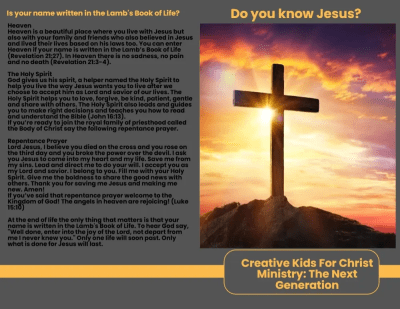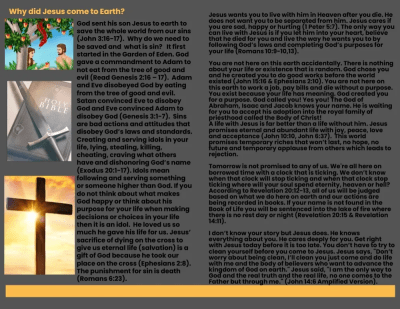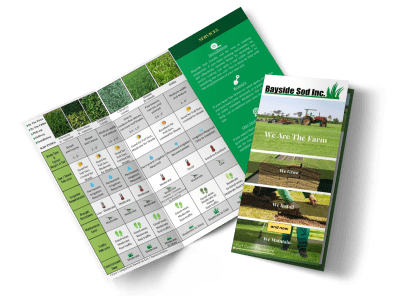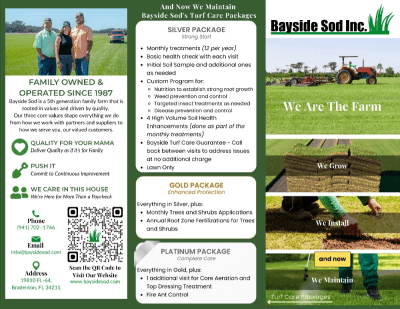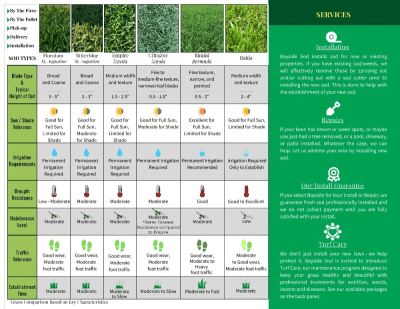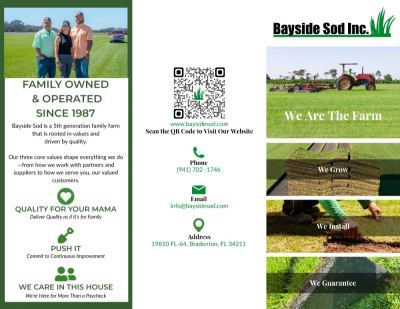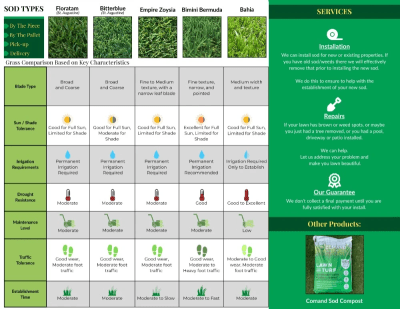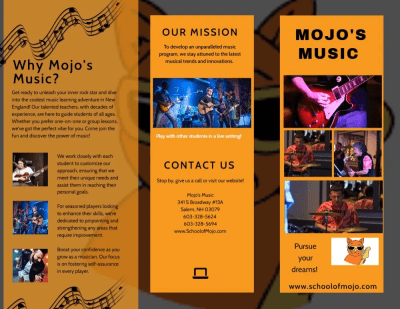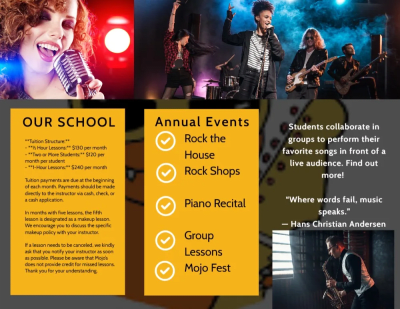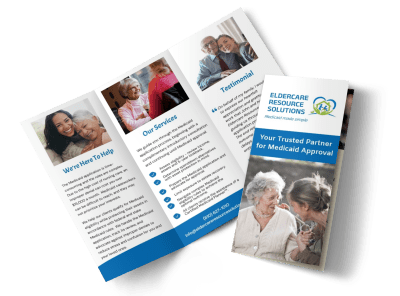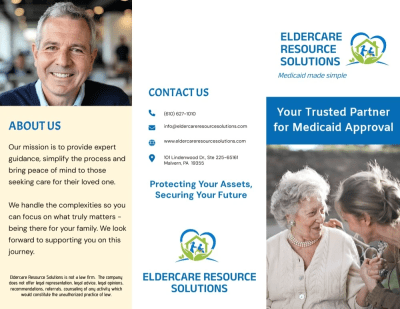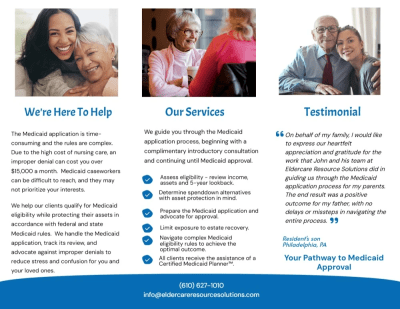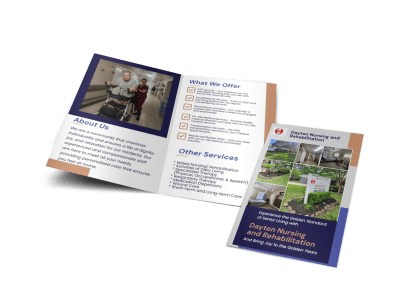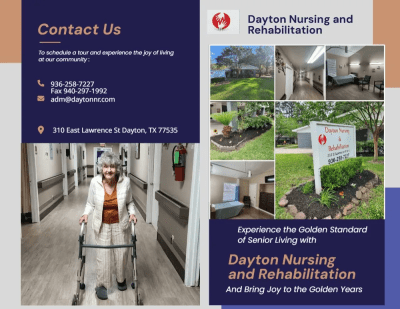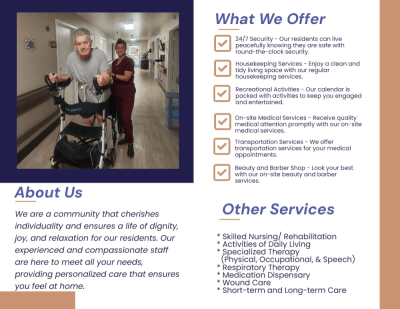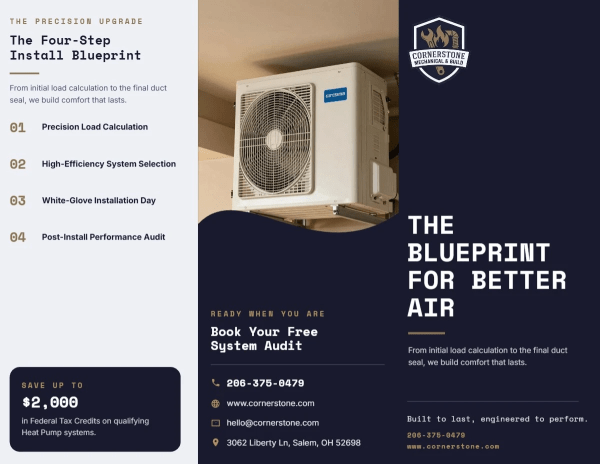
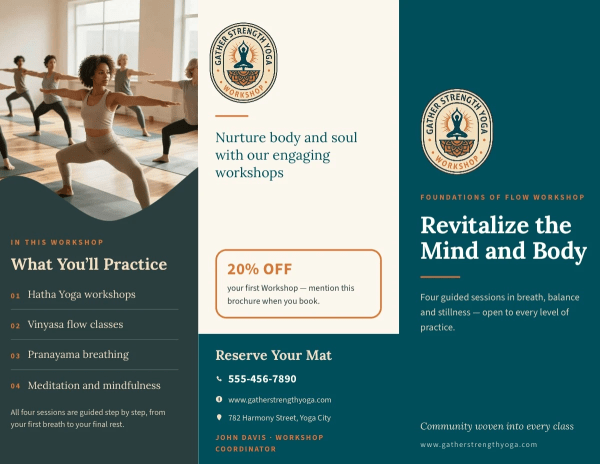
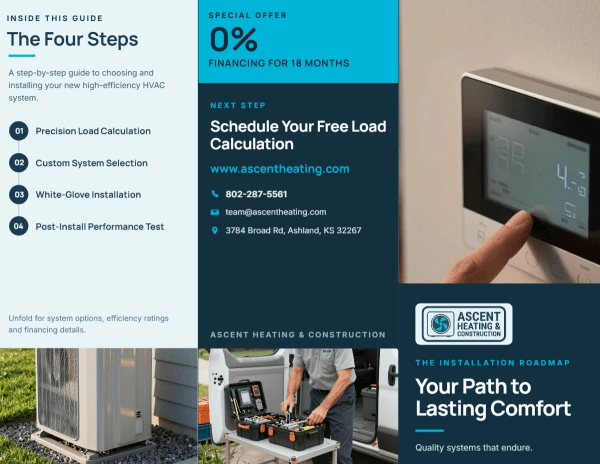
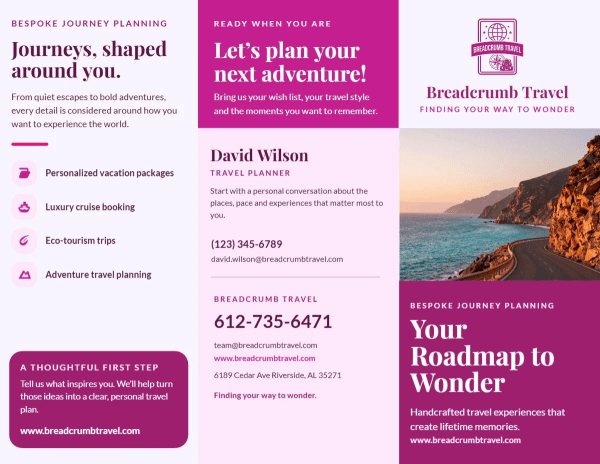
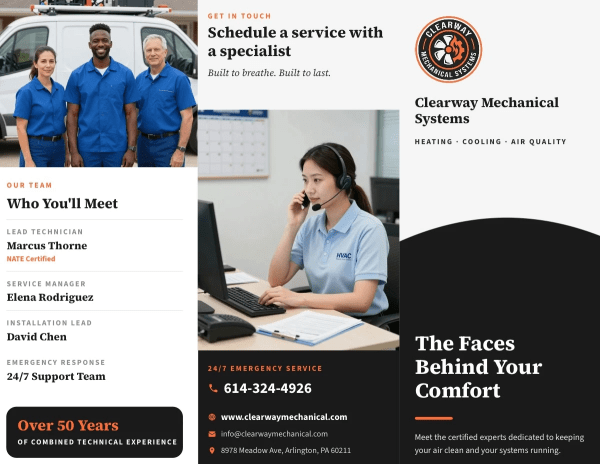
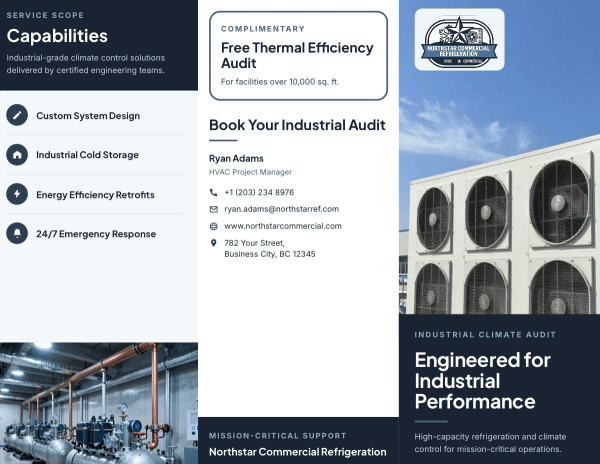
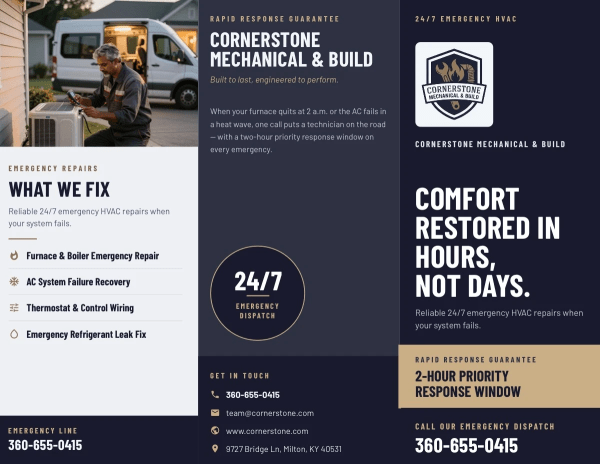
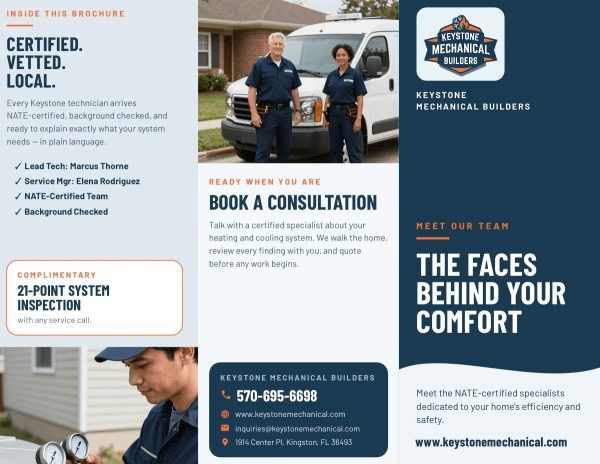
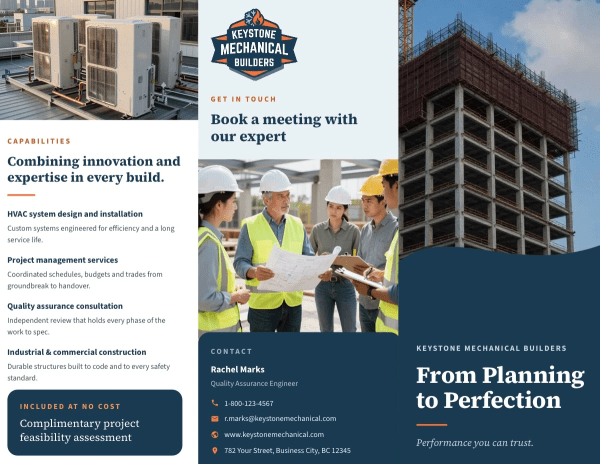
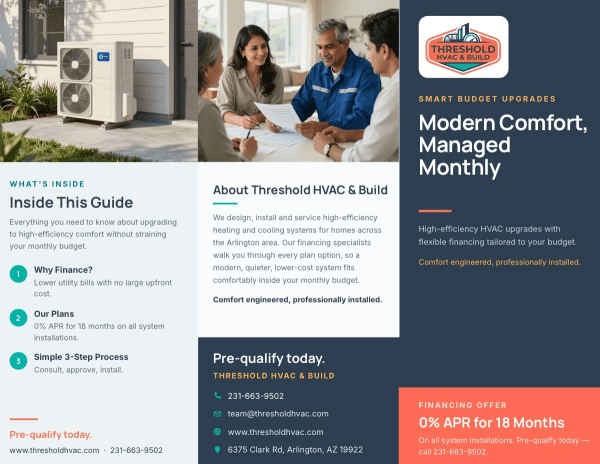
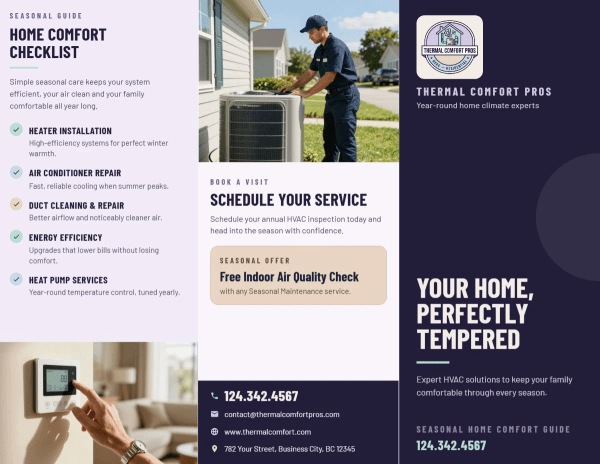
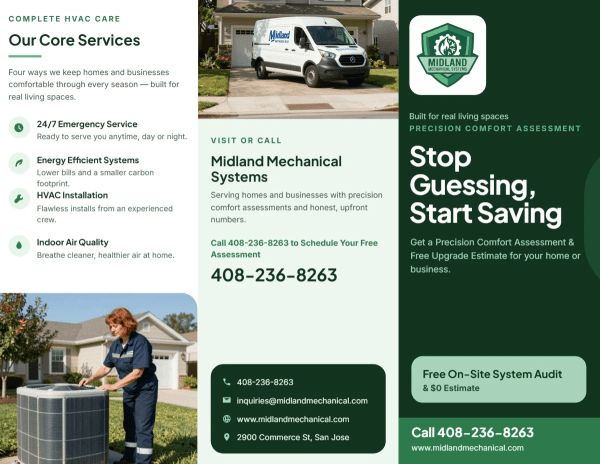
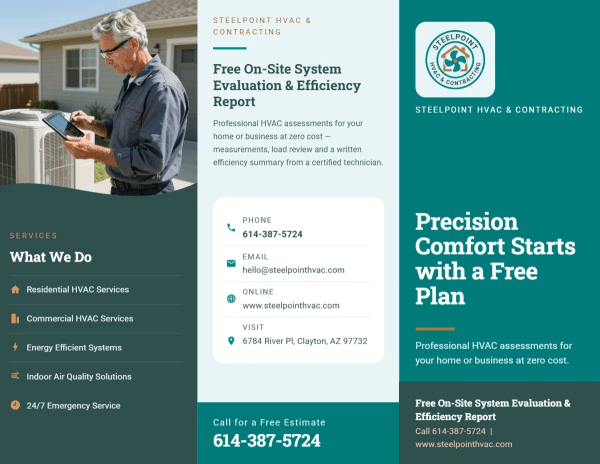
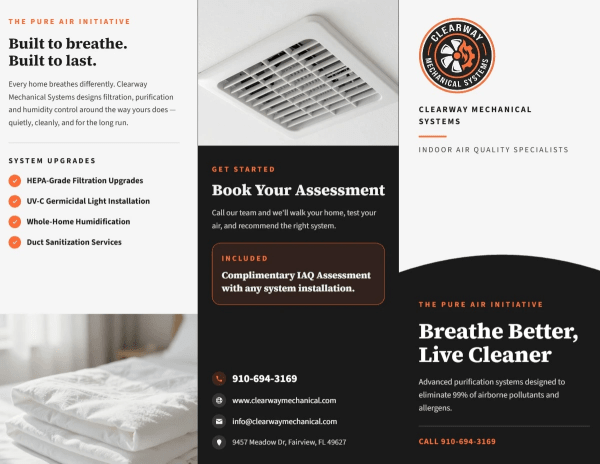
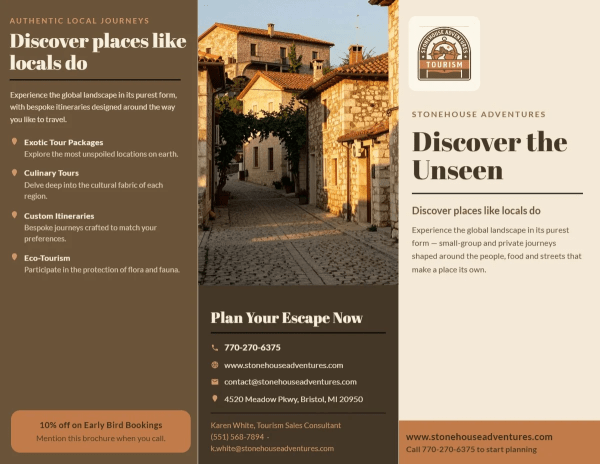
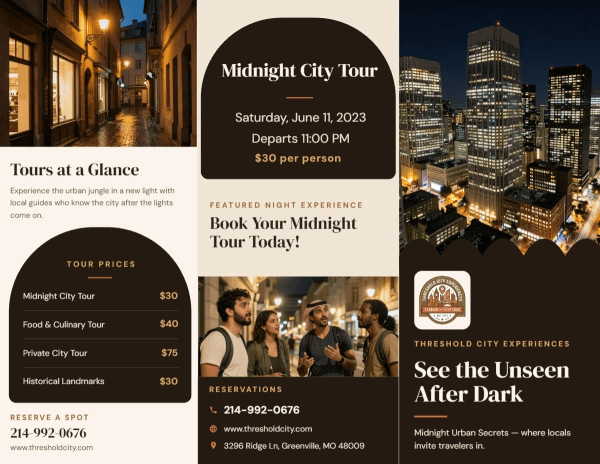
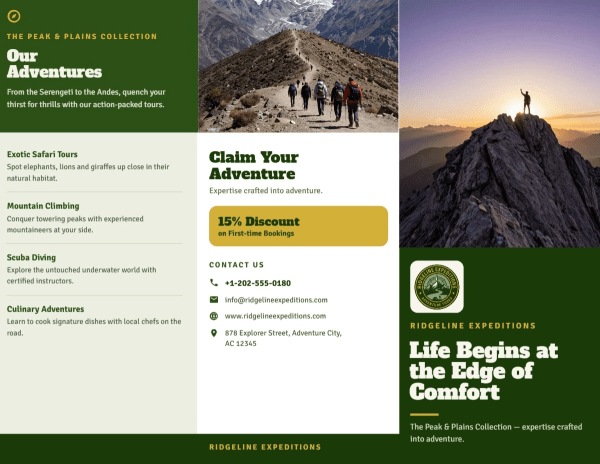
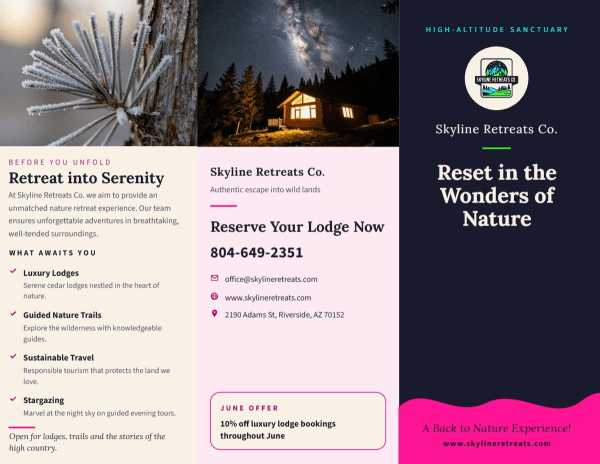
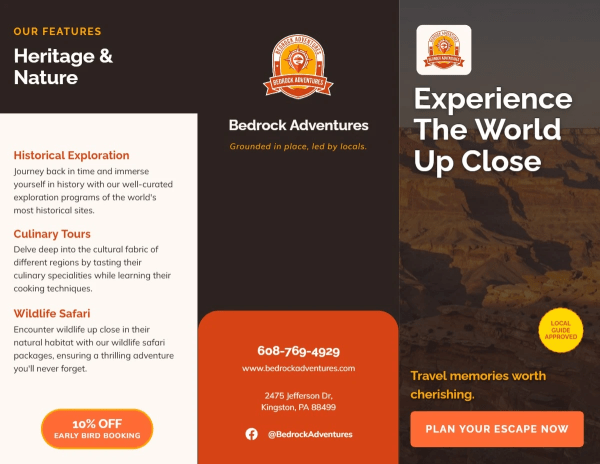
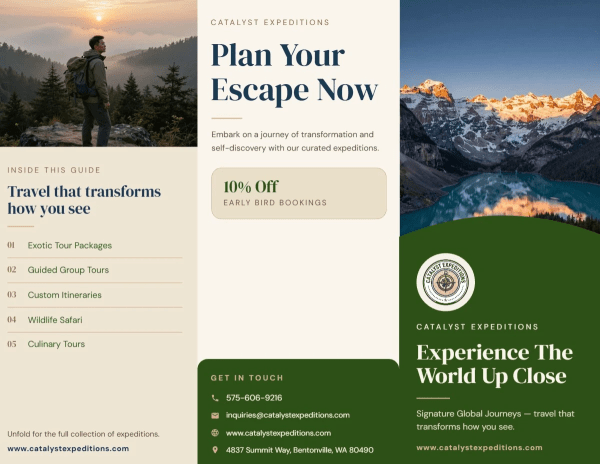
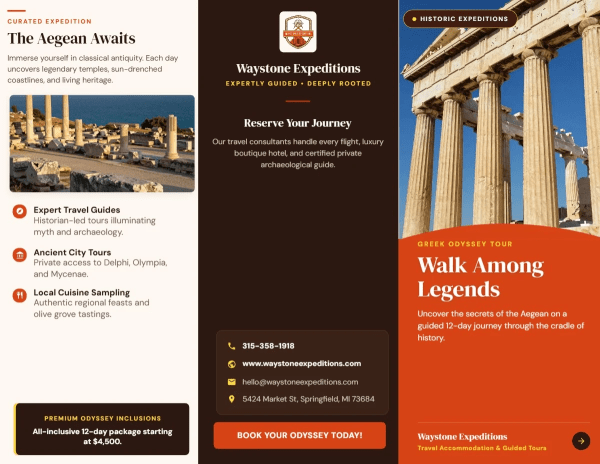
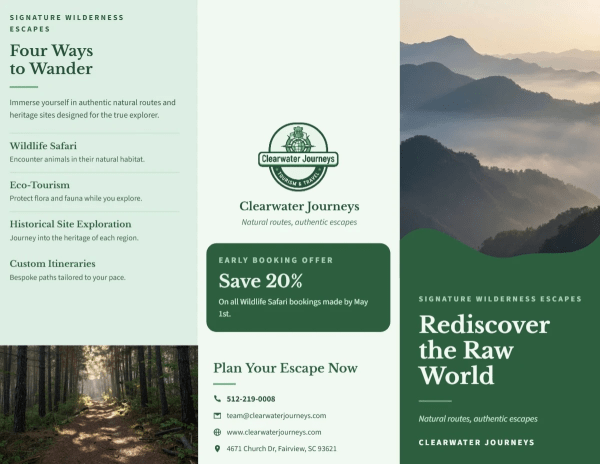
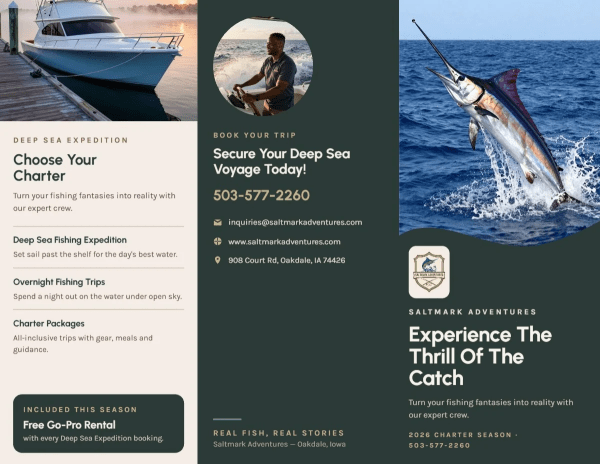
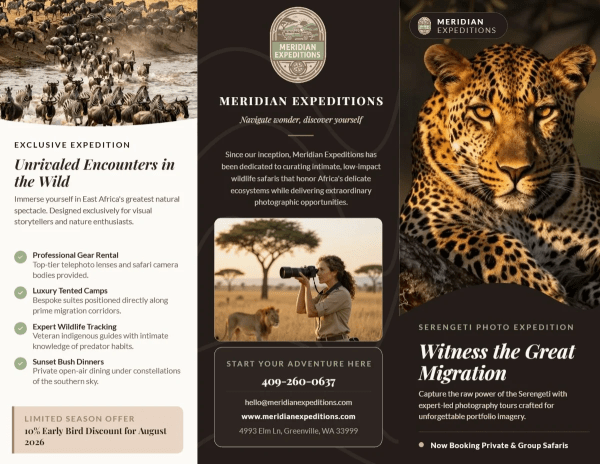
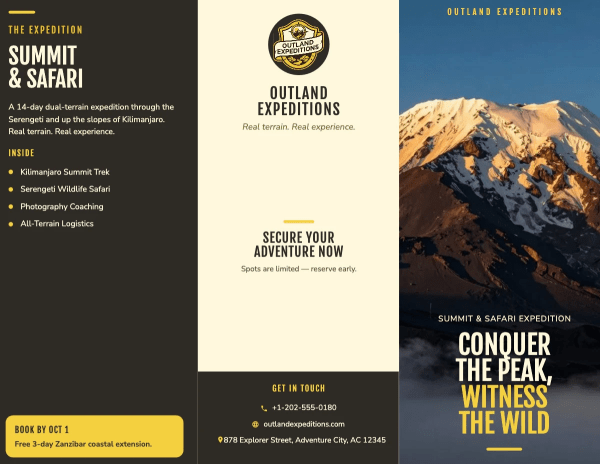
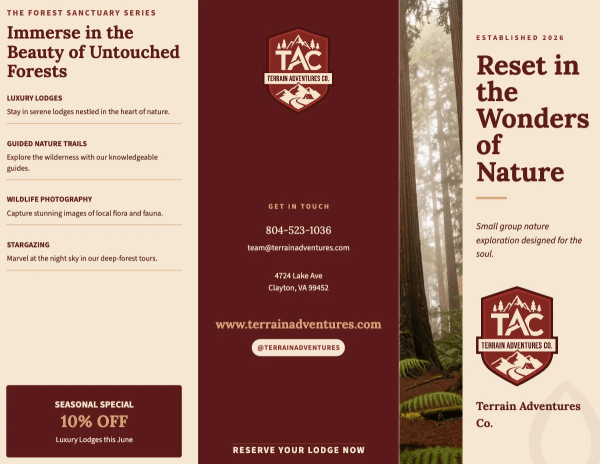
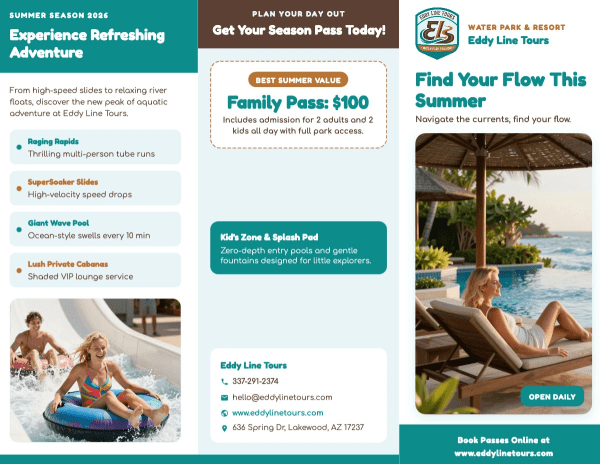
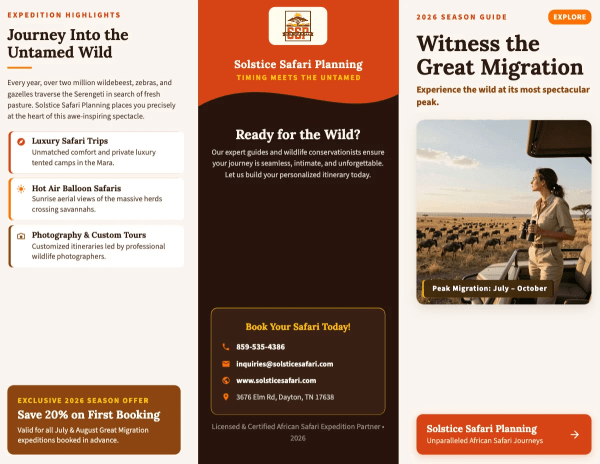
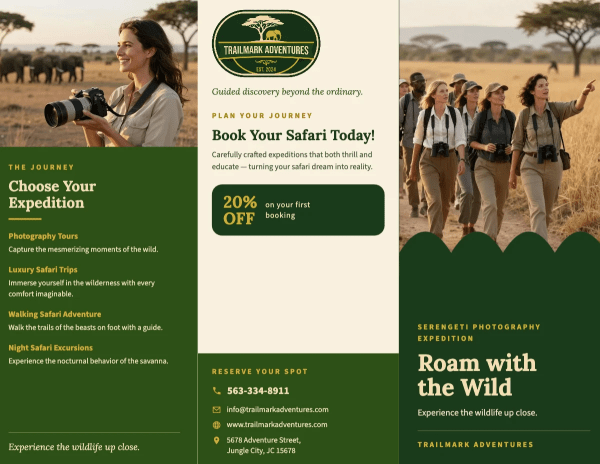
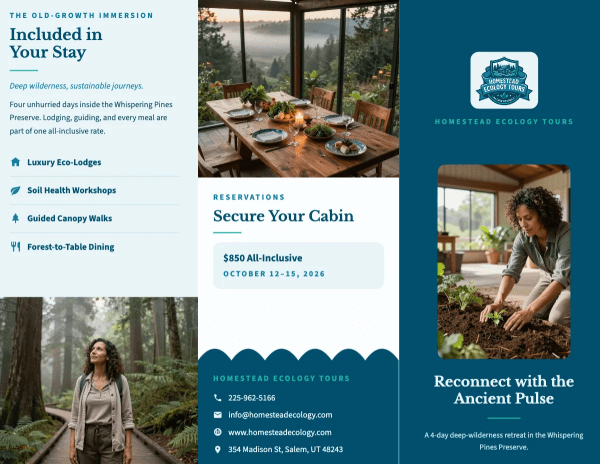
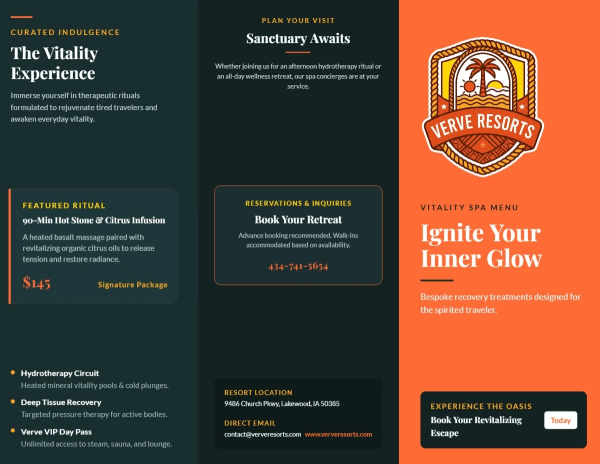
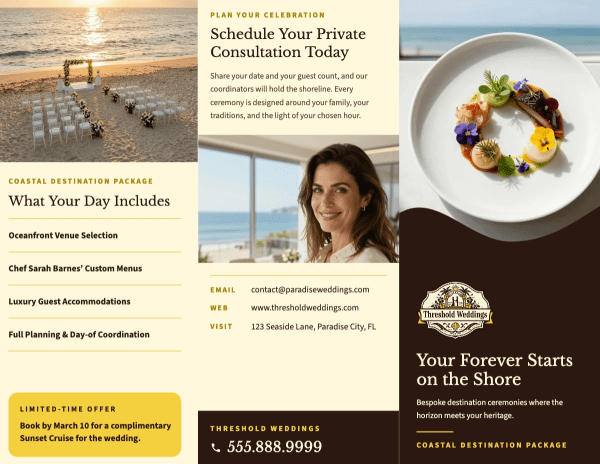
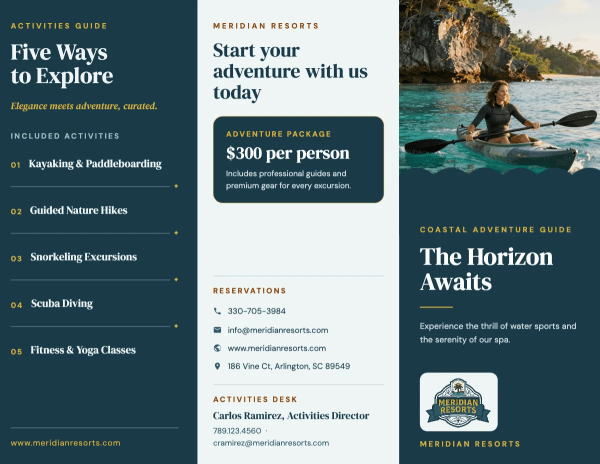
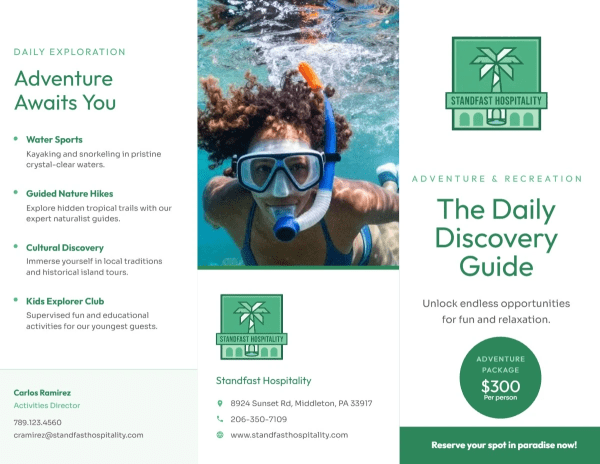
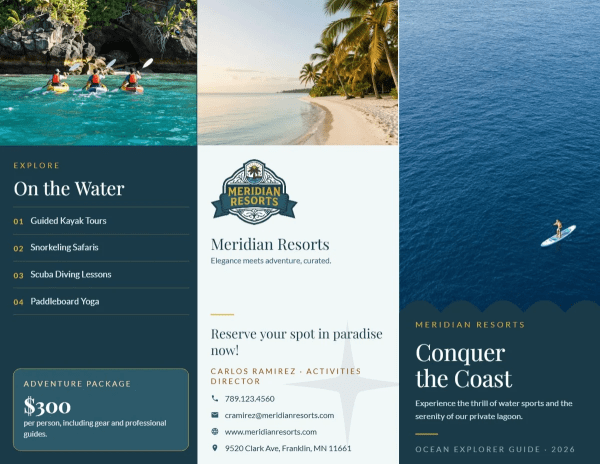
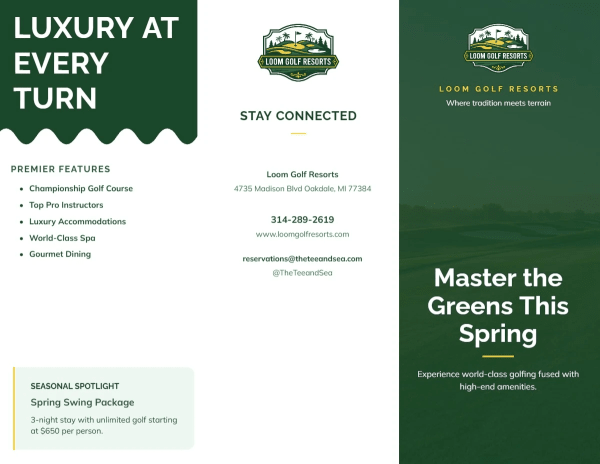
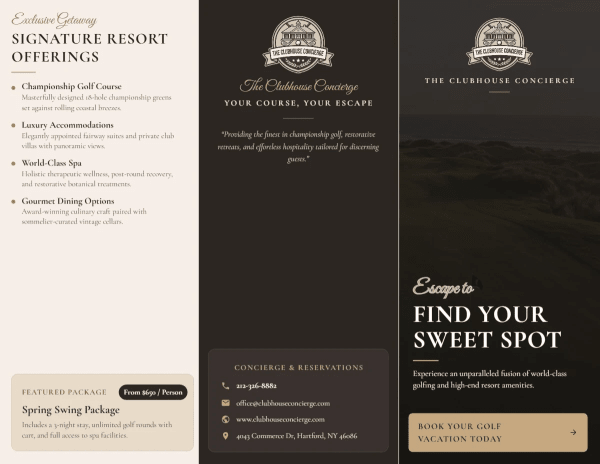
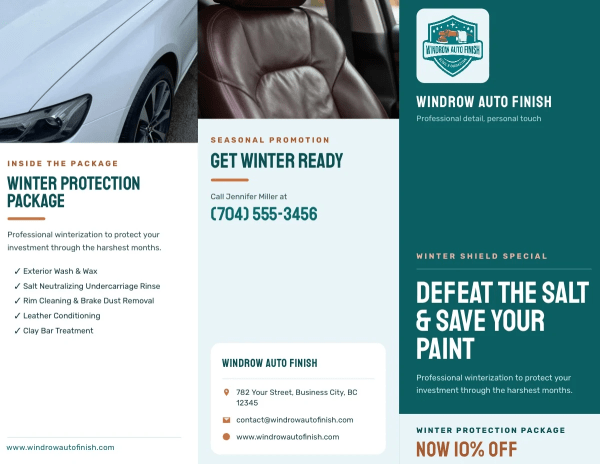
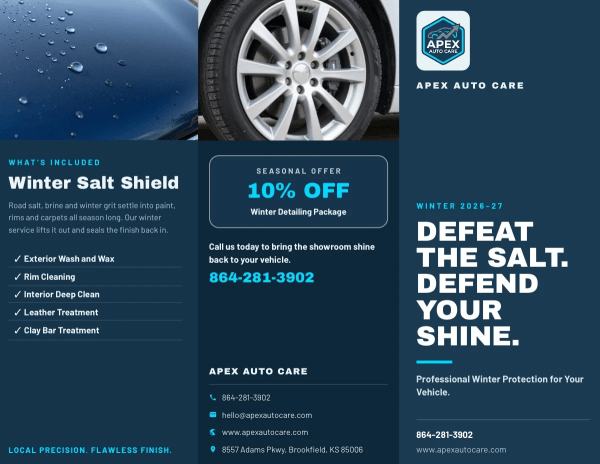
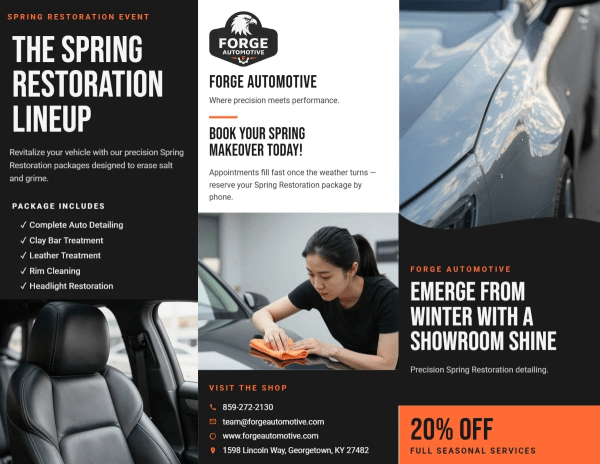
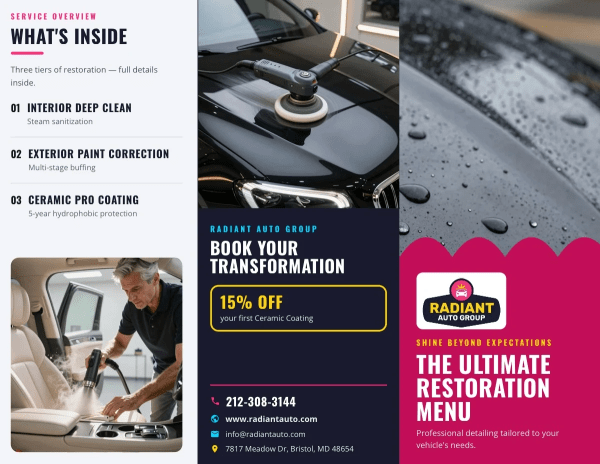
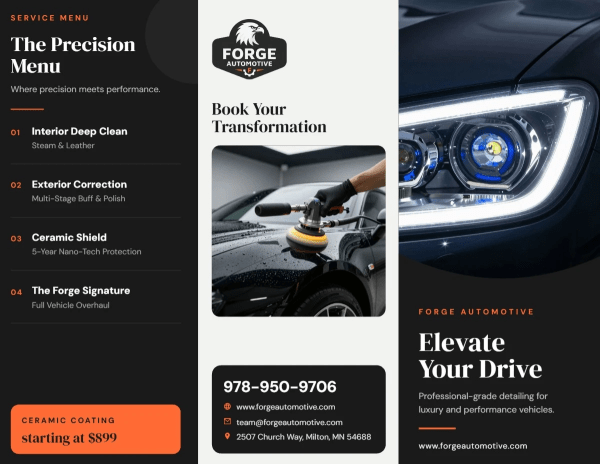
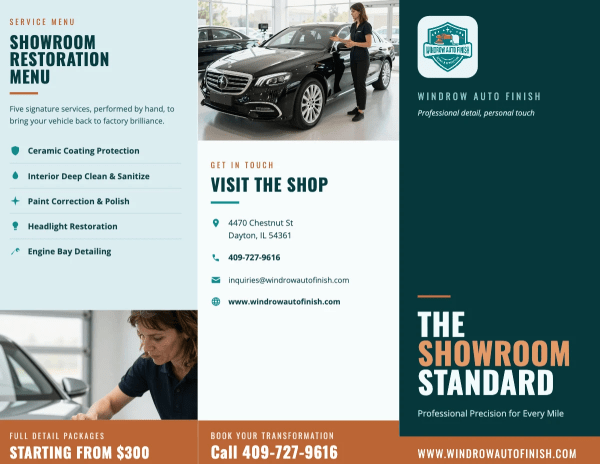
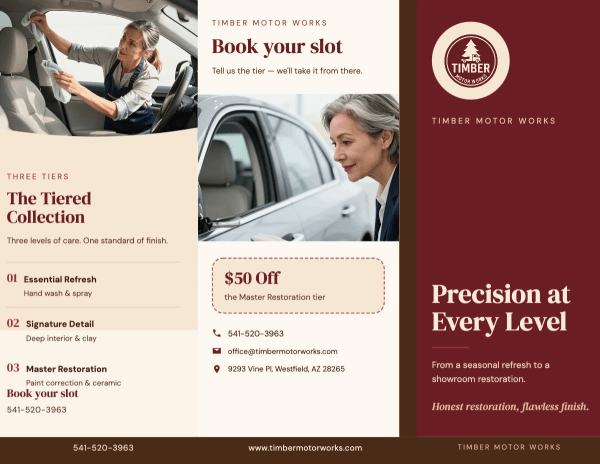
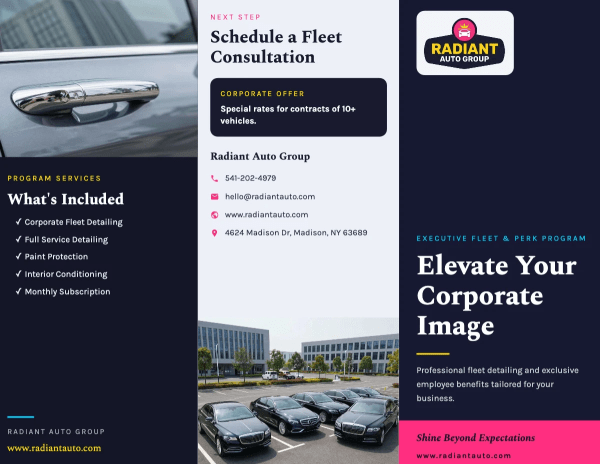
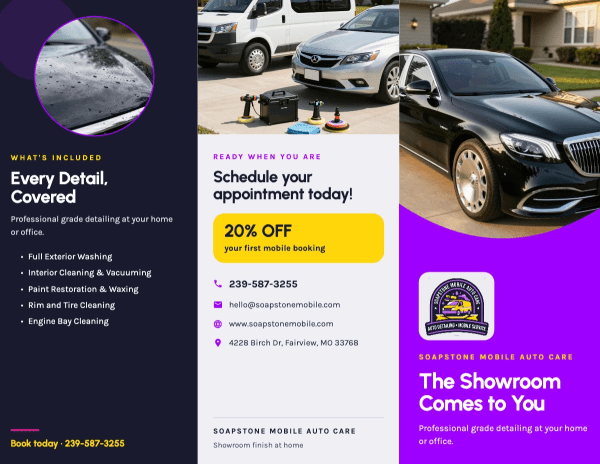
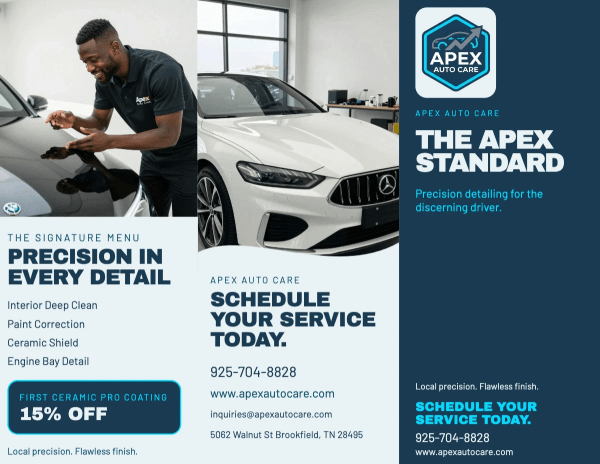
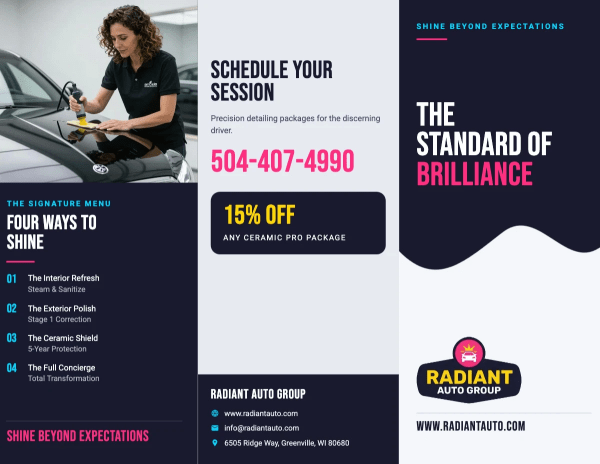
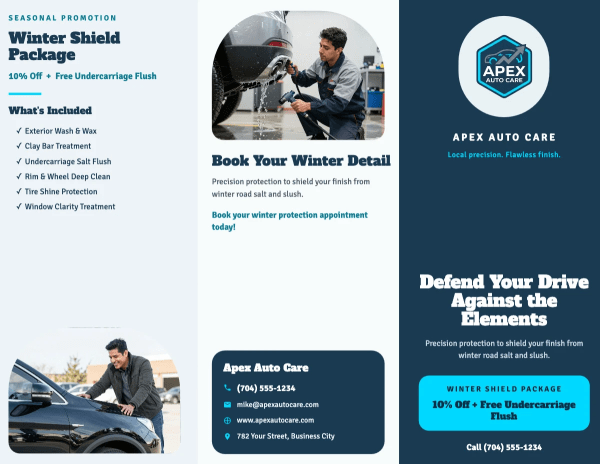
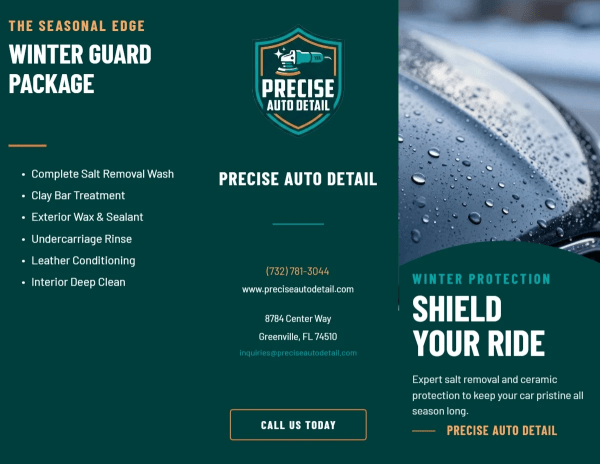
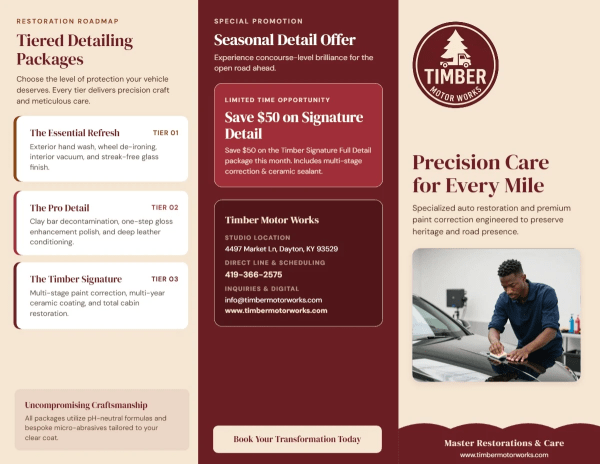
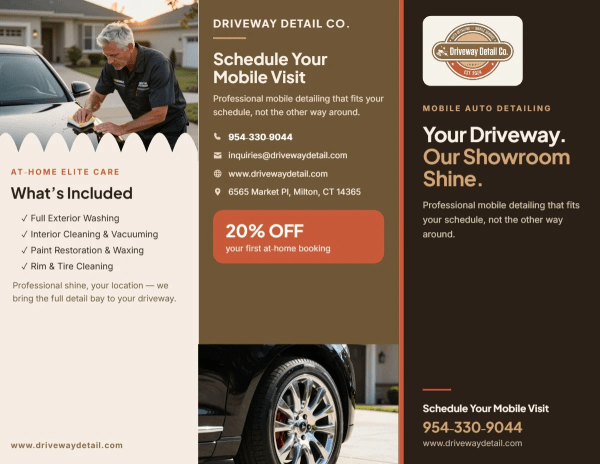
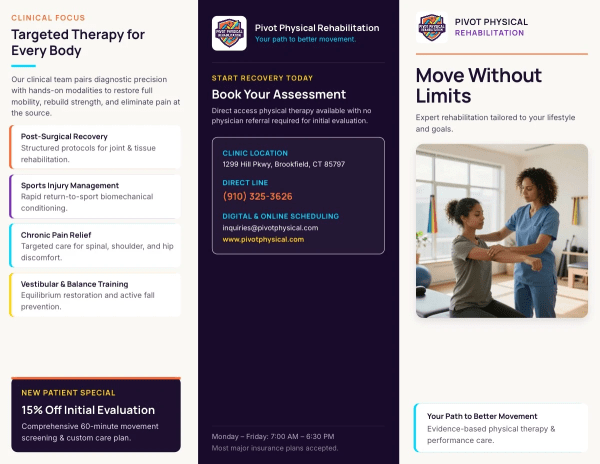
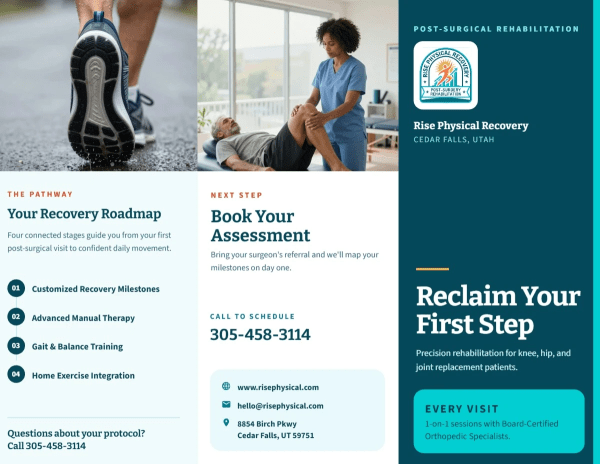
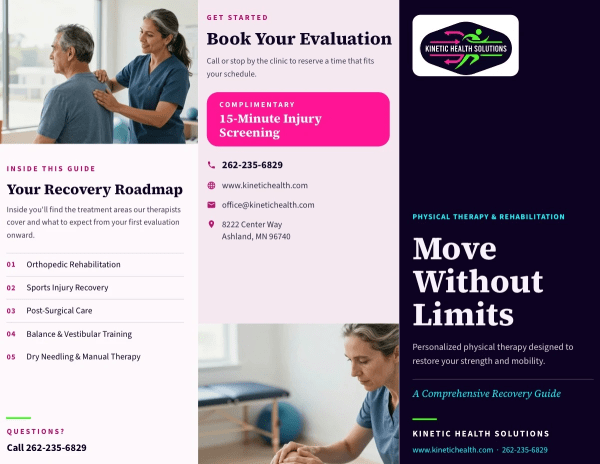
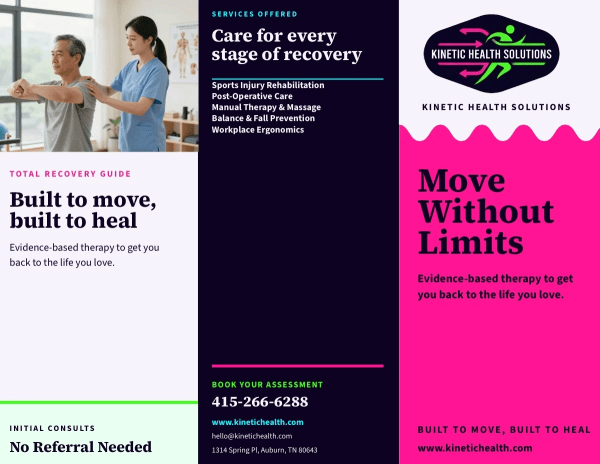
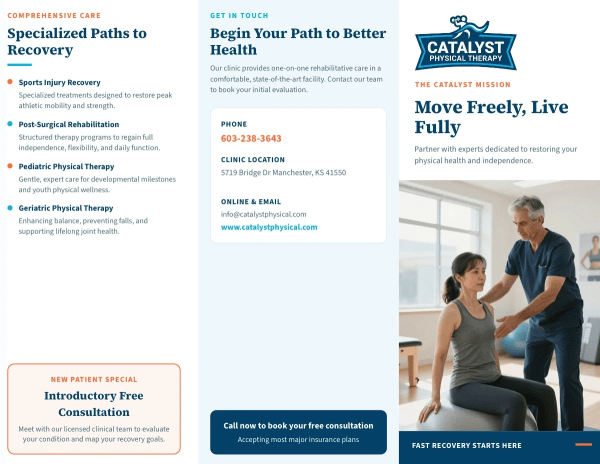
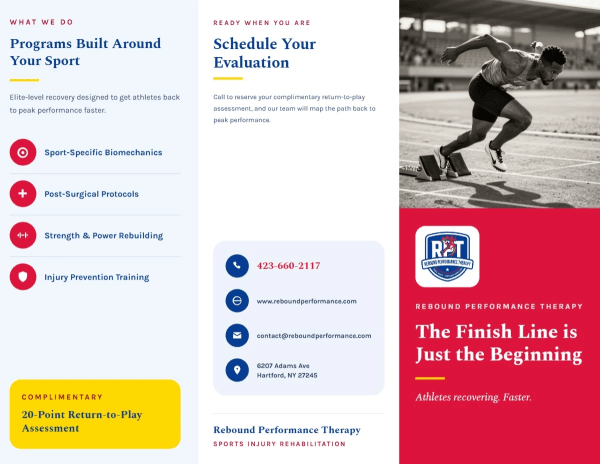
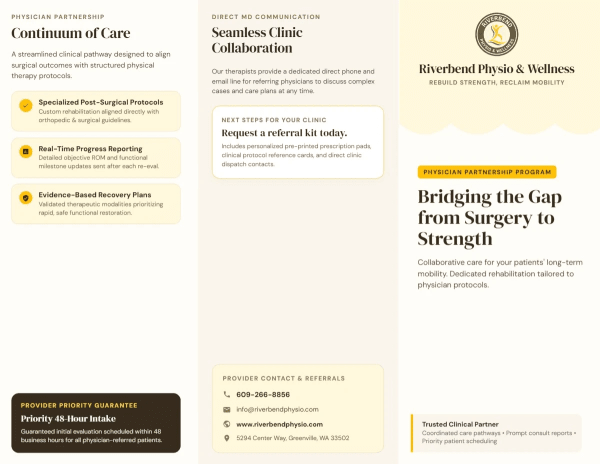
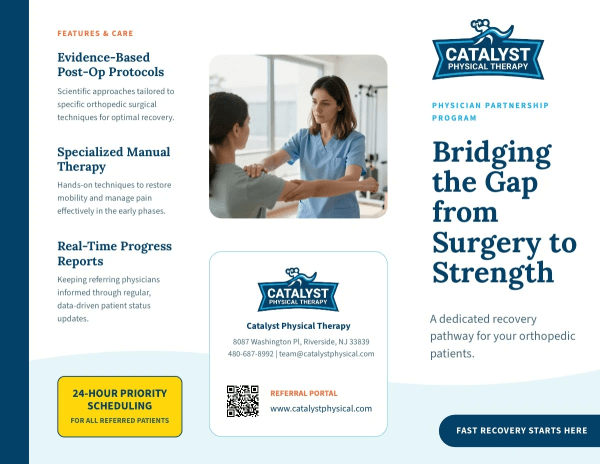
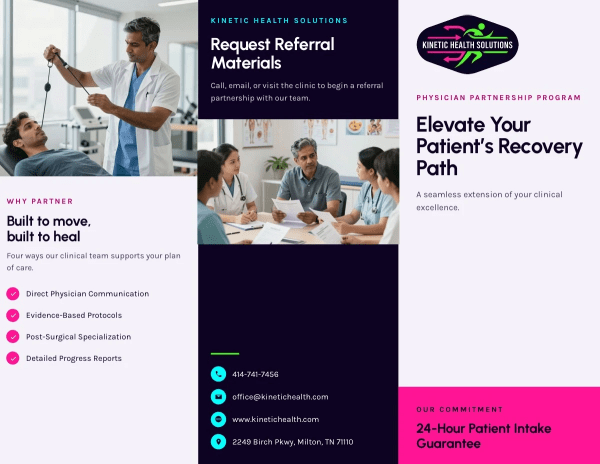
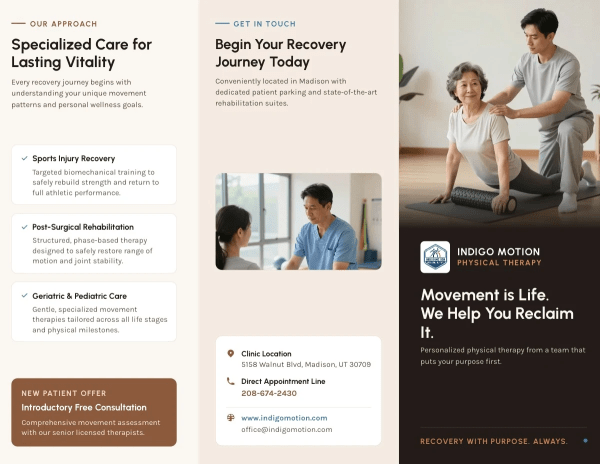
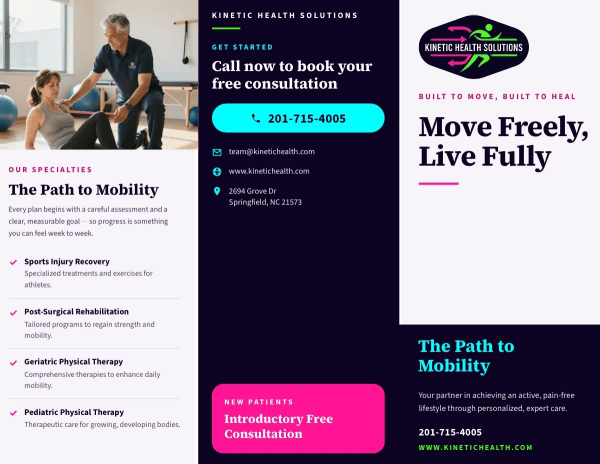
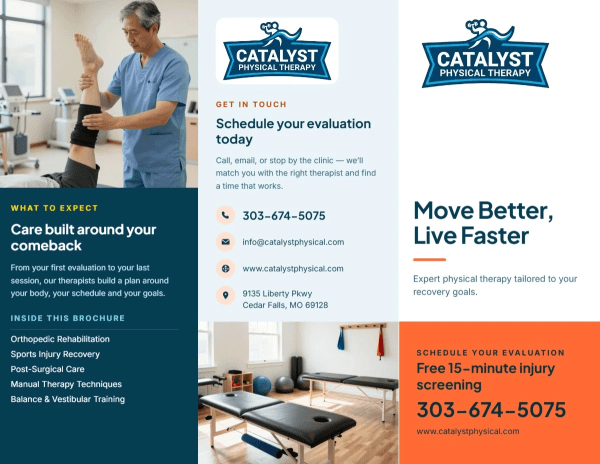
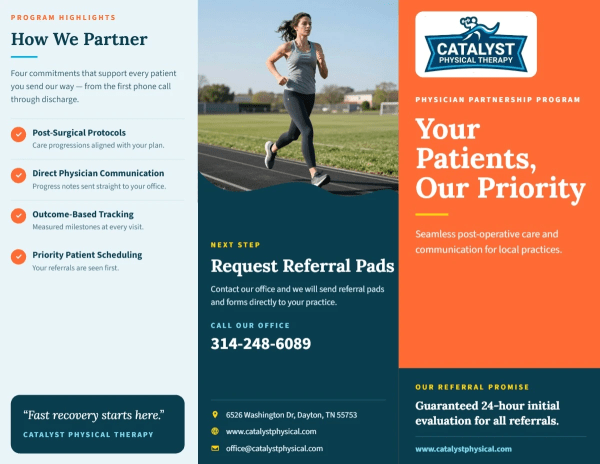
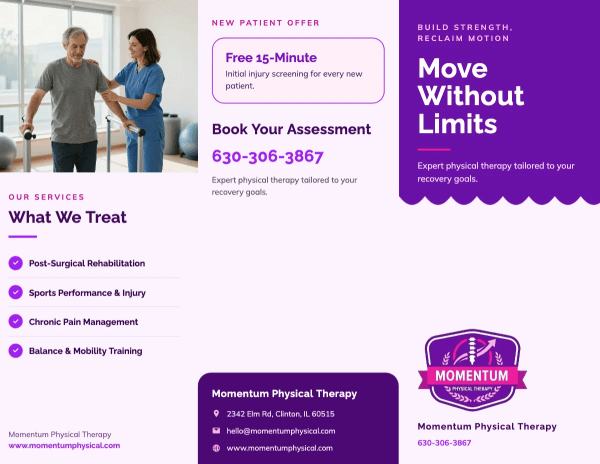
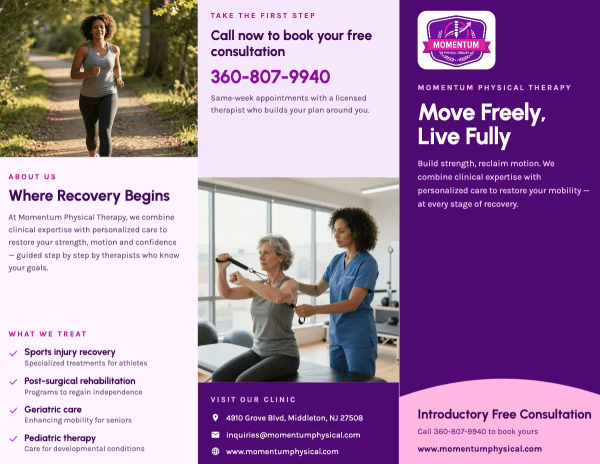
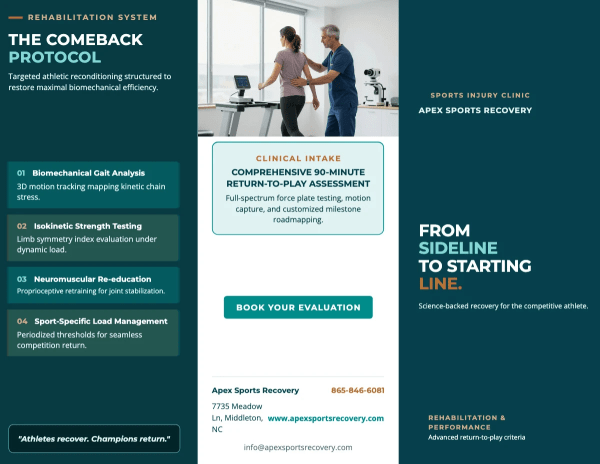
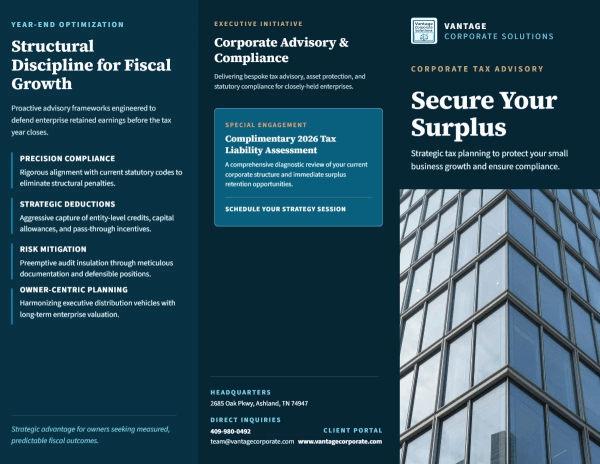
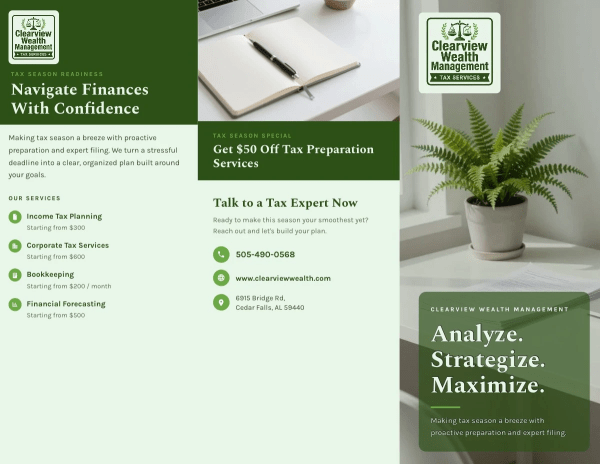
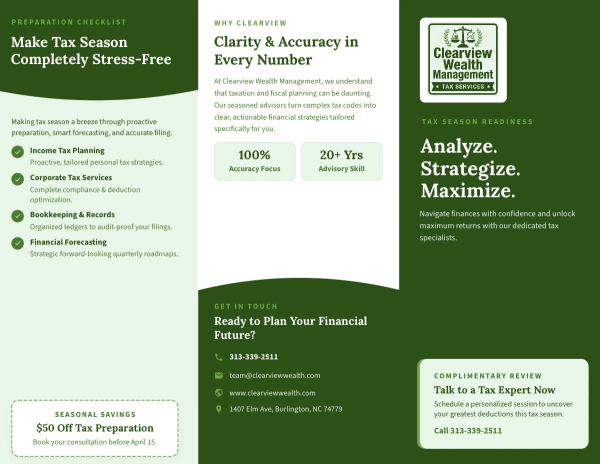
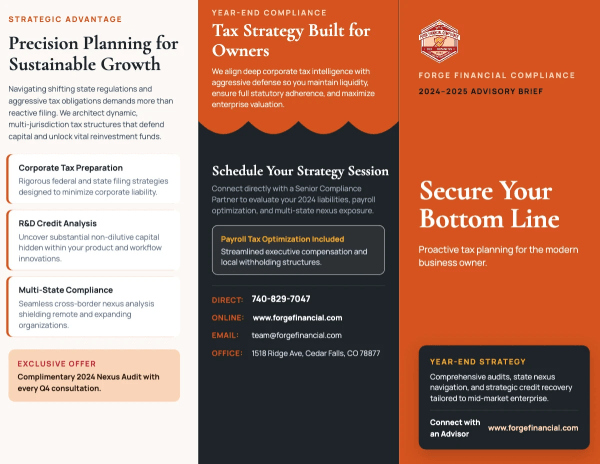
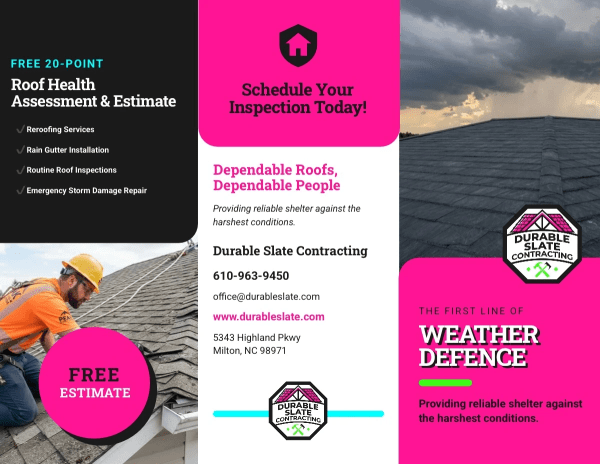
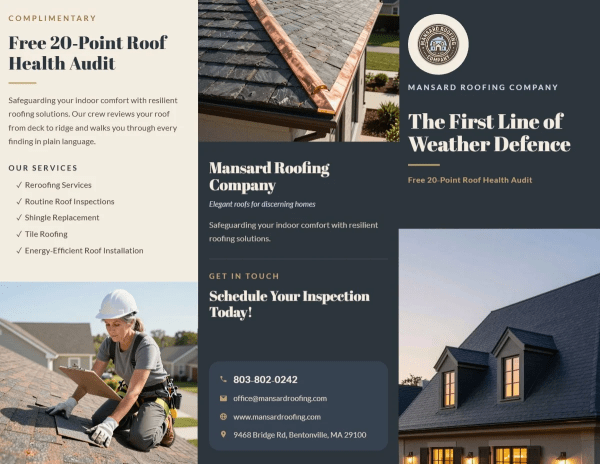
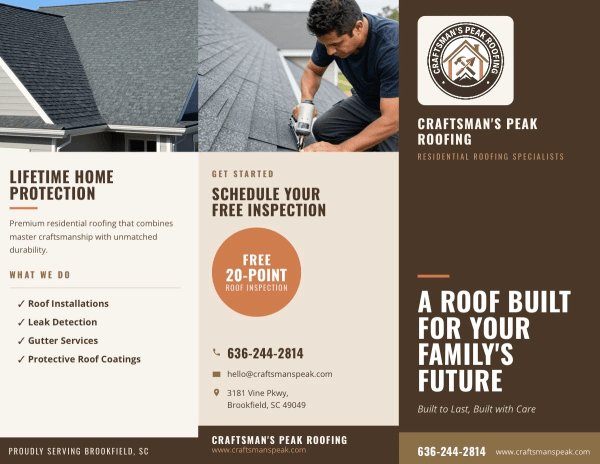
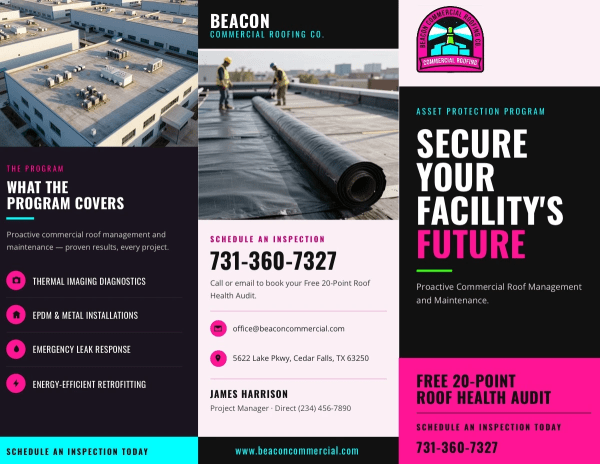
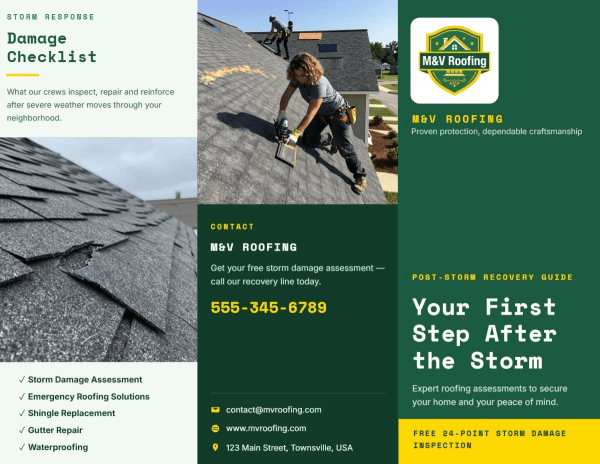
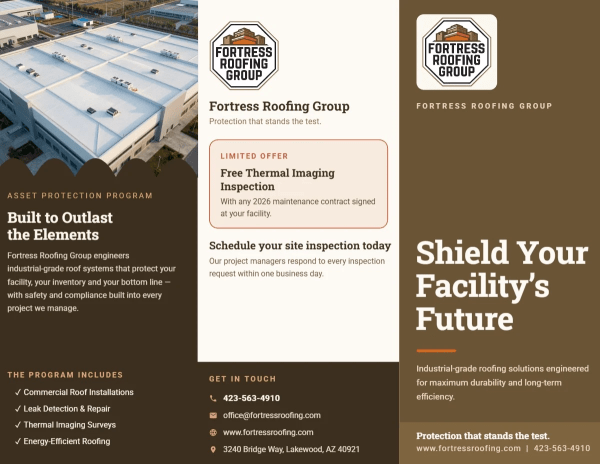
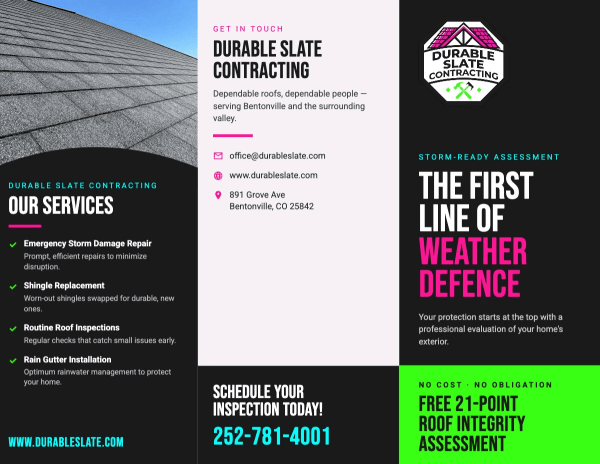
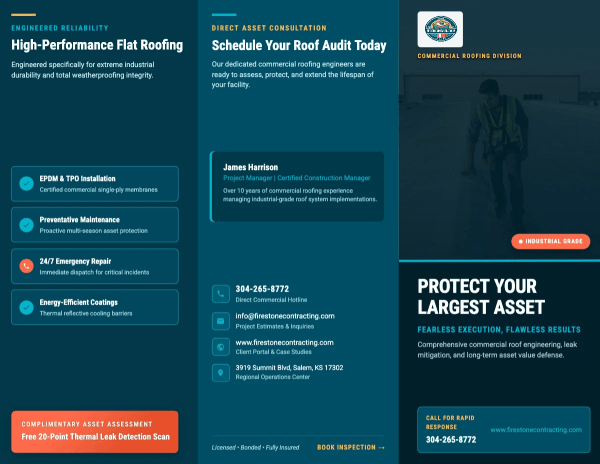
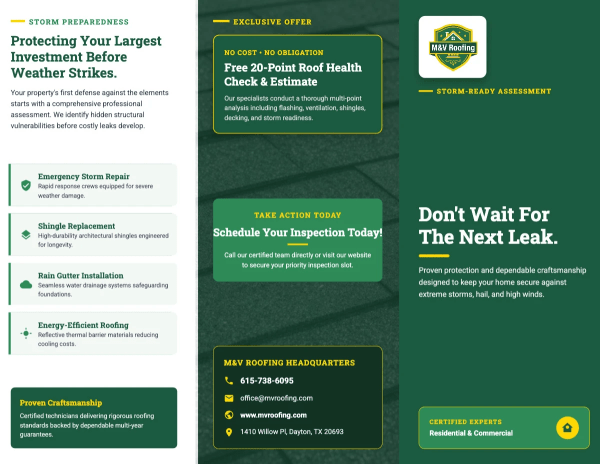
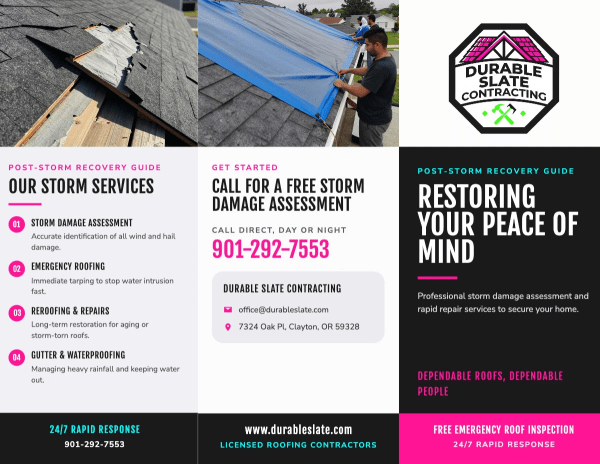
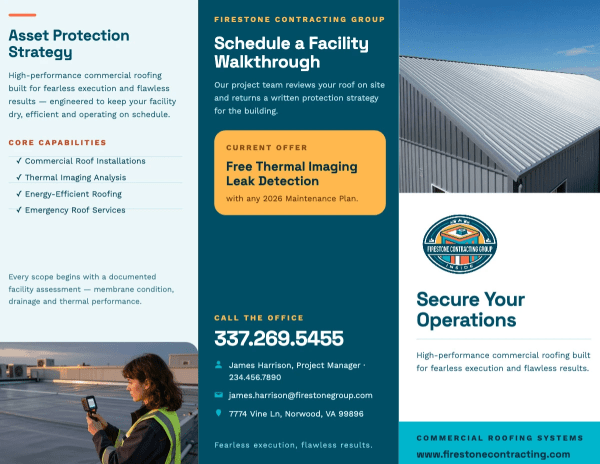
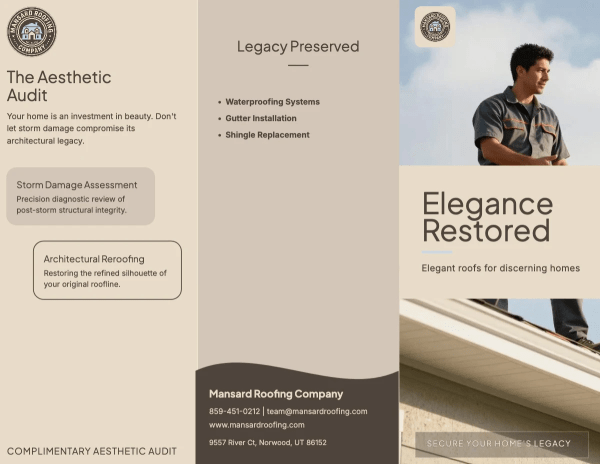
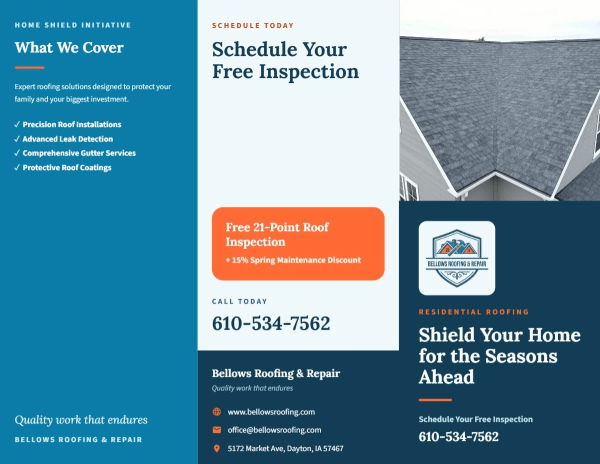
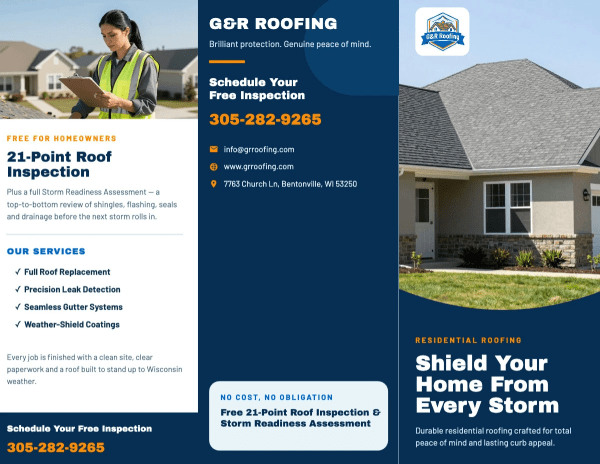
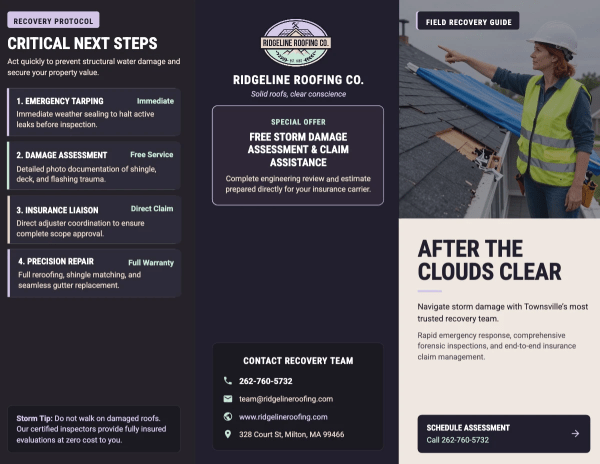
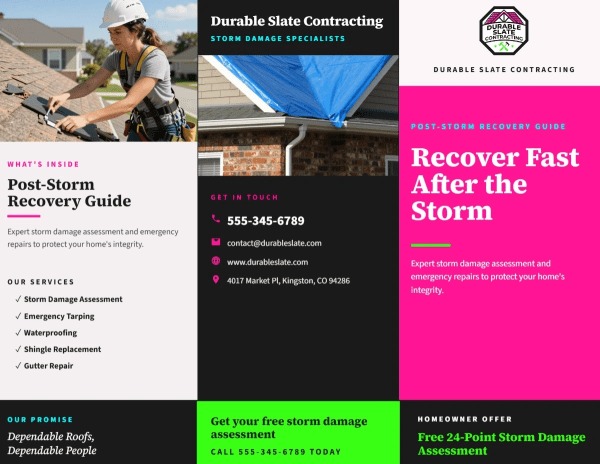
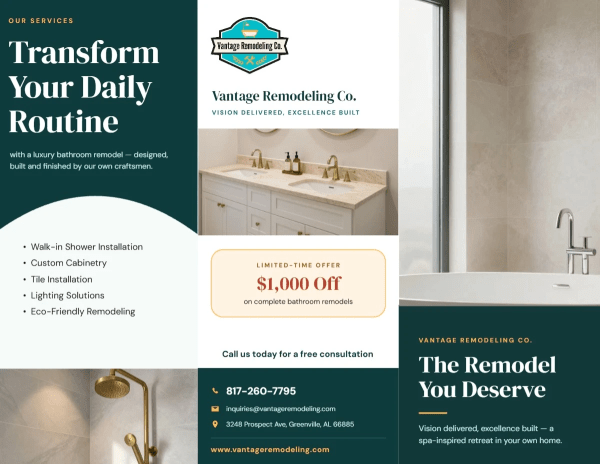
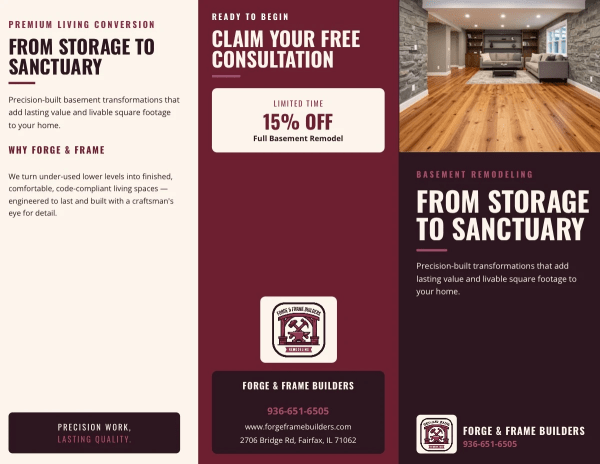
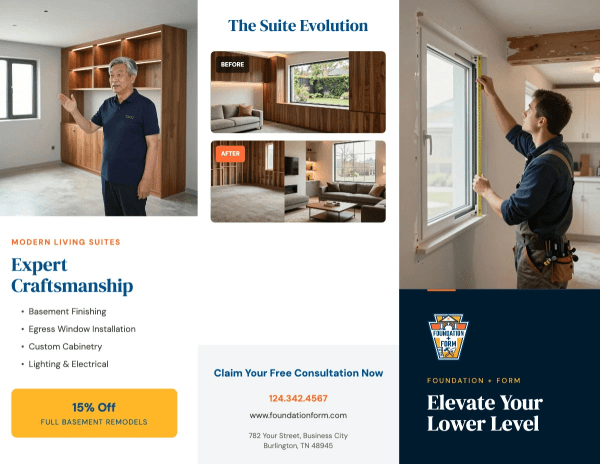
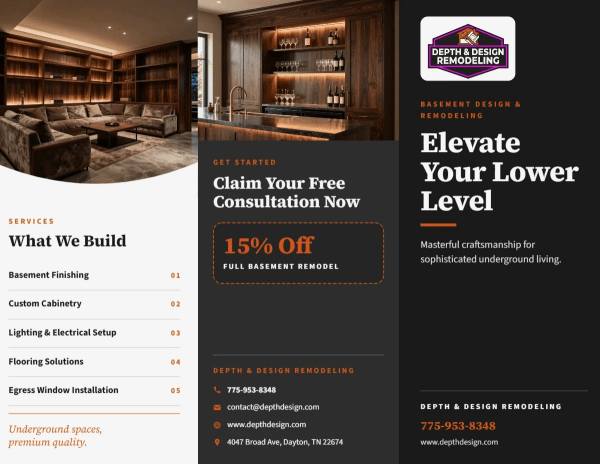
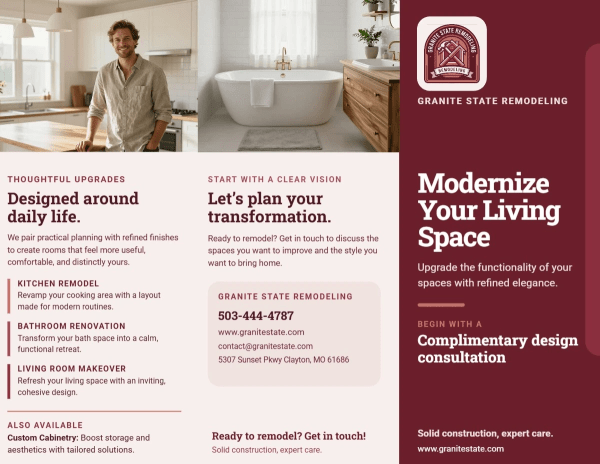
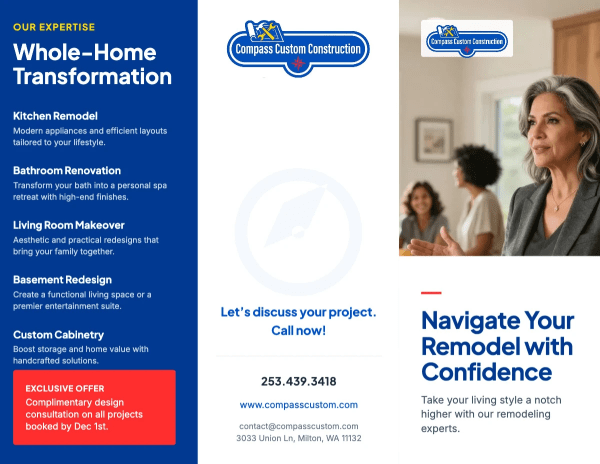
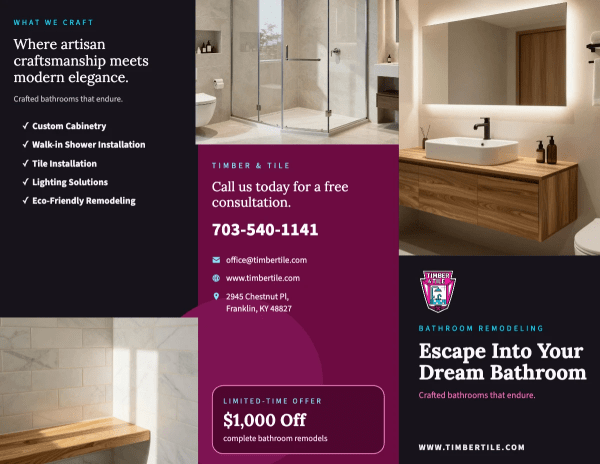
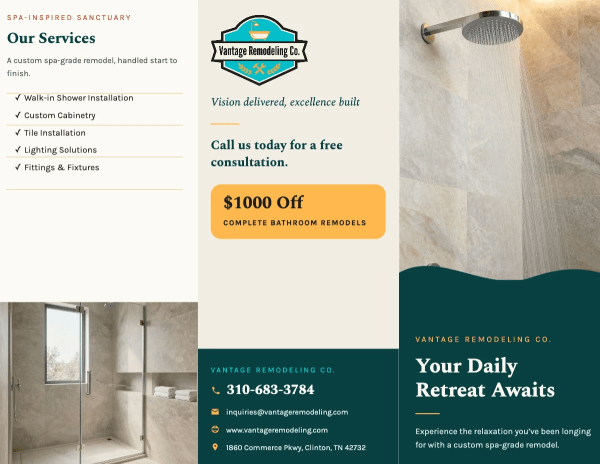
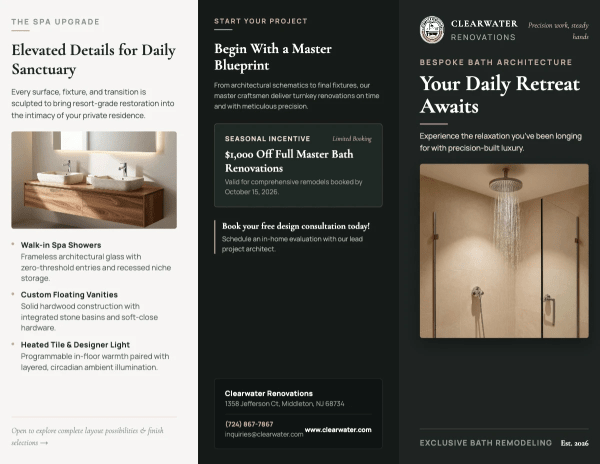
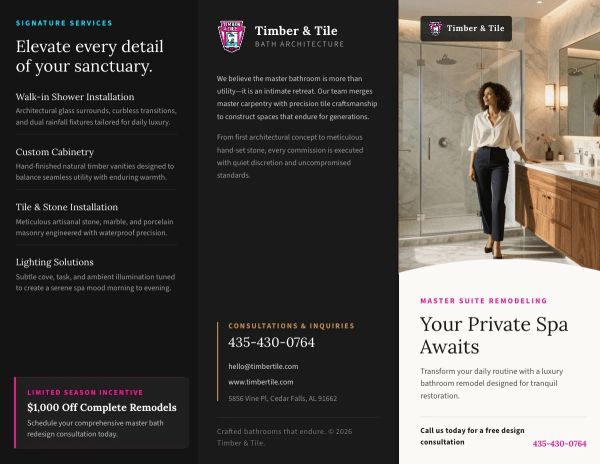
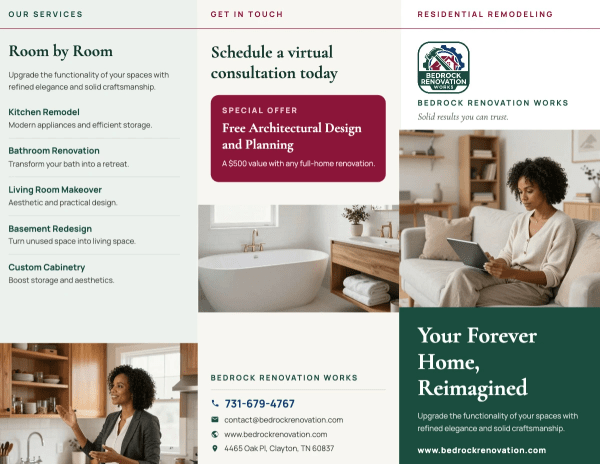
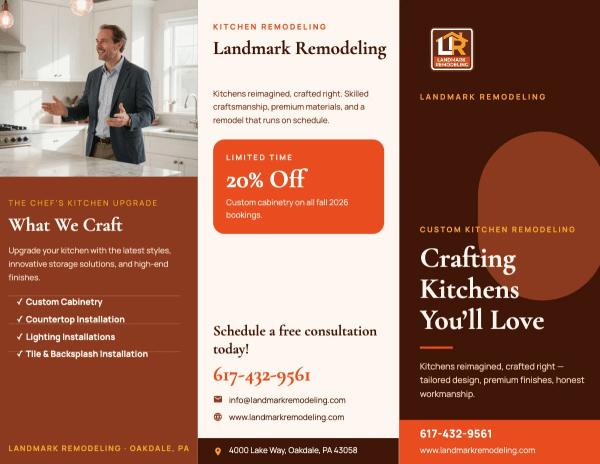
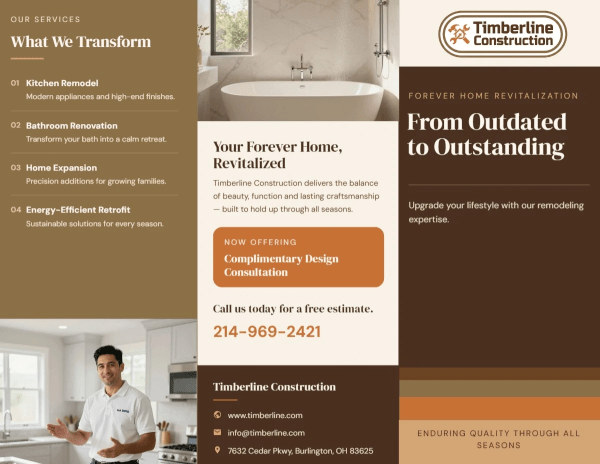
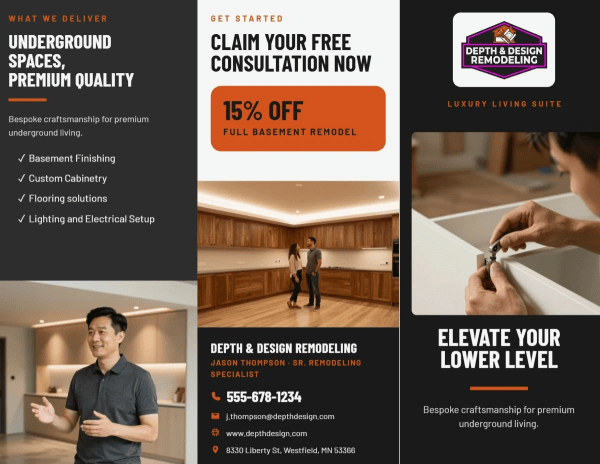
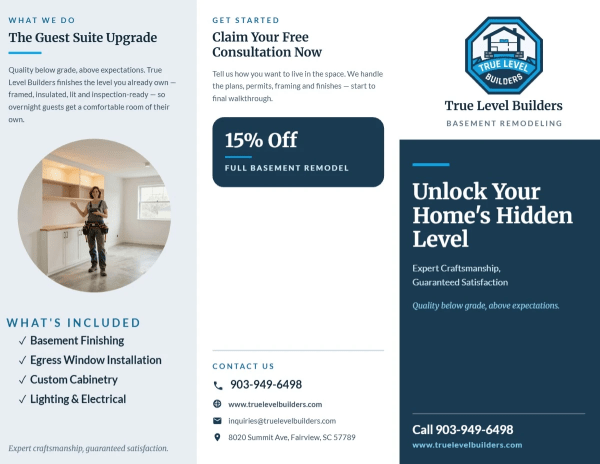
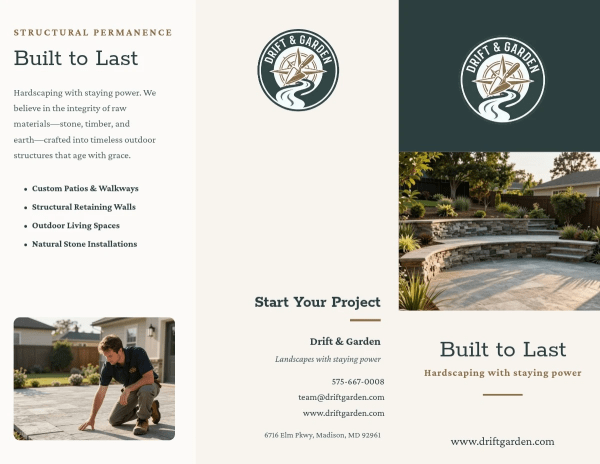
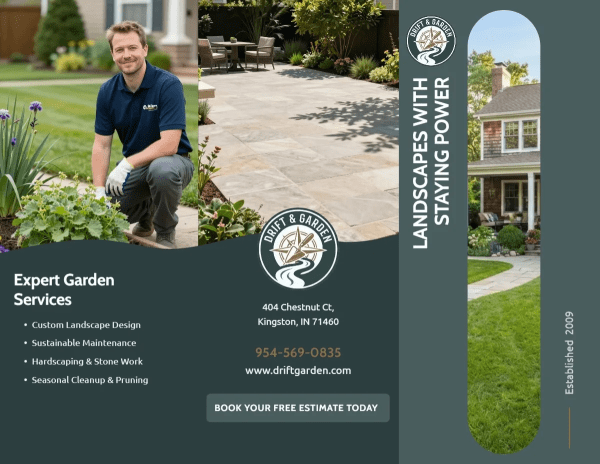
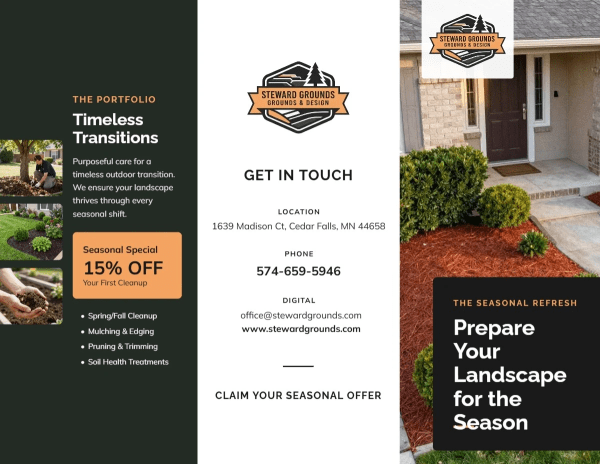
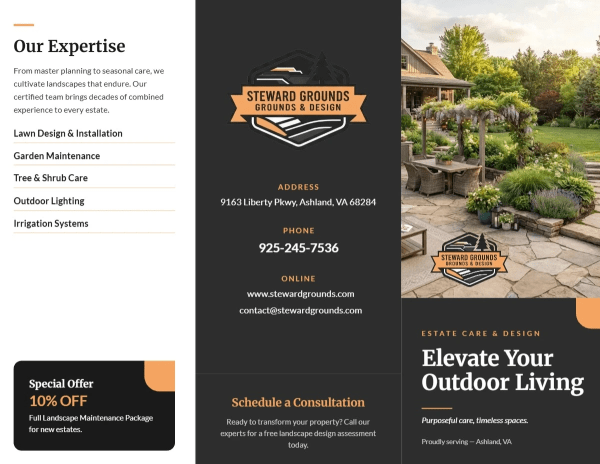
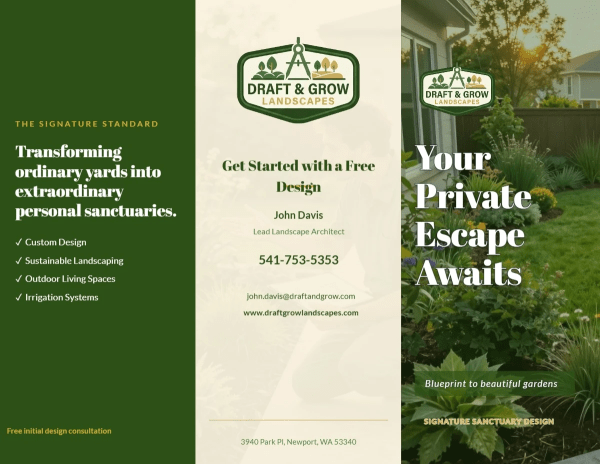
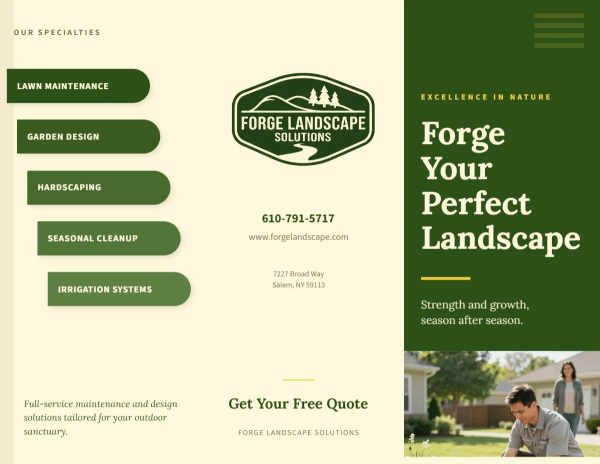
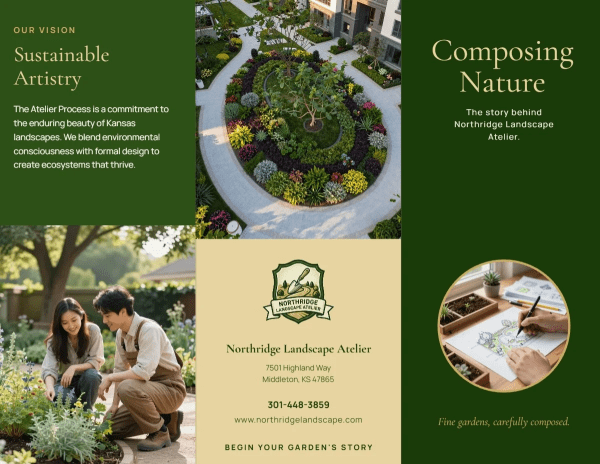
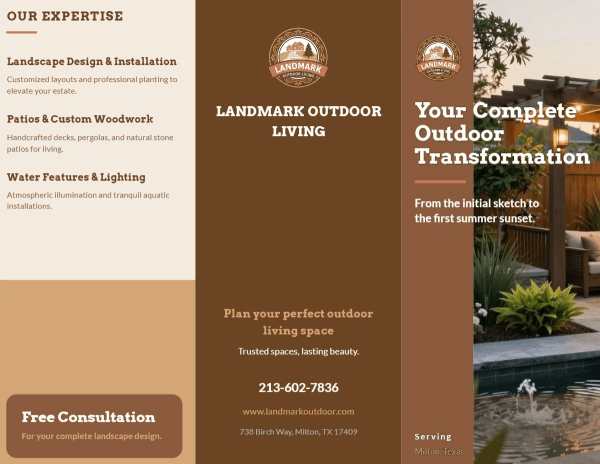
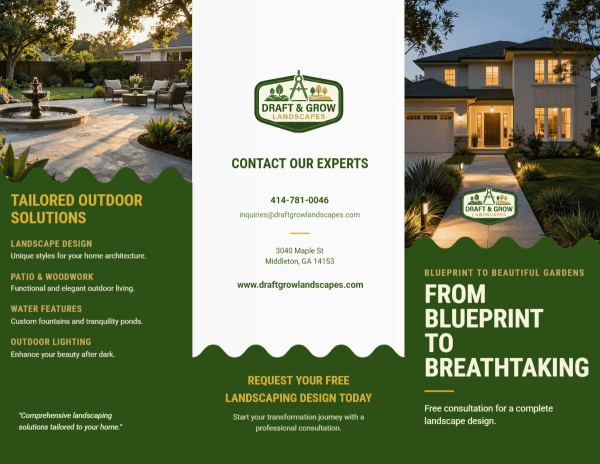
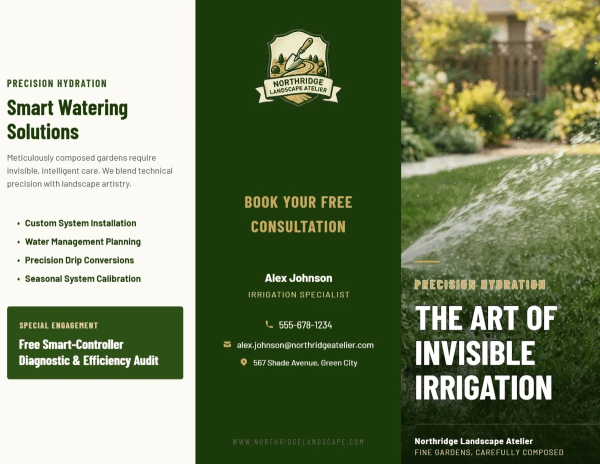
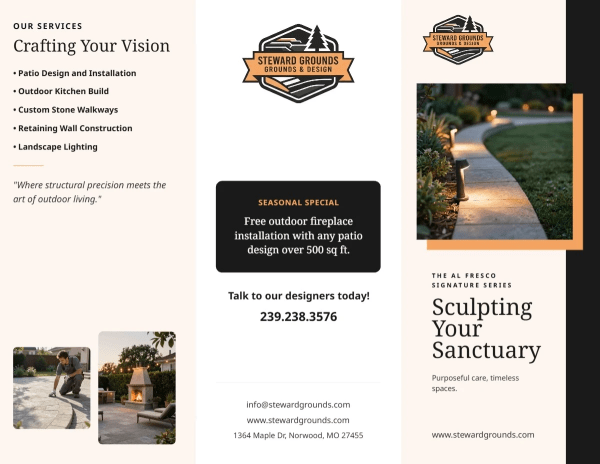
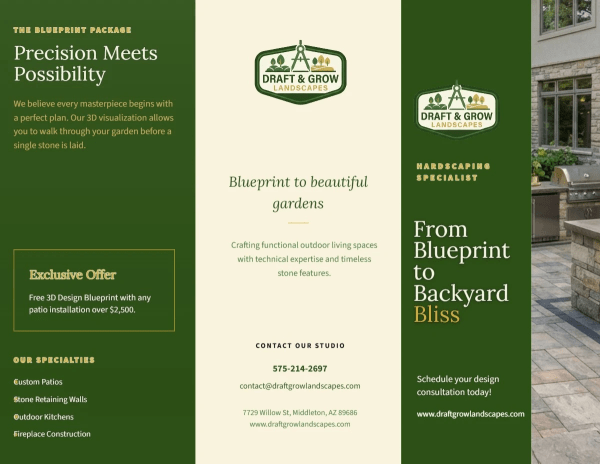
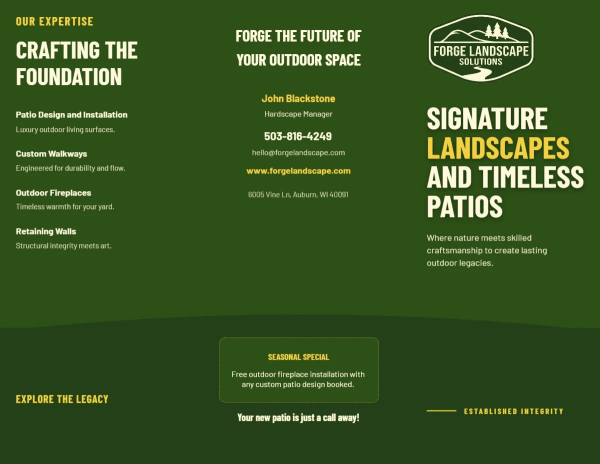
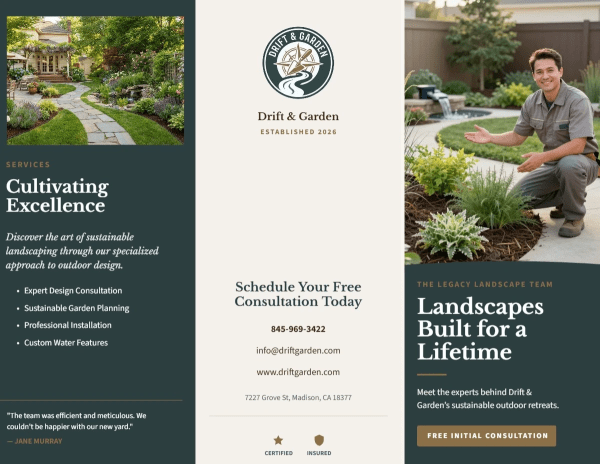
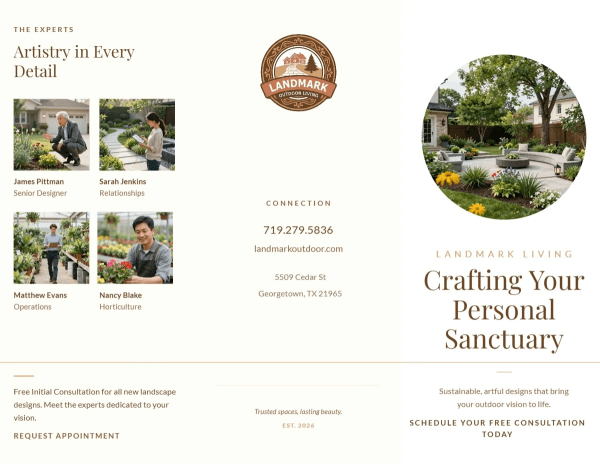
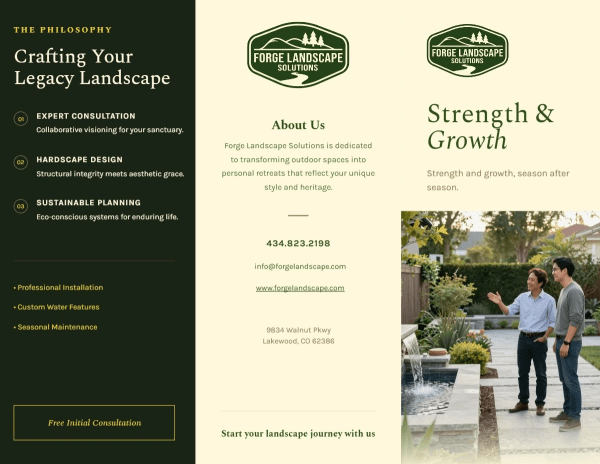
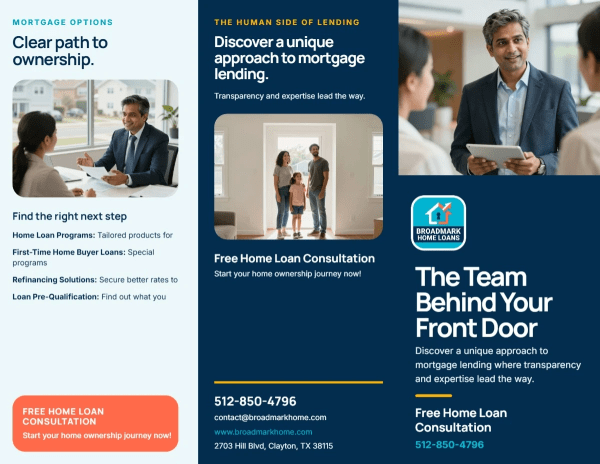
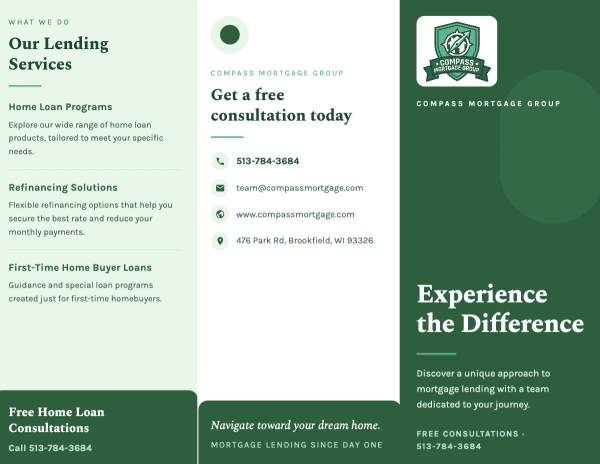
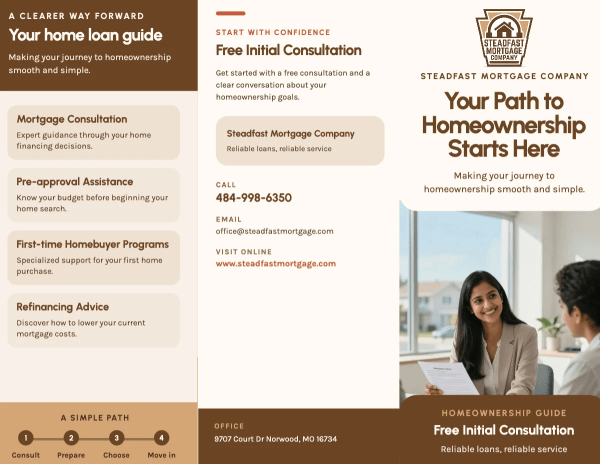
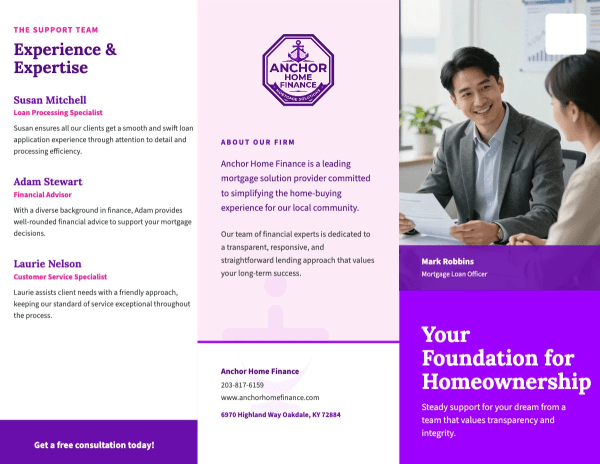
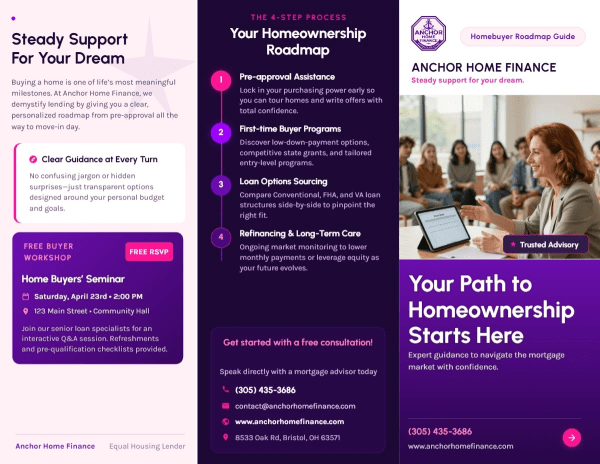
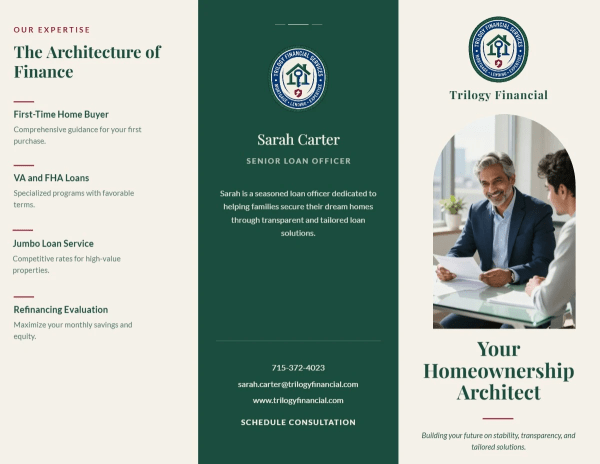
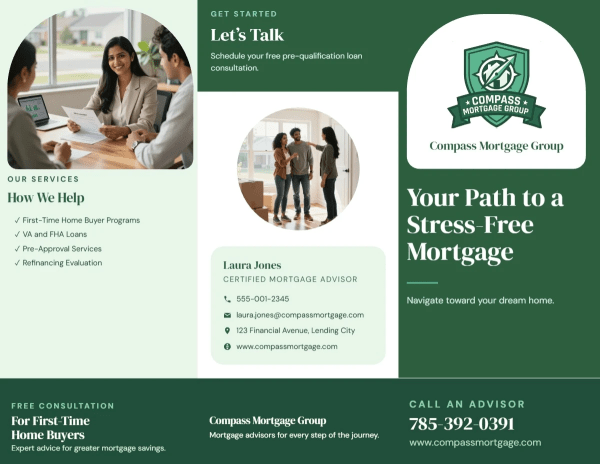
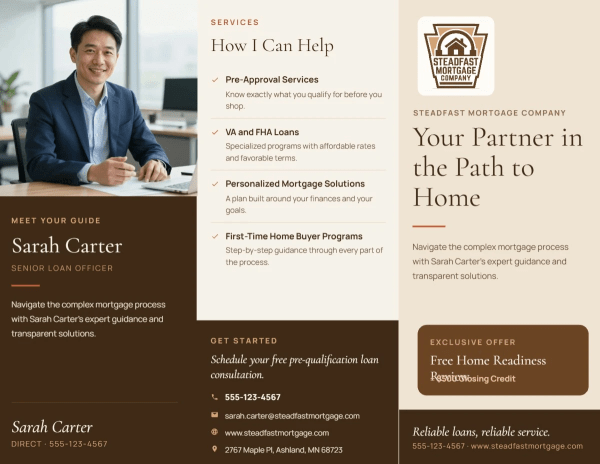
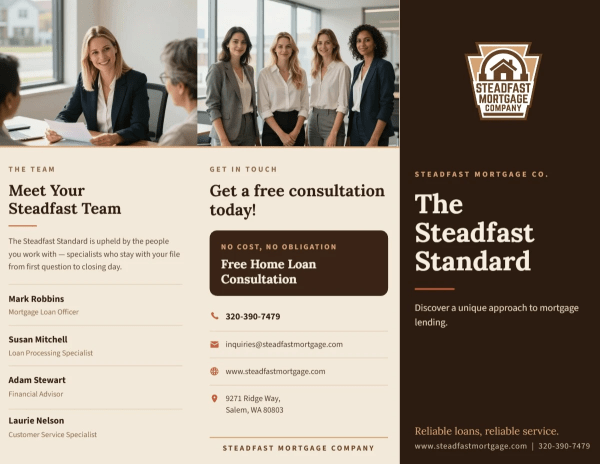
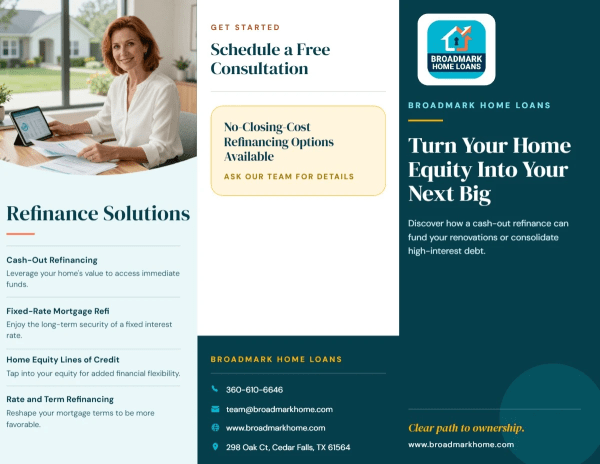
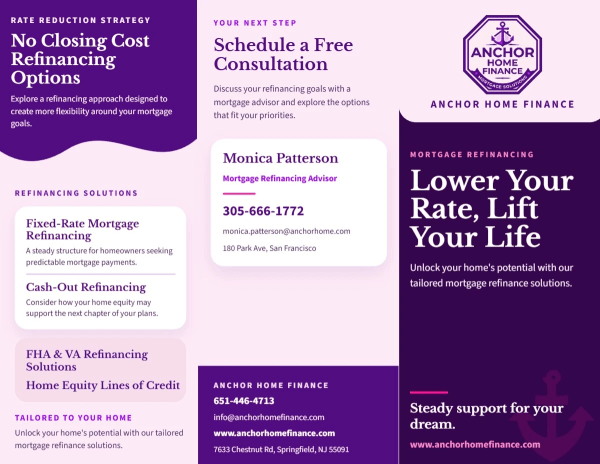
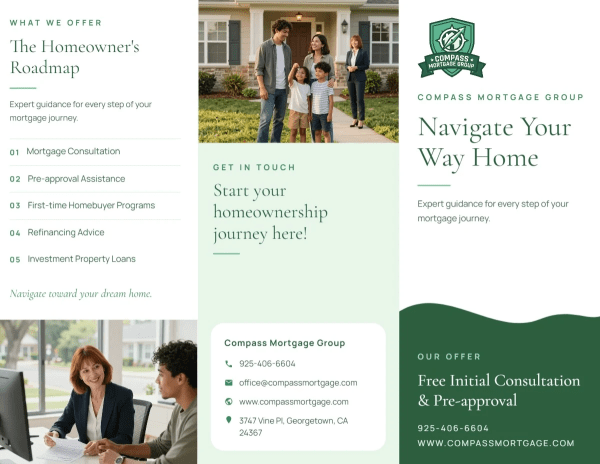
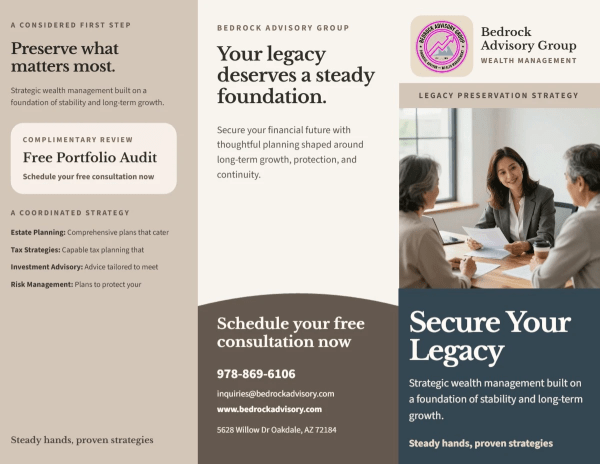
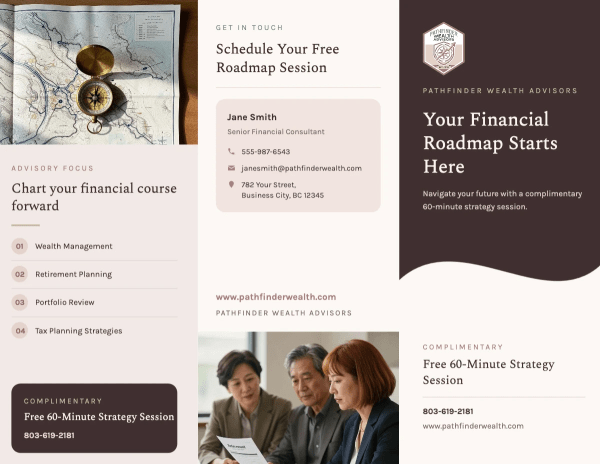
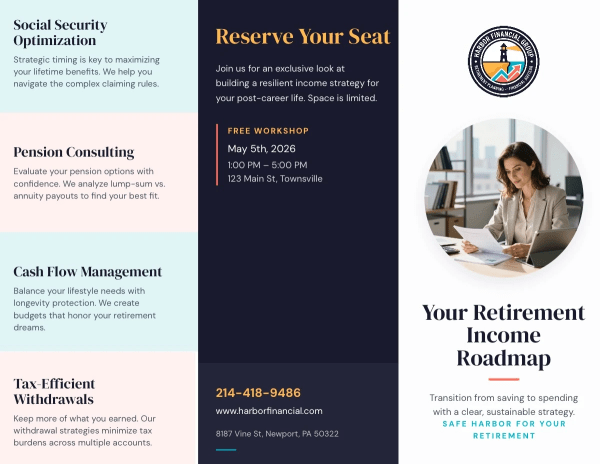
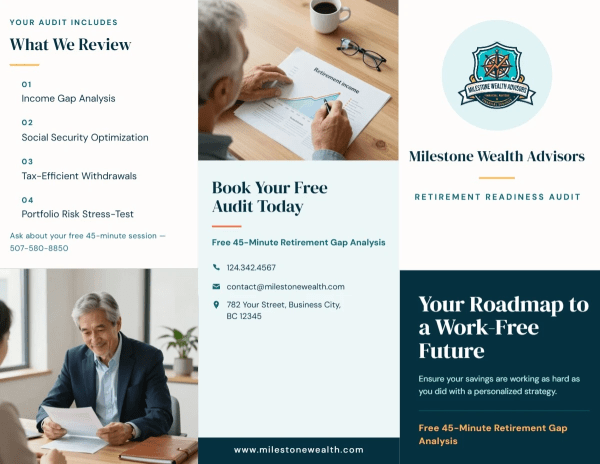
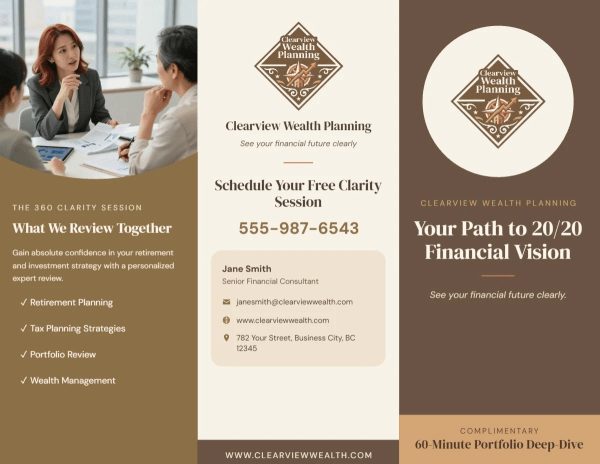
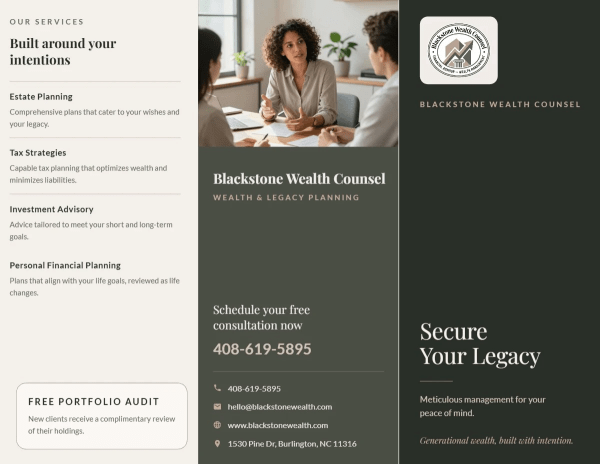
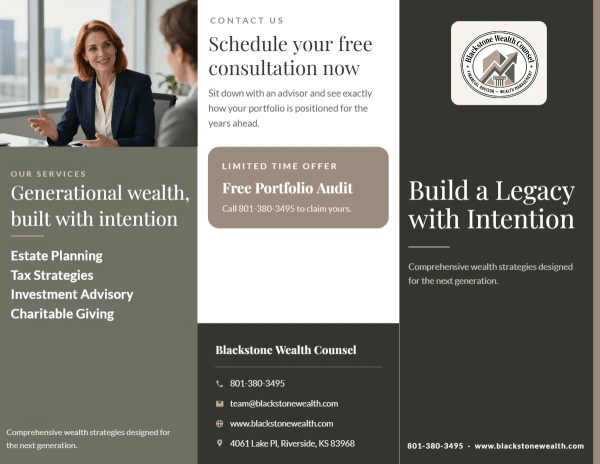
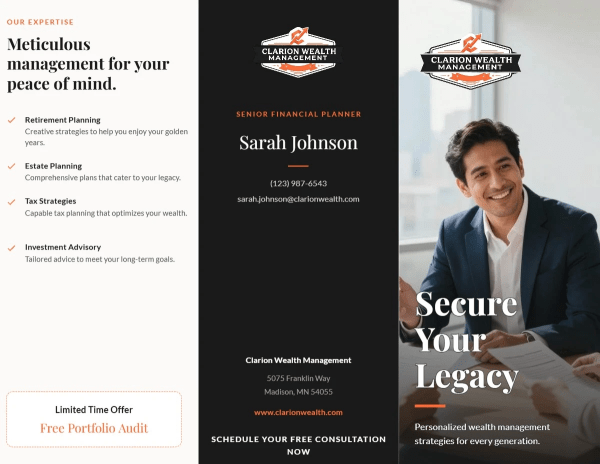
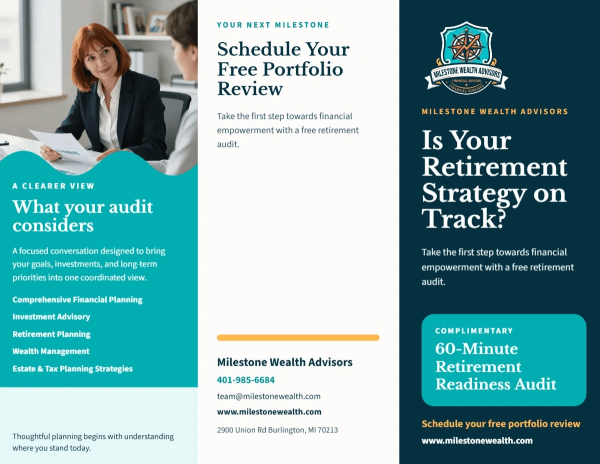
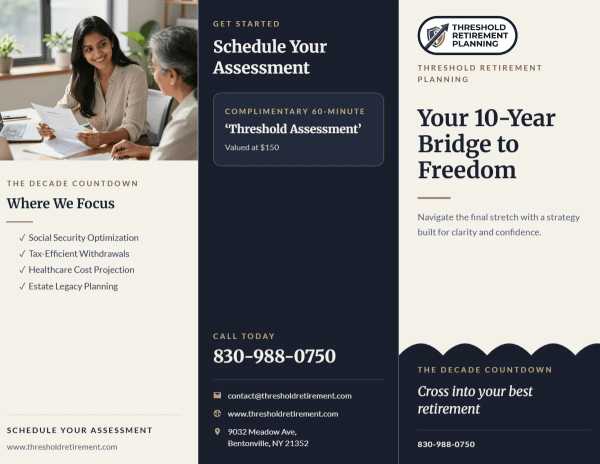
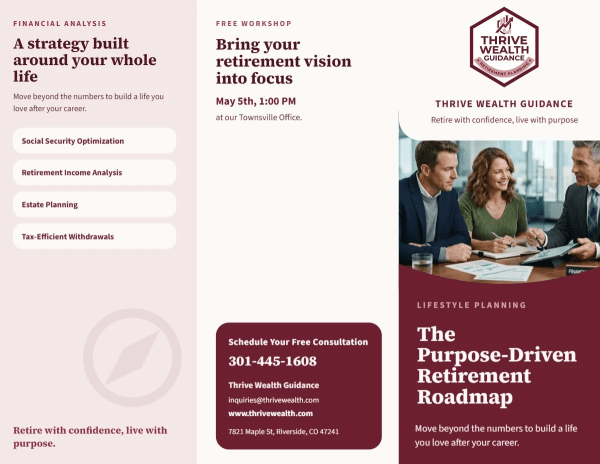
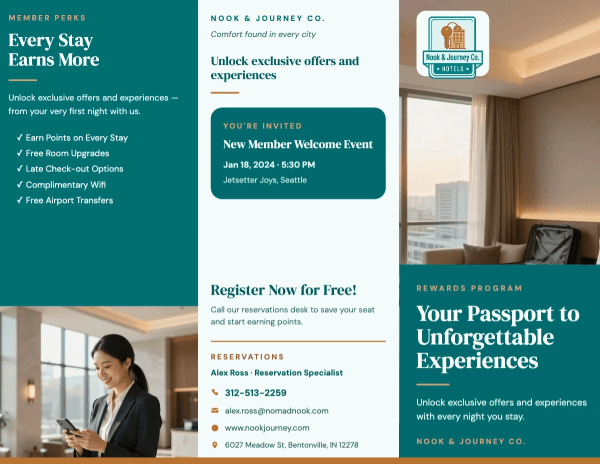
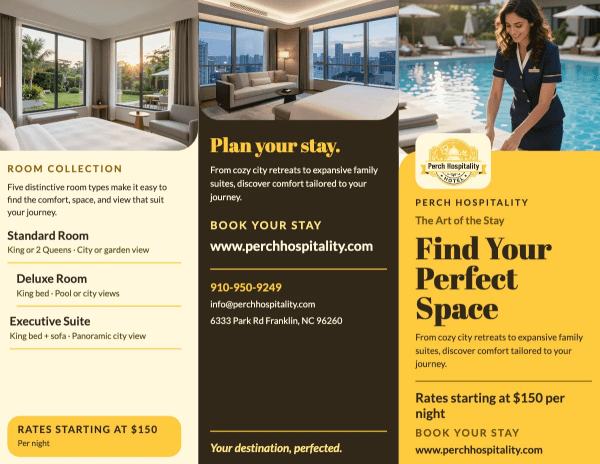
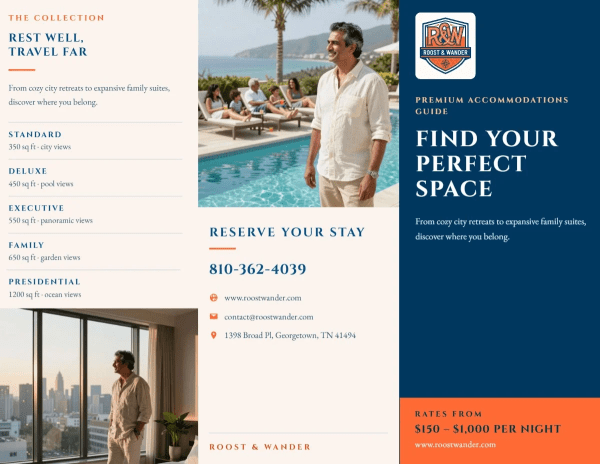
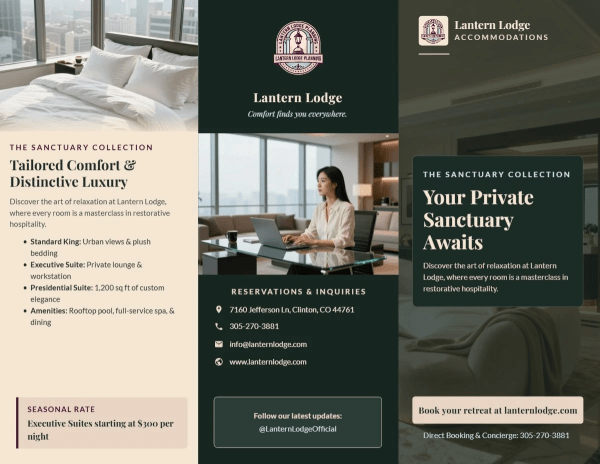
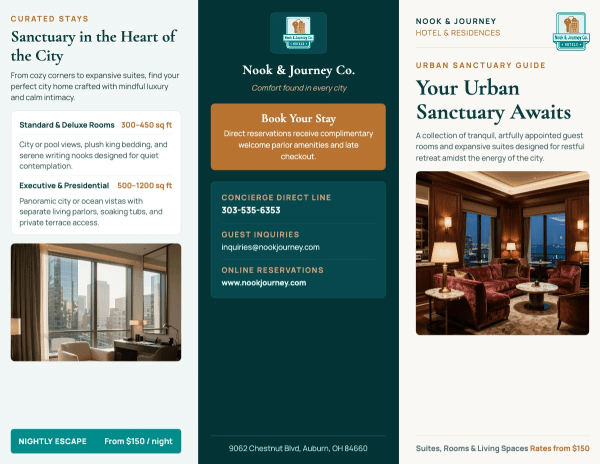
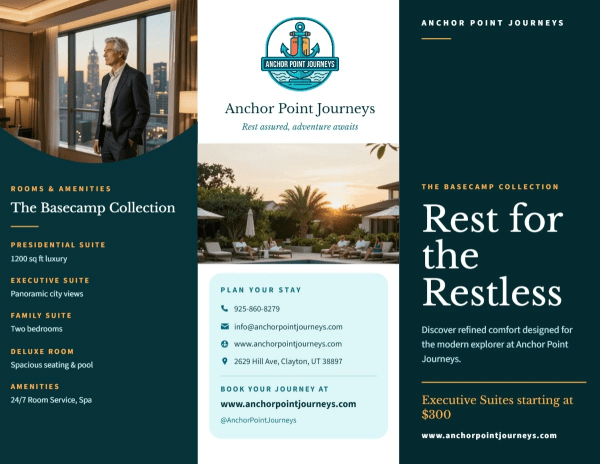
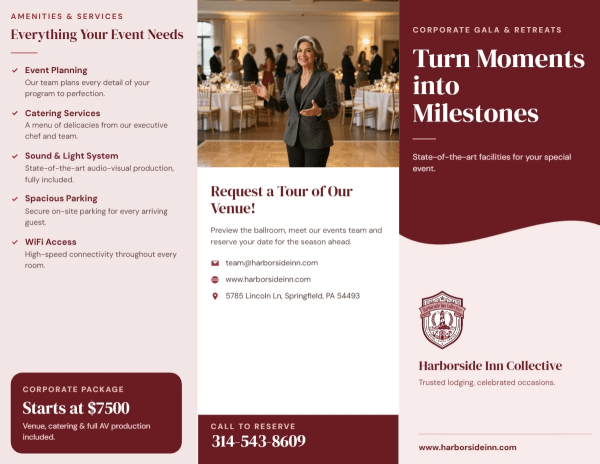
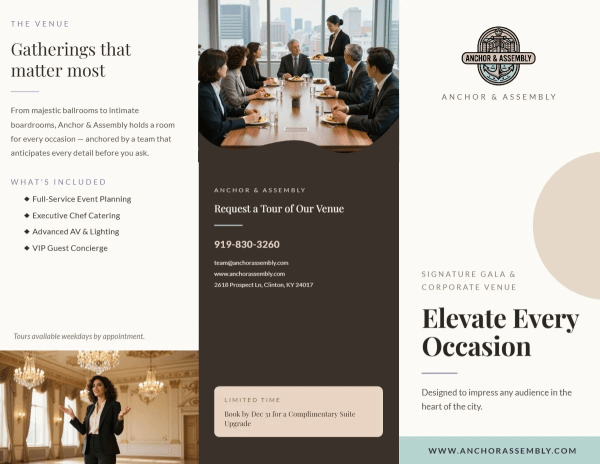
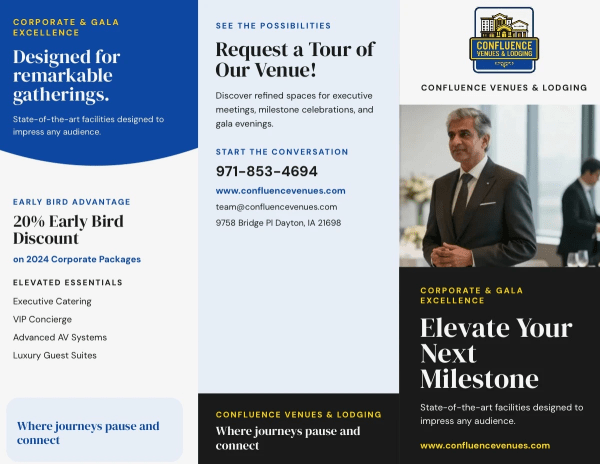
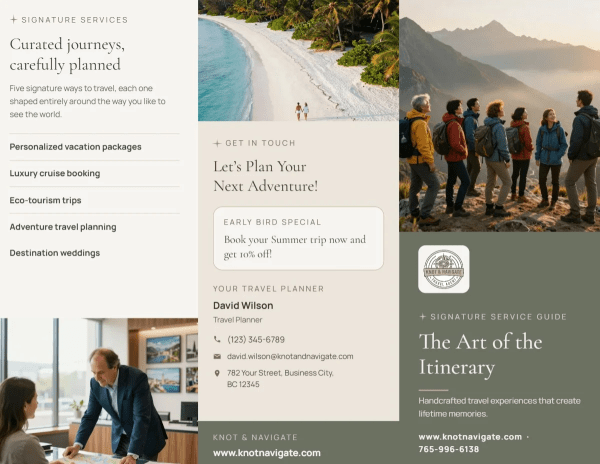
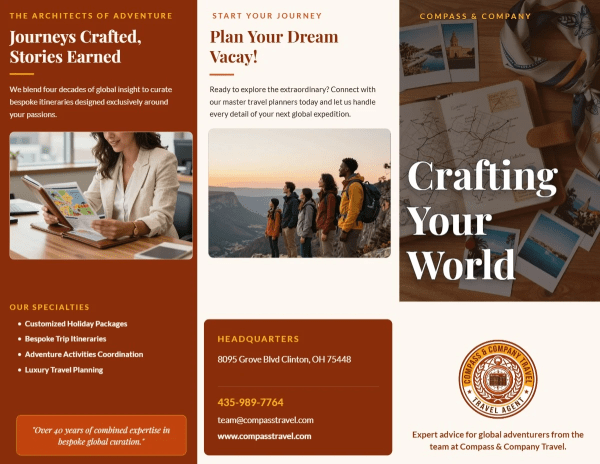
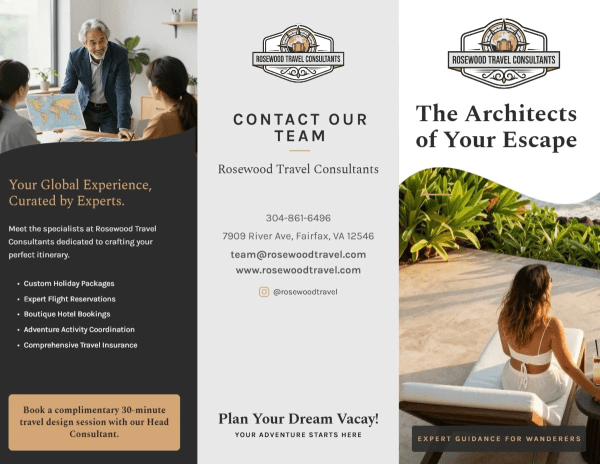
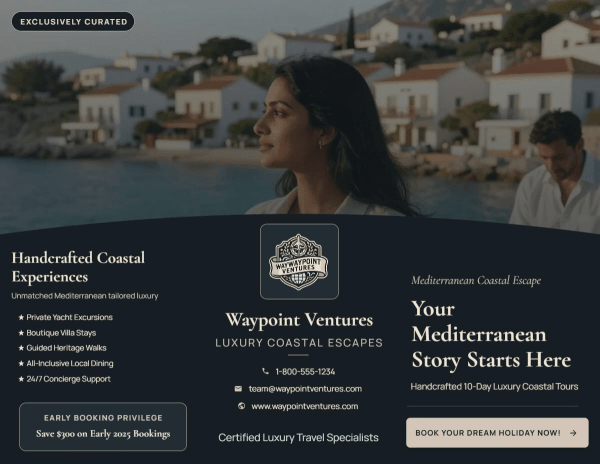
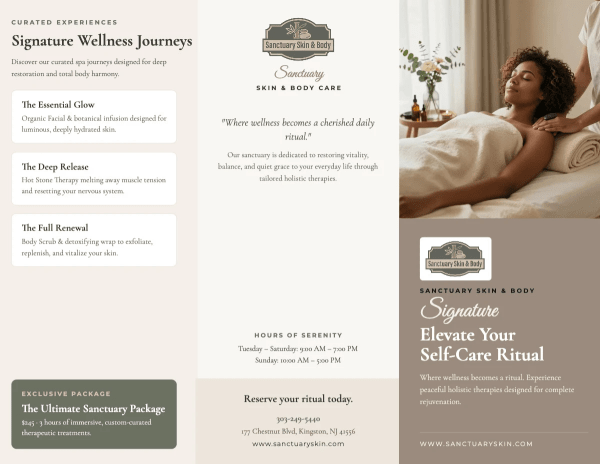
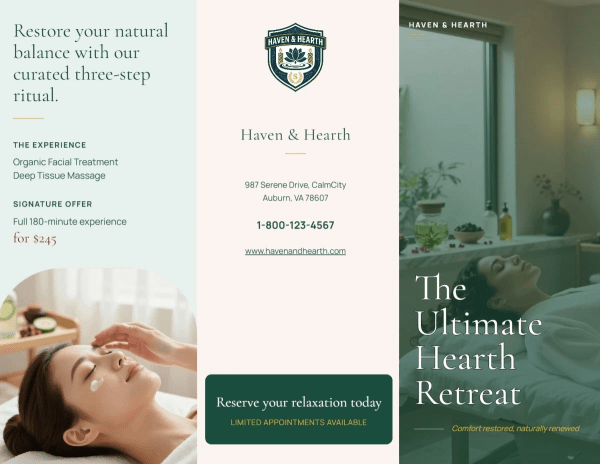
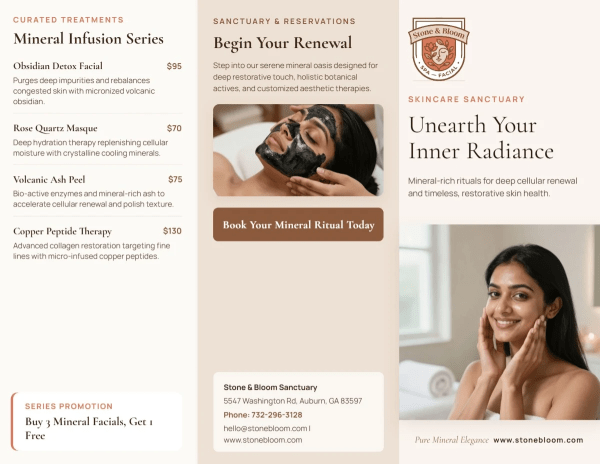
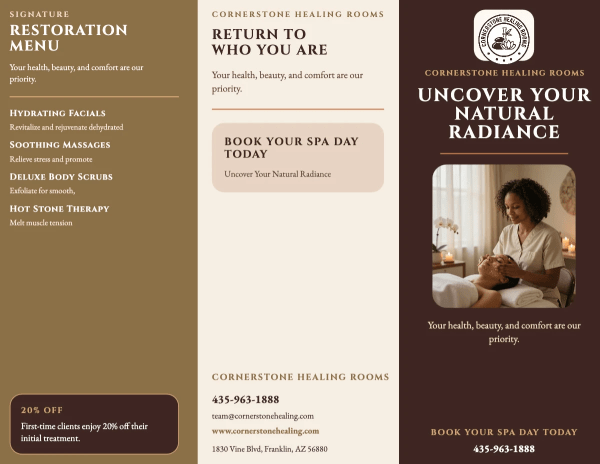
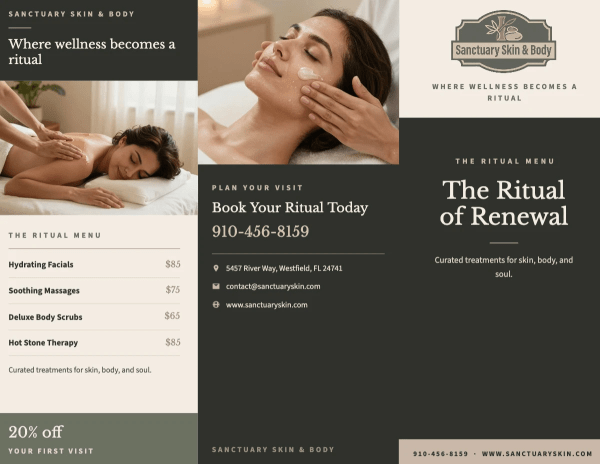
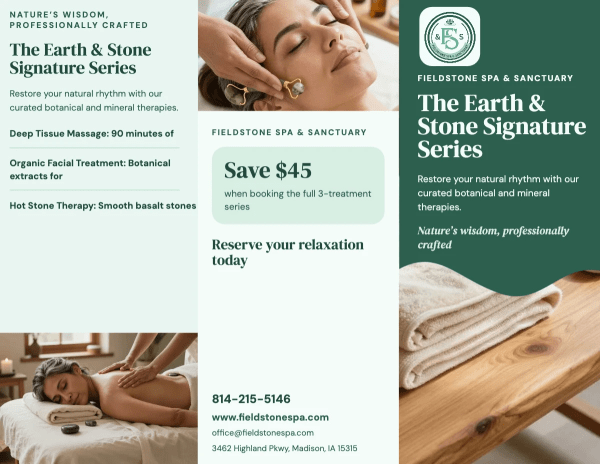
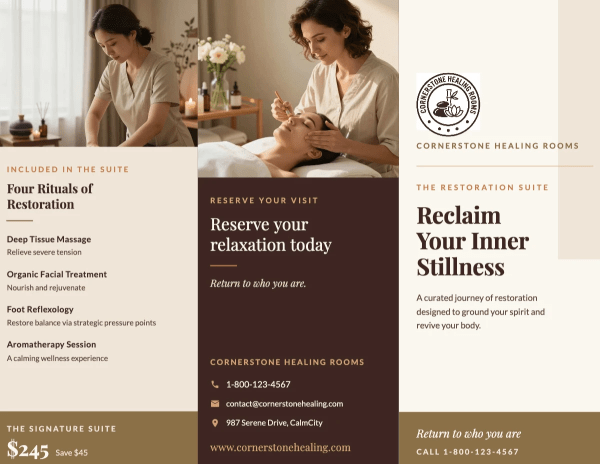
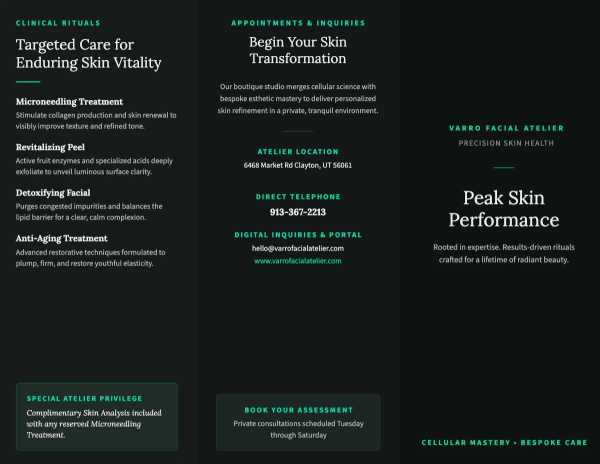
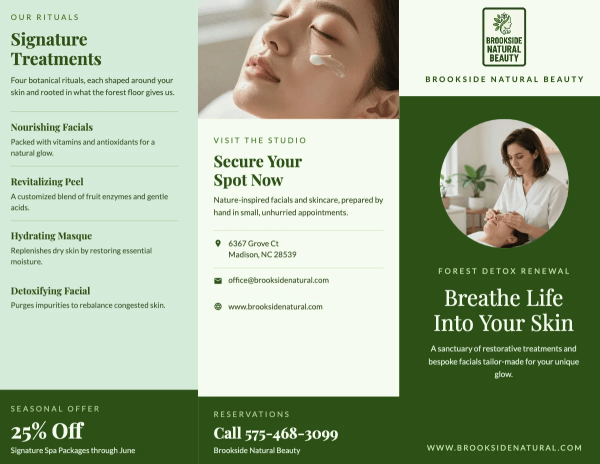
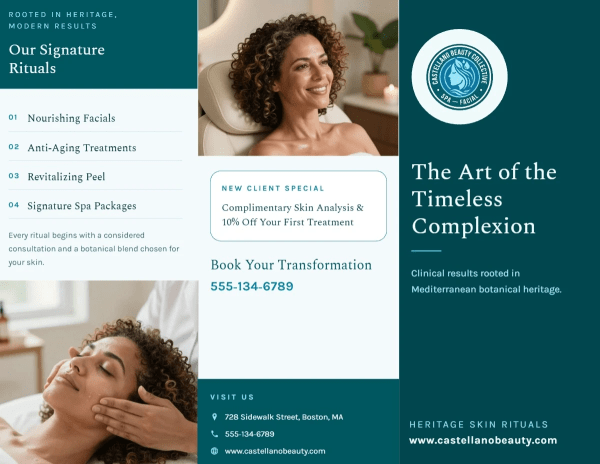
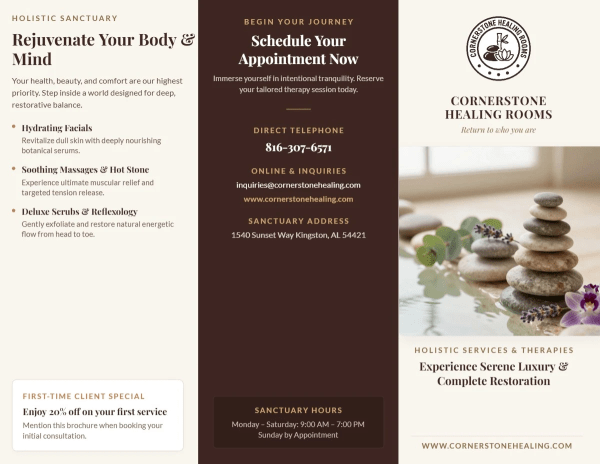
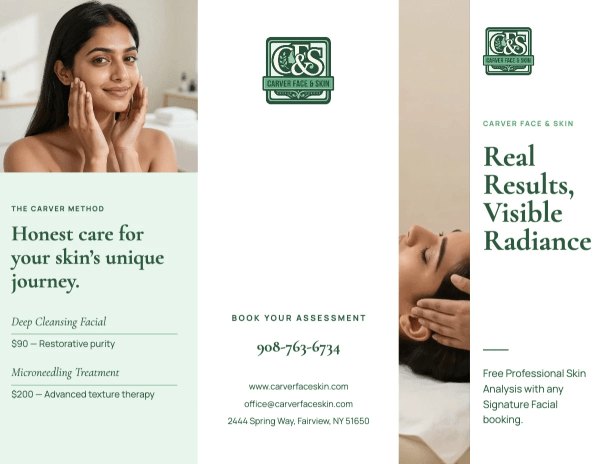
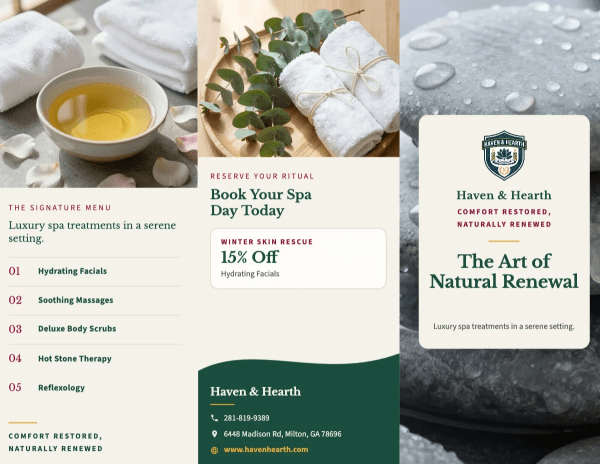
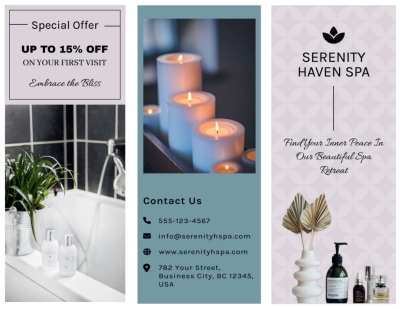
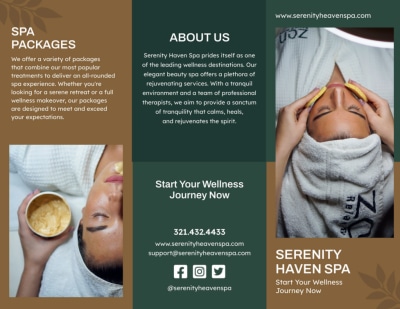
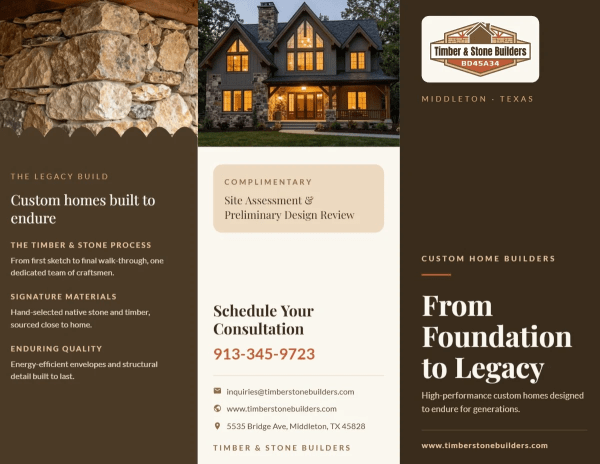
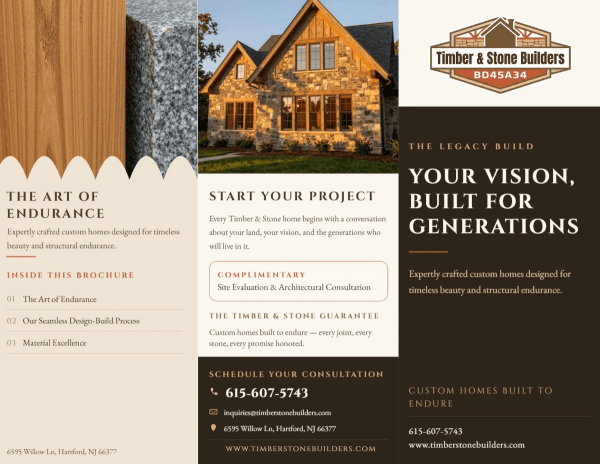
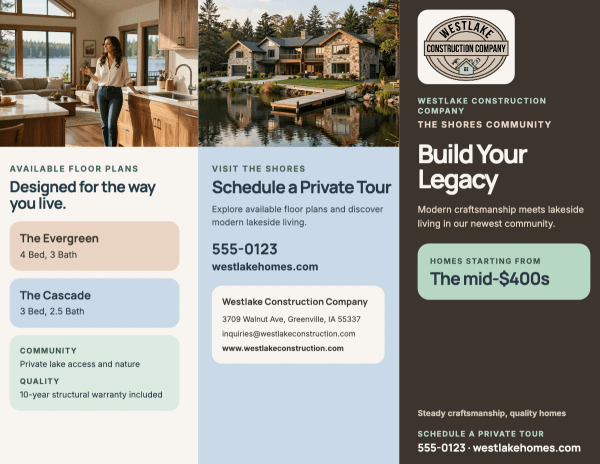
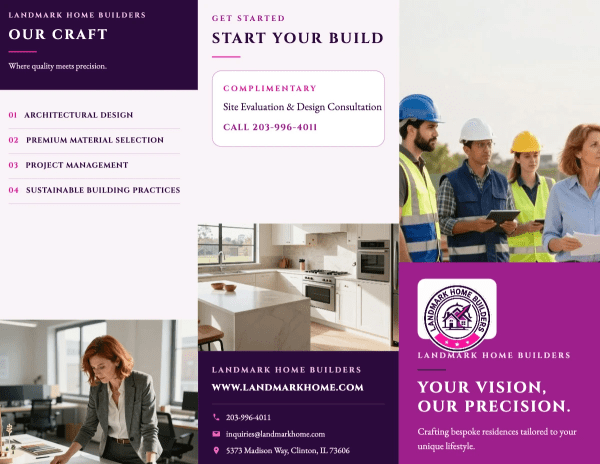
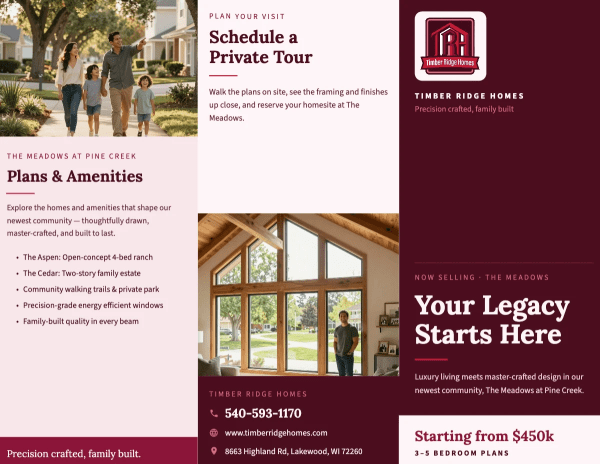
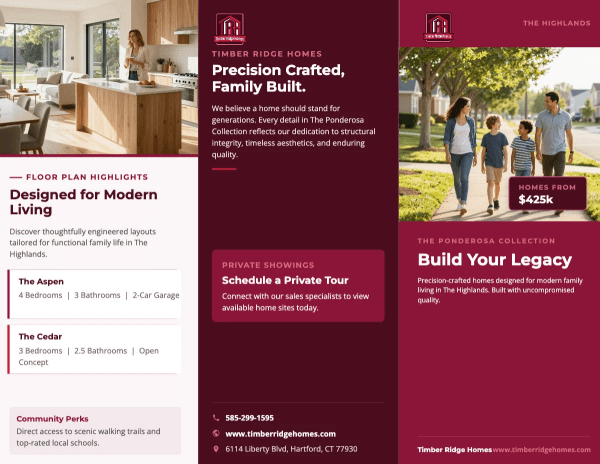
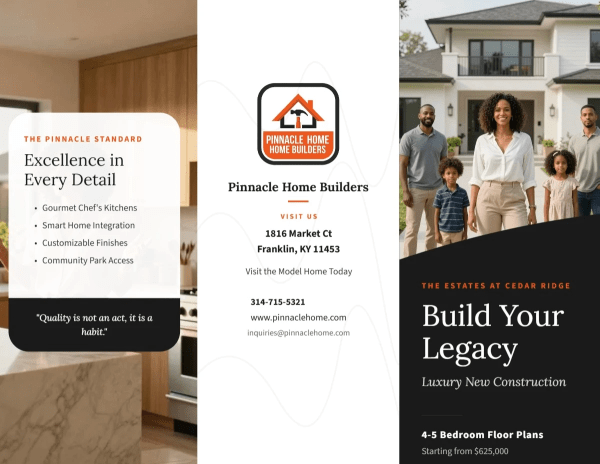
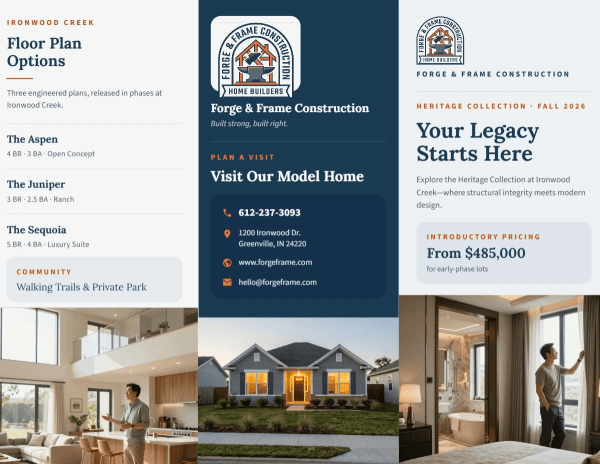
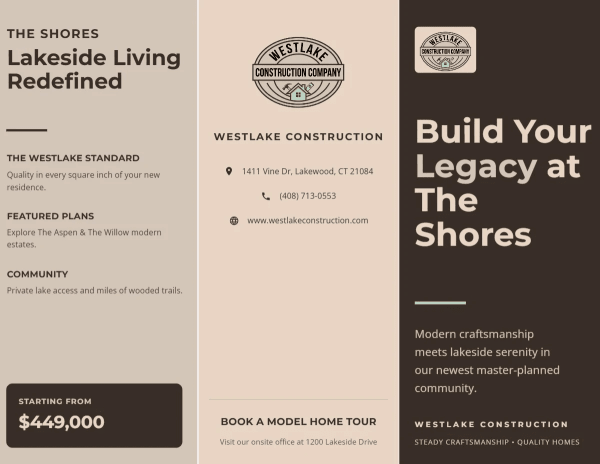
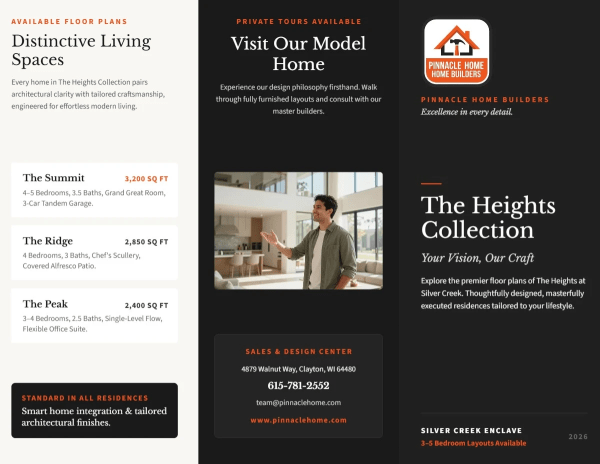
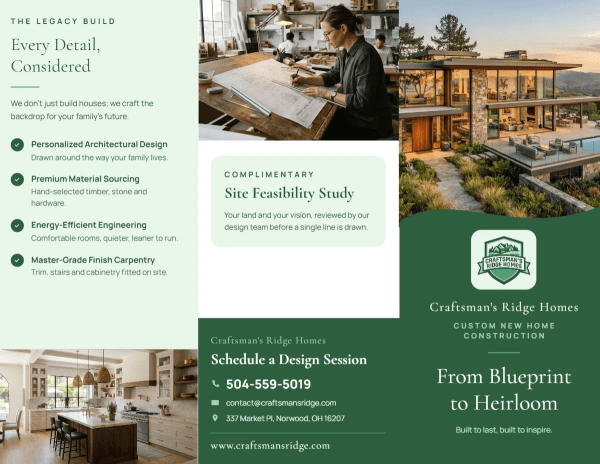
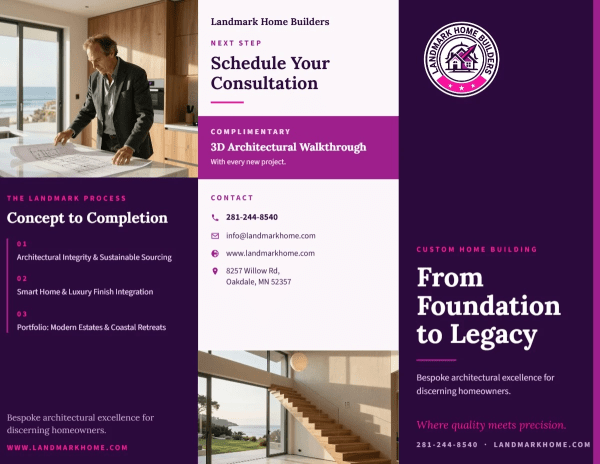
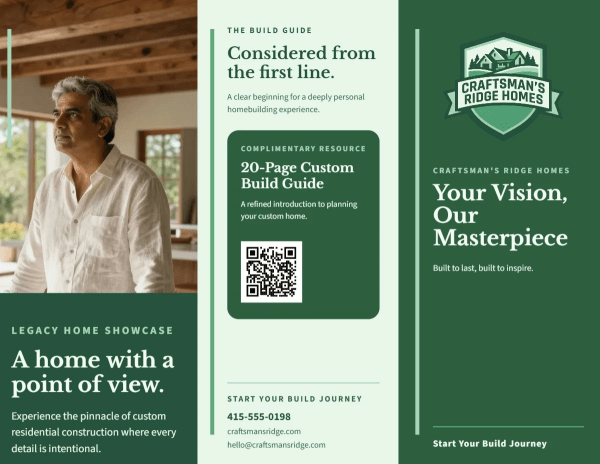
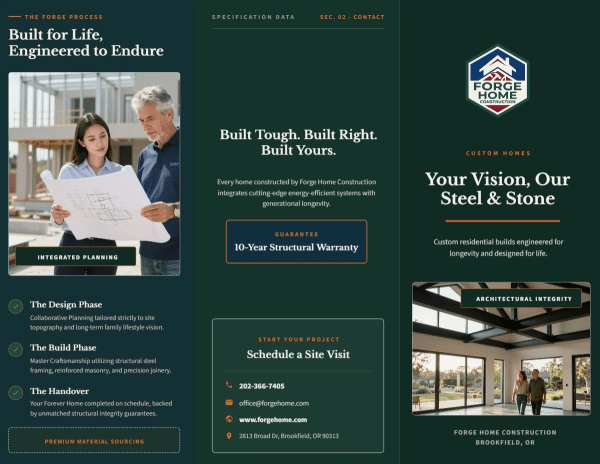
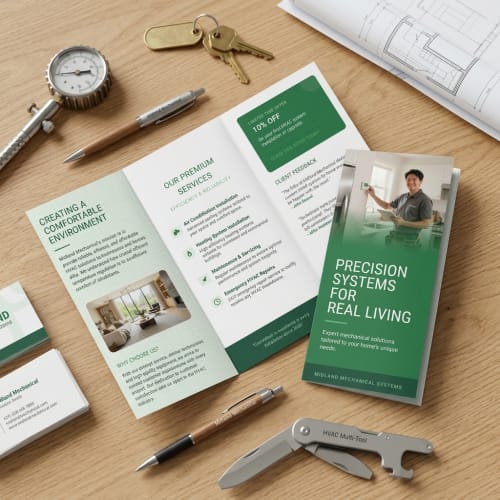
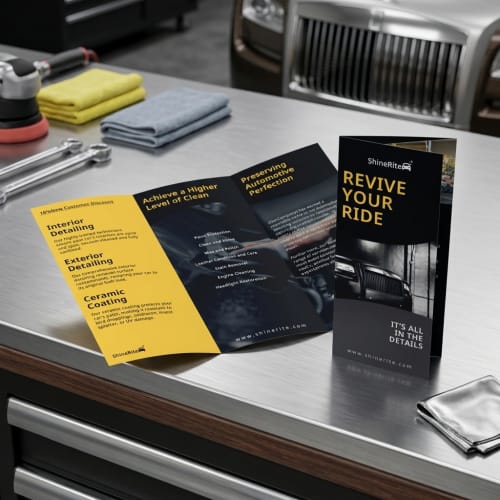
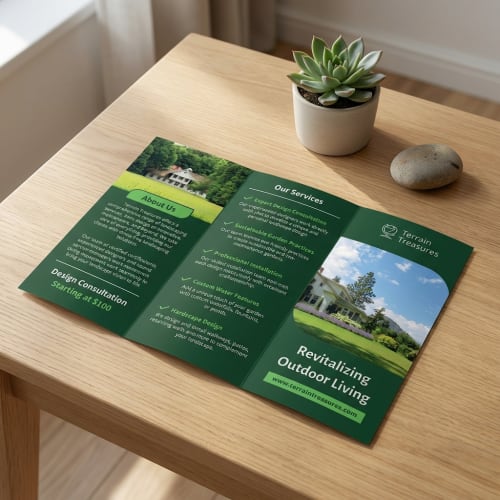
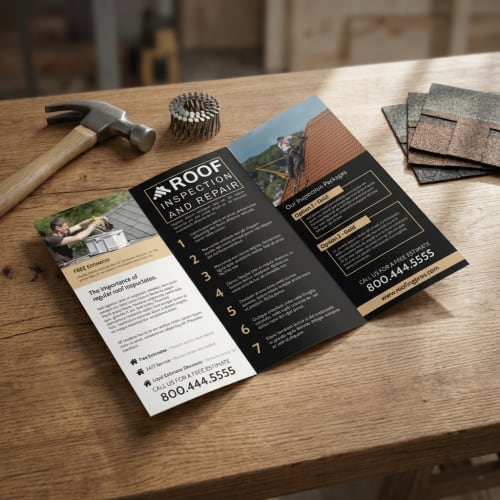
Whether you need an informational pamphlet for an event, a handout for a class, a simple product overview, or a digital pamphlet you can share online, you can design a custom pamphlet that fits your message and your audience.
If you are searching for how to make a pamphlet, you are usually trying to do two things at once: share important information and keep it easy to read. A strong pamphlet design starts with a structure that matches your goal, whether that is an informational pamphlet for an event, a simple handout for a class, a product overview, or a promotional piece. With MyCreativeShop, you can begin with a professional, ready-to-edit template so you do not have to build a layout from scratch. The panels are already set up for scannable headings, short sections, images, and a clear call to action, which helps your content look organized from the first edit.
MyCreativeShop makes it easy to create a pamphlet free from complicated software, directly in your browser. Use the drag-and-drop editor to replace text, swap photos, and adjust spacing so everything looks clean and consistent. You also get access to millions of free photos, icons, graphics, and patterns, plus a huge library of Google Fonts, so you can build a polished look even if you are not a designer. To make your pamphlet feel truly custom, add your logo, apply your brand colors, and choose fonts that match your style. Whether you are making pamphlets online for print or creating a digital pamphlet to share, you stay in control of every detail.
When your design is finished, you can choose the outcome that fits your needs. Download a high-quality, print-ready file, share an online pamphlet digitally, or order professional prints directly through MyCreativeShop. Your work is saved to your account, so you can return anytime to update details, create a new version, or reorder without starting over. If you decide to print, your pamphlets will arrive quickly and look crisp and professional. If something is not right, our expert support team will work with you to make it right, so you can hand out or mail your pamphlet with confidence.
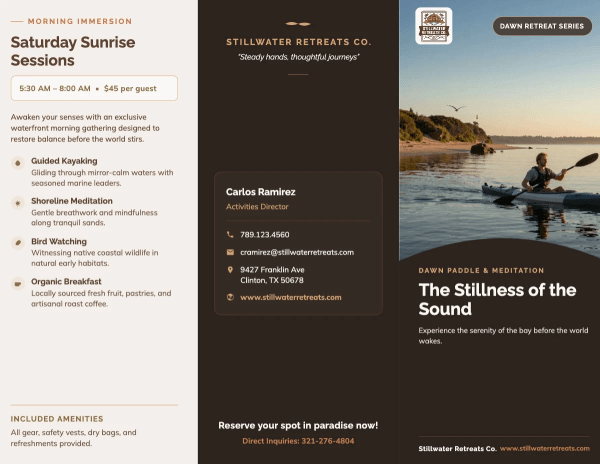
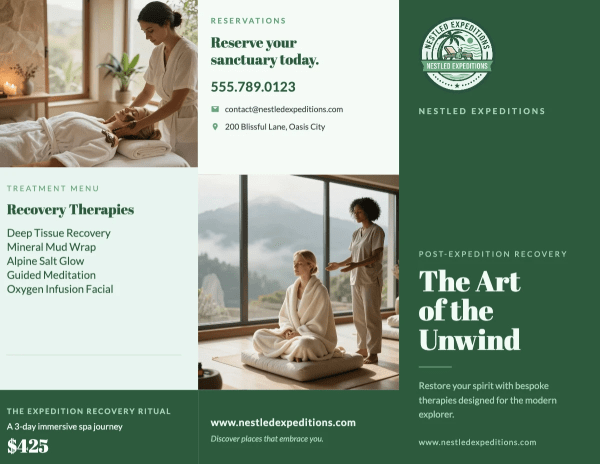
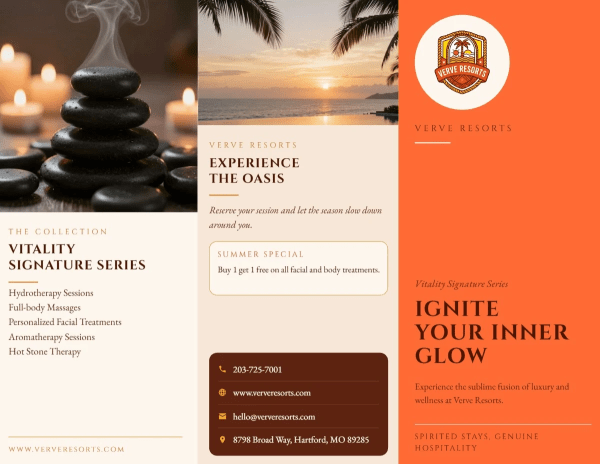
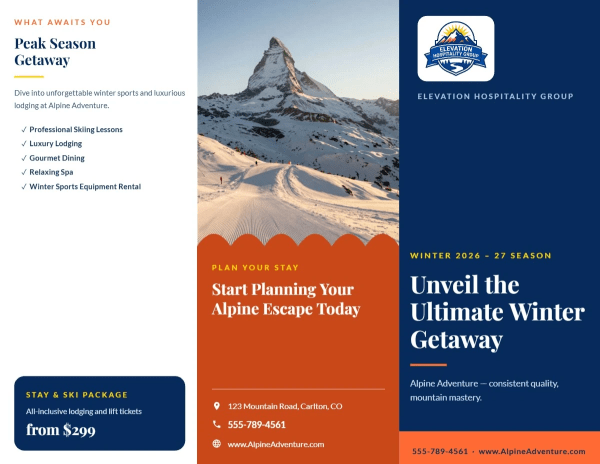
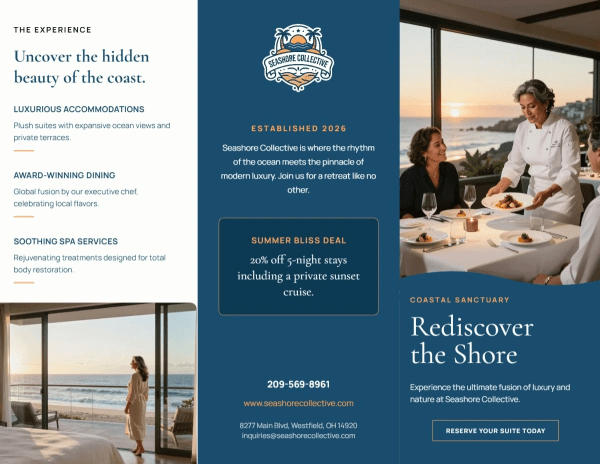
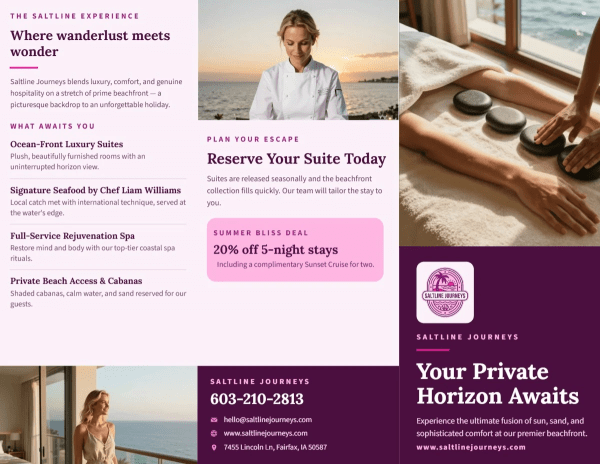
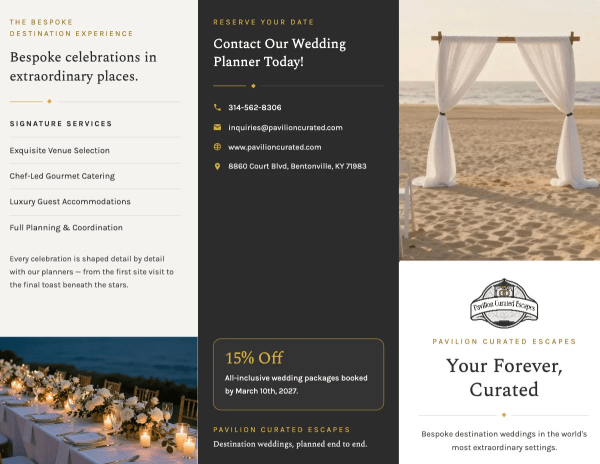
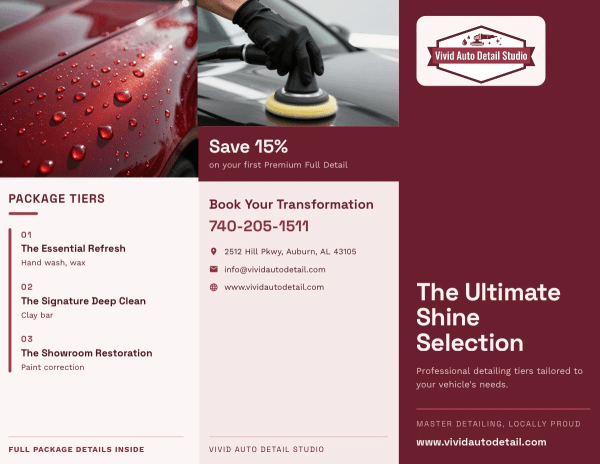
When people say “pamphlet,” they are frequently picturing a folded handout (like a tri-fold) with panels that organize information. “Leaflet” is sometimes used for a single sheet with little or no folding.
At MyCreativeShop, the important part is the outcome. Choose a layout that matches how much information you need to share, then customize it so it reads clearly whether it’s printed or shared digitally.
Start by thinking about how your content needs to flow. A tri-fold style works well when you want a guided, panel-by-panel story, like services, benefits, and a clear next step. A bi-fold can feel more like a mini booklet, which is helpful when you have fewer sections but want larger areas for photos and headings.
If you are not sure, I recommend choosing the template that best matches your goal first (informational pamphlet, event handout, product overview, promotion) and then adjusting the content to fit. The structure does a lot of the heavy lifting for readability.
Yes. You can upload your own logo and images to personalize your pamphlet design and keep it consistent with your brand.
For the cleanest results, use high-resolution files whenever possible. PNG is a great option for logos (especially if you need transparency), and JPG or PNG work well for photos. If an image looks soft or pixelated in the editor, it will typically print the same way, so starting with a crisp file is key.
Design for clarity first. Keep headings short, break body copy into small sections, and leave enough breathing room so each panel is easy to scan. Strong contrast between text and background helps both on screens and in handouts.
If you are planning to print, use sharp images and avoid placing tiny text too close to folds. If you are sharing a digital pamphlet, make sure key details like phone numbers, dates, and URLs are large enough to read on a phone.
The best pamphlets feel effortless to follow. A clear visual hierarchy (headline, subheads, short sections) helps people find what matters in seconds. One strong photo style and a limited color palette makes the design feel intentional, not crowded.
My favorite rule is to keep each panel focused on one idea, then end with a simple call to action. When the message is organized, the design looks more professional almost automatically.
You do not need to start from scratch. Our templates are built to be ready-to-edit, so you can swap in your text, photos, and logo, then adjust colors and fonts to match your brand.
If you are trying to create a pamphlet fast, start by editing the most visible elements first: the front panel headline, the main image, and the primary call to action. Once those are right, the rest of the layout usually comes together quickly.
Once your pamphlet is ready, you can choose the next step that fits your situation. Many customers download a high-quality file to distribute or keep for their records, and others share a digital pamphlet version for online distribution.
If you want a professional handout, you can also order prints directly. Your design stays saved to your account, so you can come back later to update details, create a new version, or reorder without rebuilding everything.